Melon addresses moments when you want quick music picks, chart updates, or artist content without switching apps. Whether you prefer familiar hits or new tracks by mood and genre, the app connects discovery and playback in a straightforward flow. It also supports playback on phone and compatible Wear OS watches for listening on the go. Melon, known in Korea as 멜론, is available as a Melon APK for Android users who need a manual install package.
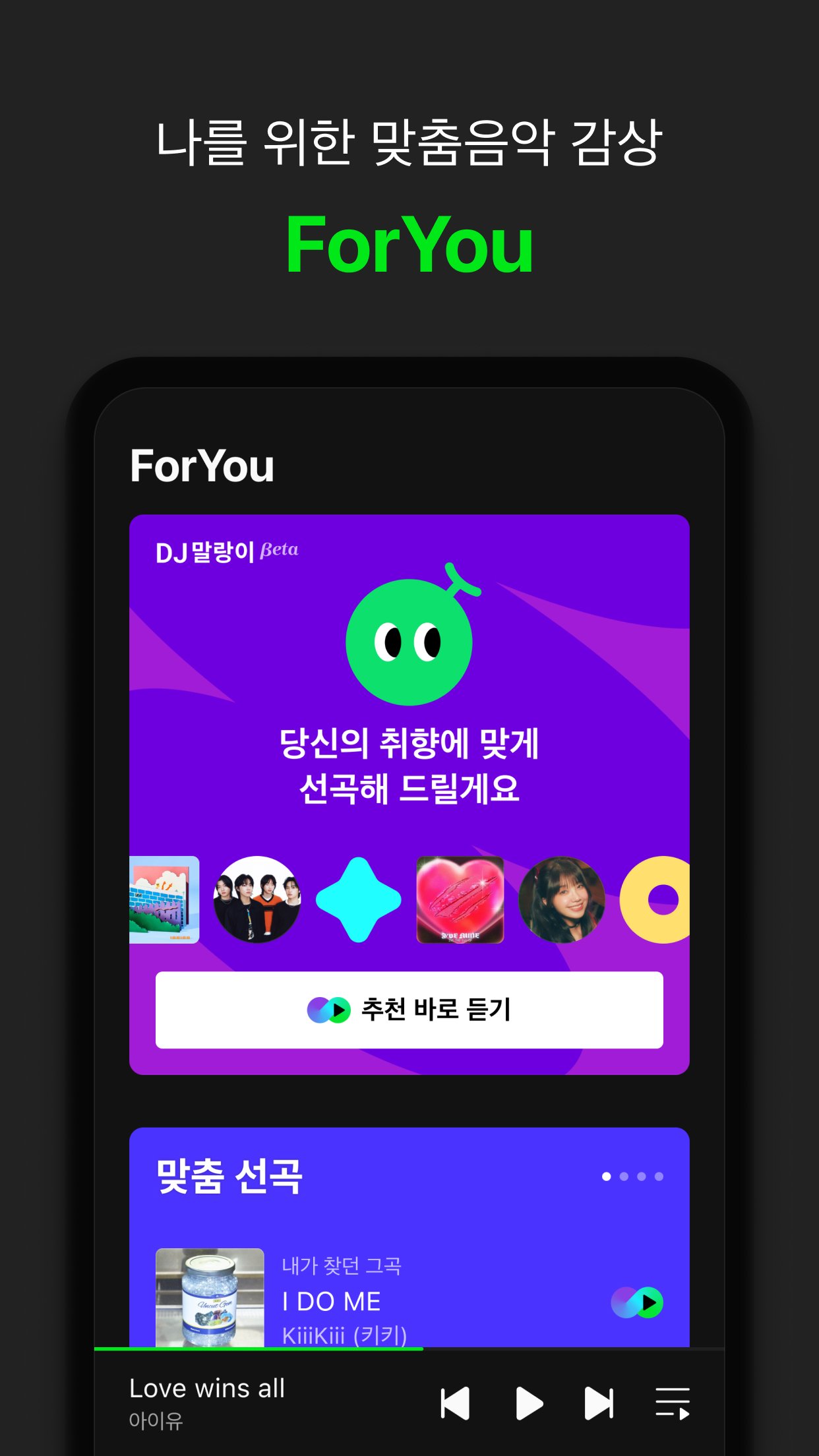
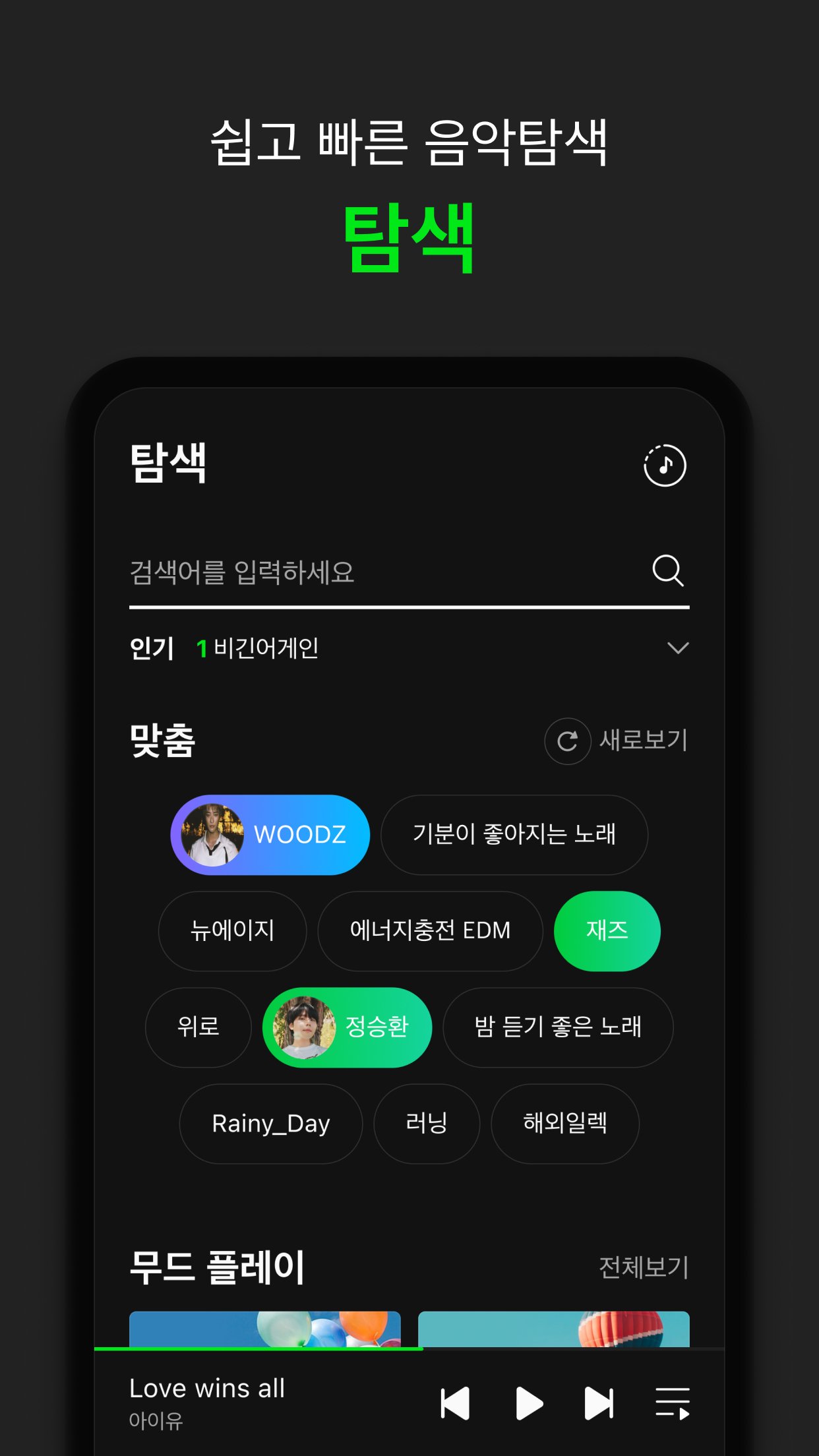
Melon helps you find music that fits your taste with ForYou and Explore. You can browse suggestions by tags, genres, and moods, then start playback quickly through DJ Malang for a fast, hands-free start. As you listen, the app refines suggestions so you can return to similar sounds with less searching.
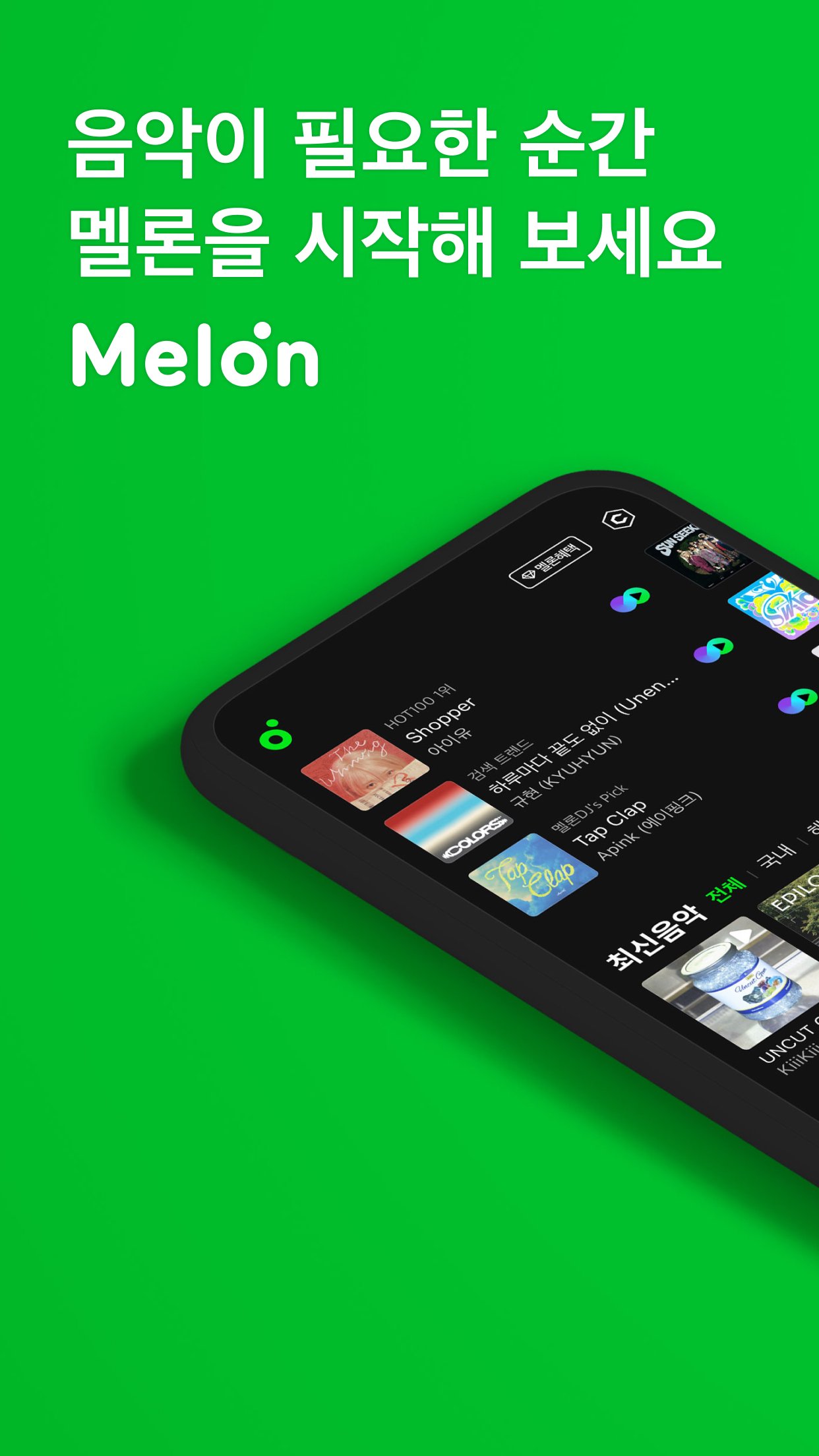
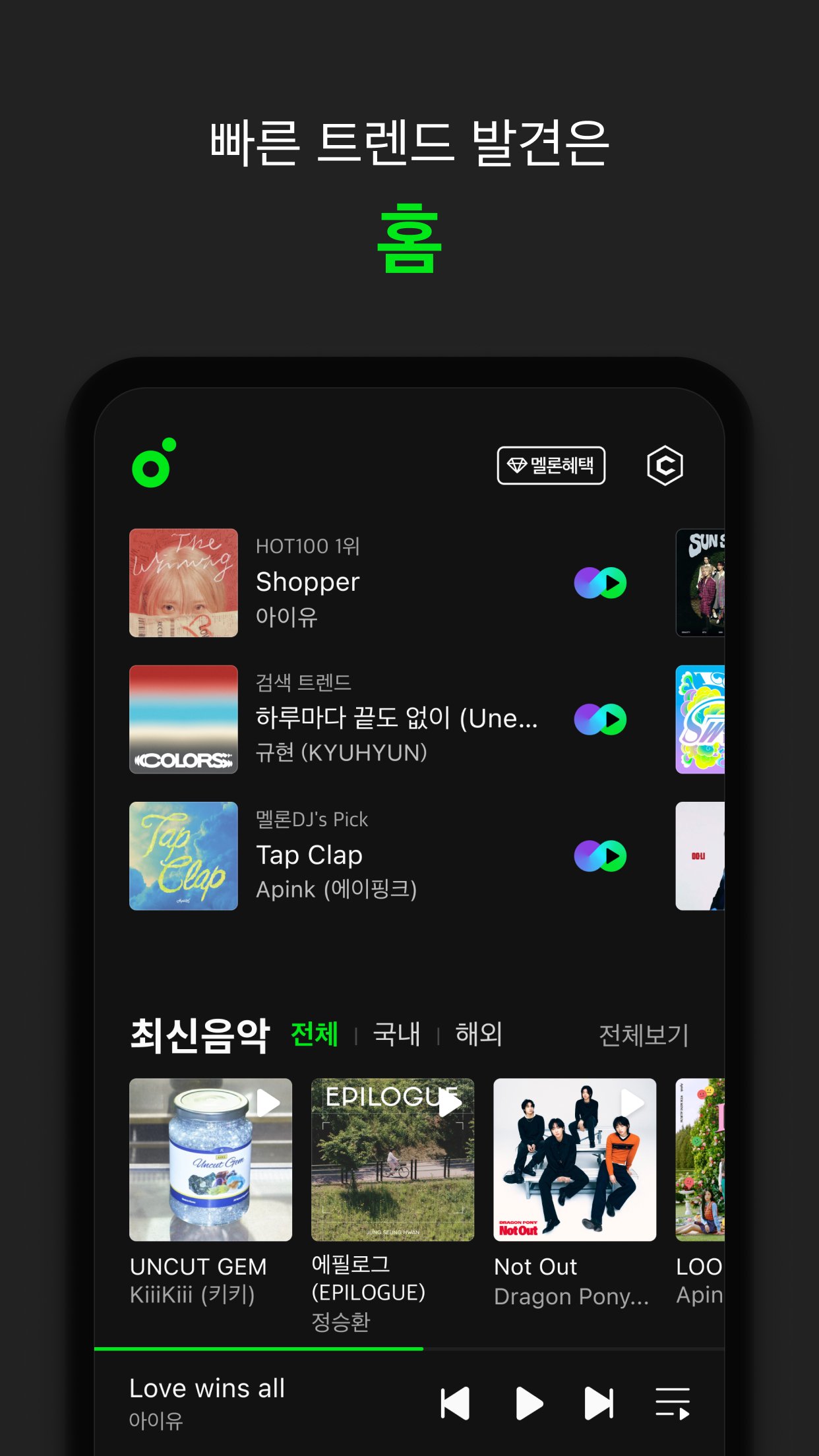
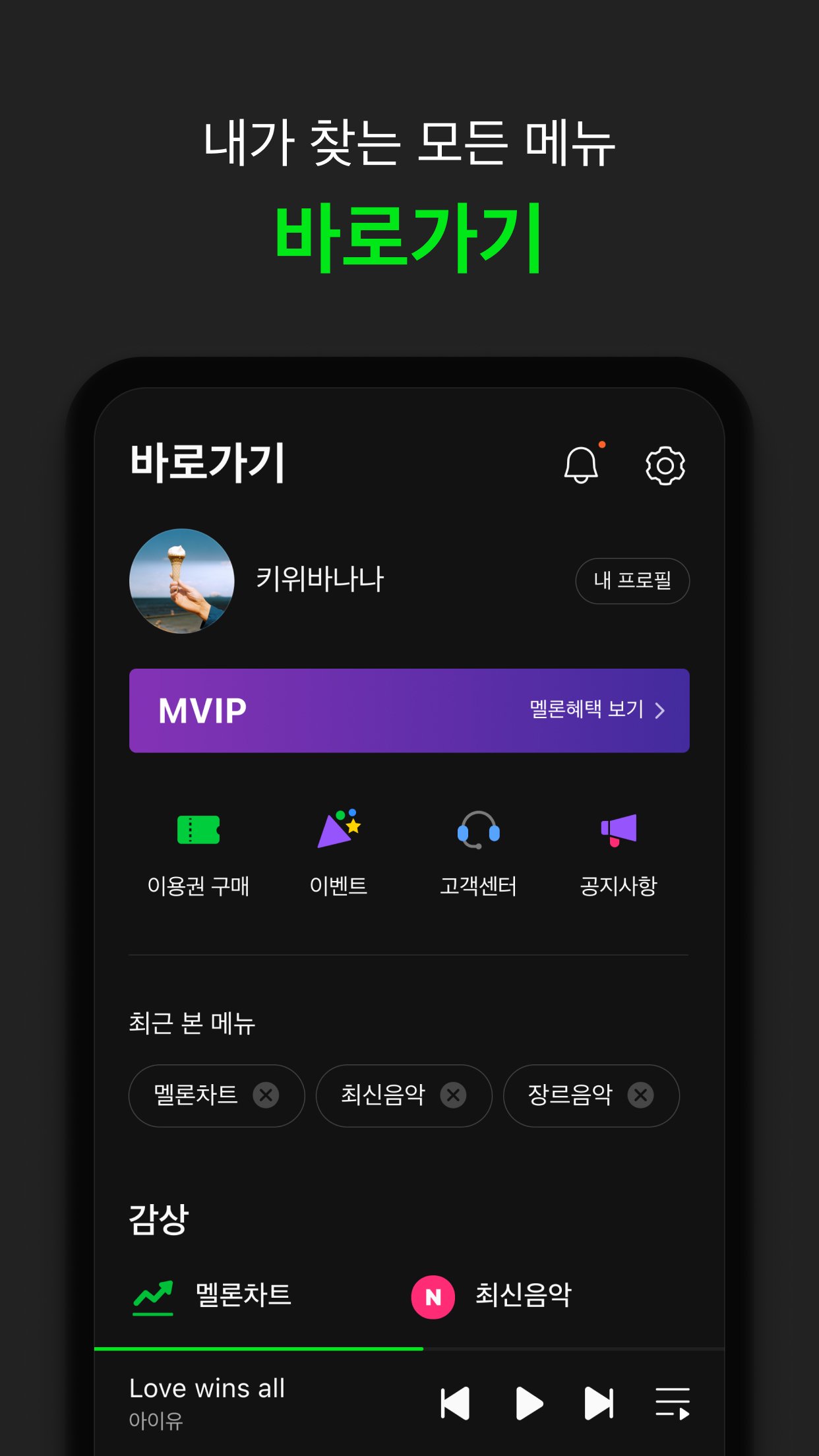
Charts and trend hubsYou get access to multiple chart views including TOP100 and HOT100 along with genre and theme charts. This makes it easy to track what is rising, what is stable, and what is trending across different categories. As a result, you can compare today’s rankings with curated picks and move from discovery to playback in one place.
Video and artist channelsMelon provides high-quality music videos and broadcast clips in Melon TV. Artist channels bring albums, videos, photos, and stories together so you can follow updates in one view. From a new MV to a behind-the-scenes post, you can move across formats without leaving the artist page.
High-quality audio and video optionsYou can choose streaming and download quality to match your data or storage plan. The built-in EQ offers tuning controls, and AI Master applies automatic audio adjustments for more consistent sound across tracks. For video fans, HD music videos support continuous play so you can watch without manual taps between items.
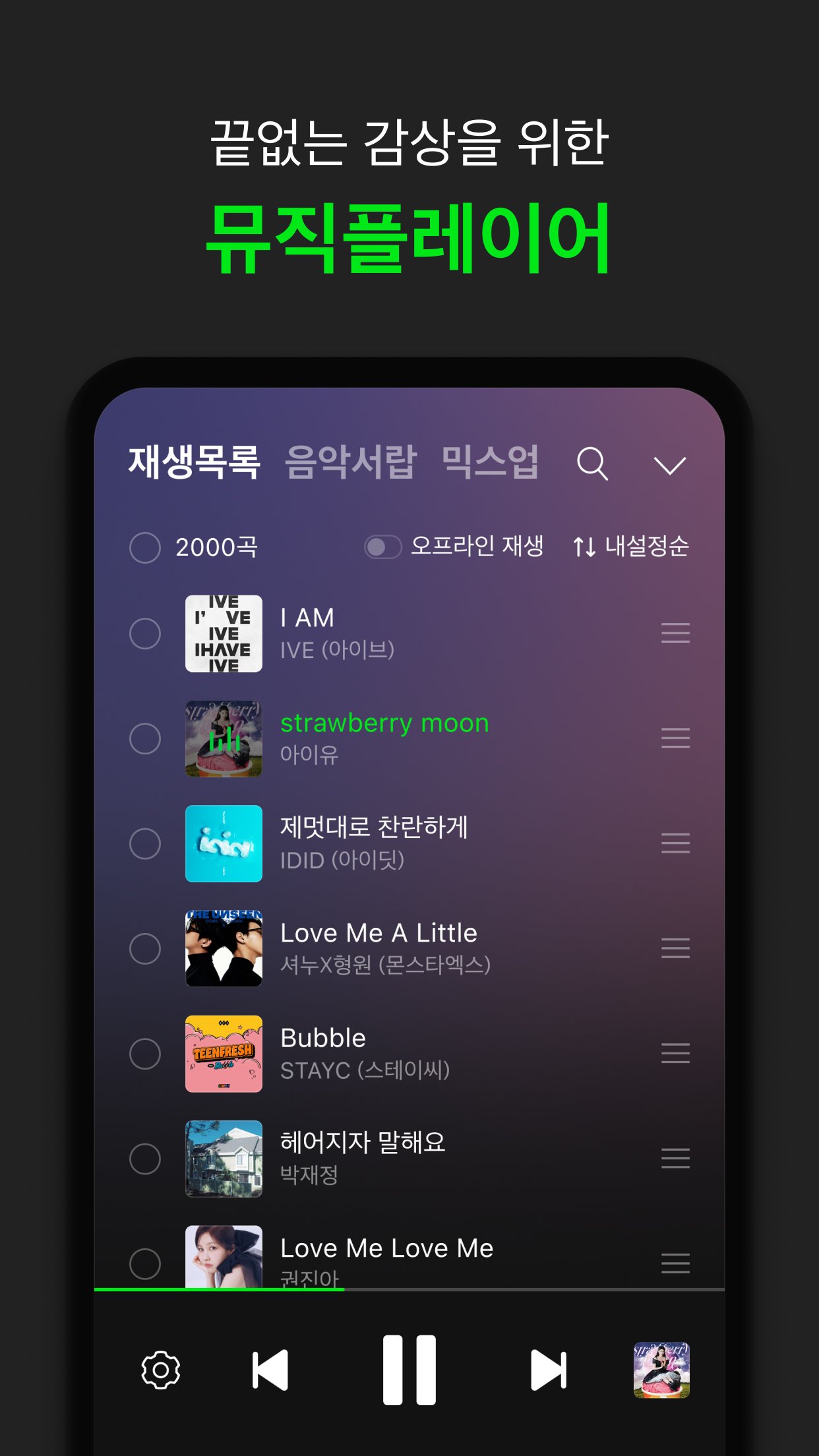
Playback control and device supportMelon includes playlist folders, lyrics display, and a mini player that stays accessible while you browse. Widgets in multiple sizes (2x1, 2x2, 4x1, 4x2) provide quick controls from the home screen, and swipe gestures make skipping and pausing feel quick during daily use. On Wear OS, you can listen with a phone link or on the watch by itself, then check your listening timeline using the Music Drawer feature.
Getting started is straightforward for new users on mobile. First, download Melon and open the app on your Android phone. After that, follow the steps below to move from discovery to playback without extra setup.
Melon brings recommendations, charts, videos, and artist updates together so you can manage music in one app. To keep current with new features and content, install the Melon latest version when it becomes available.
For official support and service information, use the resources below.
Latest Version
6.26.1.1Uploaded by
Aram Lihat
Requires Android
Android 12.0+
Category
Free Music & Audio AppContent Rating
Everyone
Report
Flag as inappropriateLast updated on Sep 14, 2026
[멜론 v.6.21.1 업데이트]
- 서비스 오류 수정




APKPure - A multi-platform app store primarily focused on Android, providing extensive app-related content. Discover the app you want easier, faster, and safer, with quick and efficient downloads and installations.