Scan Date:Nov 6, 2025
Show More

3D Anatomy is made for learners who need more than flat textbook images when reviewing the human body. It gives students, healthcare learners, and working professionals a visual way to understand where structures sit and how they relate to each other. As a result, the app can support self study, exam review, and quick anatomy checks during regular learning sessions. Users looking to download 3D Anatomy can expect a study tool focused on clear 3D exploration rather than passive reading.
Interactive 3D body models
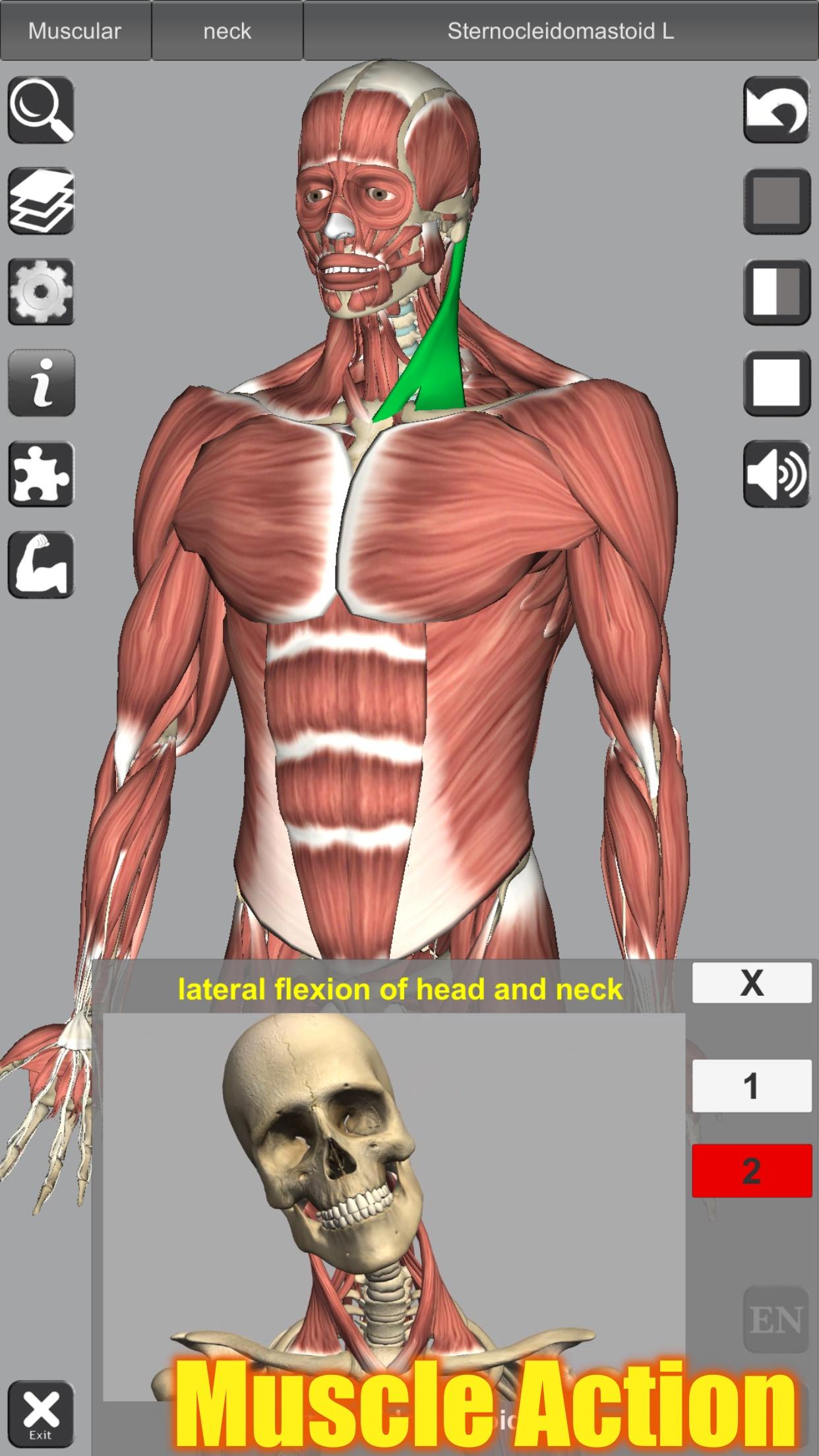
3D Anatomy lets you rotate, zoom, move, and select body structures directly on the screen. You can hide a structure, isolate one part, or center the view when you need a closer look. This makes it easier to compare nearby bones, muscles, nerves, or organs without losing your place in the model.
Layered musculoskeletal study
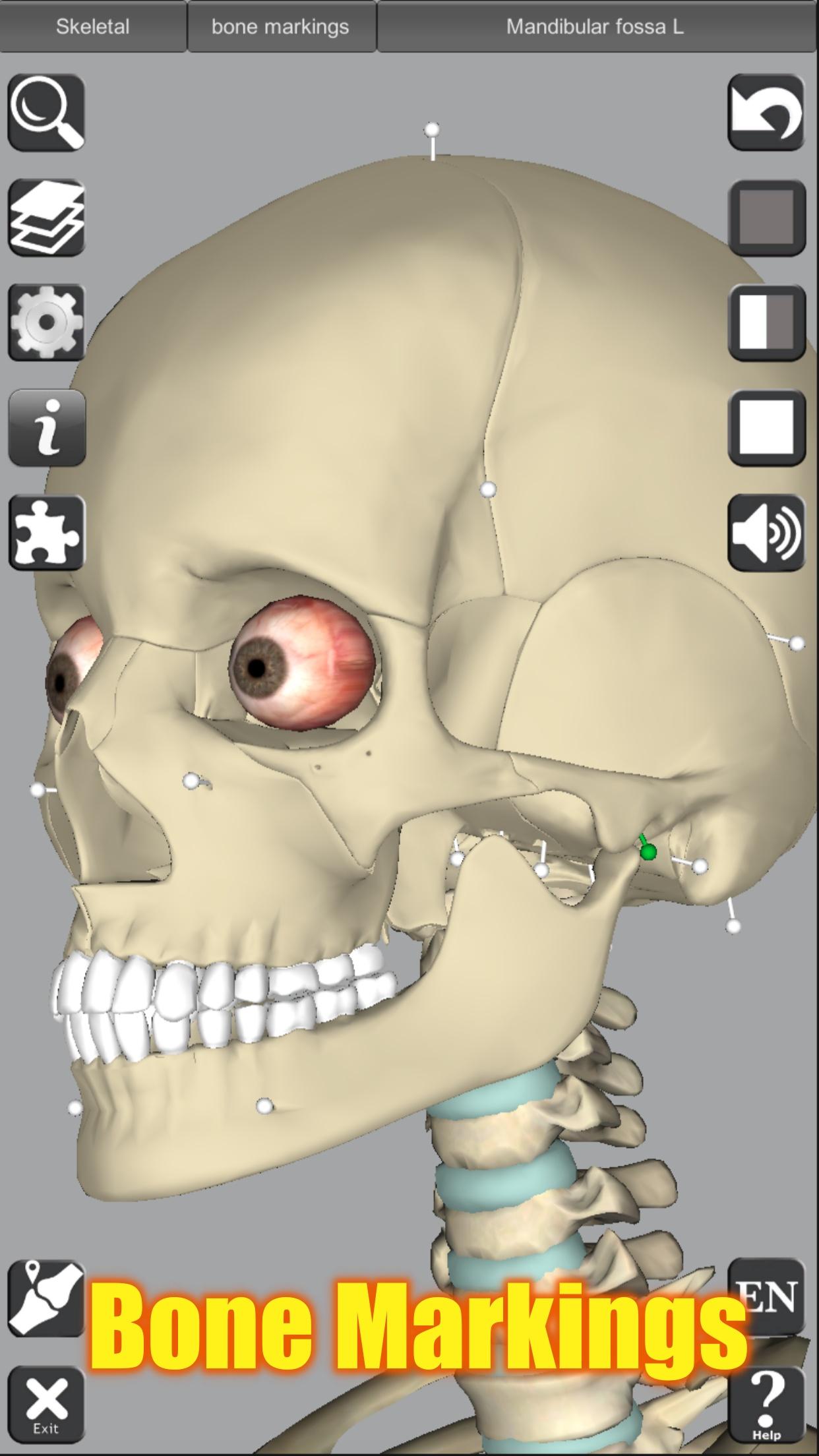
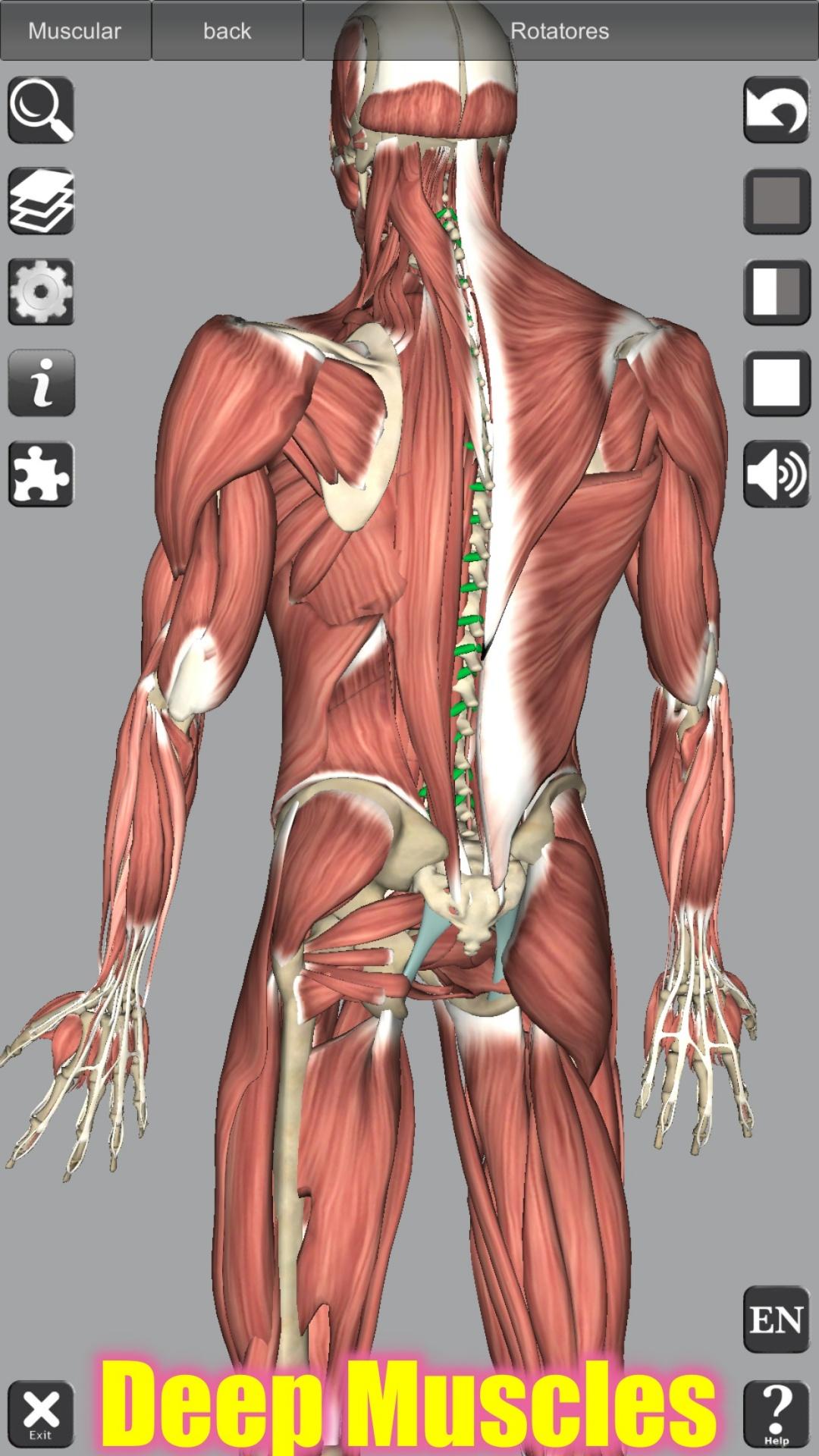
3D Anatomy gives detailed coverage of the skeleton, ligaments, bone markings, and 145 muscles. You can peel through muscle layers to see how deep and surface structures relate to each other. In addition, layered viewing helps when studying areas such as the shoulder, back, hip, or lower limb, where many structures overlap.
Muscle actions and anatomy details
You can review muscle action movies and physiology animation videos when a still image is not enough. 3D Anatomy also includes descriptions for origin, insertion, innervation, and action, so the model connects with the facts usually found in anatomy notes. This is useful for learners who need to connect movement with structure during muscle study.
Search and quiz practice
3D Anatomy includes searchable anatomy terms for quick lookup during self study. After finding a structure, you can use 3D location quizzes to check whether you can identify it again from the model. This kind of practice fits exam preparation because it asks you to recognize structures visually, not only remember names from a list.
Multiple body systems and language support
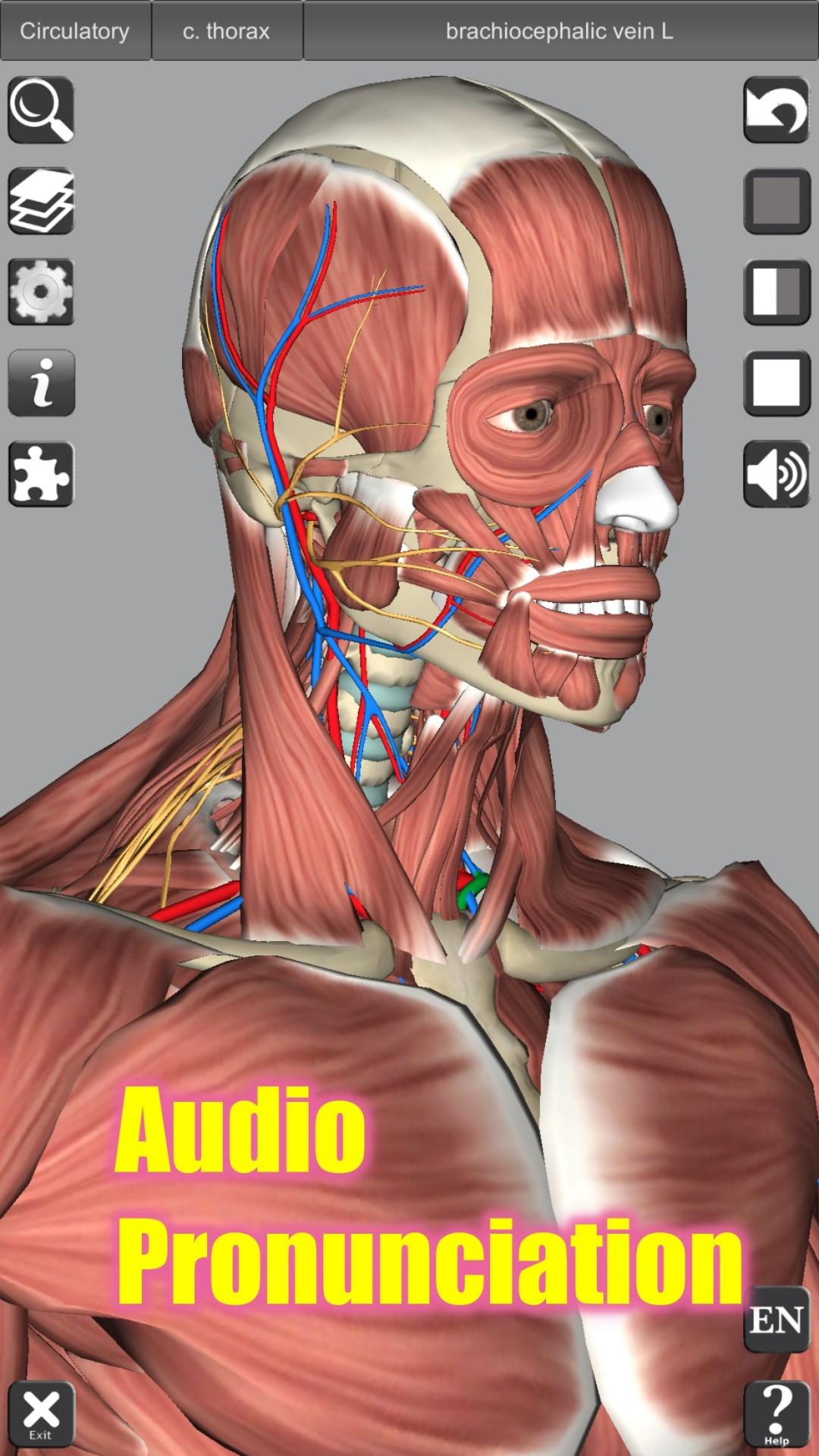
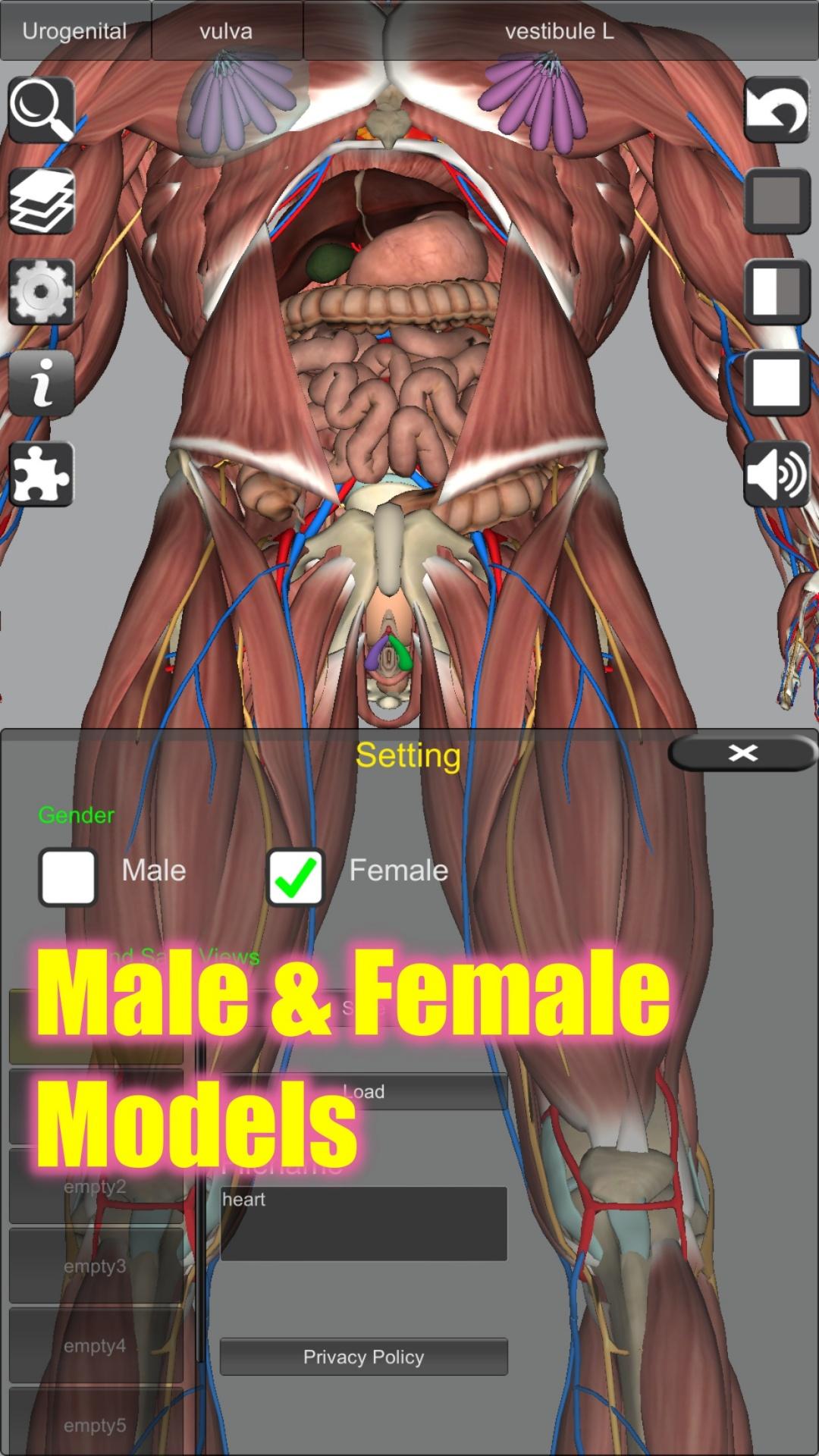
3D Anatomy covers several anatomy systems, including cardiovascular, nervous, respiratory, reproductive, urinary, digestive, endocrine, lymphatic, eye, and ear models. It also supports learning in French, Spanish, and German, with related atlas content offering anatomy terms in 11 languages. Audio pronunciation support helps users hear anatomy terms while reviewing them.
3D Anatomy can work as a practical companion to anatomy textbooks because it gives shape, depth, and position to written explanations. Medical students, doctors, physiotherapists, nurses, paramedics, athletic trainers, and anatomy learners may use it when a diagram does not clearly show how structures sit in the body. For example, a user can read a textbook section first, then open the 3D Anatomy app to inspect the same area from different angles.
For exam preparation, the app is most useful when you need repeated visual review. You can bookmark important views, use transparency when available in the model, and return to difficult areas during later study sessions. If you are comparing Anatomy Learning download options, this app is mainly suited to people who want active model based study rather than short written summaries alone.
After installing the 3D Anatomy APK, start with one body region or system instead of trying to study everything at once. This helps you build a steady routine and makes each review session easier to follow.
3D Anatomy focuses on visual anatomy study through interactive models, layered body structures, quizzes, and pronunciation support. If you need a mobile tool for human anatomy 3D review, the 3D Anatomy latest version can help you study structures in a more direct way on Android.
Official information is available from the developer through the following website:
Latest Version
7.1Uploaded by
Bob Walters
Requires Android
8.0
Category
Medical AppContent Rating
Everyone
Security Report
Report
Flag as inappropriateLast updated on Sep 2, 2025
Fix bugs.





APKPure - A multi-platform app store primarily focused on Android, providing extensive app-related content. Discover the app you want easier, faster, and safer, with quick and efficient downloads and installations.