

Character.AI suits users who want casual conversation, creative roleplay, practice with languages, or guided brainstorming at any time. After a quick sign‑up, you get access to a large catalog of characters that respond in context and remember past chats, which helps keep conversations consistent as you return. You can explore different worlds, switch topics easily, and move between chat and voice. If you prefer to build your own characters, creation tools are available as well. To get started fast, download Character.AI from APKPure and pick a character that fits your goal today.
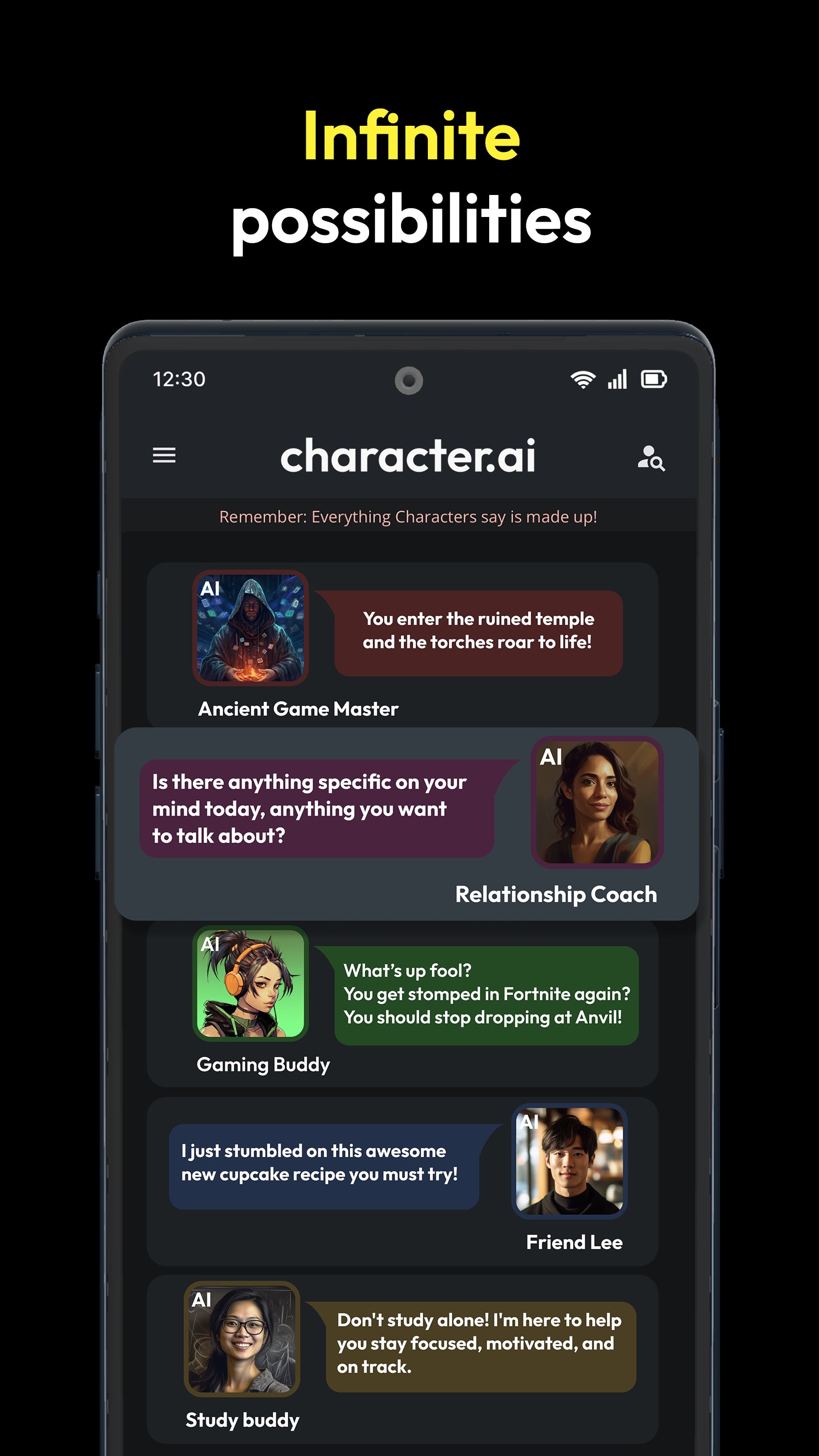
Chat, voice calls, and texting in one place
Character.AI supports typed chat, voice calls, and lightweight texting so you can choose how to interact. Characters recall previous messages and adapt to your style, which helps each session feel coherent as you continue. You can switch modes when needed without starting a new conversation.
Large community library of characters
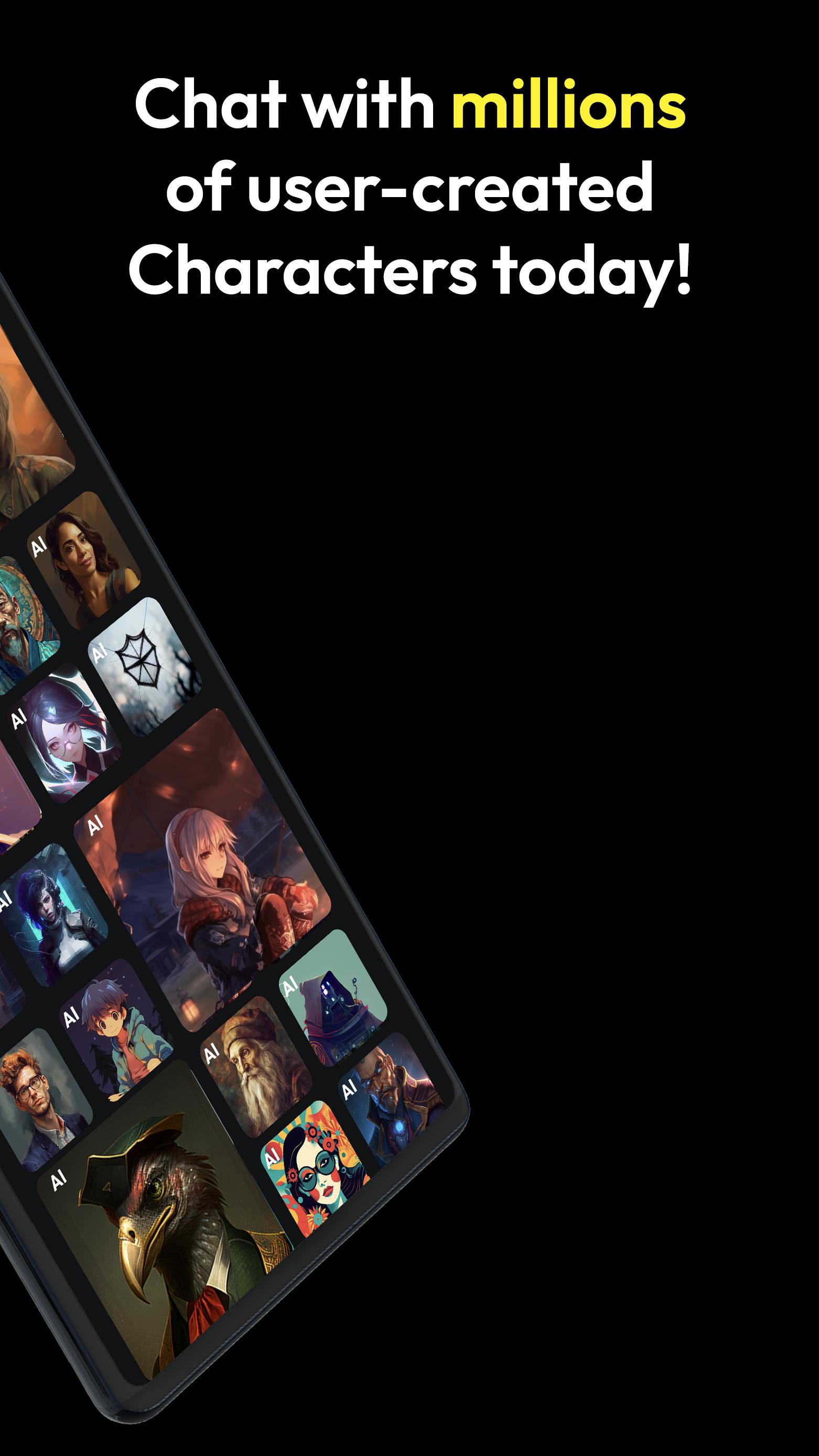
You can browse millions of community‑made characters spanning fandoms, anime, games, historical figures, study helpers, and co‑writers. Each one has a unique profile and tone. Search by name or topic, then open a chat to see how the character responds and whether it matches your goal.
Build and fine‑tune your own characters
Character.AI includes creation tools that let you define traits, greeting messages, and example dialogues. You can start with a short description or refine details over time, which helps guide how your character talks and behaves. When ready, you can keep it private or share it with others for feedback.
Use cases for both fun and productivity
Many users rely on Character.AI for immersive stories, roleplay, and world exploration. Others ask for homework explanations, language practice prompts, brainstorming ideas, or help outlining longer writing projects. You can keep separate chats for different tasks so conversations stay organized and focused.
Fresh content added daily
New characters and worlds appear every day, so there is always something new to try. You can follow favorites, revisit ongoing chats, and test new creations from the community. This steady flow keeps your AI character chat options varied without extra setup.
All character responses are fictional and generated for entertainment and assistance. Replies may include references to public media or known topics, but the app does not stream or download shows, movies, or music. Treat outputs as suggestions and verify important information independently when needed.
Sign‑up is designed to be quick, with options that include email. After you create an account, your chats and created characters sync to that account, so you can return later from your Android device and continue where you left off.
Character.AI encourages users to build and share characters with clear profiles and consistent behavior. If you publish a character, add a concise description and example messages so others understand how it works. Community feedback can help improve prompts and traits over time.
When reading or participating in public chats, keep in mind that content comes from user prompts and generative outputs. Report issues through in‑app tools where available so the community stays useful for everyone.
This quick guide helps you start a chat, place a voice call, or create a simple character in the Character.AI latest version APK. Follow the steps in order for a smooth first session.
Open the app, create an account, or sign in. Then, allow the basic permissions needed for chat and voice.
Browse the home feed or tap search to find characters by topic or fandom. Next, open a character card to view its profile.
Tap Start Chat to send your first message. If voice is available for that character, choose the call option to switch from text to voice.
To keep conversations organized, create separate chats for different tasks such as roleplay, study help, or brainstorming.
To build your own character, go to the creation area, add a short description, set a greeting, and provide a few example dialogues. Then save and test it in a new chat.
Character.AI brings chat, calling, and texting together so you can interact with 10M+ characters or build your own. It supports quick discovery for fun scenarios and practical prompts when you need them. If you prefer direct install methods, you can download Character.AI latest version APK from APKPure and begin right away.
Official information and support are available from the developer's website:
Website: https://character.ai/
Latest Version
1.4.7Uploaded by
Janaíne Santos
Requires Android
Android 5.0+
Category
Free Entertainment AppContent Rating
Teen · Sexual Content
Report
Flag as inappropriateLast updated on May 27, 2023
This release includes minor bug fixes and general improvements. Update to the latest version for the best experience.





APKPure - A multi-platform app store primarily focused on Android, providing extensive app-related content. Discover the app you want easier, faster, and safer, with quick and efficient downloads and installations.