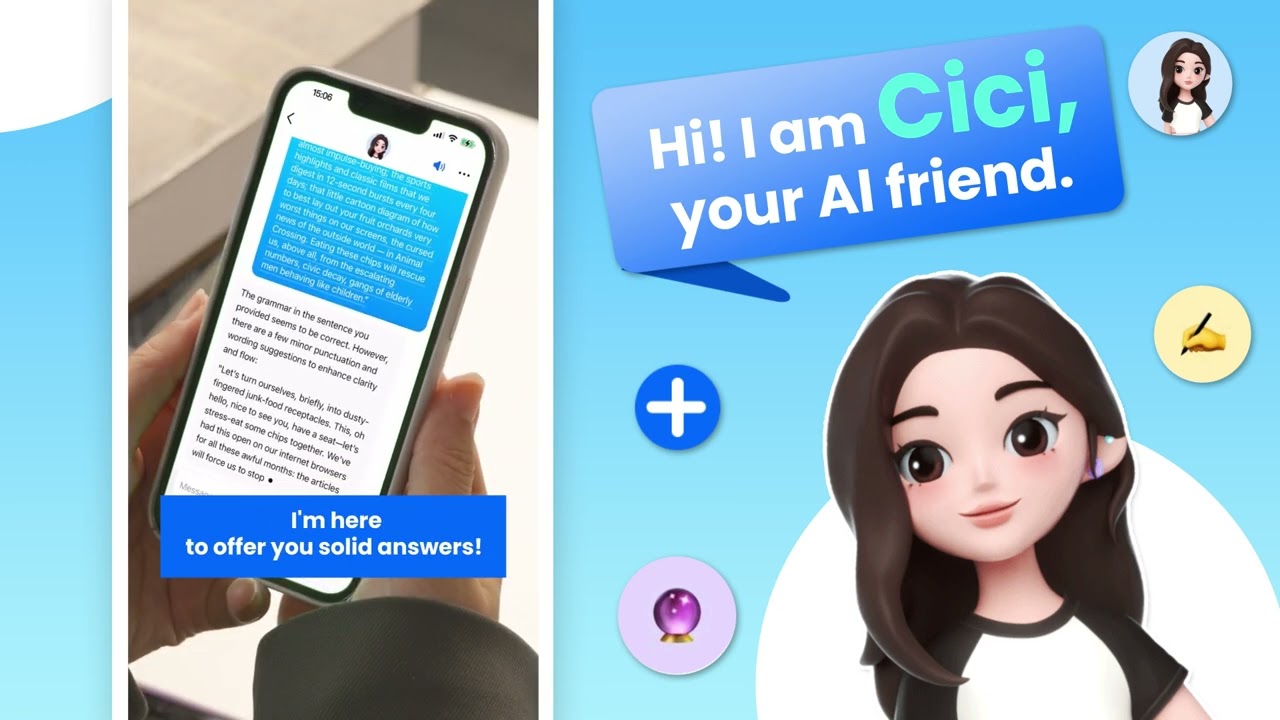

Dola, formerly Cici, is designed for people who need help with everyday study, work, and personal tasks in one place. Students can use it while reviewing class material, while professionals may turn to it when preparing written work or organizing a busy day. Creators can also use Dola AI when shaping early ideas into usable content. The app keeps these activities in a single conversation-based interface, so you can continue a request instead of starting each time again.
Chat by voice or text
You can type a question or speak naturally to Dola when your hands are busy. The app supports follow-up questions, which lets you add details or ask for a different explanation within the same chat. This can be useful when you are working through an idea and need to clarify it one part at a time.
Write and revise content
Dola can help you prepare emails, reports, resumes, essays, notes, and social posts. You can provide a rough draft and ask for clearer wording, a shorter version, a different tone, or a better structure. As an AI writing assistant, it is intended to support drafting and editing, so review the final text before using it for school or work.
Summarize and study
You can share text, links, files, and webpages with Dola to request a summary. Then, you can ask for key points, a shorter result, bullet points, or an explanation in simpler language. Dola also supports questions about difficult topics and can show math explanations step by step, which may help when reviewing class material or meeting notes.
Plan daily tasks
You can use Dola to organize tasks and turn a general idea into a practical outline. For example, you may ask for meal plans, recipes, a schedule, or a trip plan, then adjust the result as your needs change. This keeps planning questions and later revisions together in one chat flow.
Create images from prompts
Dola lets you describe an image in text and request generated artwork. You can also restyle photos with options such as anime or cyberpunk looks. The AI image generator can be used when you need a visual concept for a social post or a personal creative project and do not want to start with design tools.
Existing Cici users may see the app under its current name, Dola. The name change can help explain why earlier conversations or references use Cici while current app information uses Dola. Before choosing the Dola latest version, check the in-app details for the features offered in your region.
Free usage limits and paid plan options can differ by location and may change over time. Checking these details after opening the app helps you decide whether the available chat, writing, learning, and image tools fit your expected use.
After installing the Dola APK, open the app and begin a chat with a short request. You can continue the conversation to add context, request changes, or move from an idea to a finished outline.
Start by typing your question in the chat box, or use voice input if you prefer to speak your request.
Add useful context, such as the audience for an email, the topic of an article, or the dates for a trip plan.
Share text, a link, a file, or a webpage when you want Dola to summarize material or explain its main points.
Ask for a revision when needed, such as making the response shorter, changing it into bullet points, or using a different tone.
For an image, describe the subject and style you want, or select a photo to request a new visual style.
Dola combines chat-based help for writing, learning, planning, and image requests in one Android app. Just download Dola APK latest version from APKPure if you want to handle these tasks through voice or text conversations and adjust each result as you go.
Latest Version
15.2.0Uploaded by
ฐิติโชติ ห้วยศิลา
Requires Android
Android 5.0+
Category
Free Productivity AppContent Rating
Teen · Diverse Content: Discretion Advised
Report
Flag as inappropriateLast updated on Sep 22, 2026
Bug fixes and performance improvements.



APKPure - A multi-platform app store primarily focused on Android, providing extensive app-related content. Discover the app you want easier, faster, and safer, with quick and efficient downloads and installations.