Package Name:com.flow.mobile
SHA-256:8b7f04e48e48ac29008a8c41076759ce302ea6aeb11a9342b019d048d0b0d5c9
Show More


Emochi helps users who want a casual character chat, a fictional scene to explore, or a longer story that can continue over time. The app focuses on conversations shaped by the character and the messages you send. As a result, each thread can develop differently depending on your choices and the scenario. Users can download Emochi when they want to browse character-based stories across anime, fantasy, games, and other themes.
Chat with character based personas
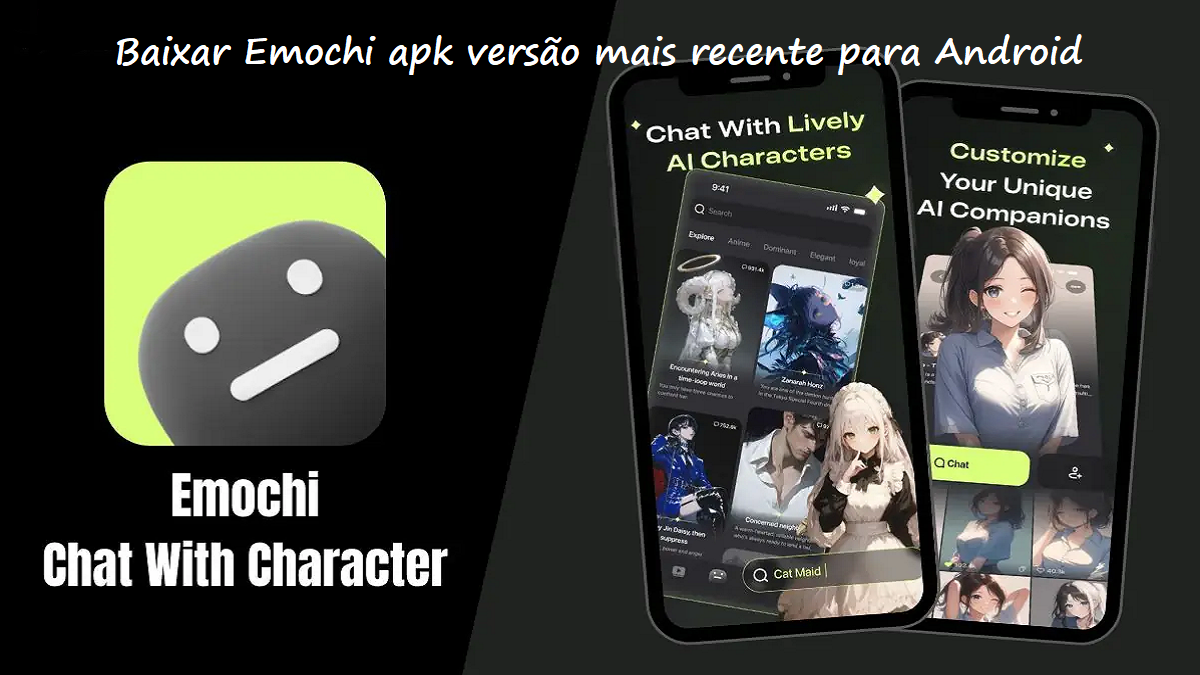
Emochi lets you start conversations with AI characters built around different personalities, settings, and story ideas. You can chat about everyday topics or take part in fictional scenes involving anime, manga, games, fantasy worlds, and original situations. Your messages guide the direction and tone of each conversation.
Browse characters by scenario
You can explore a library with more than one million community created characters and bots. Trending lists, scenario tags, and visible chat activity help you find characters that match a particular mood or genre. For example, you can look for romance, comedy, school, adventure, drama, horror, or supernatural roleplay.
Create your own AI persona
Emochi allows you to create a character with its own traits, personality, style, and backstory. You can then talk with that persona and adjust its behavior through the conversation. This gives users a way to build a companion or story character around a specific idea rather than choosing only from existing entries.
Continue roleplay stories
You can return to existing character threads and continue a story from an earlier point. This supports both short chats and longer roleplay sessions with fictional relationships, challenges, and branching style scenarios. Because the story responds to your messages, the same character can lead to different scenes over time.
Generate images from story moments
Emochi can generate images inspired by characters, settings, scenes, or memorable moments in a chat. You can use these visuals as a record of an important part of the roleplay story and share them when available. The image tool works alongside conversations rather than replacing the written chat.
Characters in Emochi are created by the community, so their writing style, story tone, and themes can vary. Before opening a conversation, check the character description and scenario tags to see whether it fits what you want to discuss. This can be especially useful when browsing topics such as romance, BL, horror, or dramatic roleplay.
The app includes standard conversations and an optional uncensored mode. This option may display content intended for users who want fewer content limits in character chats. EMOCHI+ features are also available as optional parts of the app experience.
After installing the Emochi APK, begin by choosing whether to browse existing characters or make one of your own. The app is designed around ongoing chat threads, so you can return to a conversation when you want to continue the same story.
Open Emochi and browse the character library, trending entries, or scenario tags to find a genre or setting that interests you.
Read the character description and tags, then select a character whose personality and story setup match the type of chat you want.
Send a first message that sets the topic, role, or scene, and continue responding as the conversation develops.
If you want a different type of conversation, create a persona by adding its traits, style, and backstory before starting a chat.
Return to saved chat threads later to continue the roleplay, or generate an image when you want to keep a visual of a scene.
Emochi combines character chat, community scenarios, persona creation, and story-based roleplay in one app. Just download Emochi APK latest version from APKPure if you want to explore its current character library and chat options.
Official information is available from the developer:
Website: https://emochi.com
Latest Version
2.2.13Uploaded by
Aisya Ayudia Inara
Requires Android
Android 7.0+
Category
Free Entertainment AppContent Rating
Mature 17+ · Sexual Themes, Strong Language
Security Report
Check Now
Report
Flag as inappropriateLast updated on Oct 1, 2026
This release includes minor bug fixes and general improvements. Update to the latest version for the best experience.



APKPure - A multi-platform app store primarily focused on Android, providing extensive app-related content. Discover the app you want easier, faster, and safer, with quick and efficient downloads and installations.