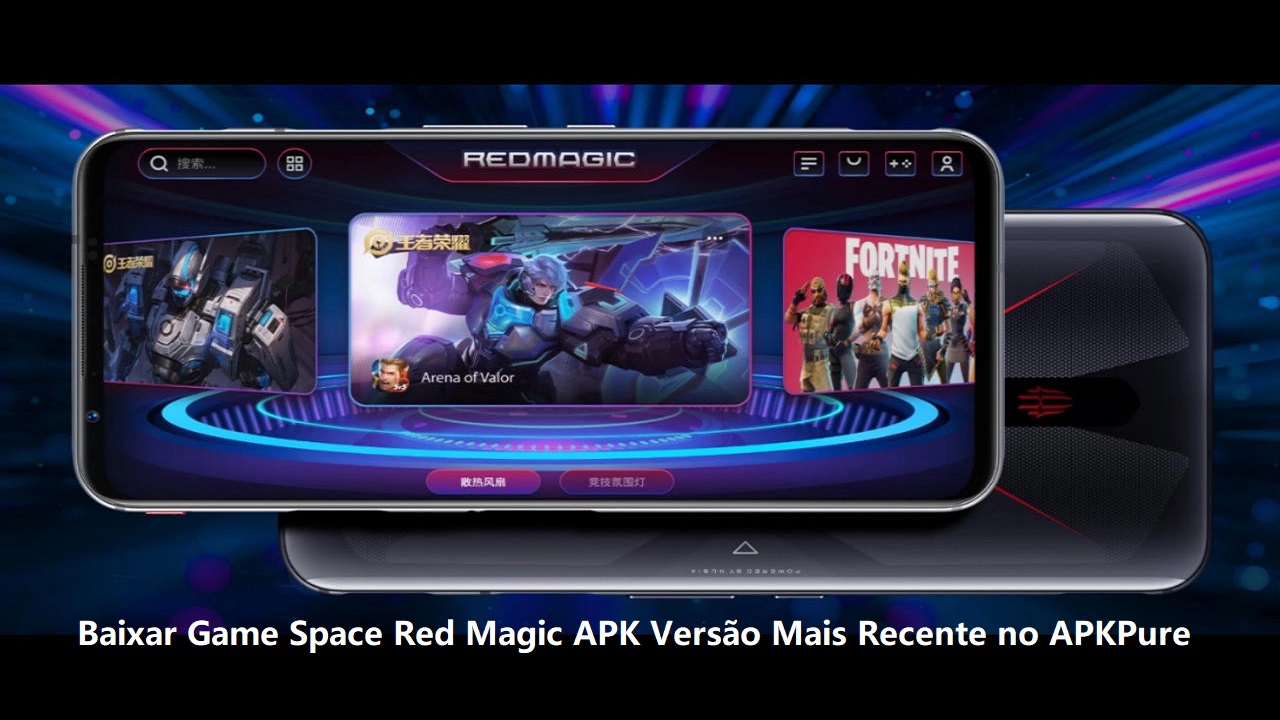

Game Space helps OPPO and realme users keep installed games in one place instead of searching through the regular app list. It is part of the ColorOS and HeyTap experience, so its layout and available tools are designed for supported phones rather than unrelated apps with the same name. When considering a Game Space APK, users should check that their device and software support the service. In addition, the hub combines game access, session controls, community content, and game suggestions in one area.
One library for installed games
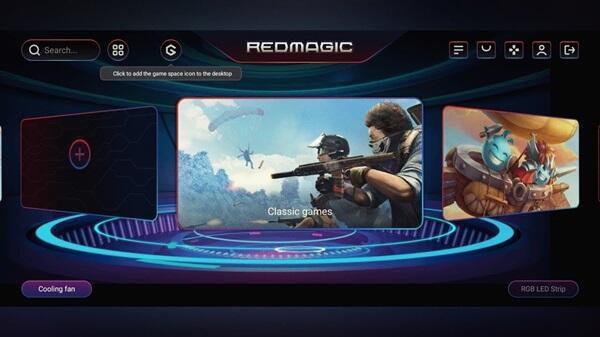
Game Space detects installed games and places them in a single game library. You can open a title from this hub without looking through several home screen folders. This setup can be useful when games are spread across different app pages or when you want a separate place for gaming apps.
Gaming Mode when a game opens
Game Space can start Gaming Mode automatically when you launch a game. The mode applies settings intended to reduce interruptions from pop-ups, calls, and other notifications during a session. As a result, you can keep more attention on the game while still controlling these settings from the phone.
Optional Network Acceleration
The app offers Network Acceleration for online games as an optional setting. This function uses VPN based routing and assesses latency, network quality, network type, and approximate location when selecting a route for game traffic. It aims to support a more stable connection, although it does not guarantee that lag will disappear in every game or network condition.
Controls available during play
You can access quick tools while a game is running instead of returning to the main phone interface. Game Space lets you adjust gaming settings, performance options, and notification controls from within a session. Therefore, changes can be made without fully leaving the game and reopening it afterward.
Community posts and game suggestions
Game Space includes a community area where players can view gaming tips, share feedback, and connect with other players. It can also recommend games based on your interests and play history. These recommendations appear within the hub, allowing you to browse possible titles alongside the games already installed on your phone.
Game Space is a ColorOS and HeyTap gaming hub for OPPO and realme devices. It is not the same as other Android apps that use the same name. Before installing or using it, check whether your phone includes Game Space as part of its current software experience.
Available menus and tools can differ between phone models, regions, firmware releases, ColorOS versions, and realme UI versions. For example, a control such as a voice changer may appear on one supported phone but be absent on another. This variation also means that the placement and names of some settings may differ.
Network Acceleration is optional, so you can choose whether to use it for online play. Because it works through VPN based routing, Game Space evaluates connection details to select a route for gaming traffic. If you prefer to use your normal connection path, you can turn the feature off at any time through the available game settings.
The setting is most relevant when playing games that depend on a live connection. Its purpose is to improve route selection and connection stability where possible, rather than changing the game itself. Results can still depend on your mobile or Wi Fi network and the game server connection.
Game Space is designed to keep game launching and session settings in one place on supported OPPO and realme phones. After you download Game Space, the exact menu names may vary with your device software. Start with the game library, then adjust only the controls that fit the way you play.
Open the app on your phone and check the library for the games detected from your installed apps.
Select a game from the library to launch it, allowing Gaming Mode to apply its available focused settings when the session starts.
During play, open the quick tools panel and review notification, gaming, or performance options available on your device.
For an online game, turn on Network Acceleration if you want to use its VPN based routing option for game traffic.
Return to the hub after playing to view community content, share feedback, or check game recommendations based on your activity.
Game Space combines a game library, focused session settings, optional connection routing, and in-game controls for supported OPPO and realme devices. Check device compatibility and available menus before using the Game Space latest version, since tools can vary by phone, region, and software version.
Latest Version
1.2.07_0429Uploaded by
Game Space Red Magic
Requires Android
Android 7.0+
Available on
Game Space Red Magic
Category
Free Tools AppReport
Flag as inappropriateLast updated on Jul 12, 2024
This release includes minor bug fixes and general improvements. Update to the latest version for the best experience.





APKPure - A multi-platform app store primarily focused on Android, providing extensive app-related content. Discover the app you want easier, faster, and safer, with quick and efficient downloads and installations.