Scan Date:Nov 20, 2025
Show More

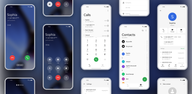
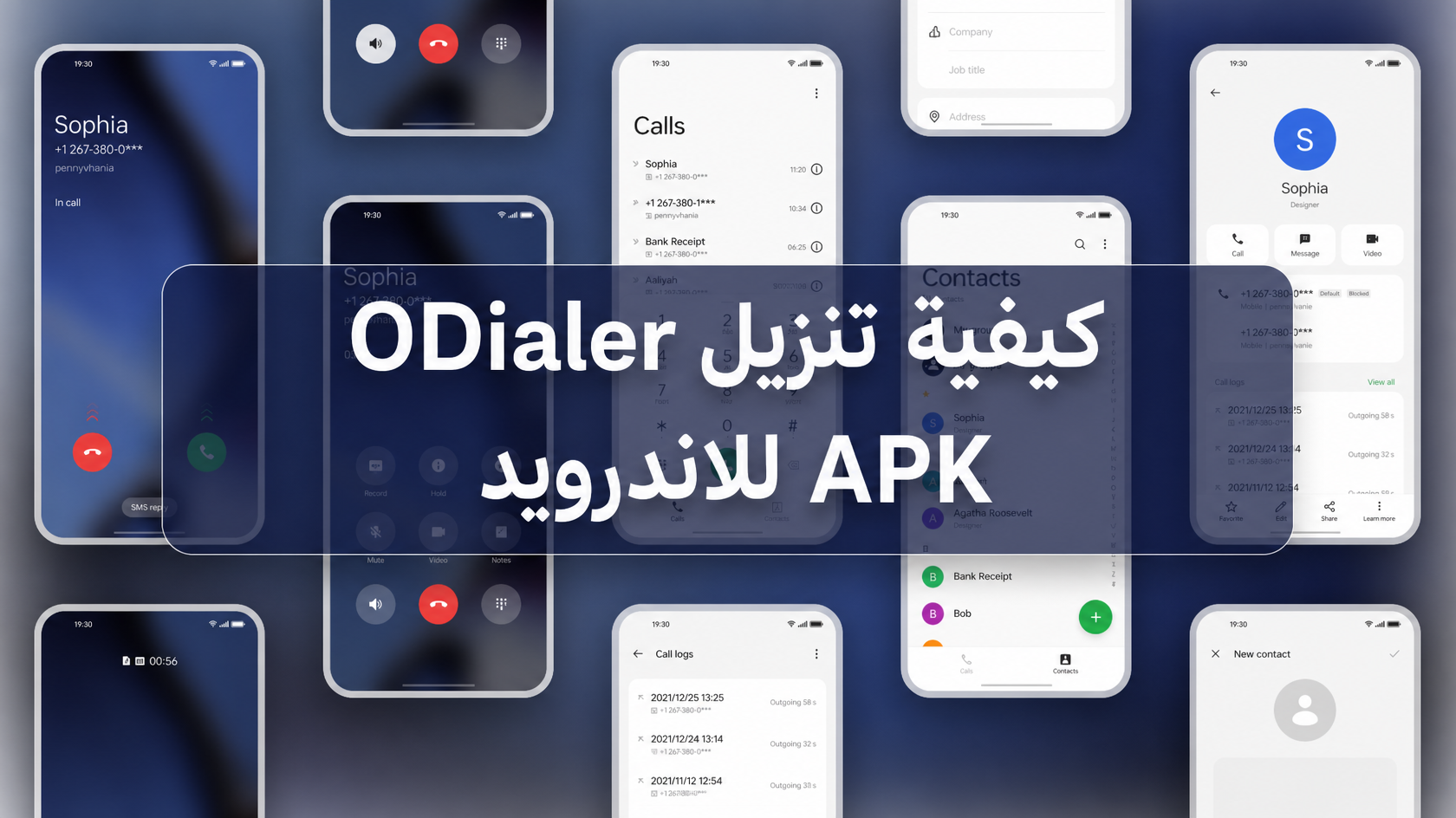
ODialer helps users who want a clean, consistent calling experience across supported Android phones. It reduces the need to switch between separate apps by keeping core calling tasks in one place, and it uses a familiar interface that aligns with ColorOS. Because it is designed for select devices beyond OPPO, it can support cross-brand setups as well. As a result, everyday calling feels straightforward and predictable. If you are looking for a safe way to try it, many users search for ODialer APK to get started.
ODialer presents your call history in clear groups with names, numbers, and timestamps. This makes scanning a busy day of calls quick, and it helps you find the right entry without extra taps. You can open a group to view details, return calls, or manage related actions with minimal steps.
Built-in call recorderYou can start recording manually during a call or set automatic recording for future calls. Availability and behavior can vary by region, so always request consent and follow local laws before recording. Recordings appear inside ODialer for easy access and basic review after the call ends.
AI transcription in newer versionsOn supported newer versions, ODialer can convert your calls into searchable text notes. This helps you recall meeting points, follow up on tasks, and find specific details later using keywords. Feature access depends on your device and app version, so look for the transcription setting if it is offered on your phone.
Quick access to frequent contactsYou can set speed dial for the people you call most. This reduces steps from the keypad and gets you into a call faster. As your habits change, you can update or reorder these shortcuts to match your daily routine.
Consistent ColorOS and OxygenOS lookODialer aligns with the ColorOS dialer interface and is cross-compatible with select OnePlus devices on OxygenOS. You can set it as the default phone app to keep a single, unified calling experience across the system. As an Oppo dialer that also works on some OnePlus phones, it offers the same familiar layout throughout calling, contacts, and history.
ODialer is built for ColorOS and select OxygenOS devices, and not all models are supported. On some phones, compatibility can change after major system updates or regional releases. If the app cannot be set as your default dialer, check whether your device allows changing the default phone app and whether local settings restrict call-related functions.
If you notice crashes, call disconnections, or missing options, update to the latest build when possible, clear the app cache, and relaunch the app. If call recording or transcription is not visible, your device or region may not support those features. In some releases, recording management may be limited inside the app, and options can vary by version. Always obtain consent before recording and follow local laws.
This quick guide covers the basics to set up core calling tools in ODialer. To begin, download ODialer and open it on your Android device. During setup, the app may request permissions needed for calling, contacts, and audio.
ODialer provides a familiar ColorOS-style experience for calling, history, and contacts on supported devices. For best stability and access to features like transcription, install the ODialer latest version and set it as your default phone app.
Latest Version
16.0.0Uploaded by
ColorOS
Requires Android
Category
Free Communication AppContent Rating
Everyone
Security Report
Report
Flag as inappropriateLast updated on Sep 2, 2026
This release includes minor bug fixes and general improvements. Update to the latest version for the best experience.



APKPure - A multi-platform app store primarily focused on Android, providing extensive app-related content. Discover the app you want easier, faster, and safer, with quick and efficient downloads and installations.