PLAYit - A New All-in-One Video Player helps when local and online clips come from different places and use different formats. It brings playback, search, download, and file organization into one app, so you can watch, listen, and manage without switching. With auto detection and smart sorting, your phone’s videos and songs appear ready to play. In addition, floating and background modes support daily multitasking. To begin on Android, install the PLAYit - A New All-in-One Video Player APK and open your library.
PLAYit - A New All-in-One Video Player Features
Play most video and audio formats PLAYit - A New All-in-One Video Player supports 4K and 1080p playback, so your clips display clearly on a phone screen. The app handles formats like MKV, FLV, 3GP, M4V, TS, and MPG, along with MP3, AAC, and WAV for music. You can start a file without conversion or extra tools. This helps when your videos and songs come from different devices or sources.
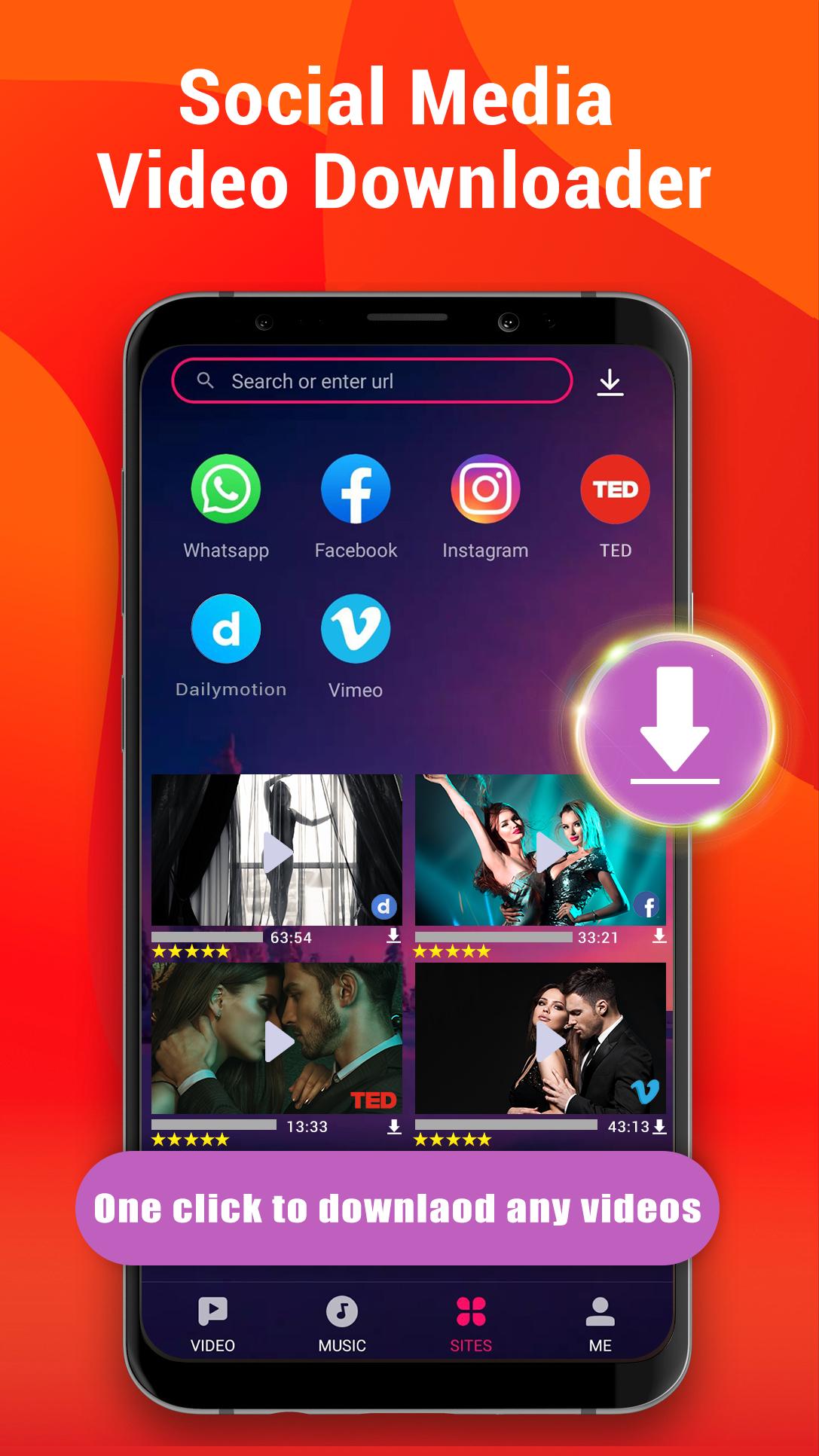
Built-in search and downloader You can find and stream videos inside the app using the in-app search engine. When a clip is available on a social platform such as Facebook, Instagram, WhatsApp, or TikTok, you can save it for offline viewing. Downloads appear in your library where you can play or manage them. This keeps discovery and saving in one place.
Floating window and background play PLAYit - A New All-in-One Video Player lets you continue playback while doing other tasks. A small floating window stays on top when you chat or browse. If you only need audio, background play keeps sound going when the screen is locked. This is useful during commuting or when you want to listen without keeping the display on.
One-tap video to audio conversion You can convert MP4 to MP3 with a single tap. This is handy for lectures, music videos, or podcasts when you prefer listening. The converted file appears in your music section for easy access. It simplifies creating audio-only versions for study or bedtime listening.
Smart media manager, subtitles, and music extras The app auto-detects local files on your device and SD card, then organizes them by type. You can sort quickly, share items, and adjust playback speed or use gesture controls for brightness and volume. For videos, online subtitles can be searched and downloaded. For music, lyrics support and a sleep timer help with focused listening and winding down.
Smart Muxer notes in PLAYit - A New All-in-One Video Player
Videos downloaded with Smart Muxer may only play inside PLAYit - A New All-in-One Video Player. If you need broader compatibility with other players, turn off Smart Muxer in downloader settings before saving. For settings guidance, visit the official site at playit.app. This avoids confusion when sharing a file to other apps.
Troubleshooting tips for PLAYit - A New All-in-One Video Player
If video files do not show in the list, open Settings and enable Show Hidden Files so the app can see folders created by other tools. If a clip stutters or fails, switch decoding modes in Player Settings to test a different decoder. On the player screen, adjust gestures for brightness and volume, and set playback speed to match the content.
PLAYit - A New All-in-One Video Player on PC and iOS
PLAYit - A New All-in-One Video Player is available for Windows PC and iOS in addition to Android. For official installers and support, visit playit.app. This page focuses on Android, while the website provides PC and iOS downloads and guidance.
How to use PLAYit - A New All-in-One Video Player on Android
This quick guide covers basic playback, downloading, and media management. To start, install the PLAYit - A New All-in-One Video Player latest version on your phone, then open the app and follow these steps.
- First, allow the requested permissions so the app can auto-detect your local videos and music. Your library loads with folders and files ready to open.
- Next, tap a video or song to play. Swipe on the screen to control brightness and volume, then adjust playback speed from the player controls when needed.
- Then, go to the search tab to look up a title or topic. Browse results and choose stream or save from supported social platforms for offline viewing.
- After that, enable the floating window or background play from the player control panel. Continue chatting, browsing, or lock the screen to listen.
- Finally, convert a video to audio when needed. Open a video, select Convert to MP3, then find the new track in the music section and set a sleep timer if you plan to listen before bed.
Get started with PLAYit - A New All-in-One Video Player
PLAYit - A New All-in-One Video Player brings playback, downloading, conversion, and file management into one app. To try it on Android, download PLAYit - A New All-in-One Video Player and open your library.
For official support and desktop or iOS builds, use the links below.