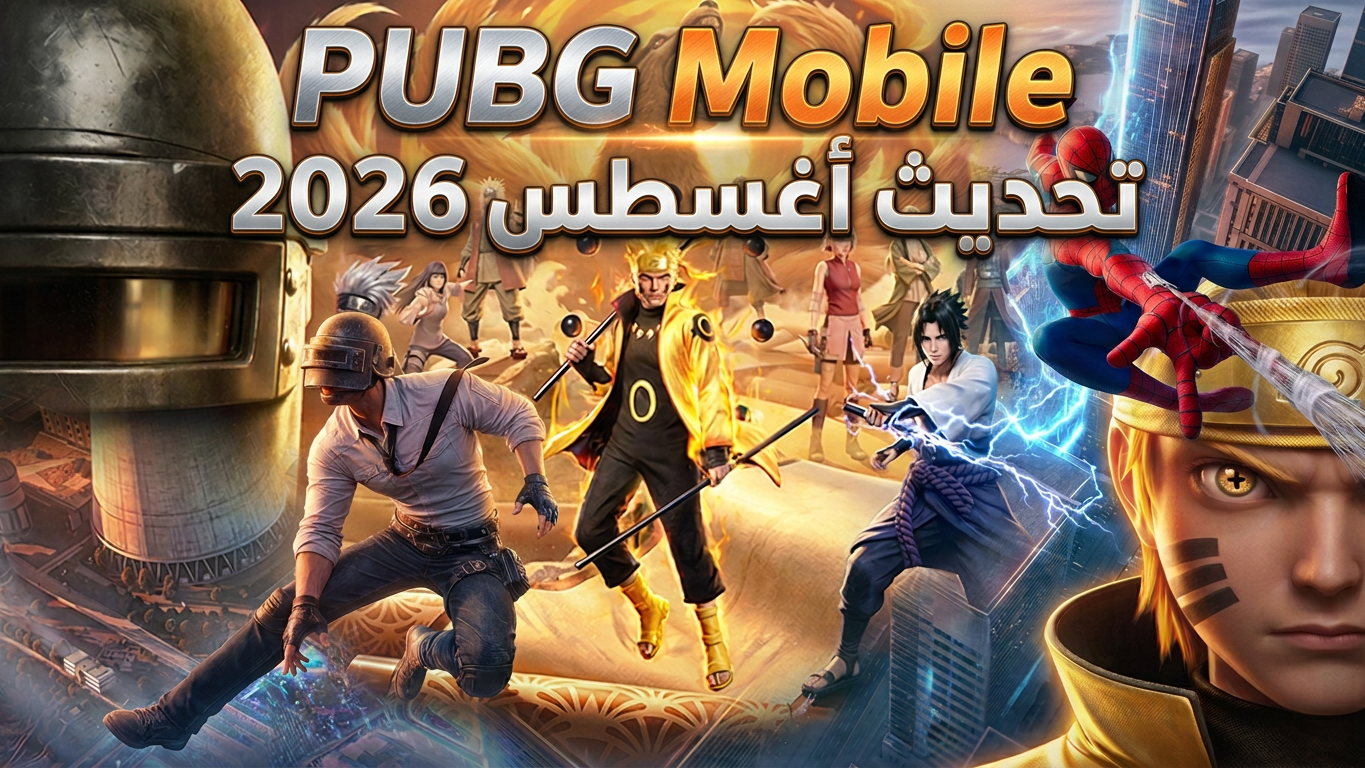
PUBG MOBILE suits players who want quick sessions on a phone as well as long survival rounds with friends. It focuses on smooth touch shooting and simple team coordination so you can jump in and play at any time. The game keeps controls friendly for mobile and makes match flow easy to follow from lobby to results. To get started, download PUBG MOBILE and enter the lobby, where you can choose a mode and plan your play.
PUBG MOBILE includes a large scale survival mode where up to 100 players drop onto a map and compete to be the last team or player standing. You land, gather gear, and move with the safe zone as it shrinks. Matches reward steady movement, smart positioning, and careful resource use. This mode gives a complete battle royale experience tuned for touch controls.
Quick action modesIf you prefer shorter sessions, PUBG MOBILE offers faster options. Full Fire Mode delivers rapid combat with tighter pacing. You can join a 4v4 Team Competition for focused squad fights, or try Zombie Mode for waves of enemies and special challenges. These modes help you practice combat skills and fit play into a busy day.
Diverse maps and ongoing contentPUBG MOBILE provides many battlegrounds with different terrain and layouts. You can explore wide open areas, urban sections, and mixed environments that change how each match plays. New items, maps, and modes are added over time, so content stays fresh. This variety supports different strategies from long range aim to close quarter engagements.
Controls built for touch and trainingControls are designed for phones and tablets, and you can customize button positions to match your grip. A training mode lets you test sensitivity and practice aim before entering a match. Weapons and props feel believable and are tuned for touch input, which helps you learn recoil and timing without complex setup. These options make it easier to build consistent habits.
Play with friends and coordinatePUBG MOBILE makes teaming simple, so you can invite friends or use matchmaking to form a squad. Built in voice chat supports quick calls for locations, rotations, and alerts. The game runs smoothly on supported devices, which helps squads move together and react without confusion. This setup encourages steady communication from drop to final circle.
PUBG MOBILE offers in app purchases for virtual coins and items. Minors should obtain consent from a parent or guardian before making purchases. Healthy play habits are encouraged, so take short breaks between matches and avoid extended sessions without rest. Time management helps maintain focus and keeps play enjoyable.
The game receives content changes and mode adjustments over time, and players can check for a PUBG Mobile update inside the app. You can create or use an account to save your progression, settings, and friends list across sessions. Online play requires a stable internet connection, and data charges may apply based on your plan. Regional content can vary, and some events may appear first in PUBG MOBILE Global or in specific locales.
New players can set up quickly and enter a match within minutes. This short guide covers the basics after PUBG MOBILE APK installation so you can begin comfortably.
PUBG MOBILE delivers large scale survival and quick modes built for touch controls and team play. To keep current features and fixes, install the PUBG MOBILE latest version and enter the lobby to choose a mode.
For official support and information, visit:
Latest Version
4.6.0Uploaded by
عادل قبشي
Requires Android
Android 5.0+
Category
Free Action GameContent Rating
Teen · Violence, Blood
Report
Flag as inappropriateLast updated on Sep 9, 2026
4.6版本吸血鬼主題「午夜血獵」現已登場!獵人 vs 吸血鬼,光明與黑暗的史詩對決!



APKPure - A multi-platform app store primarily focused on Android, providing extensive app-related content. Discover the app you want easier, faster, and safer, with quick and efficient downloads and installations.