Pure Tuber: Block Ads on Video focuses on uninterrupted watching and listening. It brings flexible playback controls that let you continue viewing while switching apps, and it keeps the interface simple so you can focus on your content. You can manage a personal media library inside the app and enjoy high quality sound and video. Moreover, it supports offline playback of your local files and provides convenient tools to organize sessions. Therefore, users who want a smooth player experience can download Pure Tuber: Block Ads on Video on APKPure and start right away with minimal setup.
Key features
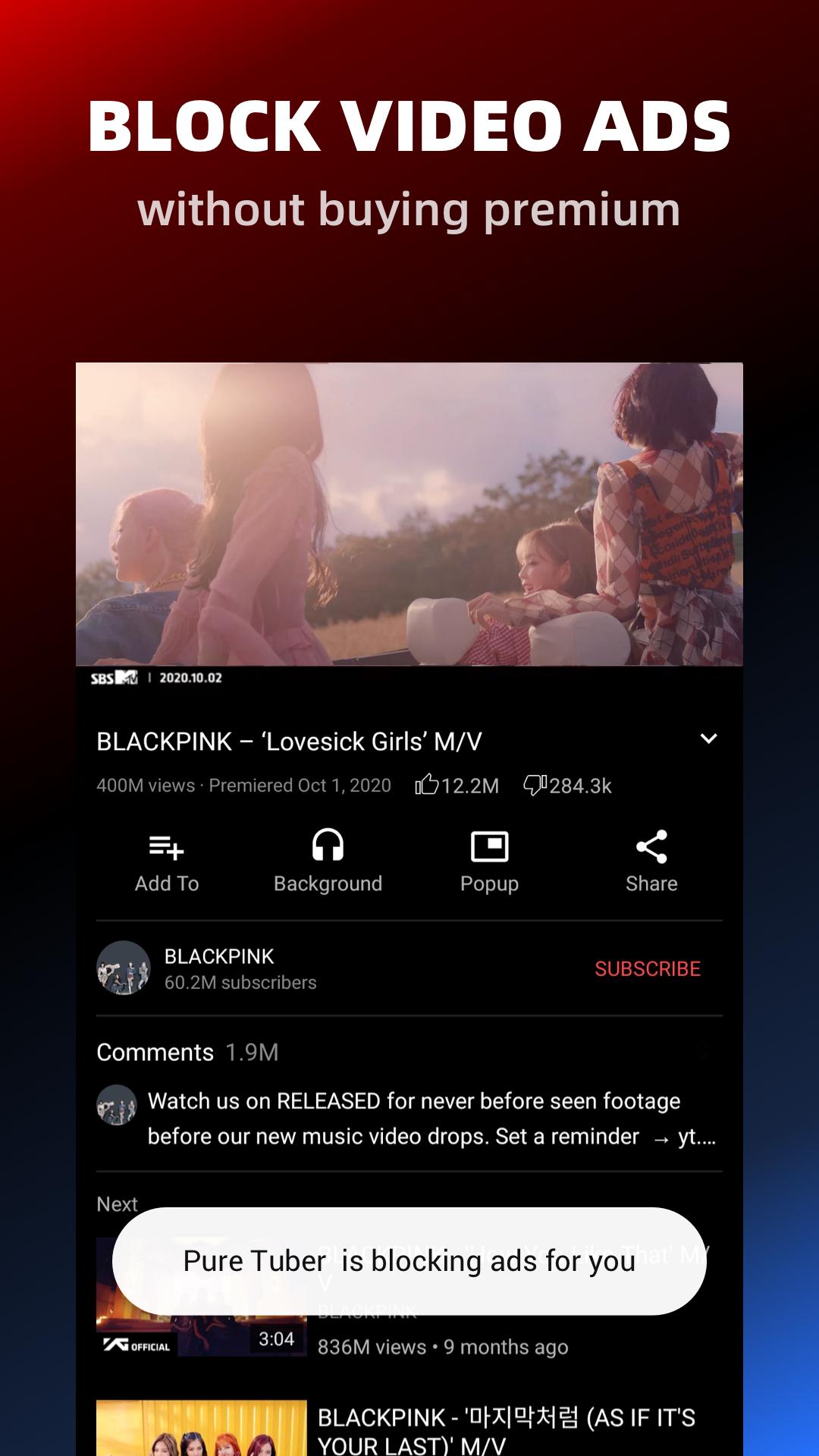
Blocks video ads and pop ups
Pure Tuber: Block Ads on Video filters ads in the player so videos start quickly and play without interruptions. This helps you stay focused on the content. Moreover, it reduces accidental taps on overlays and pop ups during playback.
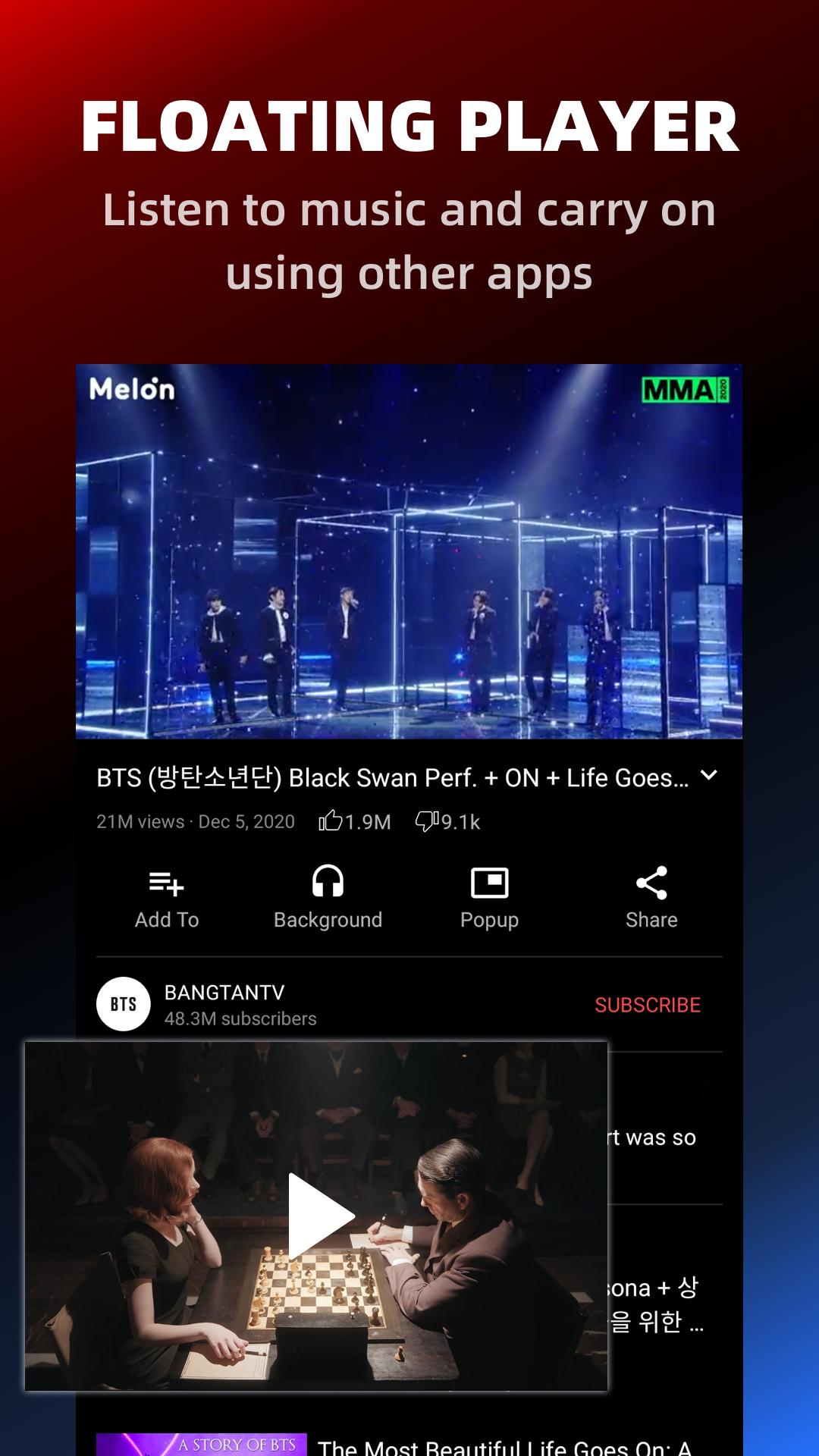
Background play and Picture in Picture
You can keep audio or video playing while using other apps. Background mode continues playback with the screen off, and Picture in Picture shows a small floating window for quick controls. Therefore, multitasking becomes simple during music or long videos.
High resolution playback up to 8K
The player supports resolutions up to 8K when your device and network allow it. You can select the quality that matches your data plan and screen. In addition, the player adjusts smoothly to changes in connection.
Local media hub with bookmarks
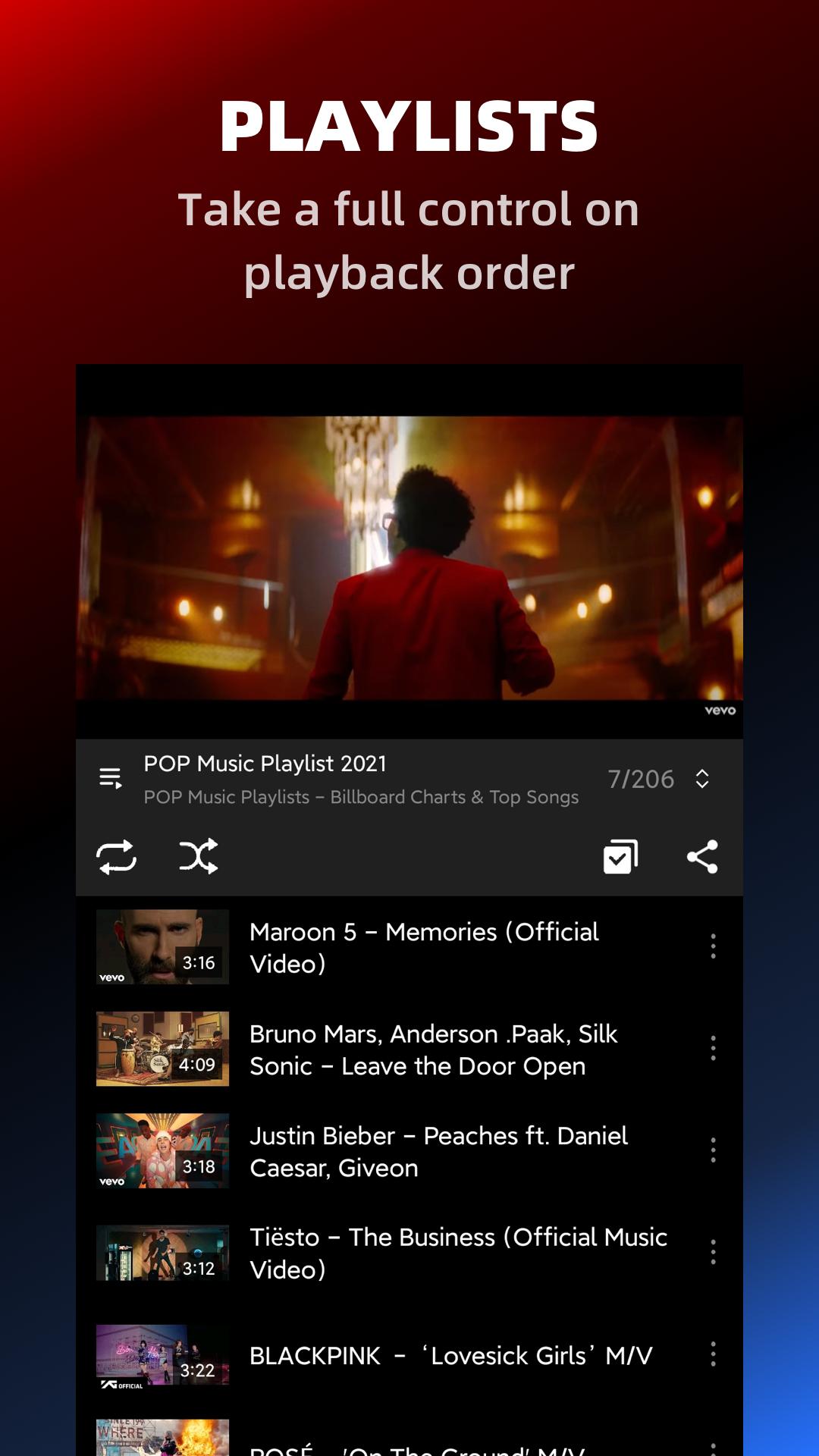
Import your own audio and video files for offline playback. You can create bookmarks for favorites and return to them quickly. Also, the library view makes it easy to sort and find items you listen to often.
Sleep timer for auto stop
Set a timer to stop playback automatically. This works well for bedtime listening or focused work sessions like a Pomodoro. Therefore, you do not need to manually return to the app to end a session.
One click login without MicroG
Pure Tuber: Block Ads on Video offers optional sign in designed to be quick and simple. It does not require MicroG, which reduces setup friction. And you can continue to use core playback features without signing in at all.
Privacy, limits, and version guidance for Pure Tuber: Block Ads on Video
Privacy and data use: Core playback and local library features work without an account. Optional sign in is available if you want a more personalized experience. The app requests permissions only for functions like reading local media, showing a floating window, and saving preferences. Therefore, you can control access through your device settings at any time. For details about the developer’s privacy practices, check the in app notices and the official site.
Content limits and compliance: Some content sources restrict downloads or screen locked playback under their Terms of Use. As a result, certain actions may be unavailable for specific videos. Pure Tuber: Block Ads on Video respects these rules and applies them in the player when needed.
Old version vs latest: The Pure Tuber: Block Ads on Video APK latest version usually includes stability fixes and updated playback components. If you prefer an older release for device compatibility, you can still download Pure Tuber: Block Ads on Video from APKPure and choose the build that matches your needs. Moreover, updating regularly helps maintain feature compatibility.
Install Pure Tuber: Block Ads on Video APK safely
You can install the app in a few steps. This process enables “Unknown sources” once, and updates after that are simple.
Tap the Download button on this page to get the Pure Tuber: Block Ads on Video APK.
When prompted, allow your browser or file manager to install apps from this source.
Open the downloaded file and confirm Install.
After installation, open Pure Tuber: Block Ads on Video and adjust permissions for media access and Picture in Picture.
Next time you update, just download the newer build on APKPure and install over the existing app.
How to use Pure Tuber: Block Ads on Video
This quick guide shows common actions inside the player. You can start watching or listening immediately, then add tools as needed.
Open Pure Tuber: Block Ads on Video and search or paste a link to start playback. Use the quality selector to choose your preferred resolution.
Tap the home button to continue in background, or use the Picture in Picture control to float the video while you multitask.
Then open Library and import your local audio or video files for offline playback. Create bookmarks on items you return to often.
Set a sleep timer from the player controls if you want playback to stop automatically after a selected duration.
After exploring core features, choose the optional one click login if you prefer a signed in experience. You can keep using the app without an account as well.
Download and start watching
Pure Tuber: Block Ads on Video provides ad blocked playback, background audio, and a simple local media hub in one app. Get the Pure Tuber: Block Ads on Video APK latest version on APKPure and start a smooth viewing and listening routine today.
Official resources
FAQs
Does Pure Tuber have ads inside the player?
Pure Tuber: Block Ads on Video blocks video ads and pop ups during playback inside its own player. You still may see standard interface elements like menus or recommendations, but the goal is to keep the viewing experience uninterrupted.
Can Pure Tuber block ads in other apps?
No, Pure Tuber: Block Ads on Video does not change how ads appear in other apps. To block ads, watch videos inside the Pure Tuber player where ad filtering is applied.
Will Pure Tuber collect personal data or affect my privacy?
Pure Tuber: Block Ads on Video works without an account, and you can optionally sign in. The app requests only the permissions needed for playback, media access, and the floating window. For detailed policies, review the in app privacy notices and the official website.