TikTok Lite suits users who manage tight storage, limited data plans, or spotty networks on Android phones. It keeps everyday video browsing responsive and lets you post without heavy resource demands, so you stay connected to the wider TikTok community. The app focuses on a small install and reduced data use while preserving core viewing and posting behavior. If you want a lighter way to watch and share on the go, you can download TikTok Lite APK for a more compact experience.
Small install and fast startup
TikTok Lite has a tiny footprint around 5 MB, so it installs quickly and leaves more space for your videos. It starts fast and runs smoothly on older or low spec phones, which helps when your device storage or memory is limited. This compact build keeps the app responsive during browsing and posting.
Data Saver and cached playback
To reduce mobile data use by up to 20 percent, just enable "Data Saver" feature. When your connection is slow or unstable, cached videos continue playing, so watching is less likely to stall. This approach helps you stay on your feed without burning through data or waiting for long buffers.
Personalized discovery with Auto Scroll and Clean View
The "For You" feed adapts to what you watch and like, and hashtag search helps you find specific topics quickly. Auto Scroll moves to the next video for hands free viewing, while Clean View hides on screen buttons when you want fewer distractions. TikTok Lite allows you to save Favorites and use downloads for repeat or later viewing when coverage is weak.
Record and edit with music and effects
You can record up to three minute videos or upload longer clips if needed. TikTok Lite supports music, filters, effects, voiceovers, green screen, Duet, and Photo Mode, so you can build posts without heavy tools. Editing remains straightforward, which helps you create even on entry level devices.
Share and connect across platforms
With one tap, you can share videos to WhatsApp, Instagram, Facebook, or Snapchat. Engagement features include follows, likes, and comments, and direct messages work between TikTok and TikTok Lite. Privacy controls let you choose who can view, comment, duet, or download your videos, and quick login supports TikTok, Facebook, or Google accounts.
Some stickers, effects, gestures, and shopping interactions available in full TikTok may be limited in TikTok Lite to keep the app compact. Feature availability can vary by region or version, and certain comment tools may differ or appear later. If profile or follow sync seems inconsistent on your device, update to the TikTok Lite latest version and check again.
TikTok Lite Rewards is no longer available in the EU. To avoid confusion, confirm regional programs directly inside the app. When storage is tight, clear the cache in Settings, enable Data Saver for everyday browsing, and keep the app updated to maintain smooth playback and creation.
Update regularly to obtain bug fixes and improvements tailored to low data use and older devices. If you prefer manual installs, the TikTok Lite APK can help when over the air updates are not available. After each update, recheck app permissions and your privacy choices, especially if you post often.
This quick guide walks through the basics so you can start posting and browsing with less data. After installing the TikTok Lite APK, set a few preferences to match your connection and storage needs, then begin watching and creating.
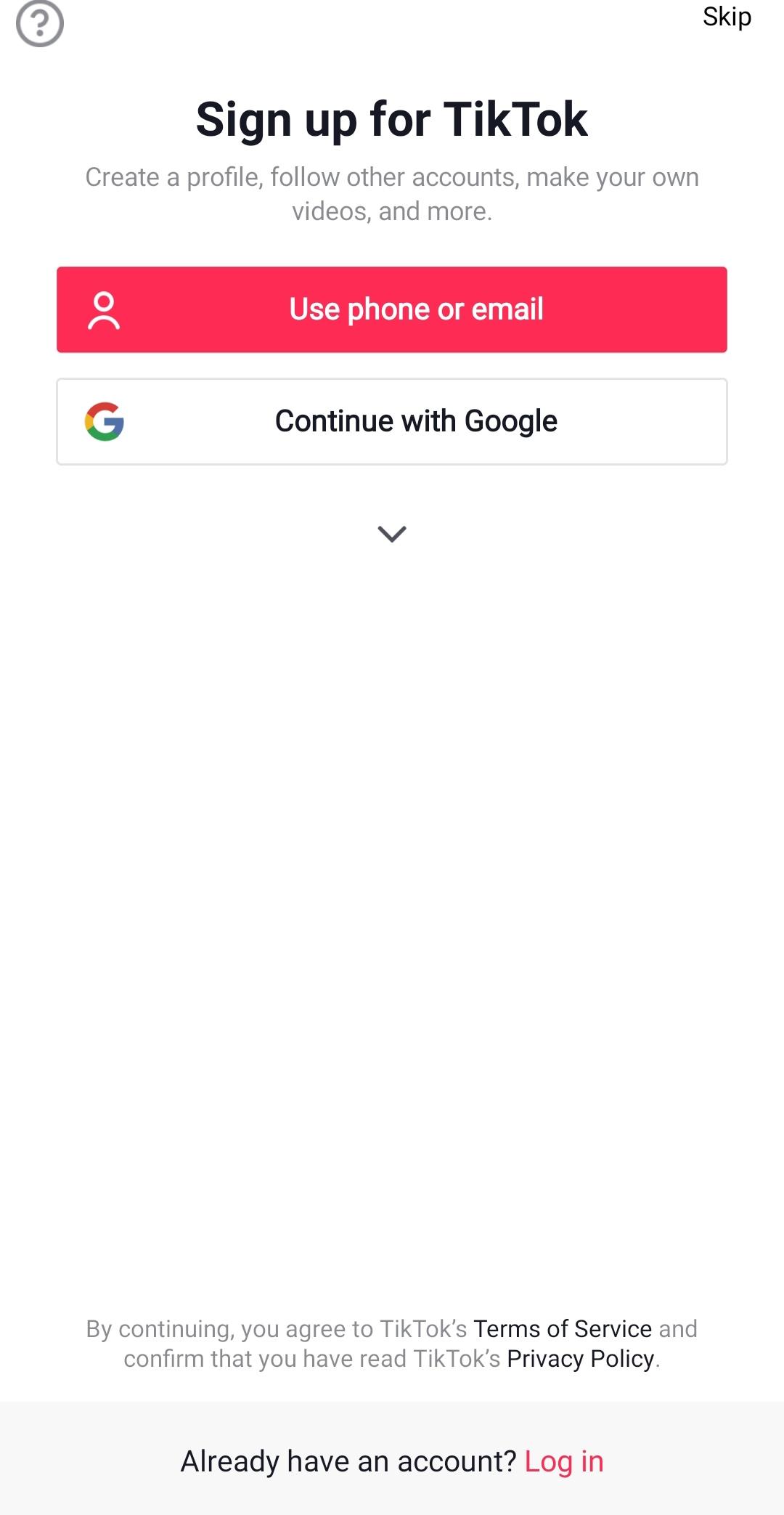
Open TikTok Lite and sign in with your TikTok, Facebook, or Google account, or create a new profile.
Grant camera, microphone, and storage permissions; then enable Data Saver in Settings if you want lower data use.
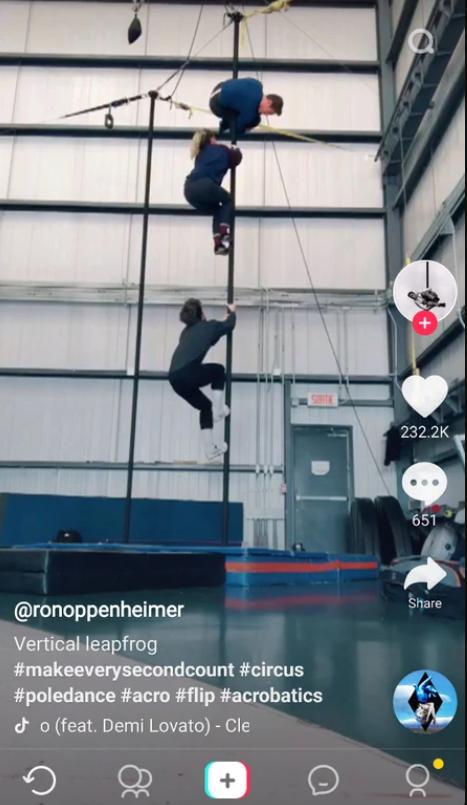
Browse your For You feed, use Search and hashtags, and turn on Auto Scroll or Clean View for hands free watching.
Tap the plus icon to record up to three minutes or upload a clip; add music and effects; set who can view or comment.
Post your video, share it to WhatsApp, Instagram, Facebook, or Snapchat, and manage likes, comments, and messages.
TikTok Lite focuses on efficient viewing and creation for users with limited data or storage. To keep features working smoothly, use Data Saver and update when new builds arrive in the app. If you need a small install for older phones, download TikTok Lite latest version APK from APKPure.
For official support and more information, use the contacts below.
Website: http://www.tiktok.com/
Email: feedback@tiktok.com
Latest Version
47.1.2Uploaded by
Patel Krisha
Requires Android
Android 5.0+
Category
Free Social AppContent Rating
Teen
Report
Flag as inappropriateLast updated on Sep 30, 2026
As always, we've included improvements to performance for a better app experience. Get the latest update to try it now.





APKPure - A multi-platform app store primarily focused on Android, providing extensive app-related content. Discover the app you want easier, faster, and safer, with quick and efficient downloads and installations.