ABHA supports people who want to keep health information in a digital format instead of carrying paper records for every visit. It is the official Ayushman Bharat Health Account app from the National Health Authority under the Ayushman Bharat Digital Mission. Through this service, users can create a health account identity and connect medical records with participating health facilities. For users searching for the ABHA app, it offers a central way to handle health documents with clear permission controls.
Create an ABHA Address
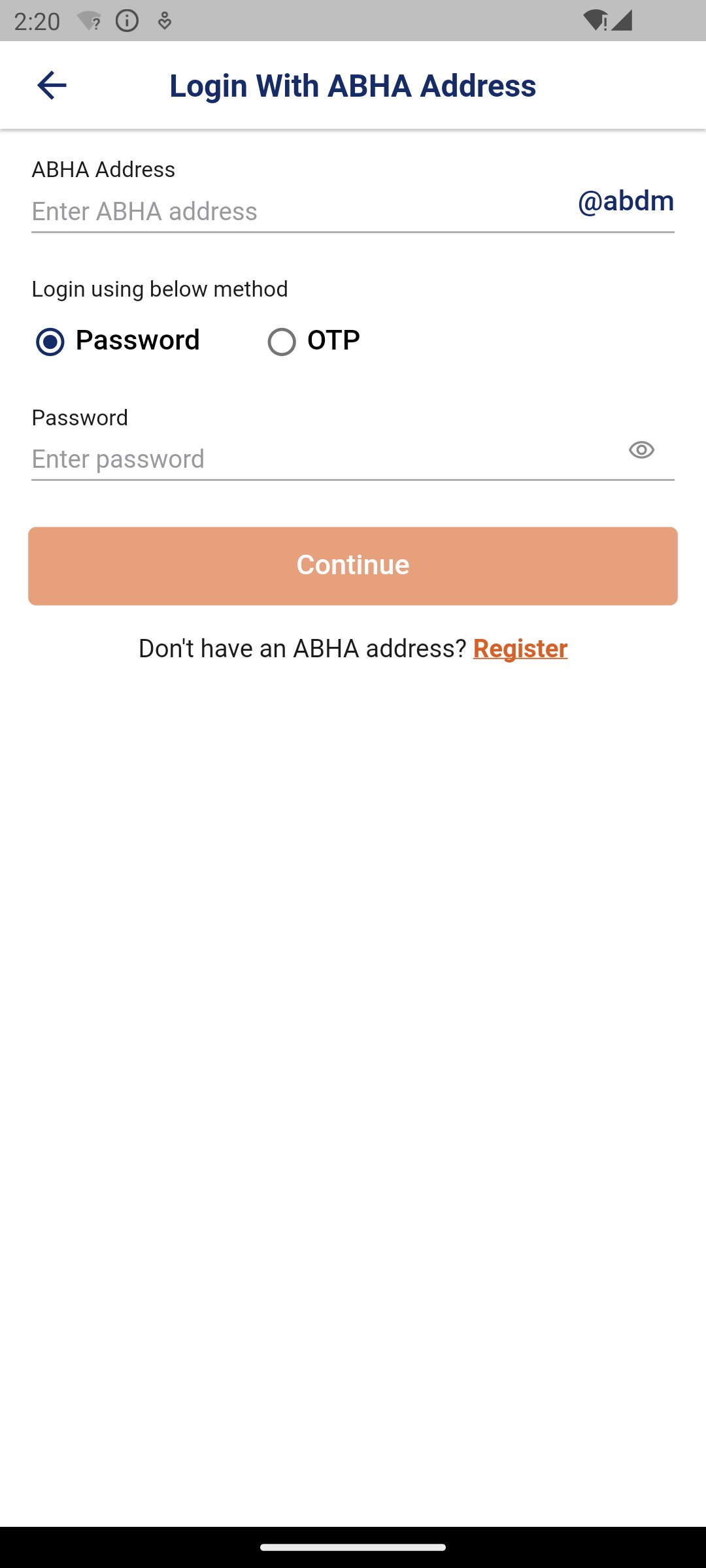
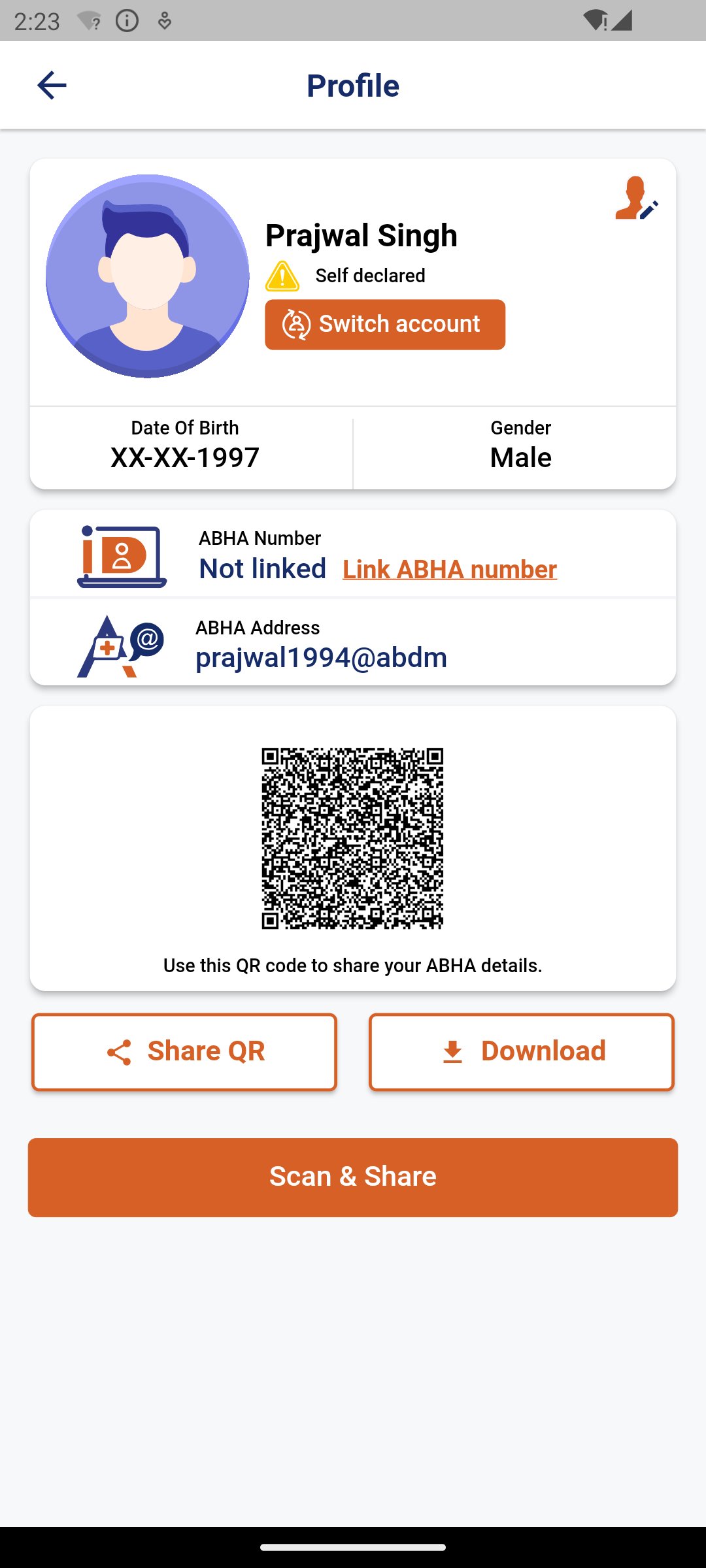
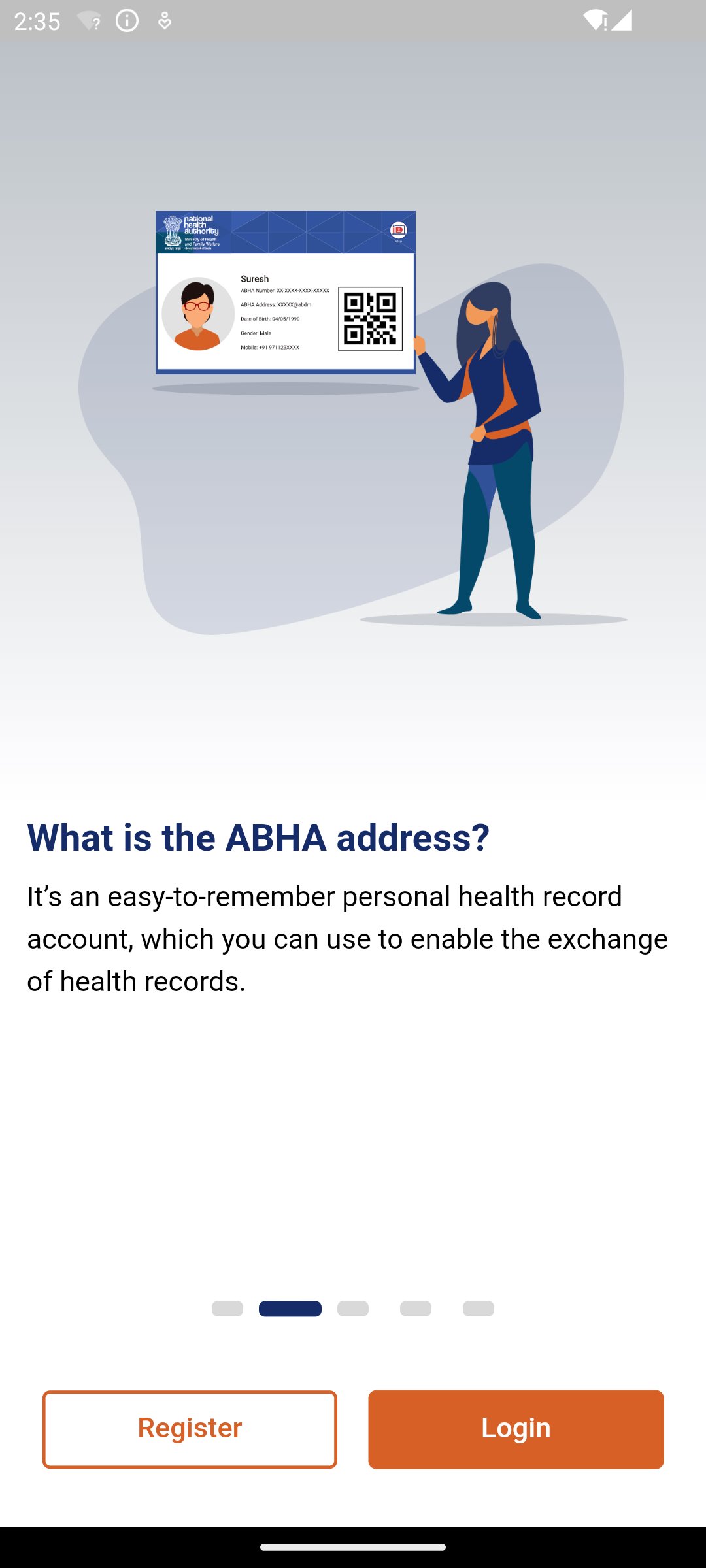
ABHA lets you create an easy to remember ABHA Address, such as username@abdm. You can use a mobile number, email ID, or 14 digit ABHA Number during the process. This address works as a digital identity for health records under ABDM, so it is useful when you visit supported hospitals, clinics, or health programs.
Link with ABHA Number
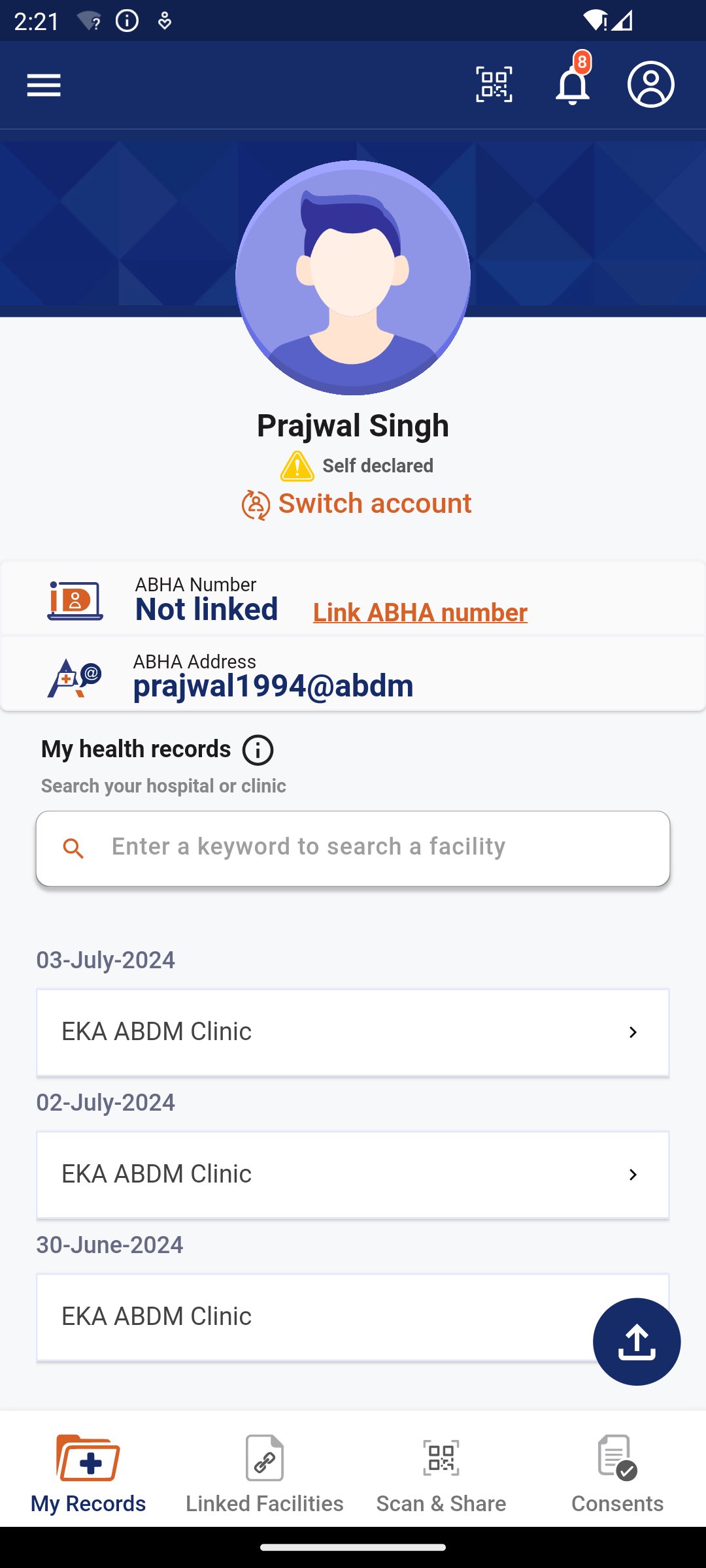
ABHA also allows you to link your ABHA Address with a 14 digit ABHA Number. After this step, the account can become KYC verified, which helps users access benefits connected with government health programs. This link is important for users who already have an ABHA Number and want their digital health identity to stay connected in one place.
Manage digital health records
You can view and manage health documents such as lab reports, prescriptions, and CoWIN vaccination certificates inside ABHA. Instead of looking for old paper files before a doctor visit, you can keep supported records available on your Android phone. As a result, the app is helpful for users who often need to show previous medical information during consultations.
Connect records from health providers
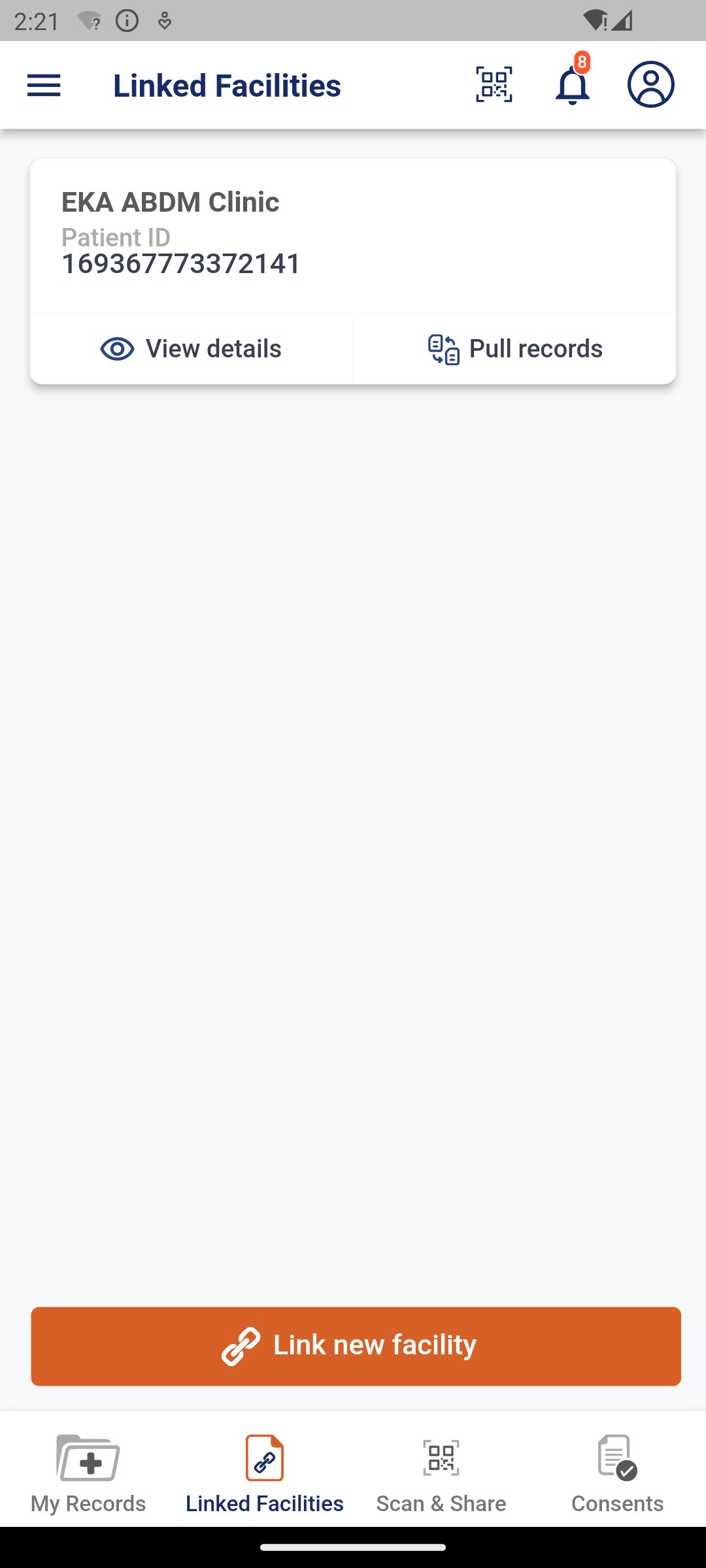
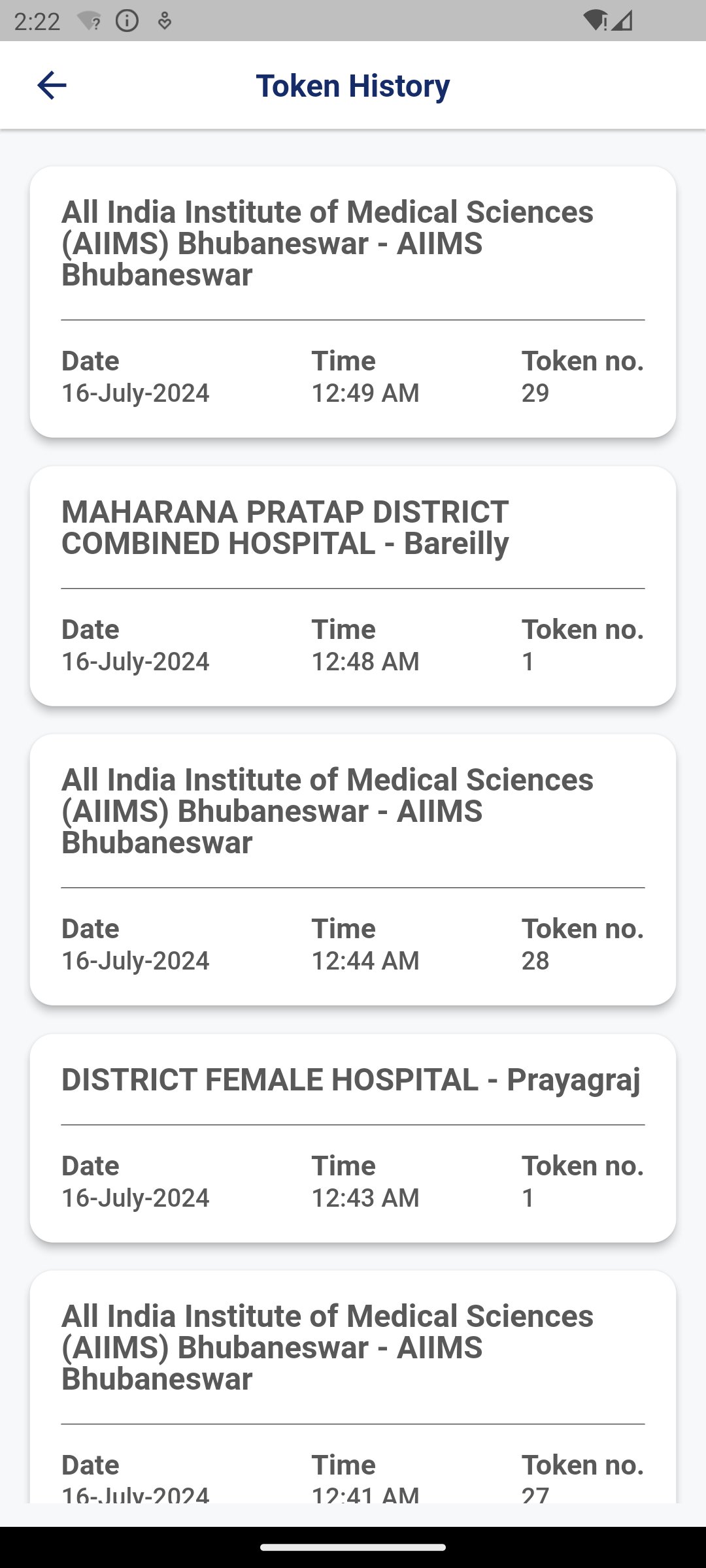
ABHA helps you discover ABDM registered health facilities and connect records from different healthcare providers. When a facility supports ABDM, you can bring related medical information into your account. This makes it easier to follow your health history across visits, especially when records come from more than one hospital, lab, or clinic.
Share records with consent
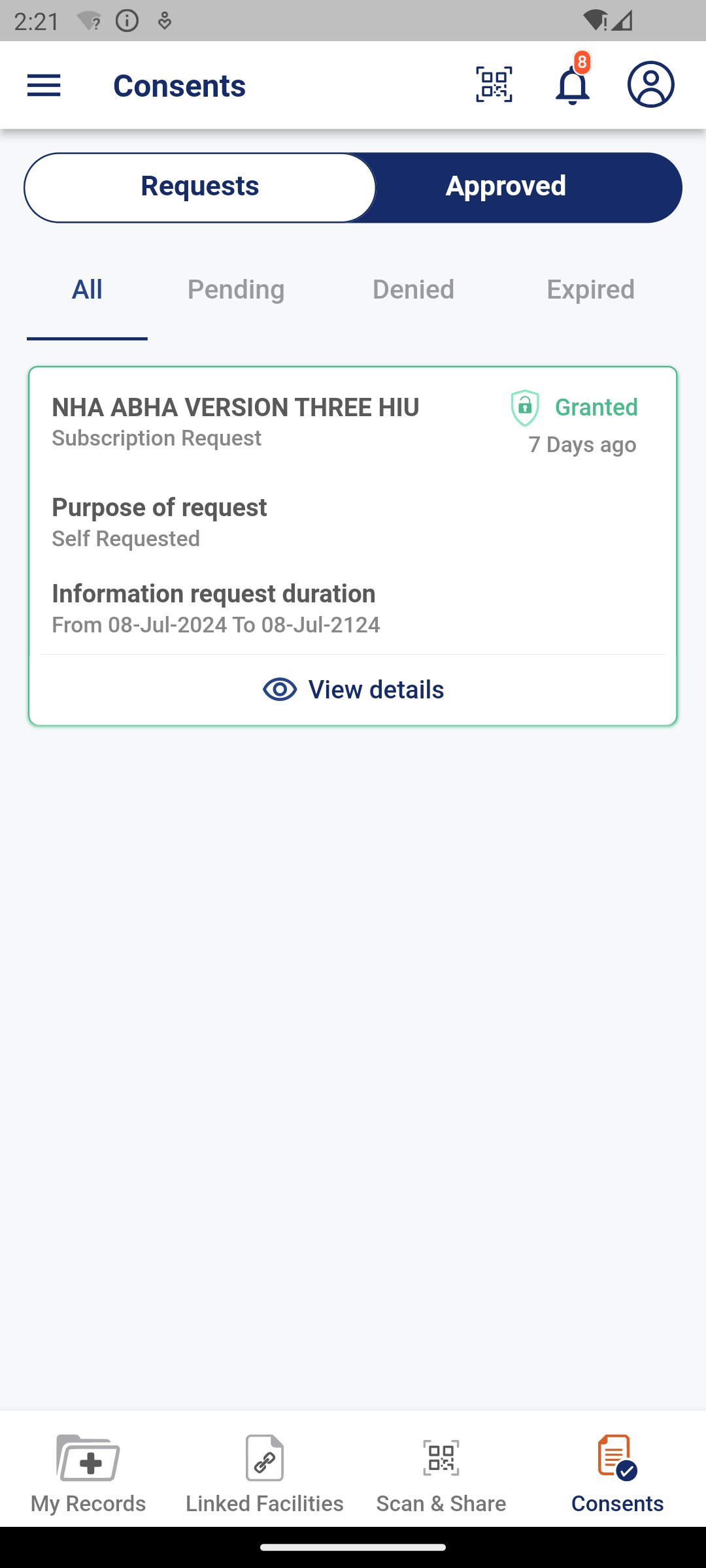
ABHA uses consent based sharing, so your health records are not shared automatically. You choose who can access the records, what information is shared, and how long the access remains active. If you change your mind later, you can revoke consent anytime from the app, which gives users direct control over record access.
Use QR code registration
When you visit an ABDM compliant facility, ABHA can support QR code scanning for express registration. This helps reduce repeated manual form filling at supported locations. In practical use, you scan the QR code at the facility and continue with the registration flow connected to your ABHA identity.
ABHA is designed for Indian citizens who want to use the Ayushman Bharat Health Account system on a mobile device. Before you download ABHA, it helps to know that the app works best when your healthcare provider or facility is registered with ABDM. If a hospital, clinic, or lab is not connected with ABDM, some record linking options may not be available for that visit.
The app is also useful for users who want to reduce dependence on printed reports and prescriptions. However, digital records depend on what participating providers make available through ABDM. For this reason, ABHA should be seen as a health record management tool that grows more useful as more of your healthcare visits become connected to ABDM.
After installing the ABHA APK, you can set up your health account and start connecting supported medical records. The process is mainly based on creating or linking your ABHA identity, then giving consent when a provider requests access.
ABHA gives Indian users a mobile way to create an Ayushman Bharat Health Account, manage supported medical records, and share health information with consent. Users who need the ABHA latest version can use it to keep records such as prescriptions, lab reports, and vaccination certificates ready for supported healthcare visits.
Official information is available from the service website:
Latest Version
3.3.4-HindonUploaded by
حسام الرسام
Requires Android
Android 7.0+
Category
Free Medical AppContent Rating
Everyone
Report
Flag as inappropriateLast updated on Sep 16, 2026
1. Enhancements


APKPure - A multi-platform app store primarily focused on Android, providing extensive app-related content. Discover the app you want easier, faster, and safer, with quick and efficient downloads and installations.