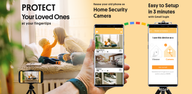

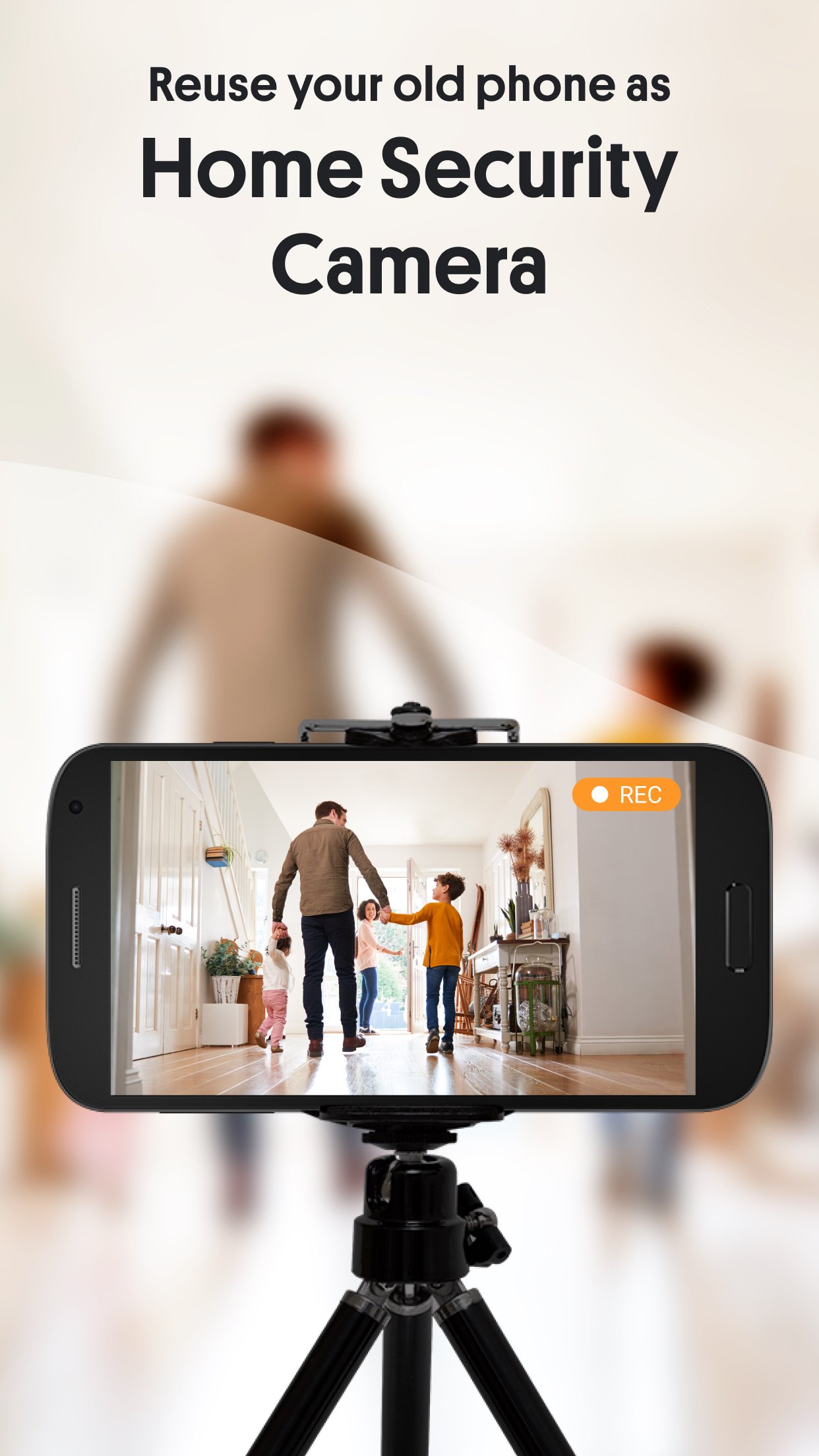
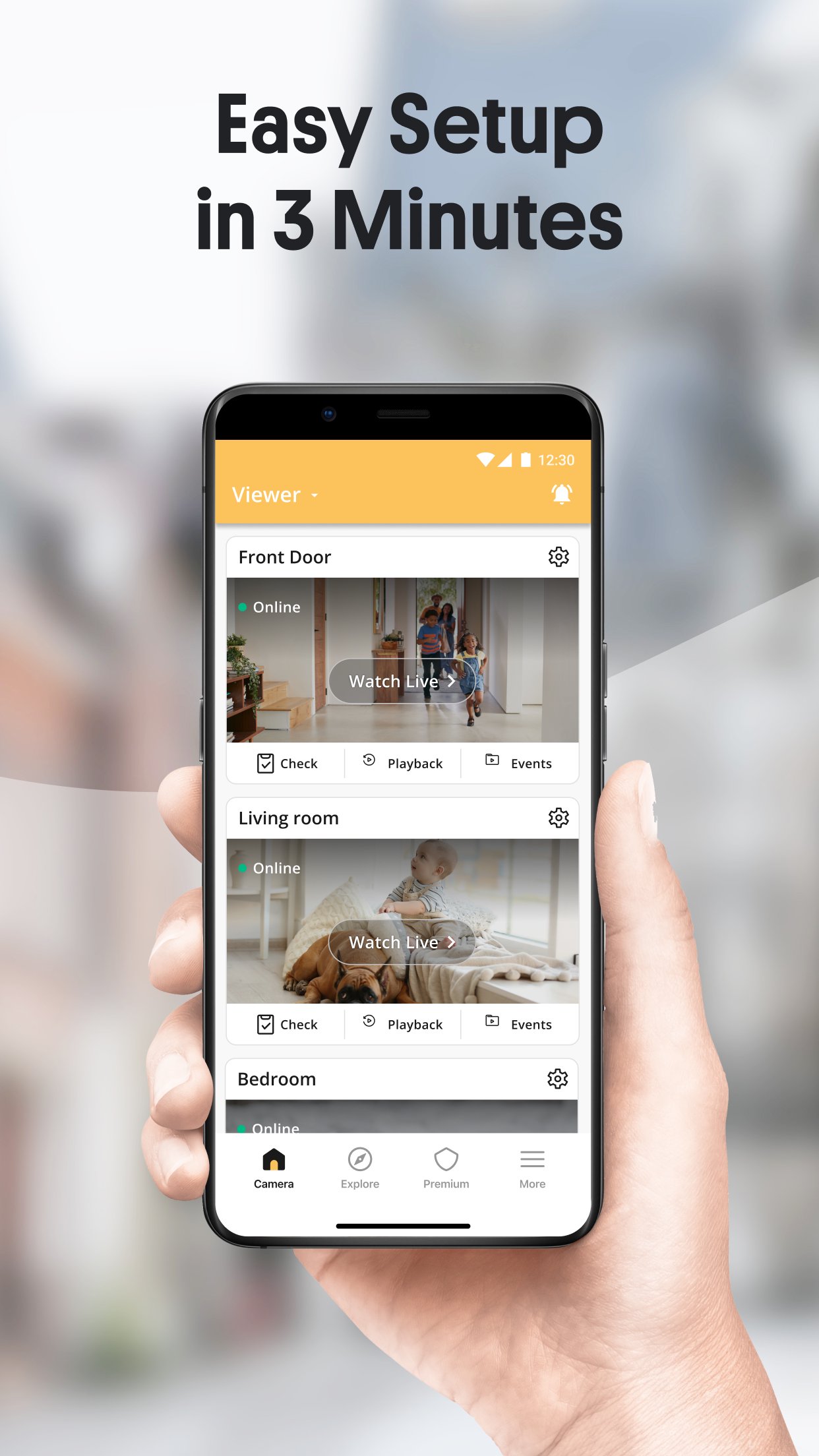
AlfredCamera helps you monitor homes, babies, pets, elderly relatives, or small businesses without buying new hardware. It repurposes old smartphones as cameras and lets you check in from another phone or a computer. Because it works over Wi‑Fi or mobile data, you can view activity when away and stay aware of what matters. To get started, download AlfredCamera and pair two devices, then place one in the area you want to watch. It offers a simple, practical way to set up DIY monitoring.
AlfredCamera streams high-quality video from your camera phone to your viewer device. You can watch in real time from anywhere and switch between rooms or locations when needed. The feed remains available as long as the camera device is powered and connected.
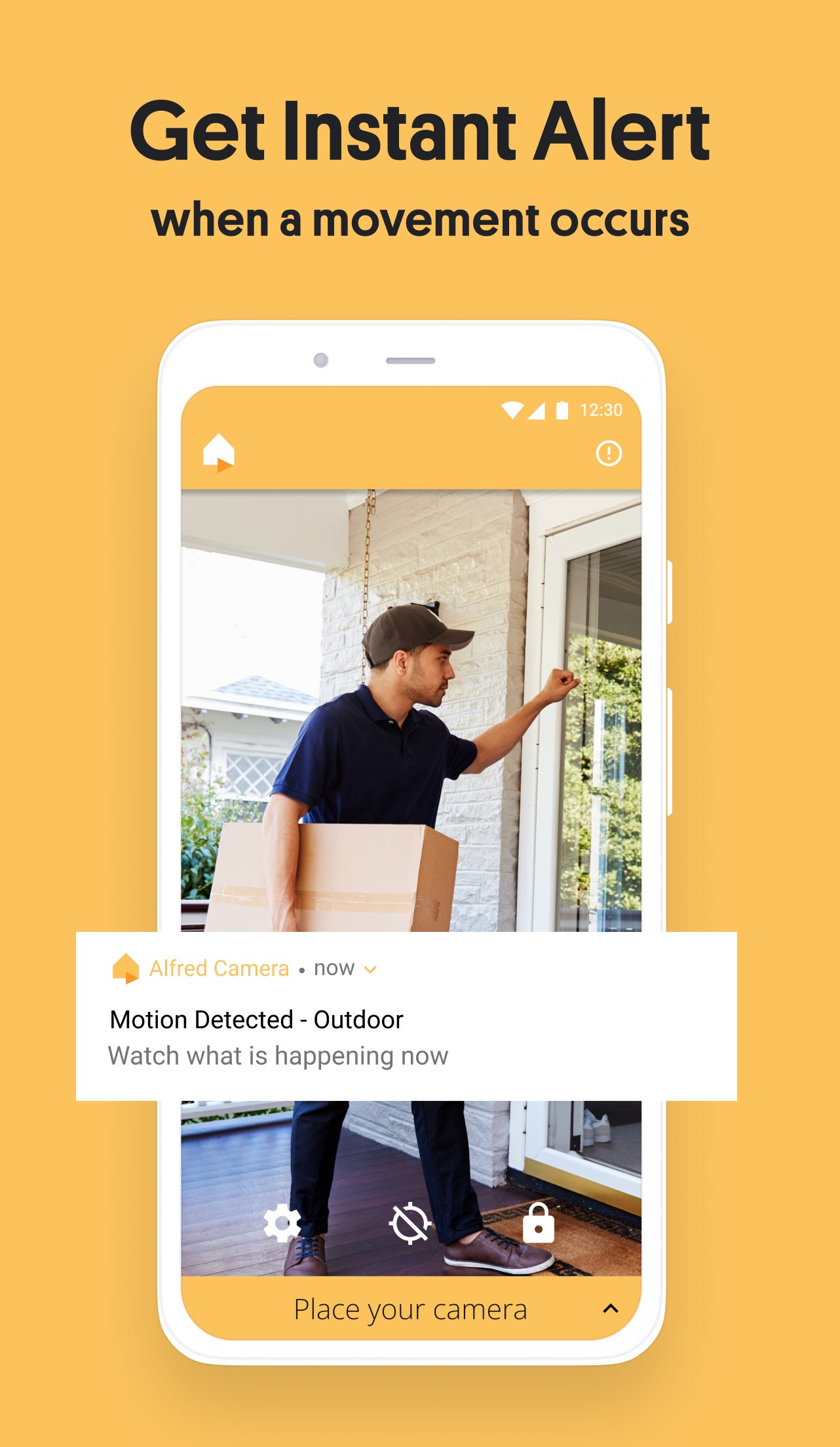
Smart motion detection and alertsMotion detection watches for movement and sends instant notifications to your viewer device. You can adjust sensitivity to suit the scene and use schedules to control when alerts are active. This helps reduce unnecessary pings while still letting you know when something changes.
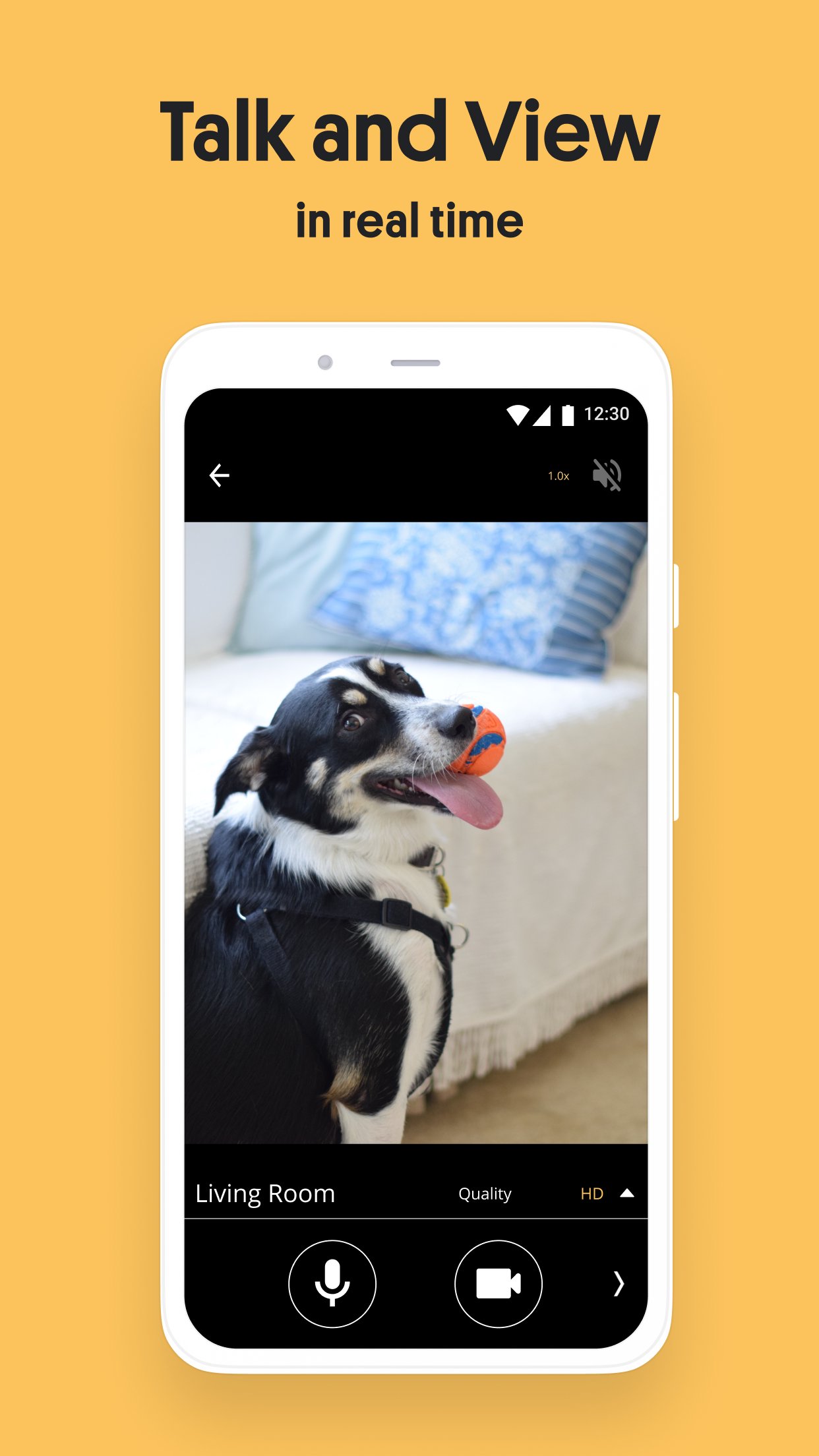
Two-way audioUse the microphone and speaker to talk through the camera device. You can speak to visitors at the door, calm pets, or soothe a baby from another room. Clear audio helps you interact without being physically present.
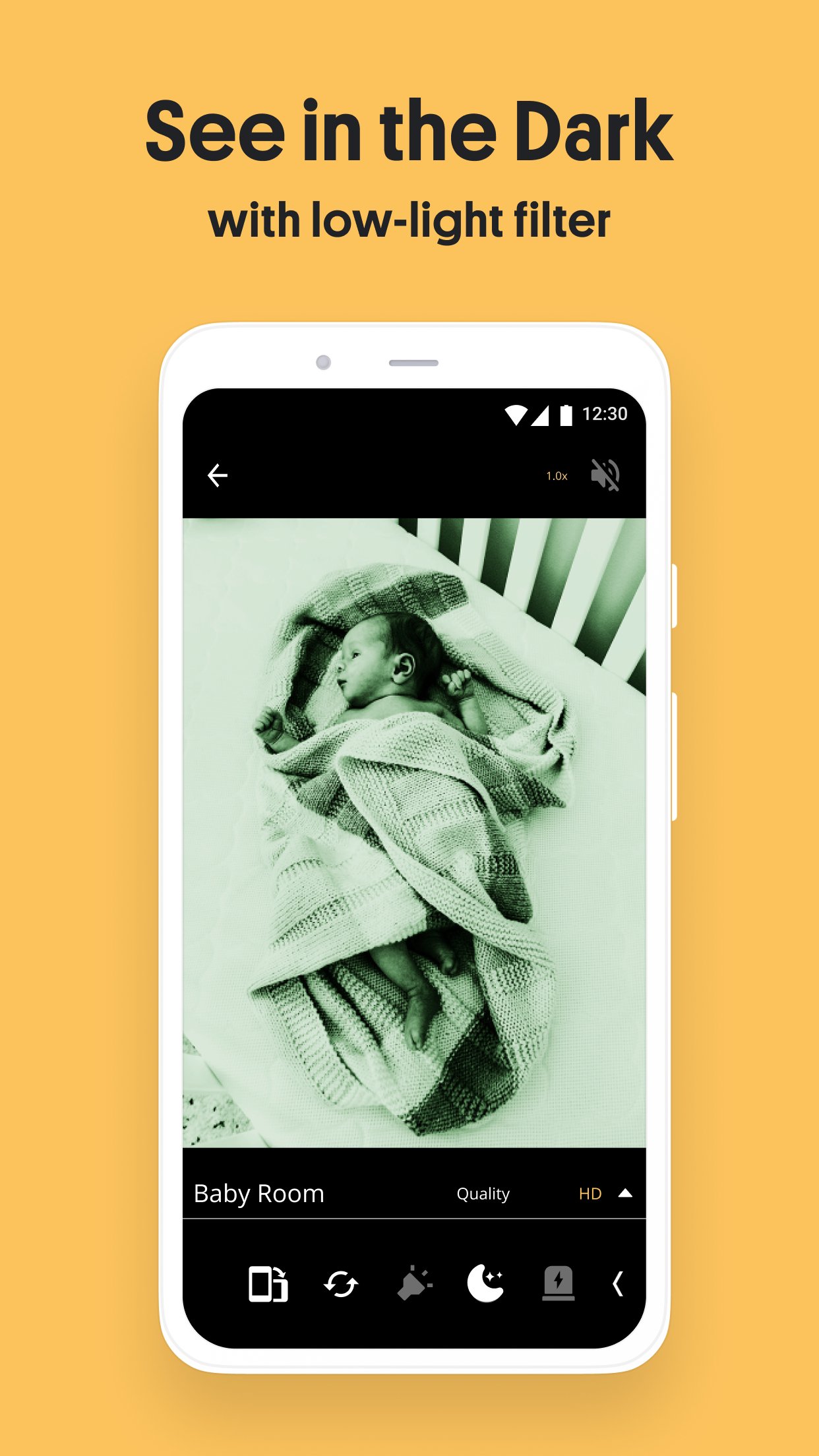
Low-light viewingA low-light filter enhances visibility in dim environments. It helps you see more detail at night or in shaded rooms where light is limited. For better results, position the camera near a small light source when possible.
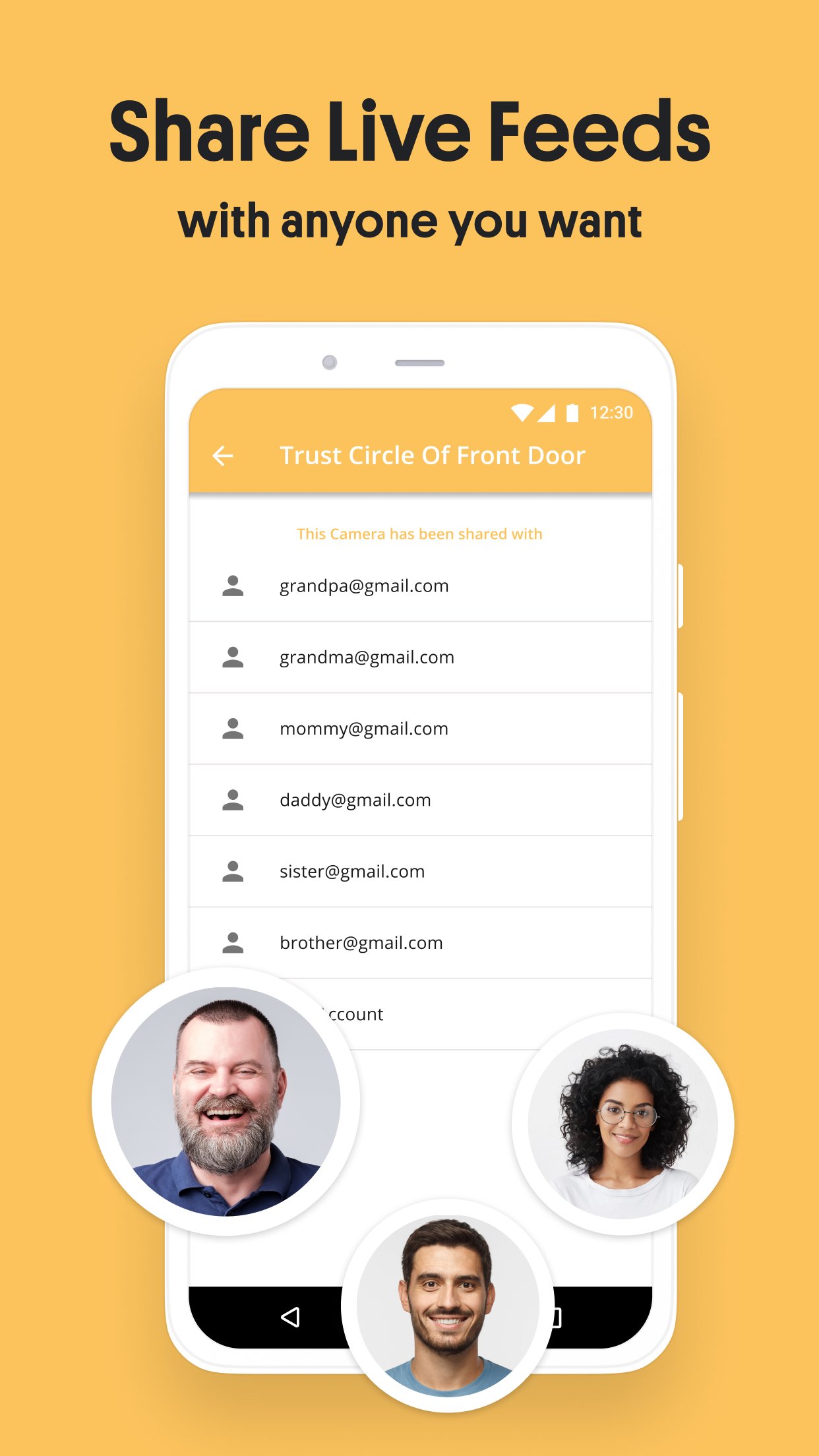
Fast setup and cross-platform accessSetup is straightforward. Install the app on two devices and pair them via QR code or email to connect. AlfredCamera works across Android, iOS, and a WebViewer in browsers, so you can monitor from your phone or a computer. It also includes options like zoom, schedules, sound detection, reminders, Trust Circle sharing, siren, and 360 coverage when your device supports pan.
You can open the WebViewer in a browser to watch the live feed without installing software on your computer. This is useful when working at a desk or managing multiple cameras throughout the day. Sign in with the same account to access your camera list and view activity.
Plan where to place the camera phone and keep it powered for continuous monitoring. A stable Wi‑Fi connection reduces data use and improves reliability, although mobile data works when Wi‑Fi is not available. Make sure the device has a working camera and microphone to support live view and two-way audio features.
Getting started takes a few minutes. To monitor with a spare phone, download AlfredCamera APK and install it on two devices. Then assign one as the camera and the other as the viewer.
AlfredCamera turns old phones into practical security cameras for home or small business monitoring. Set it up quickly and view activity from your phone or a browser. For the most updated features, use AlfredCamera latest version.
For support or more information, visit the official website:
Latest Version
2026.20.0Uploaded by
Youssef Mohamed
Requires Android
Category
Free House & Home AppContent Rating
Everyone
Report
Flag as inappropriateLast updated on Oct 2, 2026
- Our new Subscription Management puts your plan, billing method, and renewal date all in one place, so you're always in the know.
- AI Frame now detects and labels pets and vehicles, and can be toggled on or off while playing event recordings.
For more information, please visit:
https://alfred.camera


APKPure - A multi-platform app store primarily focused on Android, providing extensive app-related content. Discover the app you want easier, faster, and safer, with quick and efficient downloads and installations.