Package Name:com.alightcreative.motion
SHA-256:ec2c7e47f49f49642d7dfad2687256288de9670cf7ccd2d45b84e1d40286057c
Show More


Alight Motion helps creators who want to make animated social posts, explainers, title sequences, and edited videos directly on an Android phone. It is designed for projects that need more control than simple clip trimming, while still keeping the work inside a touch based editor. Alight Motion APK supports both short projects and longer edits where timing, layers, and a consistent visual style matter.
Multilayer project timeline
Alight Motion lets you arrange video, audio, graphics, text, vector shapes, and bitmap images in one project. Each item sits on its own timeline layer, so you can adjust its position and timing without changing unrelated content. This layout is useful when a video includes titles, music, overlays, and several visual elements.
Keyframe animation controls
You can use keyframe animation to change a layer over time, such as moving text across the screen or changing the size of an image. Presets and custom easing curves help control how motion begins and ends. As a result, you can make movement follow the pace of a scene instead of applying one fixed animation.
Effects, color, and layer styling
Alight Motion includes more than 100 effect building blocks that can be customized for visual effects and color changes. You can also add borders, shadows, strokes, gradients, and motion blur to layers. These controls can help separate text from a background or give a composition a more defined look.
Masking and video compositing
You can group layers, mask parts of a layer, and connect layers through parenting. Video compositing tools help when several elements need to appear as one scene, such as a subject placed inside a shaped frame. Character joint rigging is also available for connected movement in illustrated characters or objects.
Camera motion and export choices
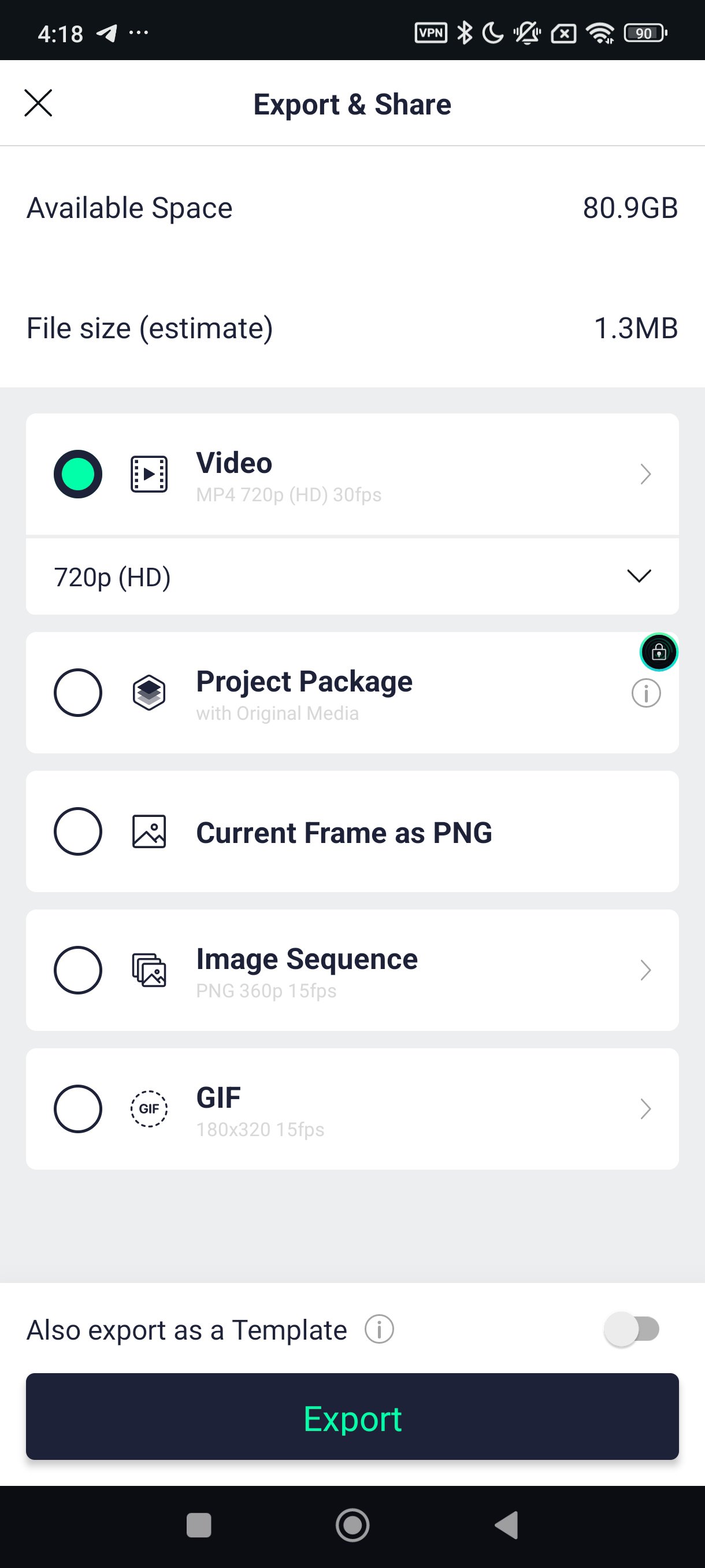
Alight Motion can add pan, zoom, focus blur, and fog effects to create depth or parallax in a scene. When the edit is ready, you can export it as an MP4 video, GIF, PNG sequence, or still image. Reusable elements and editable project packages can also be saved for future projects or shared with another creator.
Basic editing and animation tools are available without a membership, which lets users test the app’s workflow before deciding whether it suits their projects. However, exports from the free tier include a watermark. A membership removes the watermark and provides access to premium effects and features, so it may matter for users preparing regular public posts or client work.
Reusable elements can be practical for recurring titles, lower thirds, and branded layouts. Editable project packages can also help creators pass a project to someone else without rebuilding the timeline from the beginning. Before choosing Alight Motion latest version, consider whether watermark free exports and premium tools are needed for your usual editing work.
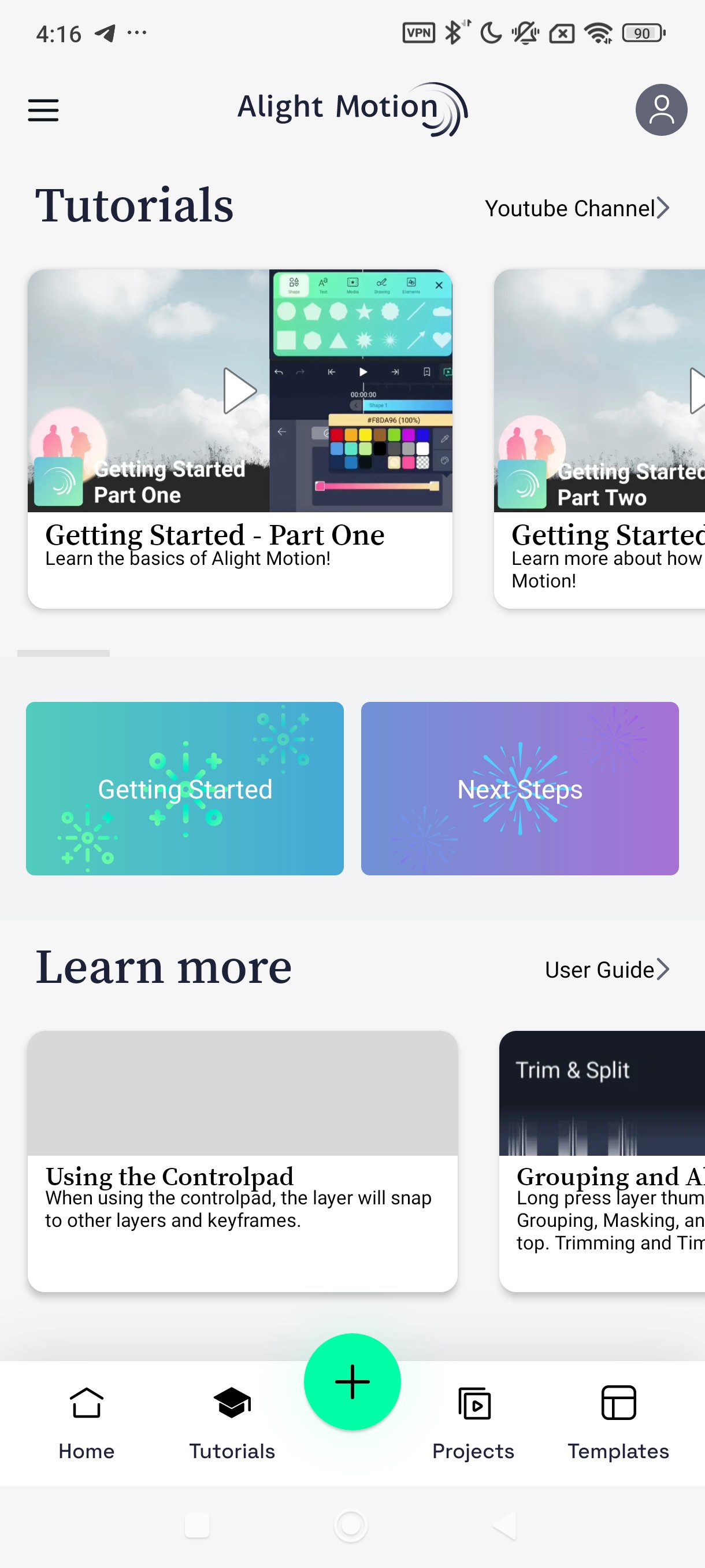
Start with a simple project to learn how layers and timing work together. If you plan to download Alight Motion for social clips or animated titles, prepare the video, images, music, and text you want to use before opening a project. This makes it easier to build the timeline in order.
Open Alight Motion and create a new project, then choose the canvas settings that fit the video format you intend to make.
Add video, images, audio, text, or shapes to the project. Place each item on the timeline and move its start or end point to match the scene.
Select a layer when you need to change its position, size, rotation, color, or other settings. Add keyframes at different points on the timeline to create movement.
Apply effects, masks, or grouping only where they support the scene. For connected objects, use parenting so one layer can follow the movement of another.
Preview the project, correct timing or layer order, and then export the finished work in MP4, GIF, PNG sequence, or image format.
Alight Motion is suited to Android users creating motion graphics, animated text, composited videos, and short video edits with layered controls. Download the Alight Motion APK when you need an editor that supports reusable project elements and several export formats.
For product information or support, use the official details below.
Website: https://alightmotion.com
Support email: support-android@alightmotion.com
Latest Version
5.0.273.1028425Uploaded by
Hugo Gabriel
Requires Android
Android 7.0+
Category
Free Video Players & Editors AppContent Rating
Everyone
Security Report
Check Now
Report
Flag as inappropriateLast updated on Jun 11, 2026
Alight Motion 4.2.5.866






APKPure - A multi-platform app store primarily focused on Android, providing extensive app-related content. Discover the app you want easier, faster, and safer, with quick and efficient downloads and installations.