
Angry Birds fits quick play during short breaks and longer sessions when you want steady progress. It suits users who enjoy simple controls with room for precise aim and timing, then adds competitive options when you go online. Standard stages work without a connection, which helps when you are on the move, while community modes need the internet. A one time content download may appear on first launch, so a stable connection helps. If you prefer manual installs, the Angry Birds APK is also commonly used.
Precise slingshot physics
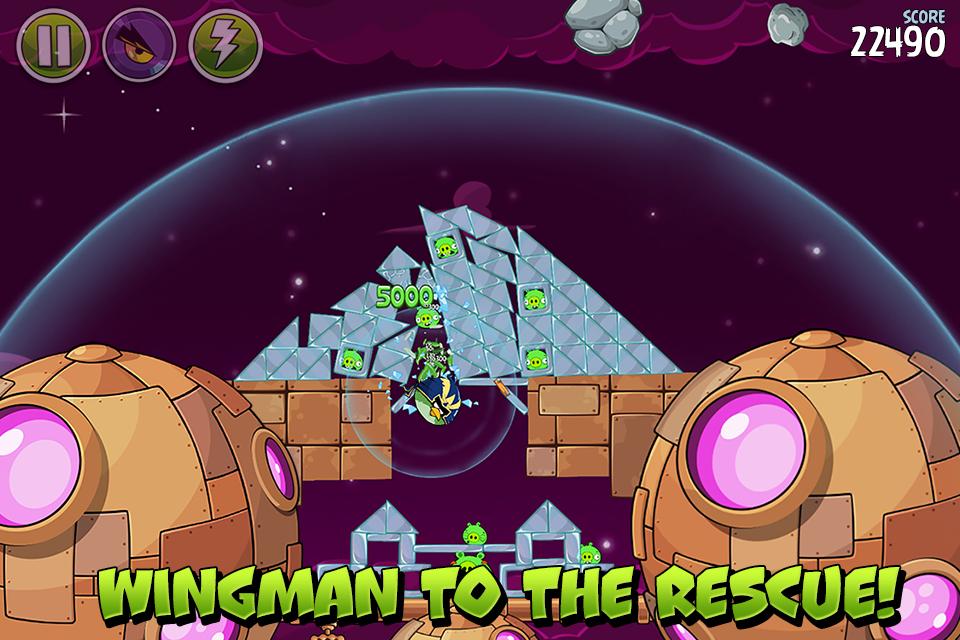
Angry Birds centers on drag, aim, and release controls that react to realistic physics. Each bird has a unique ability that you can trigger with a tap while in flight. Materials such as wood, stone, and glass respond differently, so your angles and timing matter. This creates simple inputs with room for careful shots.
Handcrafted levels and challenges
The game includes hundreds of stages arranged into episodes and multistage layouts. Boss pigs appear with bigger structures and new patterns as difficulty increases. Daily missions and hidden bonus levels add variety between main stages. Quick retries keep the pace steady if you need another attempt.
Space episodes and gravity tricks
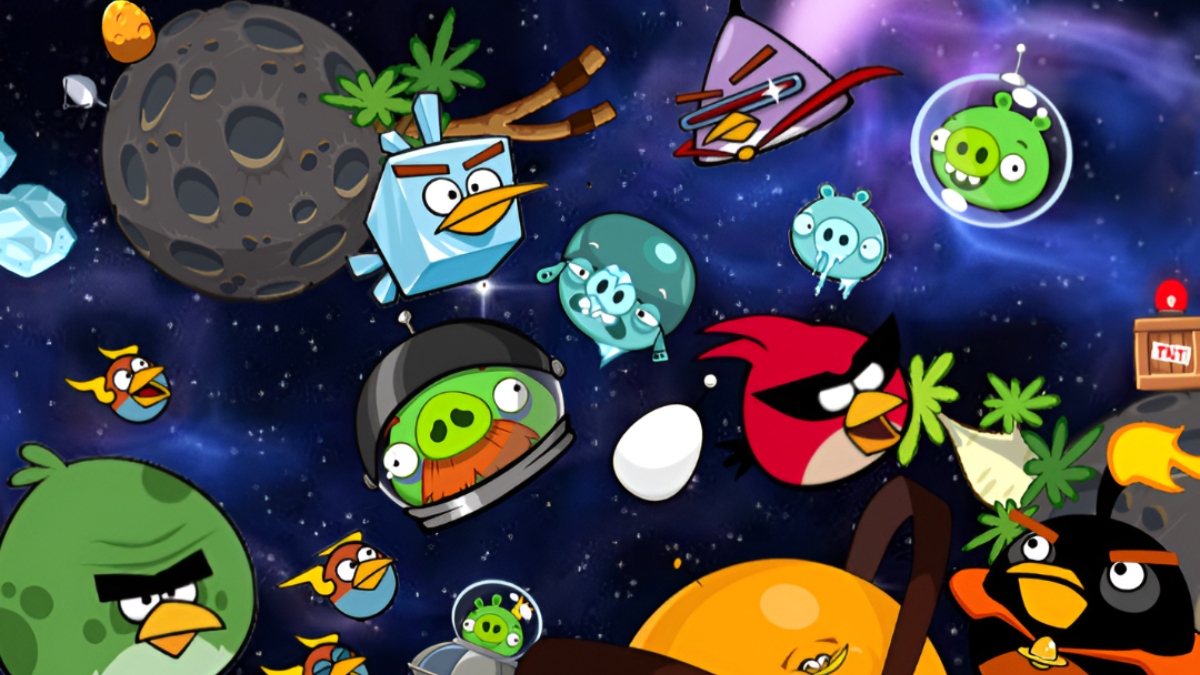
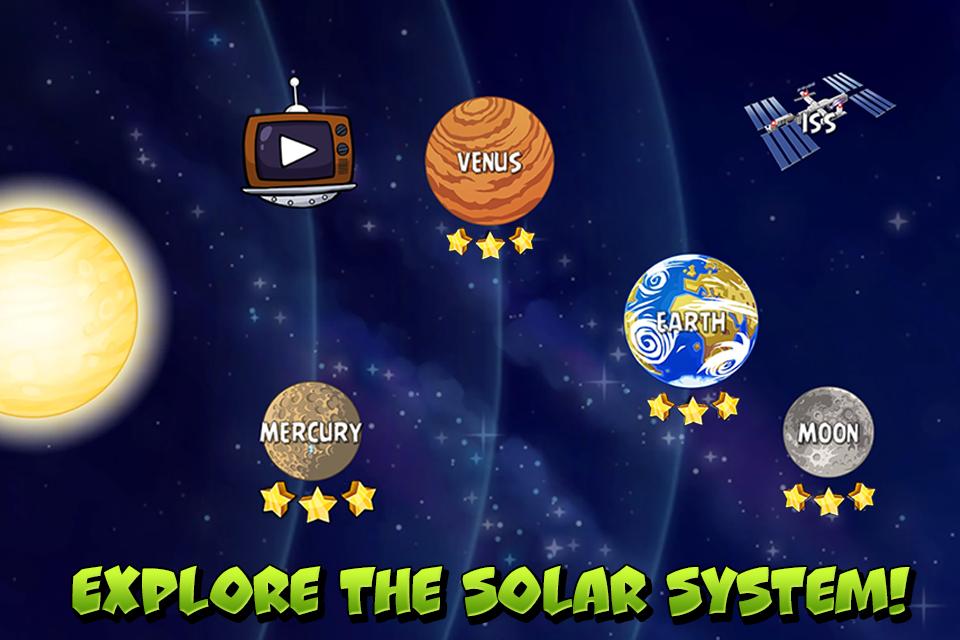
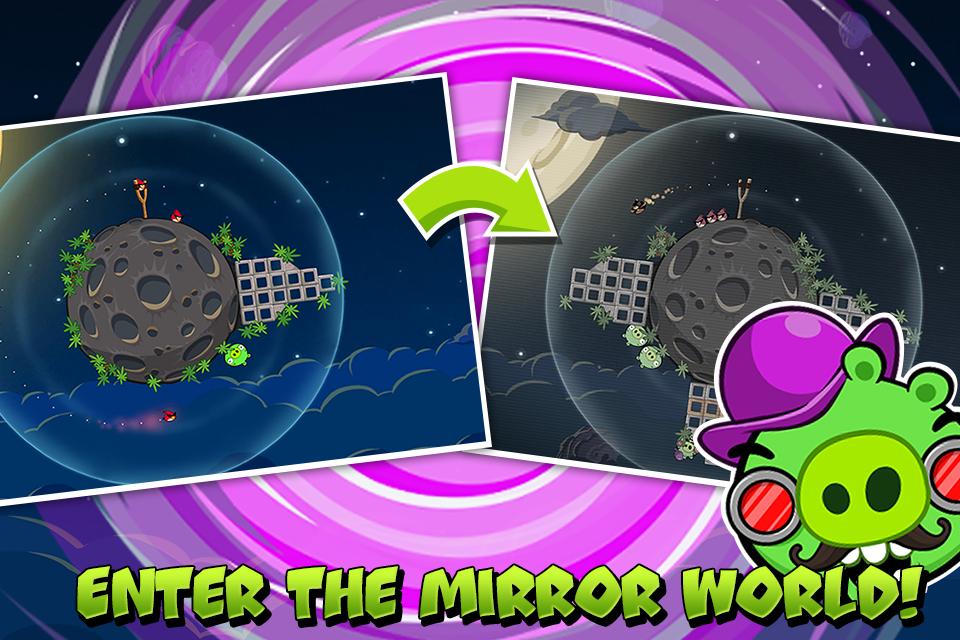
Some chapters shift action into space with low or zero gravity. Planetary pull curves trajectories, letting you bank shots around orbits and set up chain reactions. These episodes change how you plan angles and timing without changing the familiar controls. It adds a new way to approach targets.
Progression, feathers, and hats
Strategic choices influence your run through levels. You choose launch order to match structure materials and hazards. Feathers can power up birds, while themed hat sets let you customize a lineup with visual flair. These systems support gradual improvement over time.
Clans, leaderboards, and timed events
Social modes offer competition when connected to the internet. You can join or create clans, climb leaderboards, and enter Arena or Bootcamp events against other players. Timed events rotate regularly, giving goals outside of the episode map. Standard levels remain available offline when a connection is not possible.
This guide covers the basics so you can start quickly after you download Angry Birds. The steps focus on controls, early setup, and how to access community modes. Follow them once, then repeat the flow as new levels and events unlock.
Install and open the game, then wait for the one time content download to finish on a stable connection.
Choose an episode on the map and tap a level. Drag the slingshot to aim at weak points in the structure.
Release to launch a bird, then tap while it is in flight to trigger its ability when useful.
Watch how materials react and adjust your next shot. Use quick retry when a plan needs a small change.
When ready for social modes, connect to the internet to access clans, leaderboards, Arena, and timed events, and then claim event rewards.
Angry Birds blends aim based puzzles with short stages, steady progression, and optional online competition. To access current events and community features, install the Angry Birds latest version and start your first episode.
Latest Version
2.2.14Uploaded by
Damien Rinto
Requires Android
Android 4.1+
Category
Free Arcade GameContent Rating
Everyone
Report
Flag as inappropriateLast updated on Aug 24, 2018
We addressed some minor issues in order to improve the user experience. Thanks for playing, and keep popping those pigs!




APKPure - A multi-platform app store primarily focused on Android, providing extensive app-related content. Discover the app you want easier, faster, and safer, with quick and efficient downloads and installations.