Package Name:app.apk.backup
SHA-256:d3e1add5cc9a0e773d3facae84b815f22000ba0873075c5f190b71cde7908120
Show More

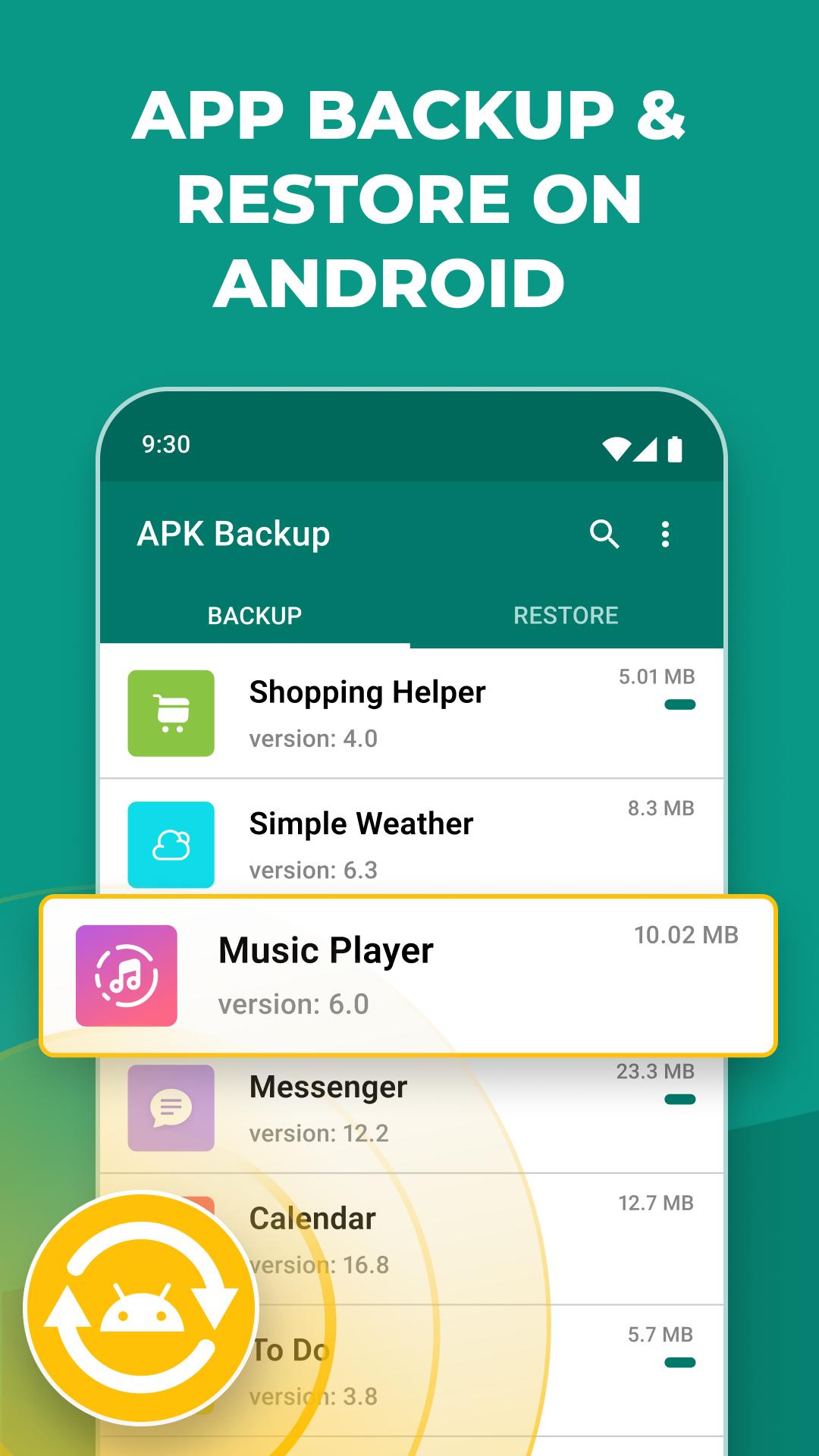
APK Backup helps when you remove an app by mistake or plan to switch phones. After you download APK Backup, you can keep copies of your installed apps and bring them back later if needed. The interface is straightforward, so you can focus on protecting your setup without extra steps. It fits users who want simple control over app backups and restores, while keeping everything in familiar device storage for quick access.
Restore from saved backups
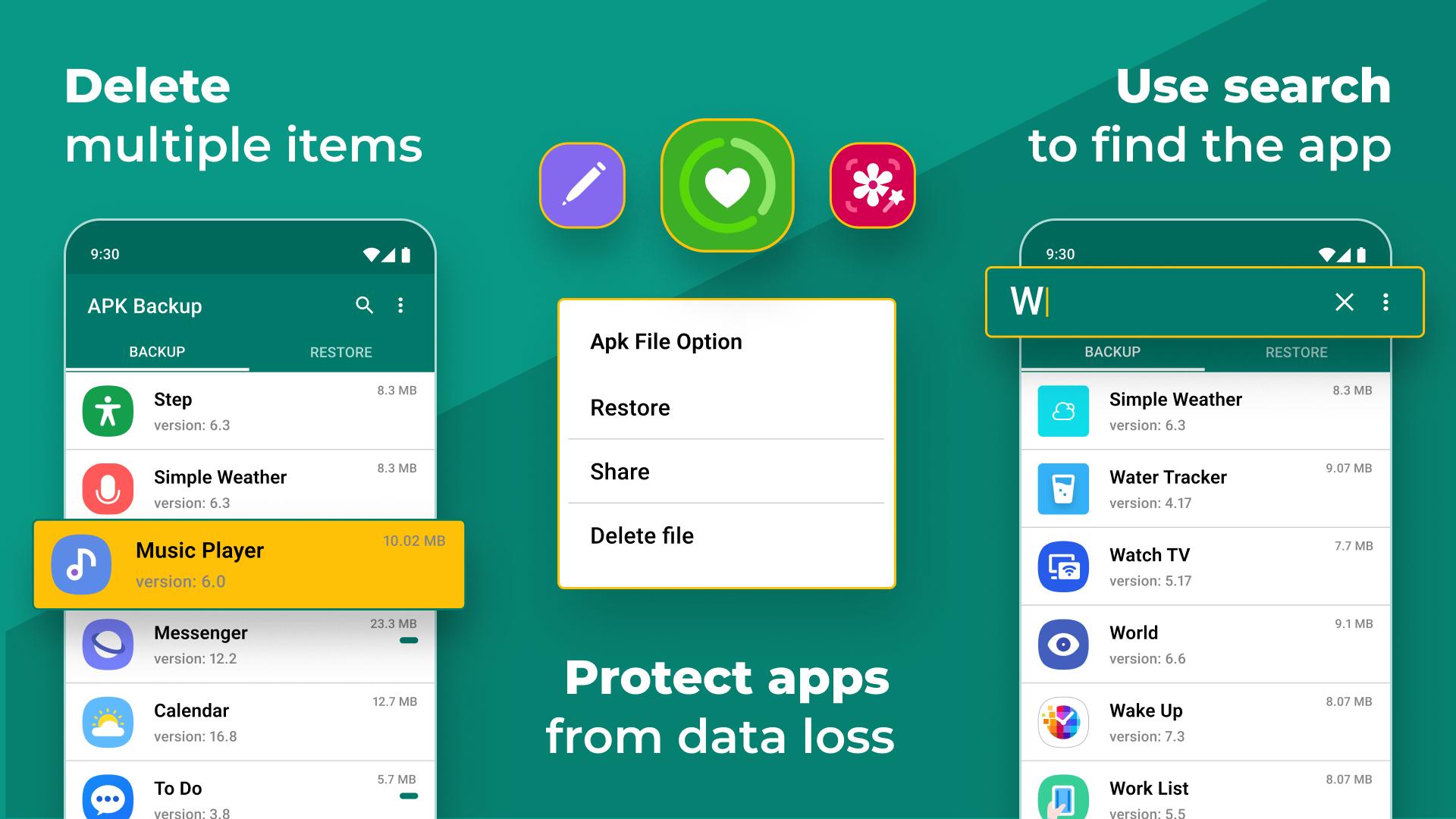
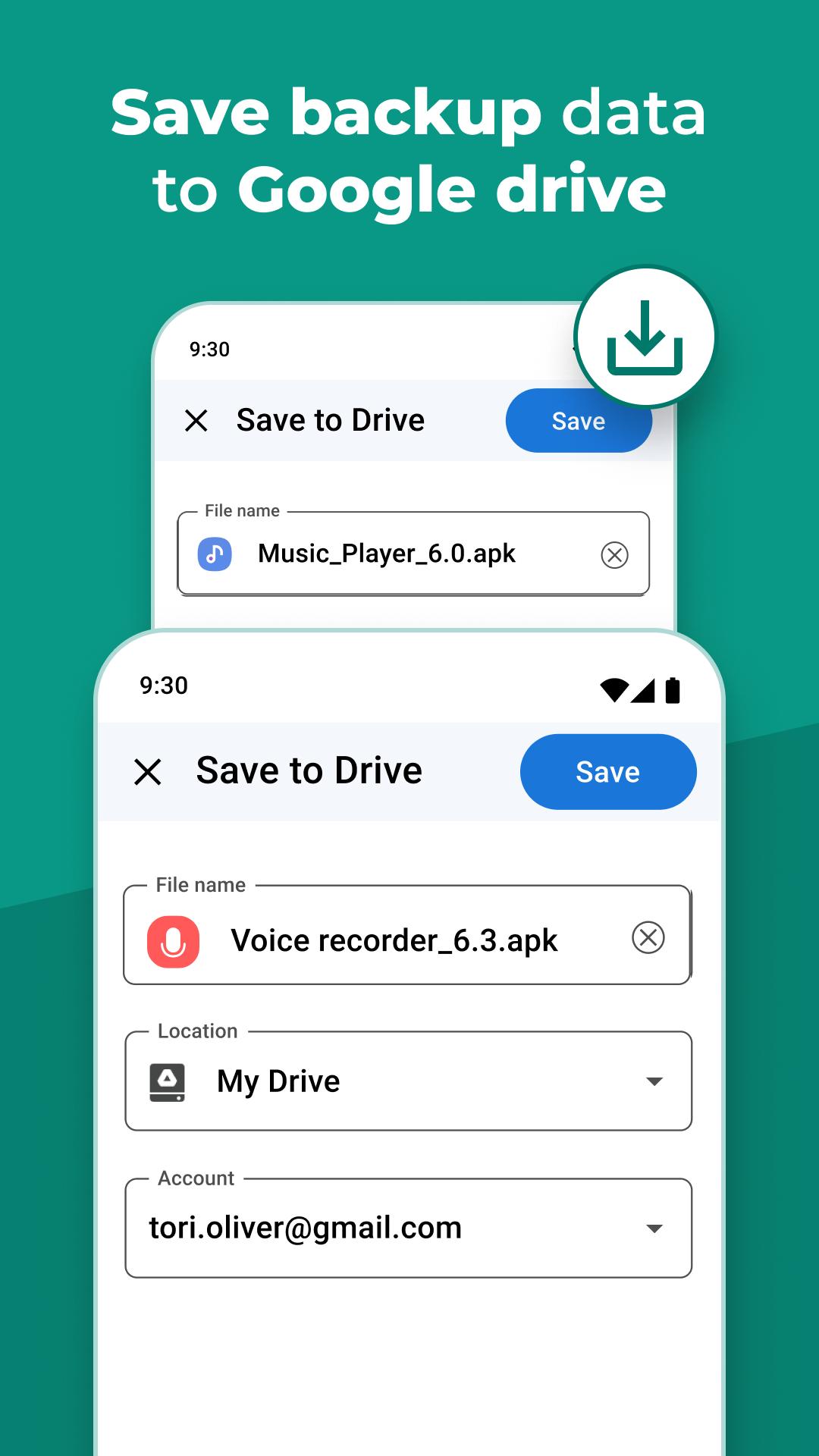
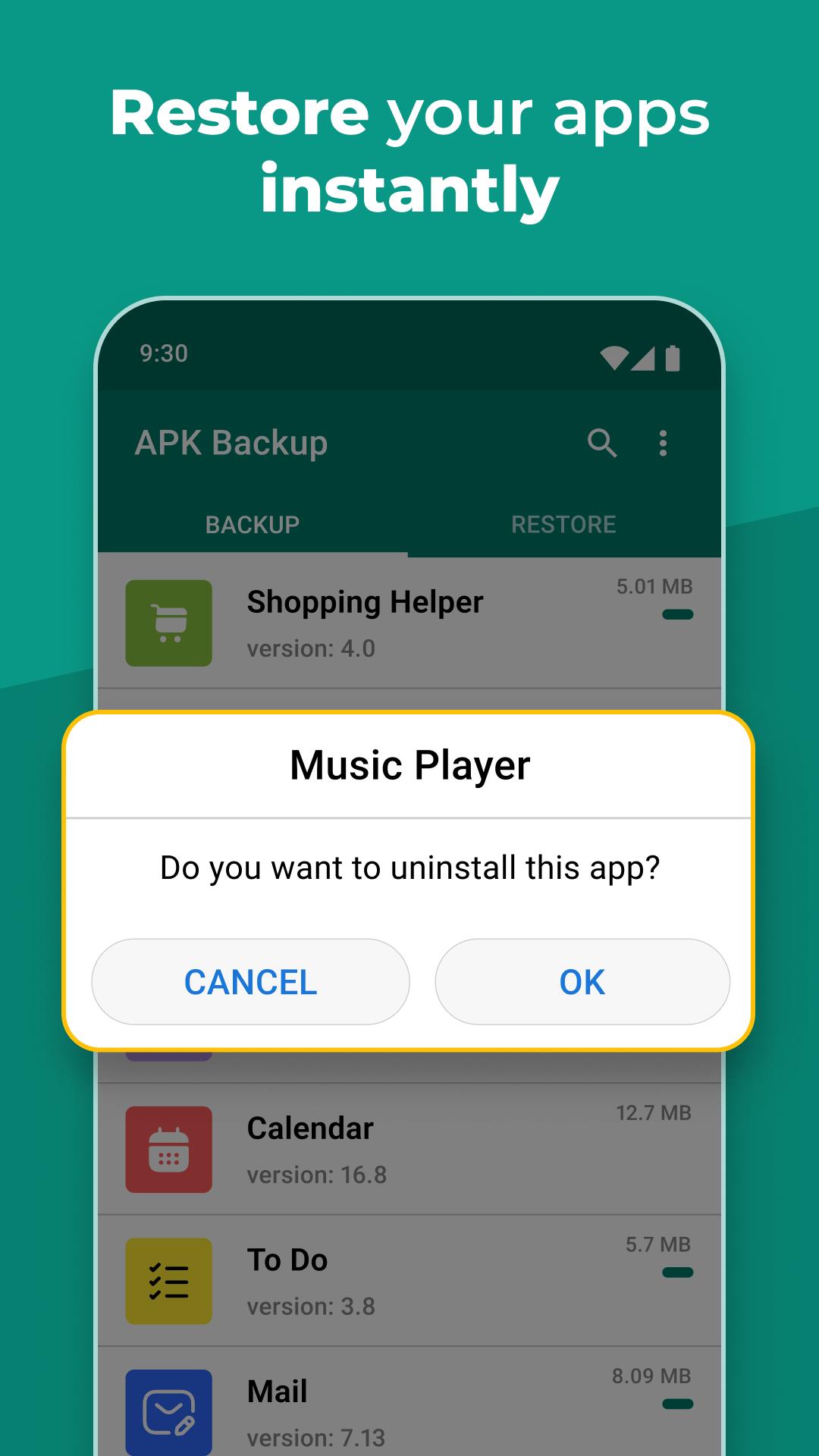
First, APK Backup lets you reinstall apps from backups you created earlier. This is useful after a factory reset or accidental removal. You select the backup stored on internal memory, an SD card, or supported cloud services and start the restore in a few taps.
Flexible backup options
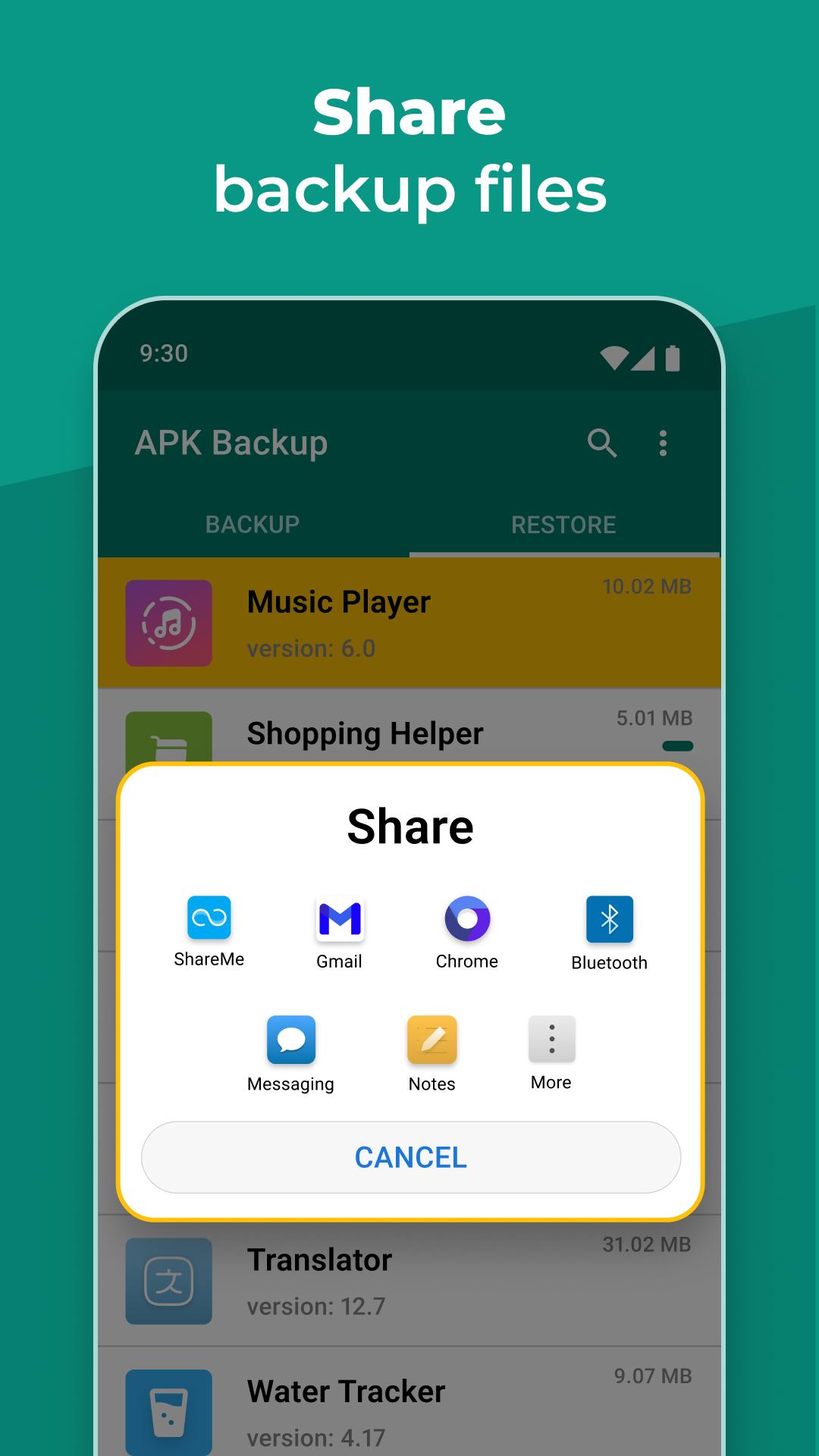
Share and transfer backup files
Next, you can move backup files to another device or send them to others. This helps you prepare a new phone faster and keep the same set of apps across devices without downloading each one again.
App list and lightweight design
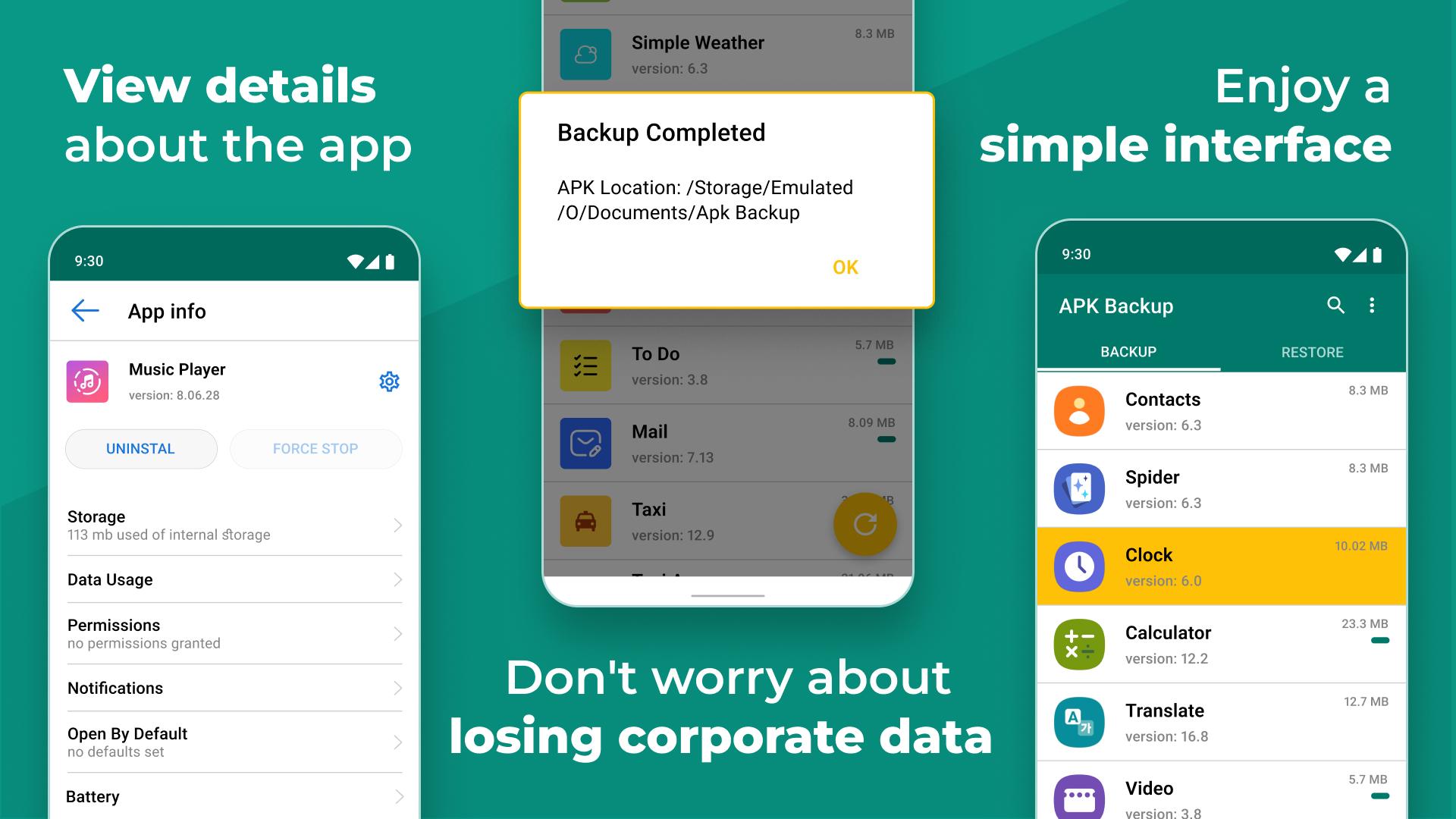
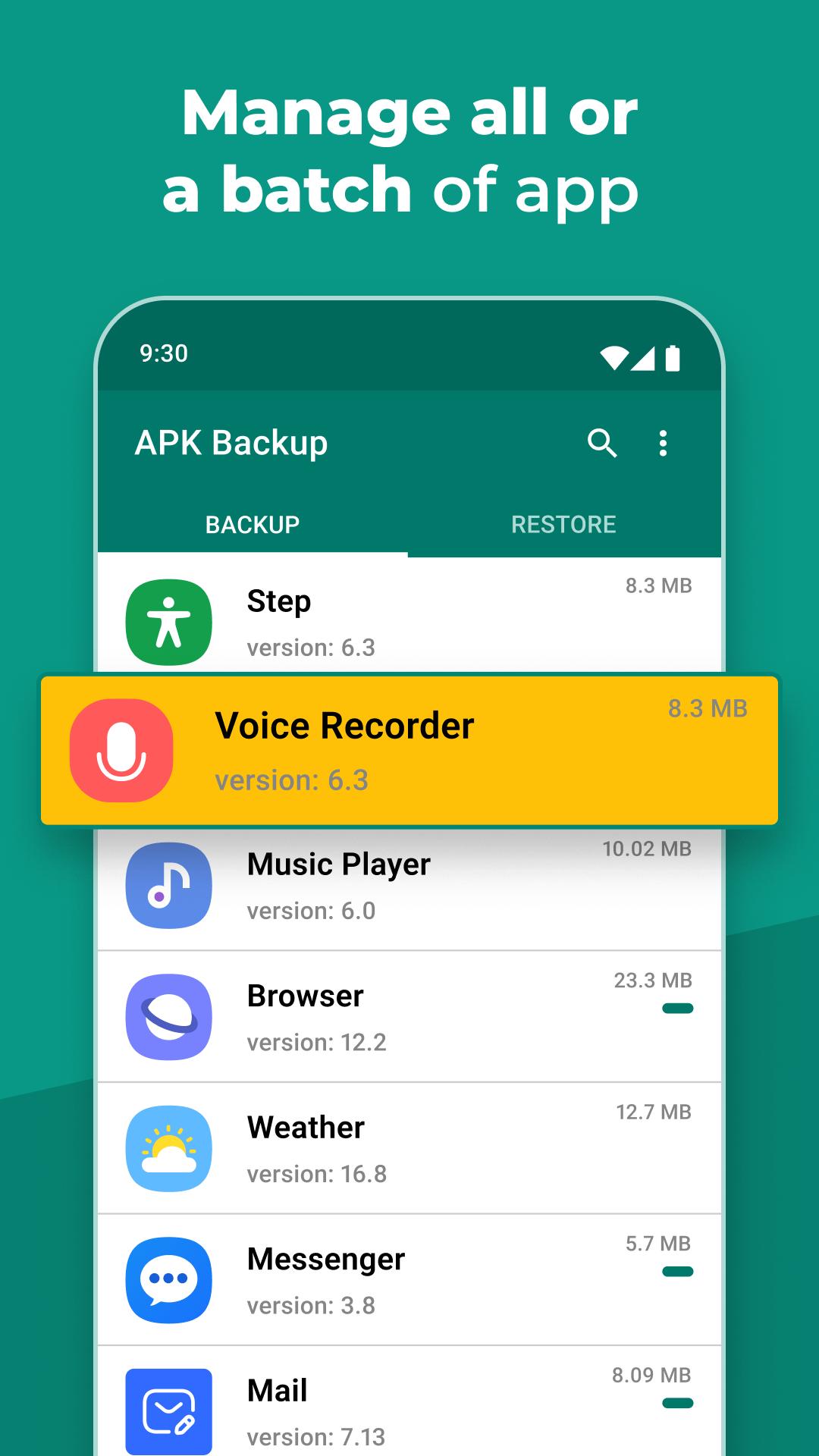
Finally, APK Backup shows your installed apps in an organized list, and you can press and hold an app to view details before backing it up. It is designed to use minimal resources, so it runs without heavy battery or performance impact. Keeping the APK Backup latest version installed helps maintain compatibility with your device and storage options.
Choose a storage location, select the apps you rely on, and create your first backup. Restoring those apps later uses the same clear steps. If needed, keep the APK Backup APK alongside your backup files so you can reinstall the tool when setting up a new device.
Latest Version
3.2.3.1Uploaded by
Cha
Requires Android
Android 8.0+
Category
Free Tools AppContent Rating
Everyone
Security Report
Check Now
Report
Flag as inappropriateLast updated on Dec 17, 2025
Code improvement



APKPure - A multi-platform app store primarily focused on Android, providing extensive app-related content. Discover the app you want easier, faster, and safer, with quick and efficient downloads and installations.