Package Name:rikka.appops
SHA-256:da20e429736189cb5d4605e452933bf53b9af60769012151a85237622df8bf9f
Show More


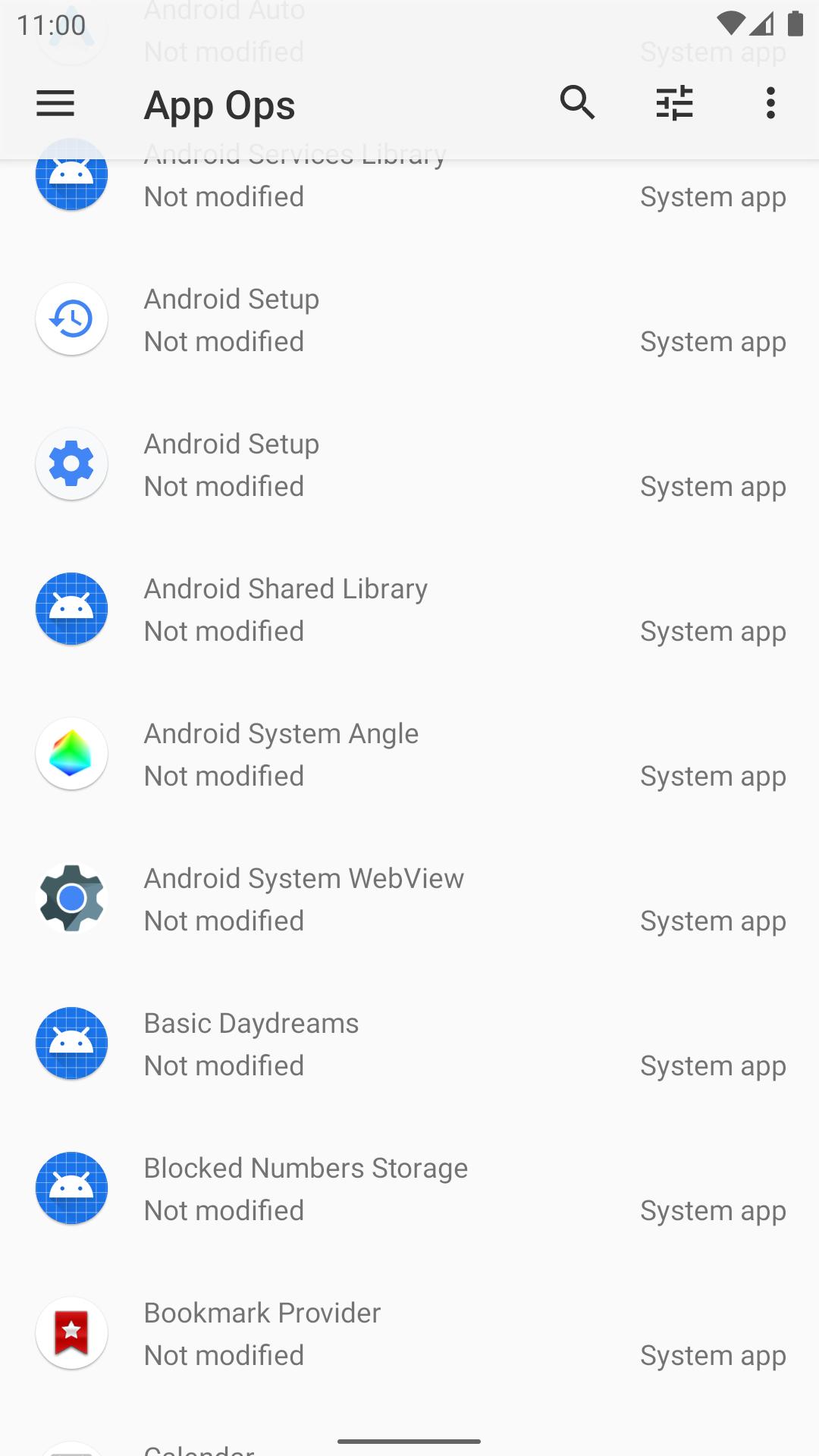
App Ops helps users who want tighter control over how apps access sensitive capabilities. It focuses on the Android app ops layer, which sits beyond standard permission prompts and system toggles. As a result, you can make more specific adjustments without changing your usual app habits. The interface is designed to guide setup, and the documentation explains common patterns step by step. For convenience, users looking for App Ops APK can find onboarding help and reference materials through official channels.
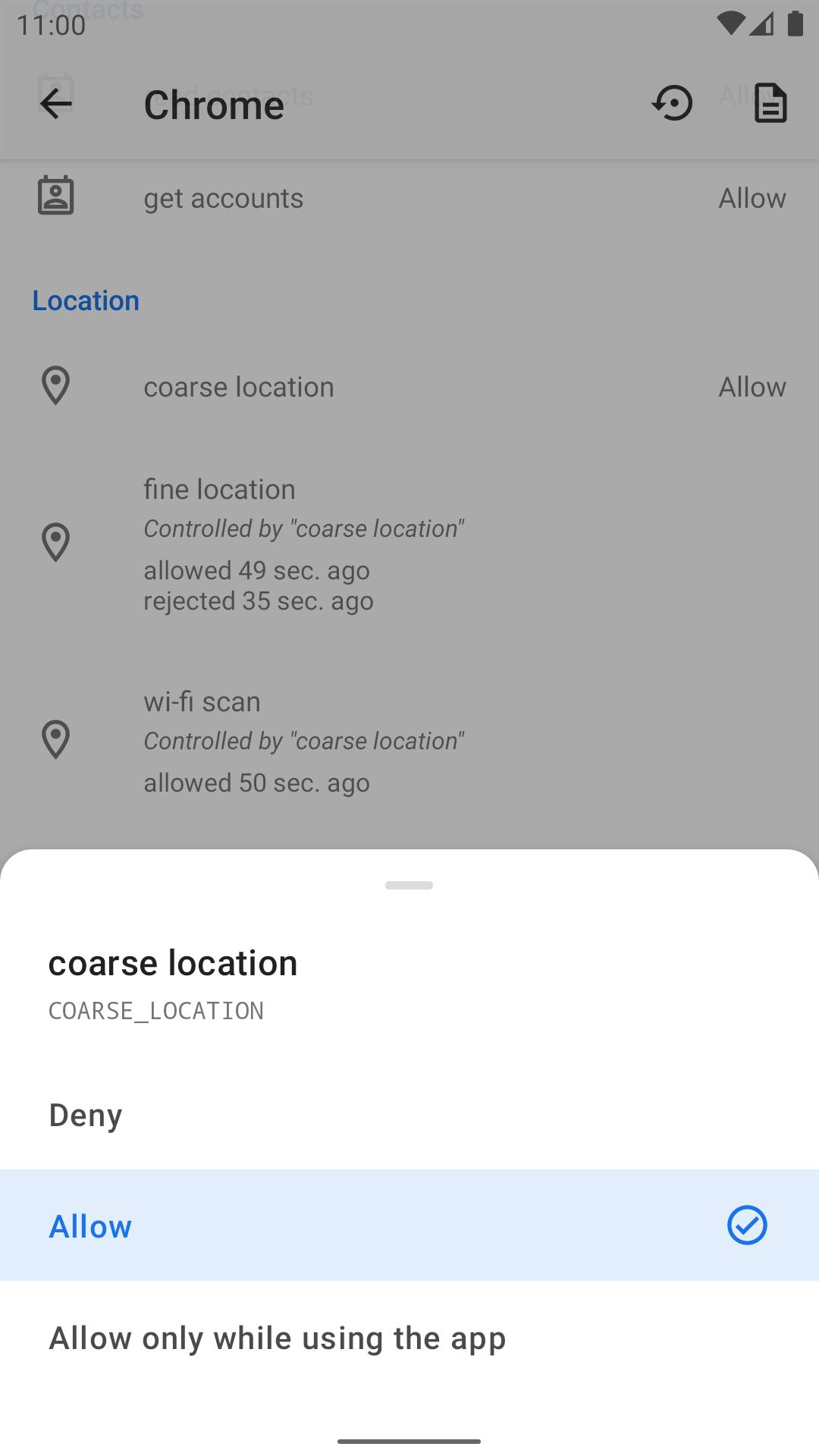
App Ops focuses on Android’s hidden app ops layer so you can fine tune how apps use certain capabilities. This differs from runtime permissions, which only allow broad grant or deny choices. App Ops lets you apply more precise controls for selected operations and adjust behaviors with care. Changes may affect an app’s function, so you can review impact and test settings as you go.
Works without root using ADB modesApp Ops supports multiple ADB based working modes for non rooted devices. The app guides you through the setup process and shows the required steps in clear sequence. After configuration, you can manage app operations without modifying system files. This path is useful for users who prefer not to root but still need extra privacy control.
Root support with Sui integrationApp Ops also supports rooted devices through Sui for smoother operation. With Sui available via a Magisk module, the app can apply changes more directly. The setup flow explains the permissions needed and confirms status before you proceed. This approach is helpful when you want deeper control and consistent behavior across advanced scenarios.
Multi user and Work Profile awarenessApp Ops recognizes multi user environments and Work Profile contexts. You can target changes per user or profile to keep personal and work settings separate. This supports bring your own device setups where enterprise requirements differ from personal preferences. It helps reduce conflicts by applying rules only within the intended profile.
Updated quickly with helpful tools and guidesApp Ops adapts fast to new Android releases and recent betas so you stay aligned with platform changes. The app includes detailed help materials to explain concepts and setup paths in plain language. You can use templates, backup, and recover utilities to save time when replicating rules. If you check for the App Ops latest version, you can plan updates around new Android changes with less friction.
App ops differ from runtime permissions, which are the prompts you see when an app first asks for access. Runtime permission controls are broad and apply at a high level. App ops act at a lower level where you can restrict specific operations for more focused privacy. This is useful when a single permission covers multiple behaviors and you want stricter limits on particular actions.
Non rooted users can select an ADB based mode so changes apply without root access. Rooted users can enable Sui for direct operation through a supported module. Each path is documented in app with clear guidance and checks for readiness. Pick the option that matches your device and comfort level, and review changes before applying them widely.
To get started, open the app and choose a working mode that fits your device. For users planning a download App Ops setup, the built in guide walks through ADB or Sui paths with on screen prompts.
App Ops provides clear tools for managing hidden app operations on Android. Review the documentation, choose a working mode, and apply changes with care. When ready to update, check the App Ops latest version to stay compatible with recent Android releases.
For official guides and reference material, visit the App Ops website:
Latest Version
9.0.7.r1709.96c7869dUploaded by
Xingchen & Rikka
Requires Android
Android 7.0+
Category
Free Tools AppContent Rating
Everyone
Security Report
Check Now
Report
Flag as inappropriateLast updated on Dec 8, 2024
This release includes minor bug fixes and general improvements. Update to the latest version for the best experience.




APKPure - A multi-platform app store primarily focused on Android, providing extensive app-related content. Discover the app you want easier, faster, and safer, with quick and efficient downloads and installations.