
AppBlock helps when notifications, feeds, and games eat into study or work time. You can set clear boundaries, reduce distractions, and keep focus during deep work, classes, or rest. It supports consistent rules across phone and desktop, so habits carry over through the day. Moreover, setup is quick, and the app adapts to common routines without extra fuss. Whether a student, a professional, or a parent, it fits different schedules. To begin, install the AppBlock APK and adjust only what you need.
App and site blocking
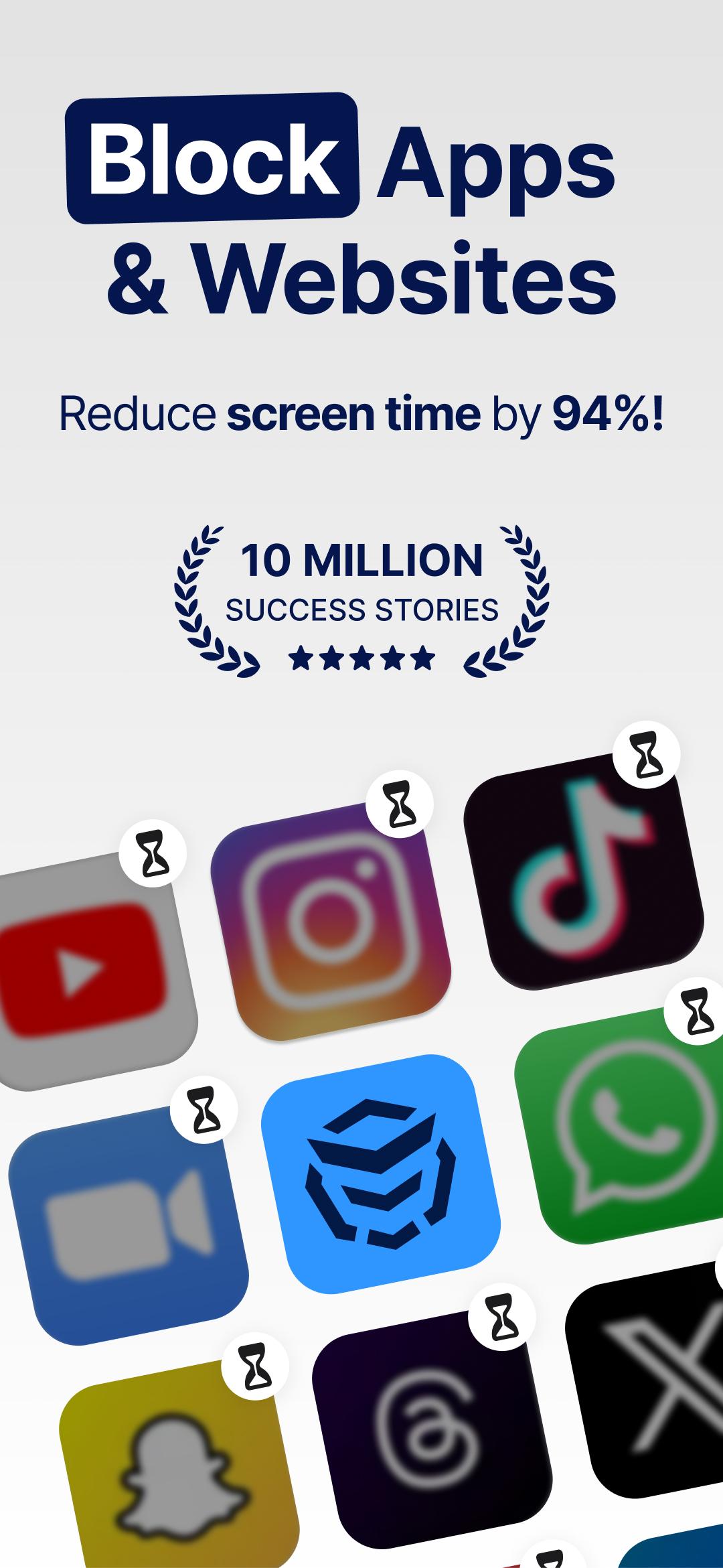
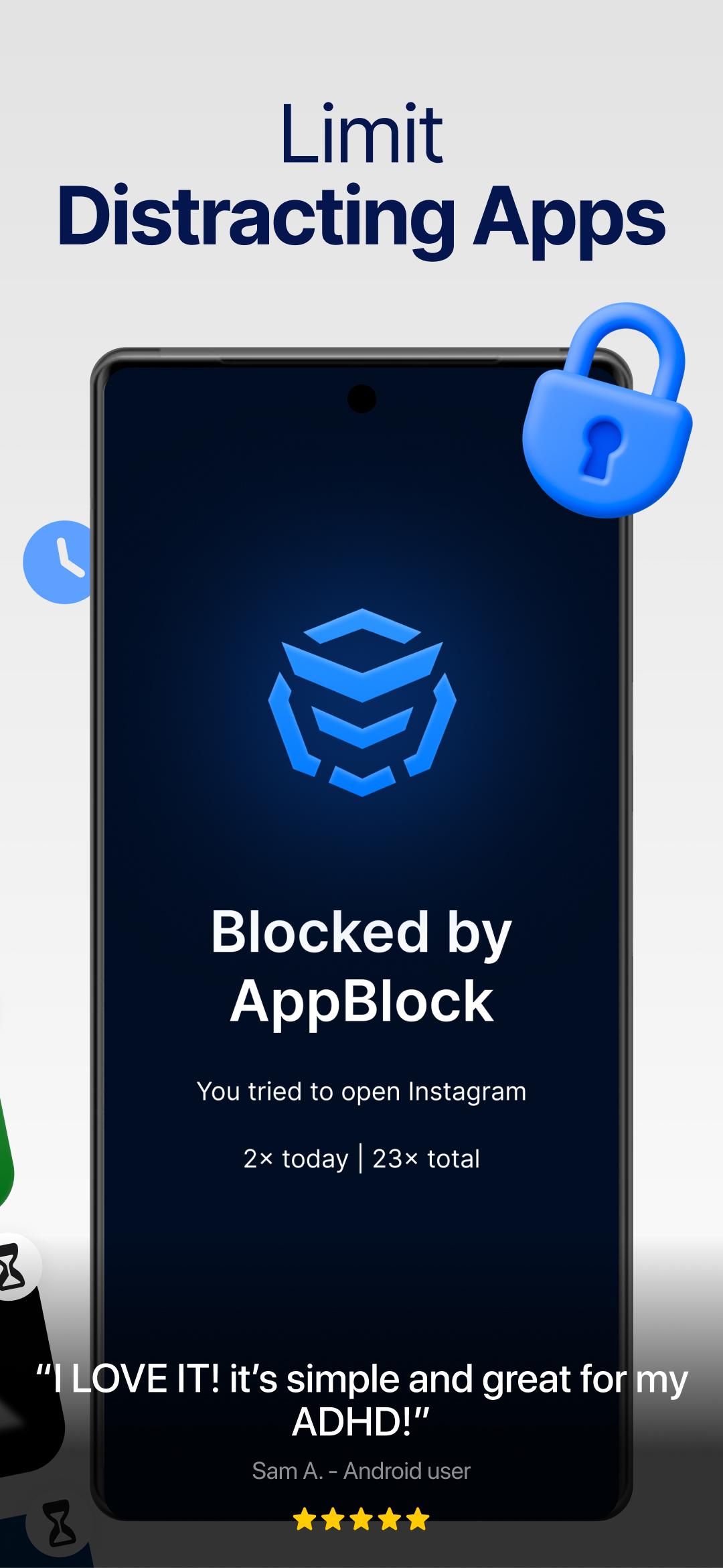
AppBlock works as an app blocker and website blocker so common distractions stay out of sight. You can block apps, entire sites, specific URLs, and selected keywords. Adult content filtering is available for safer browsing at home or on shared devices. As a result, you keep focus on tasks without constant checking.
Smart schedules and profiles
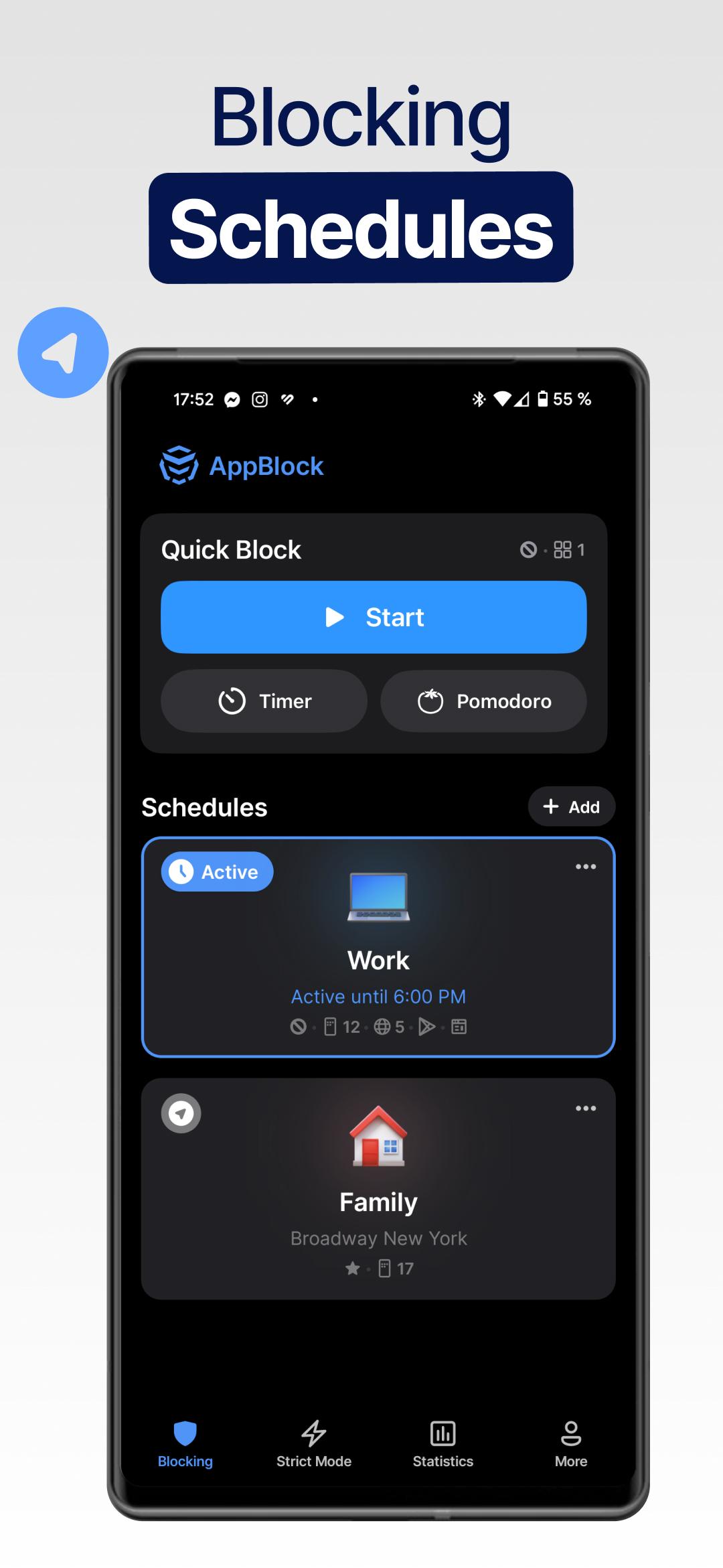
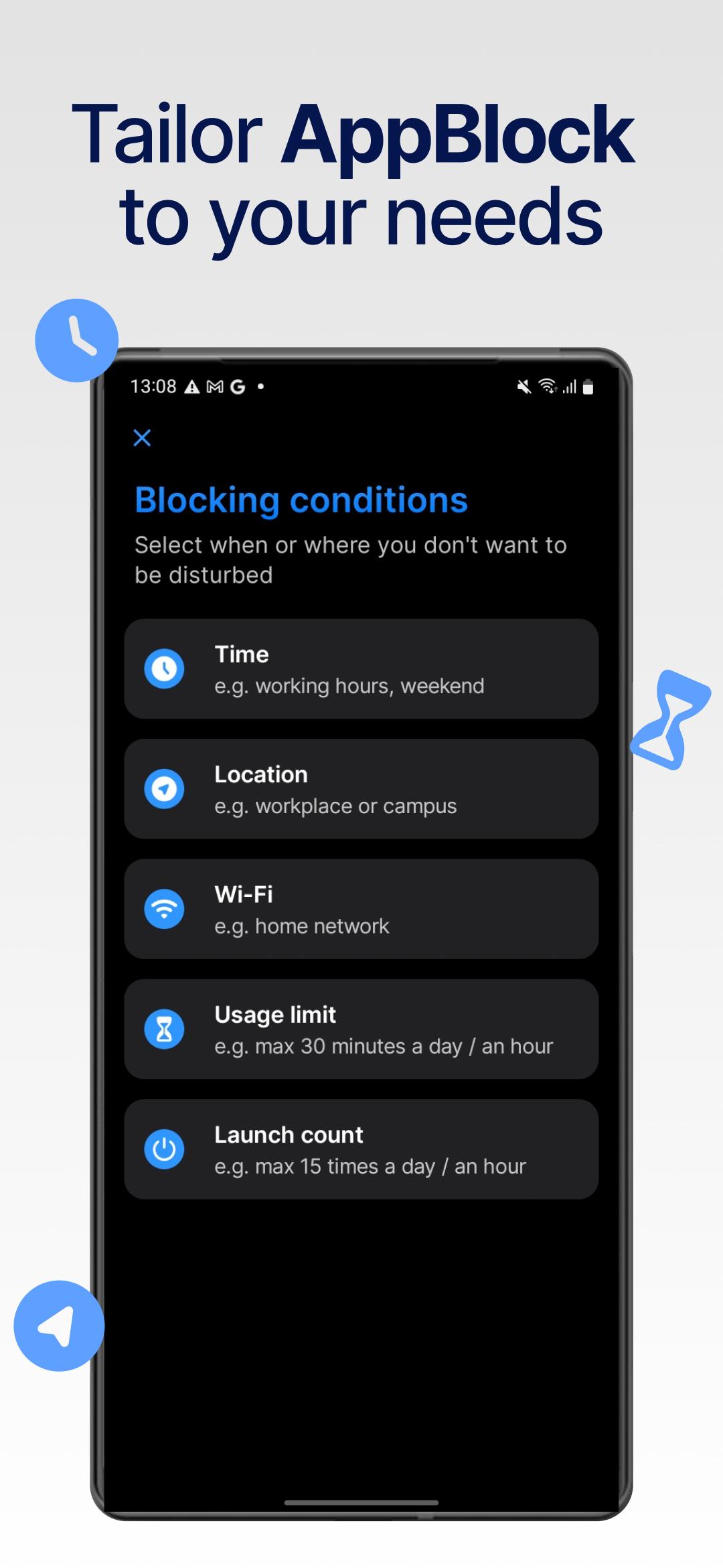
You can create Work, Study, Sleep, or Detox profiles to match different parts of your day. Each profile can start by time, day of week, location, or connected Wi Fi to reduce manual toggling. AppBlock then applies the right limits at the right moment, so routines become easier to keep. Switching between profiles takes only a moment when plans change.
Strict Mode anti bypass
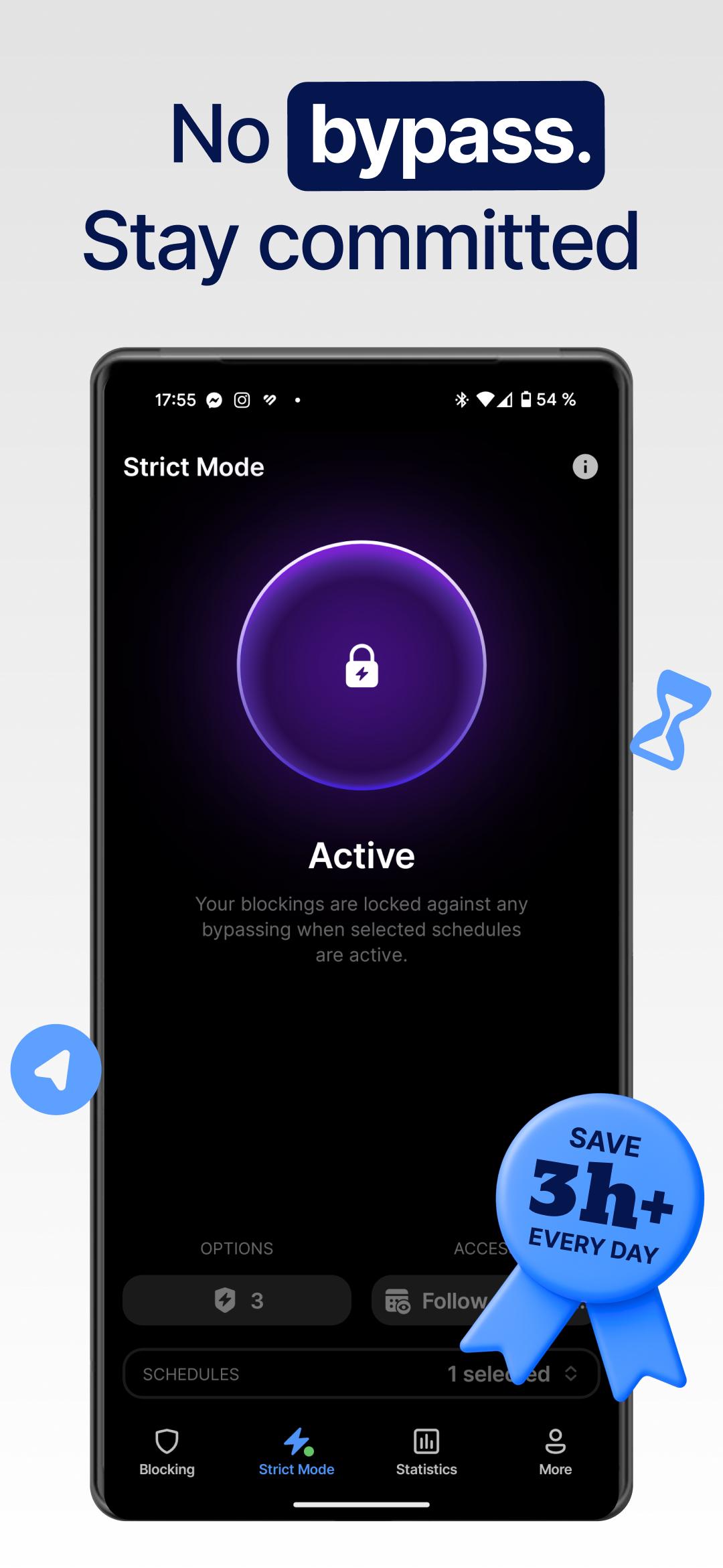
Strict Mode adds friction when you feel the urge to override a limit. You can set cooldowns that delay changes, or require third party approval before disabling blocks. This makes quick workarounds less likely during low willpower moments. AppBlock keeps the rules consistent once a session begins.
Allowlist Mode and Quick Block
Allowlist Mode blocks everything except essential tools for a simple phone experience during deep focus. When you need a fast reset, Quick Block starts a temporary block with minimal setup. Both options reduce decision fatigue and help you settle into the task at hand. You can return to regular access once the block ends.
Cross device coverage and insights
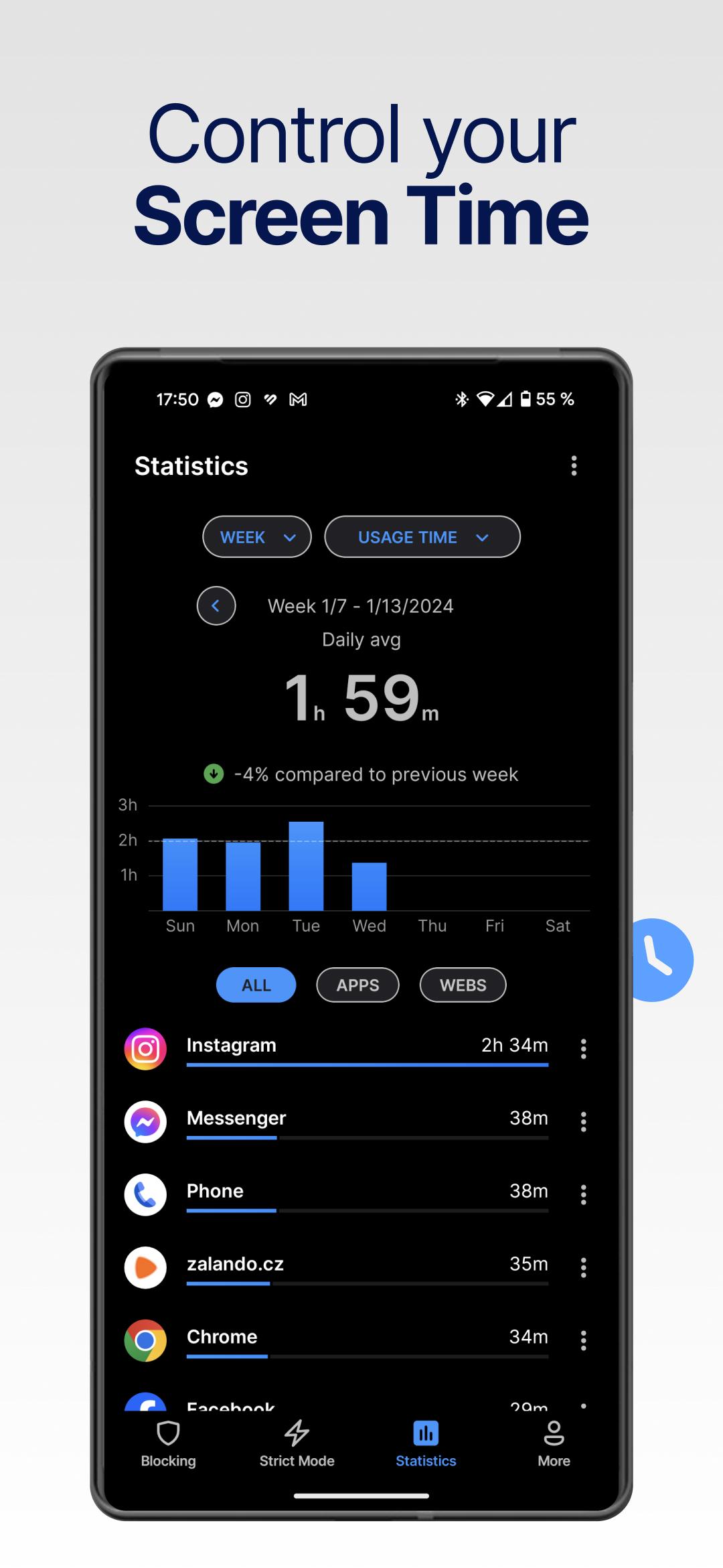
AppBlock supports Android and iOS, plus browser extensions for Chrome, Edge, and Brave. You can keep the same rules across phone and desktop to avoid shifting distractions between screens. Usage limits and daily caps help you set reasonable boundaries for apps and sites. Clear reports show time spent and trends, so you can refine your setup over time.
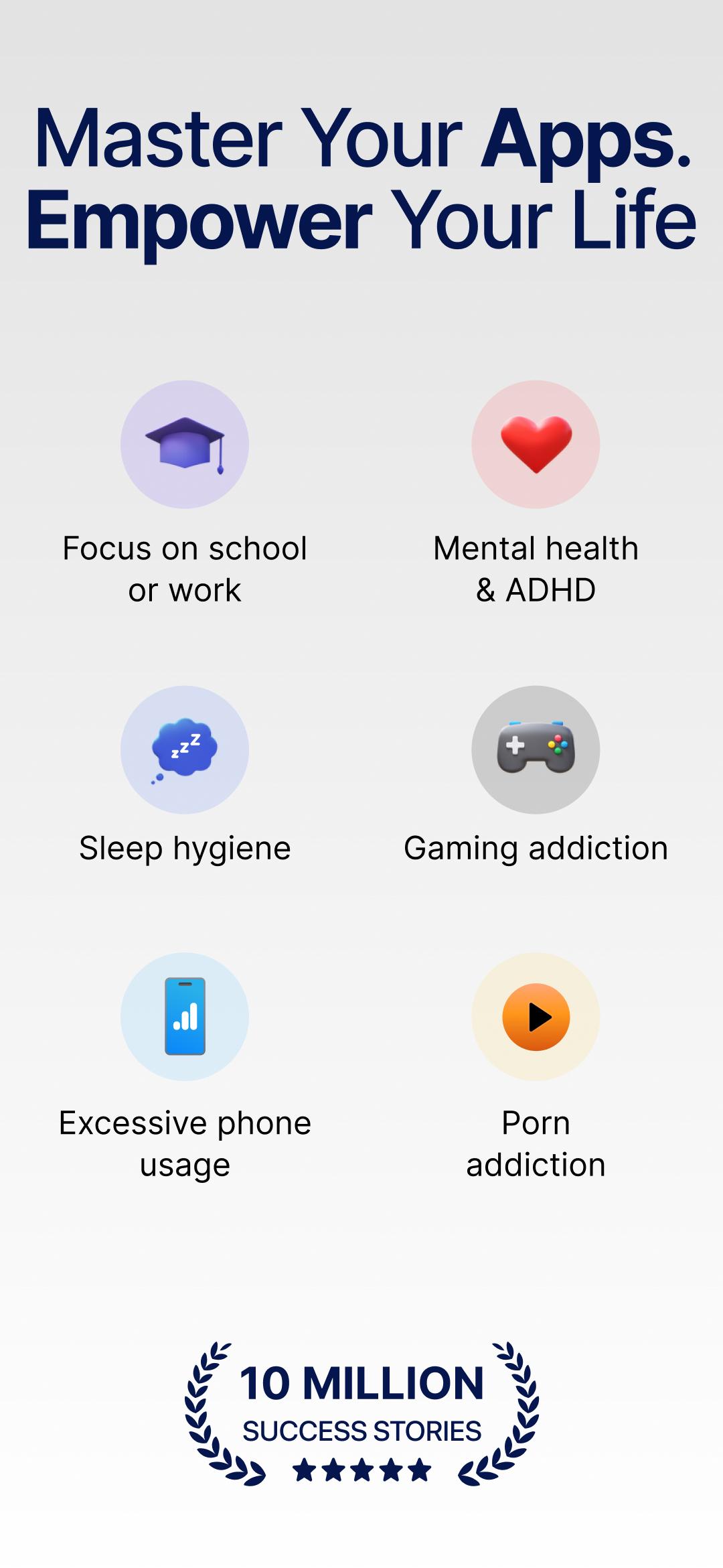
Core blocking and scheduling tools are available for free. Premium adds advanced customization, deeper insights, and extra control options for stricter setups. To speed onboarding, you can start from use case templates such as For Students, For Work, For Parents, For ADHD, and For Mental Health and Well Being. These templates provide sensible defaults that you can edit later. For ongoing tips and monthly challenges, users can join the AppBlock Discord community.
Getting started is straightforward and takes only a few minutes. For the best stability, install the AppBlock latest version and follow a simple routine. The steps below show a common flow from setup to your first focused session.
Open AppBlock and create a profile that matches your goal, such as Work, Study, Sleep, or Detox.
Select the apps, websites, URLs, and keywords you want to block, and turn on adult content filtering if needed.
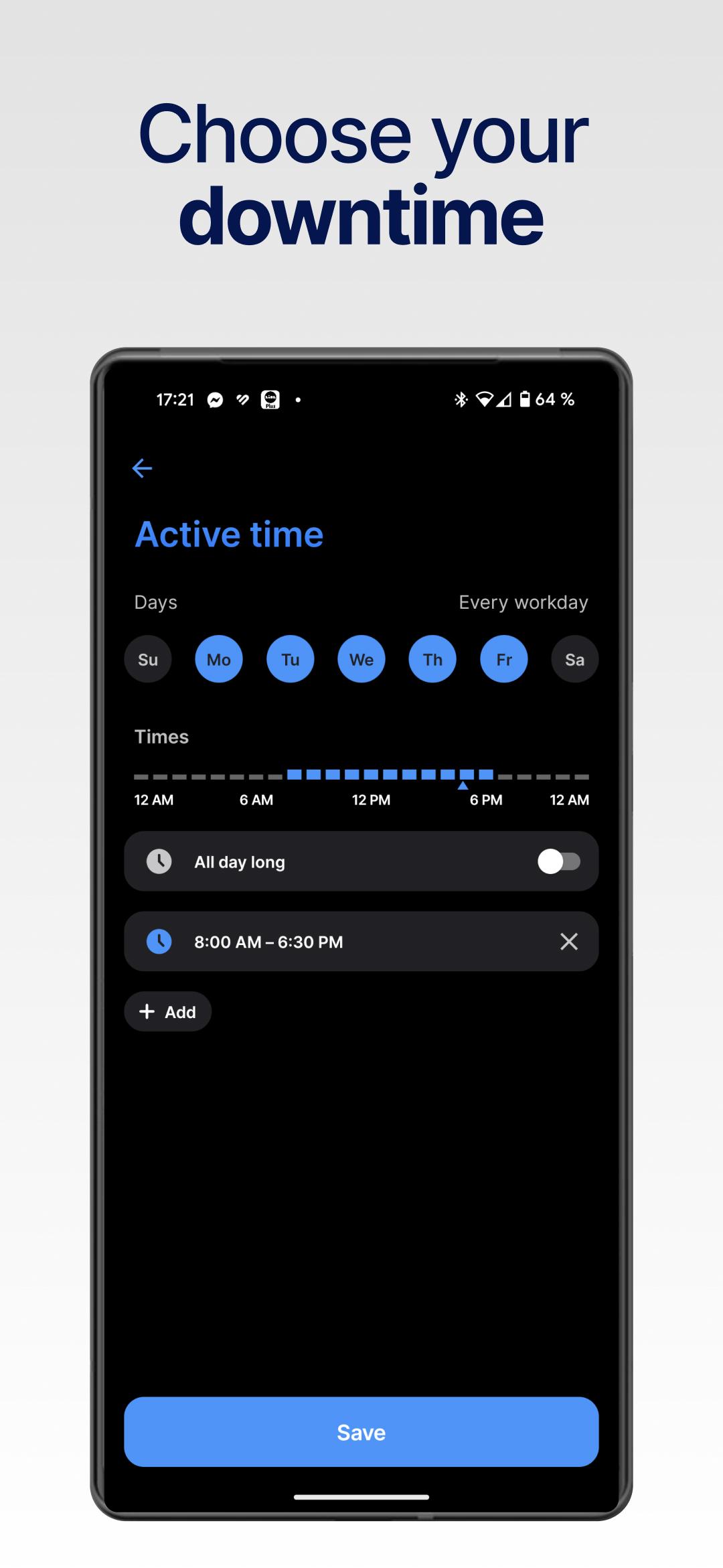
Choose when the profile should start by setting time ranges, days, or location and Wi Fi triggers.
Enable Strict Mode options, then set a cooldown or require third party approval for changes during active blocks.
Install the browser extension for Chrome, Edge, or Brave to mirror rules on desktop, then start the profile to begin your focus session.
AppBlock provides clear tools to block distractions, build routines, and track usage across phone and desktop. If this aligns with your goals, download AppBlock and begin with a simple profile that fits your day.
For official support and more details, use the channels below.
Official website: https://appblock.app/
Support email: support@appblock.app
Latest Version
7.21.0Uploaded by
John Marcos Neres
Requires Android
Android 9.0+
Category
Free Productivity AppContent Rating
Everyone
Report
Flag as inappropriateLast updated on Sep 29, 2026
Habit Streaks
See how many days in a row you blocked distractions. (Rolling out gradually.)


APKPure - A multi-platform app store primarily focused on Android, providing extensive app-related content. Discover the app you want easier, faster, and safer, with quick and efficient downloads and installations.