Scan Date:Oct 21, 2025
Show More


Avee Music Player (Pro) helps you listen to tracks and turn them into simple visual clips when needed. It suits everyday playback across your library and gives creators a clear way to pair motion with music. You can browse folders, manage playlists, and then switch into a visualizer workspace without leaving your track. For convenient installation and updates, look for Avee Music Player (Pro) APK and move from listening to exporting with minimal setup.
Avee Music Player (Pro) supports popular formats including MP3, WAV, AAC, OGG, FLAC, and MP4. You can browse by folders, search your library, build playlists, and queue tracks for continuous play. Background playback works with Bluetooth controls and a lock screen widget, while the equalizer, sleep timer, crossfade, and gapless settings give you flexible listening. UI color skins let you adjust the look to match your style.
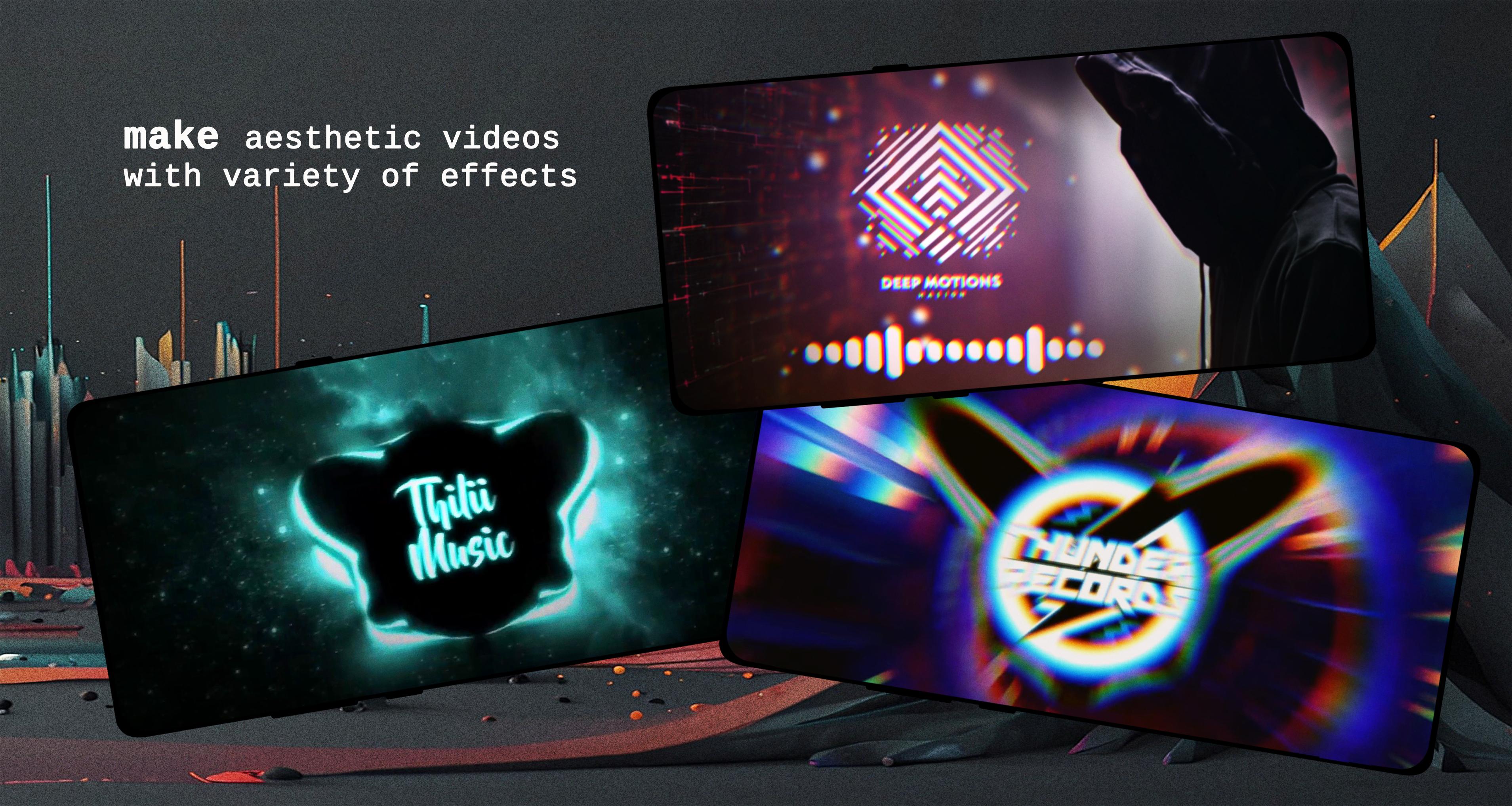
Design responsive audio visualizersYou can create visualizers that react to your music in real time. Tweak colors, shapes, size, and motion, then layer JPG, PNG, or GIF assets to build a complete scene. A WYSIWYG editor previews changes as you work, and you can import or export .viz templates to reuse designs later. Controls for frequency bands help you shape movement across bass, mids, and highs in a fine-grained way.
Make shareable videos with export optionsThe built in video maker lets you export HD, Full HD, and up to 4K depending on your device. Choose 25, 30, 50, or 60 FPS and set aspect ratios like 4:3, 16:9, or 21:10 to match where you plan to share. H.264 is recommended for broad compatibility, and completed clips save to your Downloads folder by default. Your music pairs with the visualizer so the final file is ready to post.
Efficient performance and playback compatibilityThe app is lightweight, which helps it run smoothly during playback and export. Orientation lock keeps the editor steady while you design or render. Two internal players improve device compatibility, so more files open and play reliably across different hardware. These choices support a steady workflow from listening to final video.
Premium customization and watermark controlPremium tools unlock deeper export and visualizer settings for users who need more control. You can remove a watermark or logo, create your own visualizer from scratch, and work without ads. This tier focuses on the full customization experience and consistent output across projects.
Visualizer templates use the .viz format, which you can import and export to build a personal library. You can start with a simple template, adjust color and movement, and then save it for future tracks. Many users maintain galleries of popular .viz designs to speed up production and keep a consistent style. This ecosystem supports quick edits for both casual users and active creators.
For broad playback support, select the “omx.google.h264” encoder when available. Android devices often limit a single file to around 4GB, so long tracks or high bitrates may need lower resolution settings. On older phones, use 720p at 25 or 30 FPS to reduce strain; on newer devices, 1080p or 4K at 50 or 60 FPS is practical for short clips. The app saves exports to Downloads by default, which keeps files easy to find after rendering.
The Microphone permission does not record audio from your device. It only lets the app access the global audio stream at a software level so the visualizer can react to playback. For watermarks, a one time ad unlock hides the watermark on a single export, while Premium keeps it hidden across all exports. Premium also offers an ad free experience.
Use the app for everyday listening and simple visualizer videos when needed. After you download Avee Music Player (Pro), set up basics like permissions so playback and visualizer features work as expected.
Avee Music Player (Pro) brings flexible playback, a responsive visualizer, and direct video export in one place. For the Avee Music Player (Pro) latest version, install and update to access current export options and template support.
Official information and support:
Latest Version
1.2.252Uploaded by
Daaw Aww
Requires Android
Android 5.0+
Category
Free Music & Audio AppContent Rating
Everyone
Security Report
Report
Flag as inappropriateLast updated on Oct 21, 2025
This release includes minor bug fixes and general improvements. Update to the latest version for the best experience.



APKPure - A multi-platform app store primarily focused on Android, providing extensive app-related content. Discover the app you want easier, faster, and safer, with quick and efficient downloads and installations.