Scan Date:May 5, 2026
Show More

Battle of Warships suits players who enjoy tactical sea battles on mobile, whether for quick matches or longer sessions. It places you at the helm of famous warships in large ocean arenas, with controls designed for touch screens. You can join matches when online or practice anytime without a connection, so it works around your schedule.
Historic ships and aircraft carriers
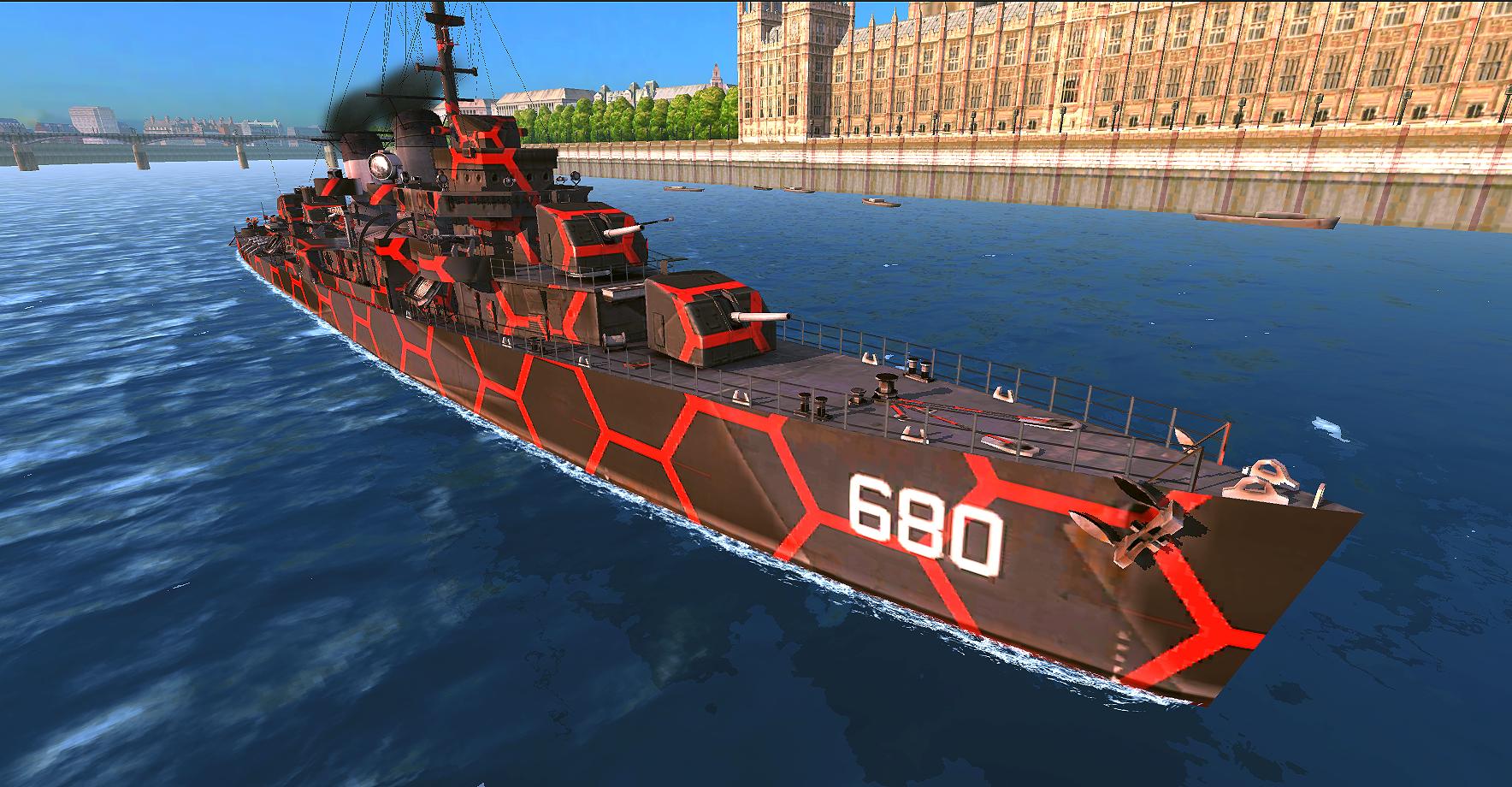
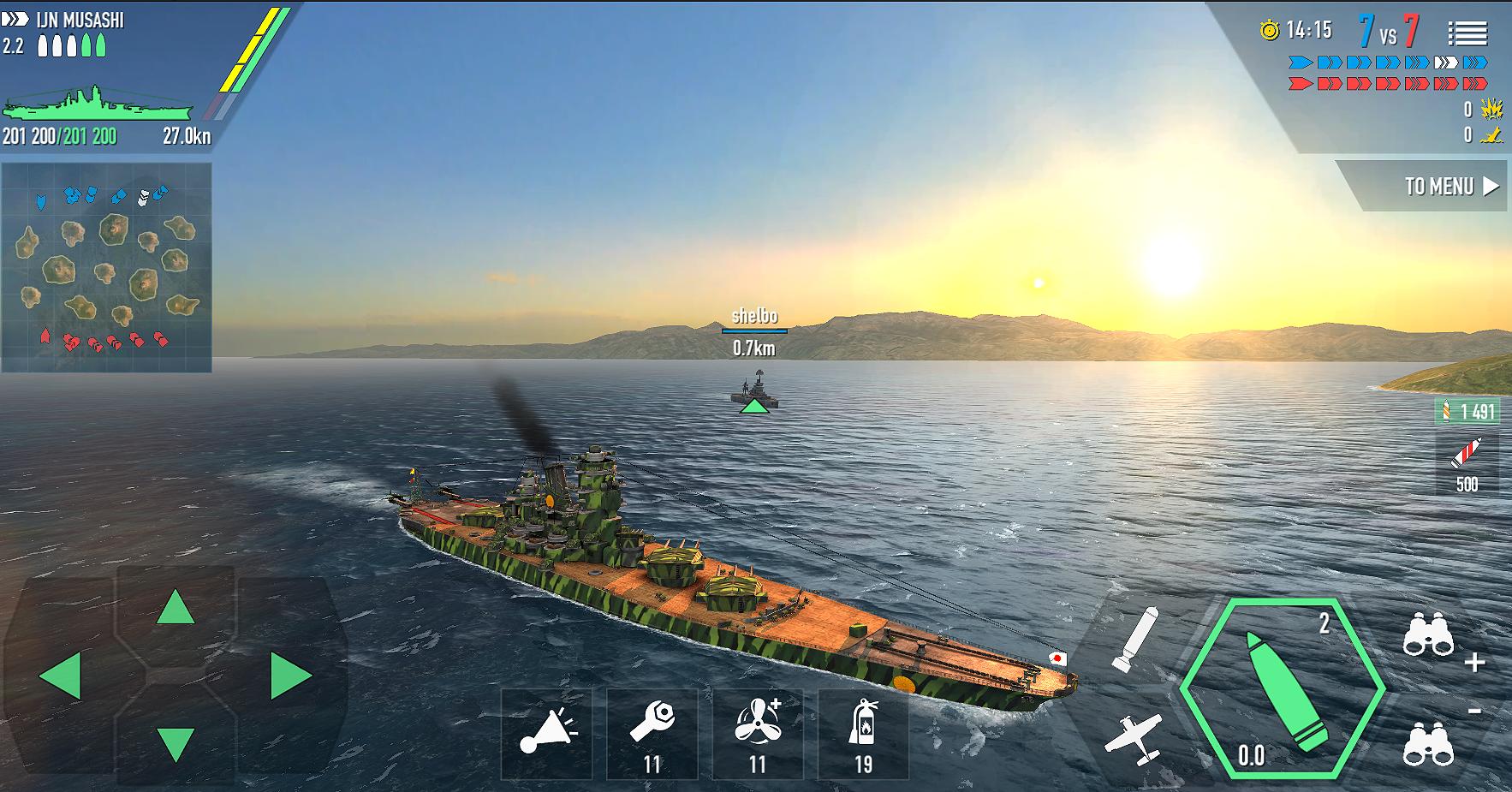
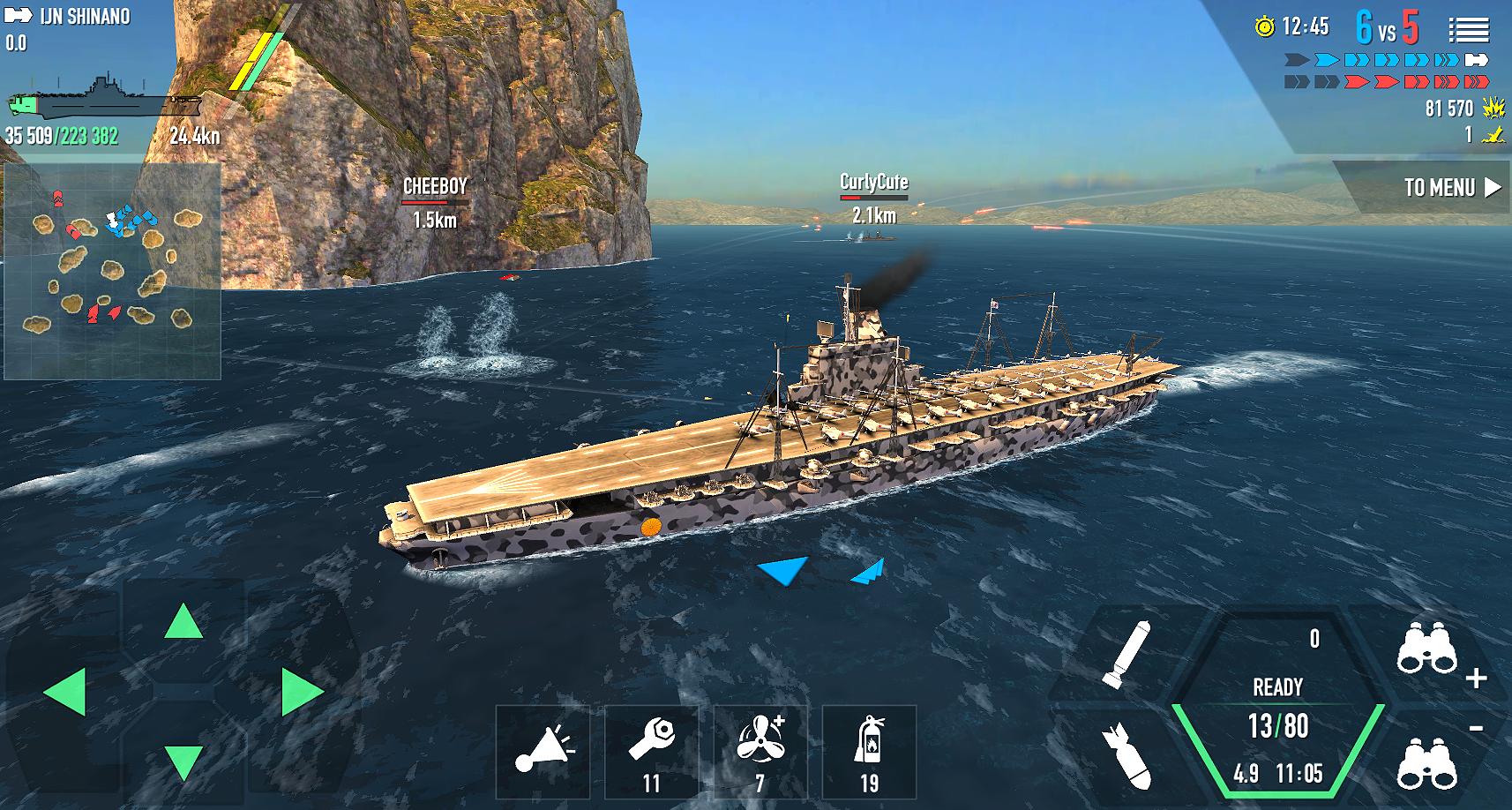
Battle of Warships apk includes a lineup of 20 plus legendary vessels from WW1 and WW2. You can sail icons like Yamato, Missouri, Bismarck, and South Dakota, and command aircraft carriers equipped with planes and jets. Each ship class changes how you approach distance, armor, and strike timing. This variety encourages you to test different hulls before settling on a main ship.
Online multiplayer and offline battles
You can fight large online naval matches or practice offline against AI. Online modes let you team up with friends for co‑op battles or enter quick skirmishes that match your current skill. When a stable connection is not available, solo play helps you learn maps and ship handling at your own pace. This flexibility keeps progress moving regardless of your network situation.
Upgrades and tactical loadouts
Progress adds depth through ship improvements and weapon choices. You can boost HP, engine speed, and turning to improve survivability and maneuvering. Weapons and tools such as torpedoes, missiles, and interceptors let you tailor attacks to your tactics. As matches unfold, your build choices guide how you close distance, manage threats, and support your team.
Customization and steady progression
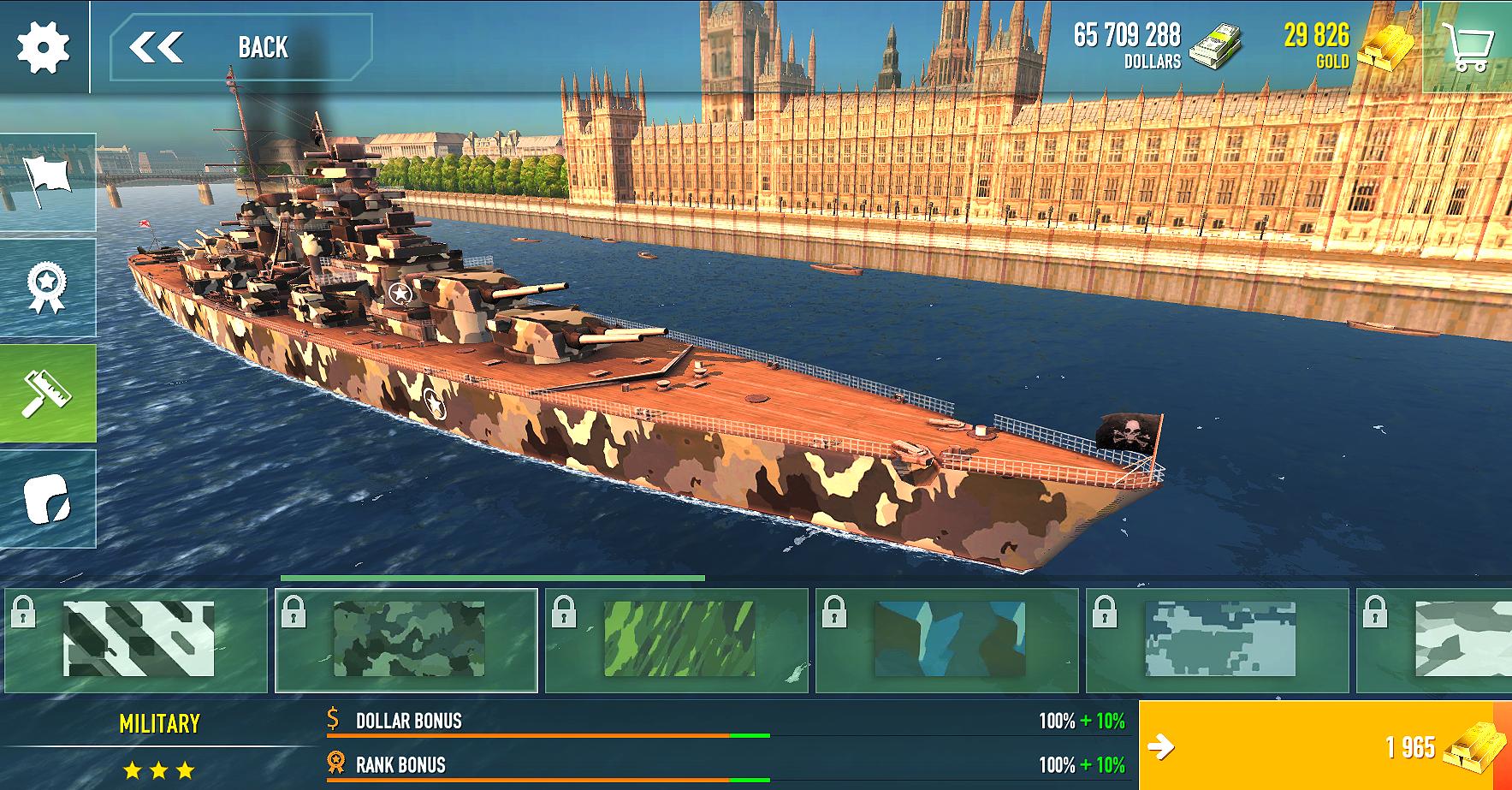
Personalize ships with national flags and skins to keep your fleet easy to recognize.
Earn daily rewards that support gradual upgrades and skill growth over time.
Level up ship characteristics to refine handling, accuracy, and durability.
These options help you track advancement while keeping your fleet consistent across modes. Because visual identity and stats move together, it becomes easier to switch roles without relearning core controls.
3D sea maps, dynamic weather, and control options
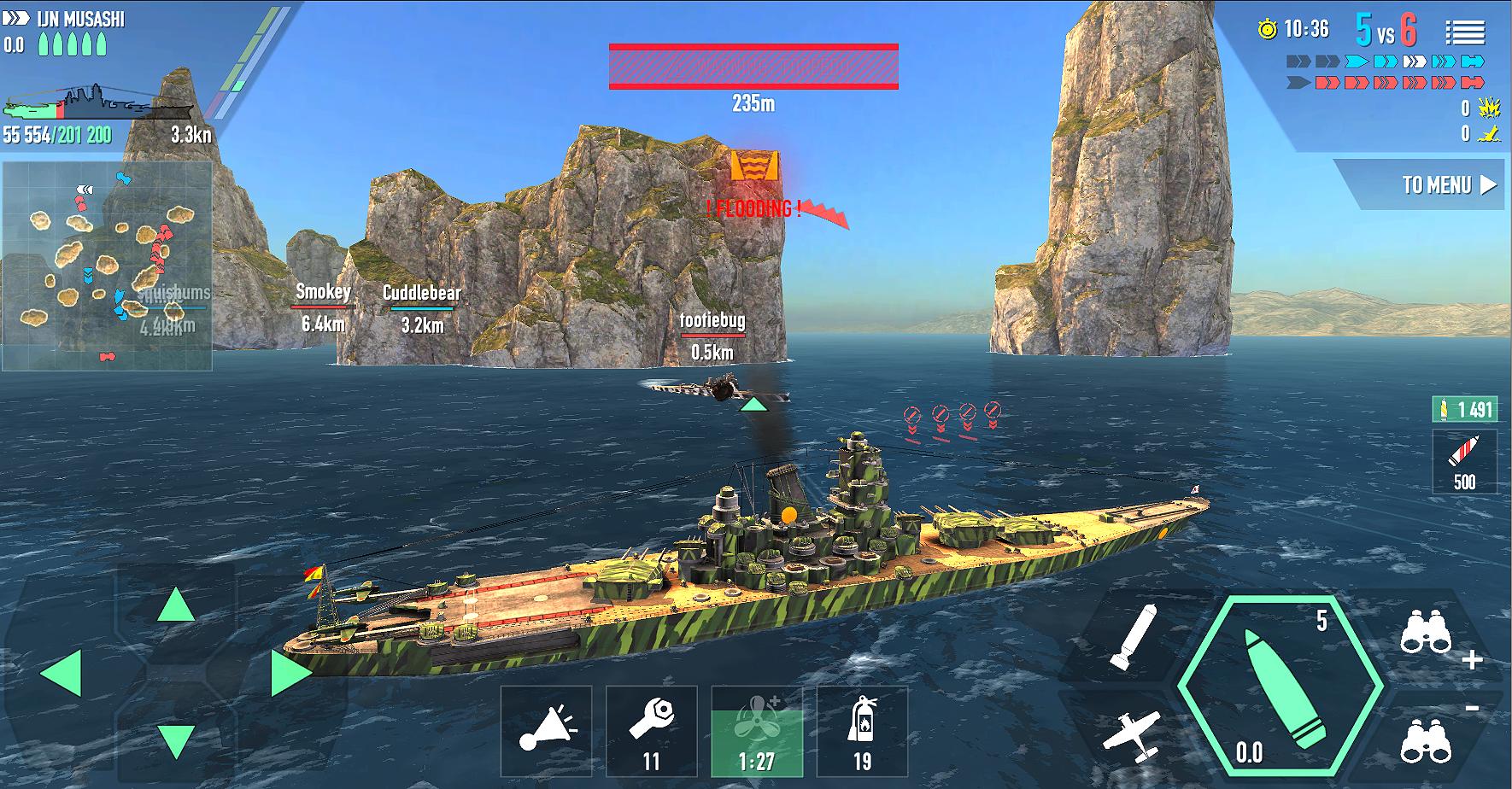
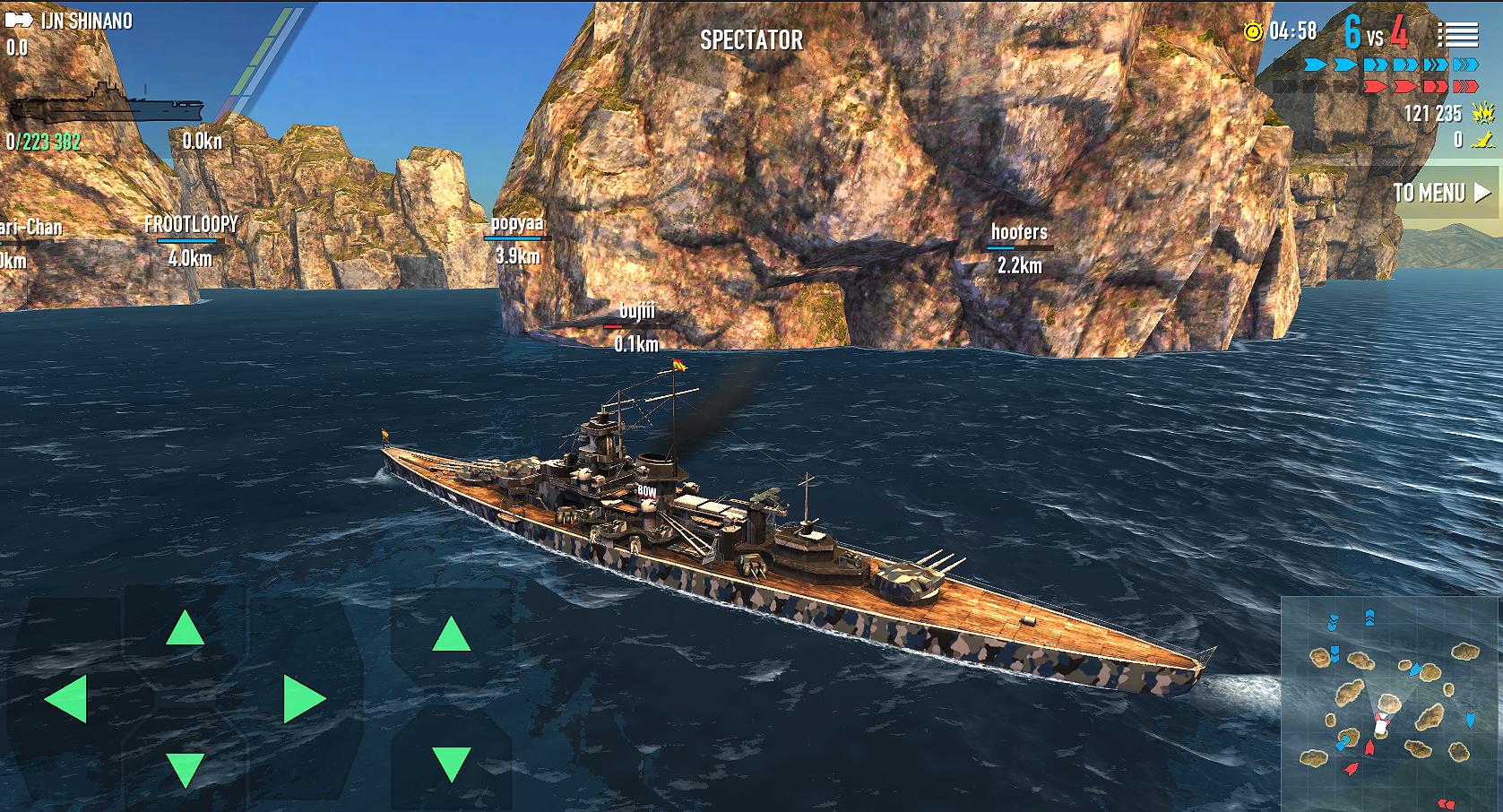
Matches take place on large ocean maps with mountains and glaciers that change sightlines. Day/night cycles and weather like rain, snow, and clear sun affect how far you see and when to engage. Touch controls feel familiar for mobile, and optional gyroscope aiming gives a different way to track moving targets. Together, these elements shape pacing from opening scout runs to final exchanges near capture zones.
Co‑op with friends is available through multiplayer modes. The community often discusses features such as a friends list or in‑battle chat, and availability can change as updates roll out. For the most current details, review in‑game menus and update notes after installing the latest build.
Online battles require a stable internet connection for best results, while offline AI matches can be used to practice maps and controls at any time. This balance helps you stay engaged even when on the move.
Before the first match, it helps to learn how ship handling, vision, and weapons work together. For quick setup, use the default layout, then make small changes after a few rounds. If you plan to download Battle of Warships for online play, try a short offline session first to understand turning radius and firing arcs.
Launch the game, open the ship list, and pick a starter vessel that suits your preferred range and speed.
Choose a mode: go online for team battles or select offline to practice against AI without network requirements.
Enter the settings screen and select touch controls or enable the optional gyroscope to test aiming preferences.
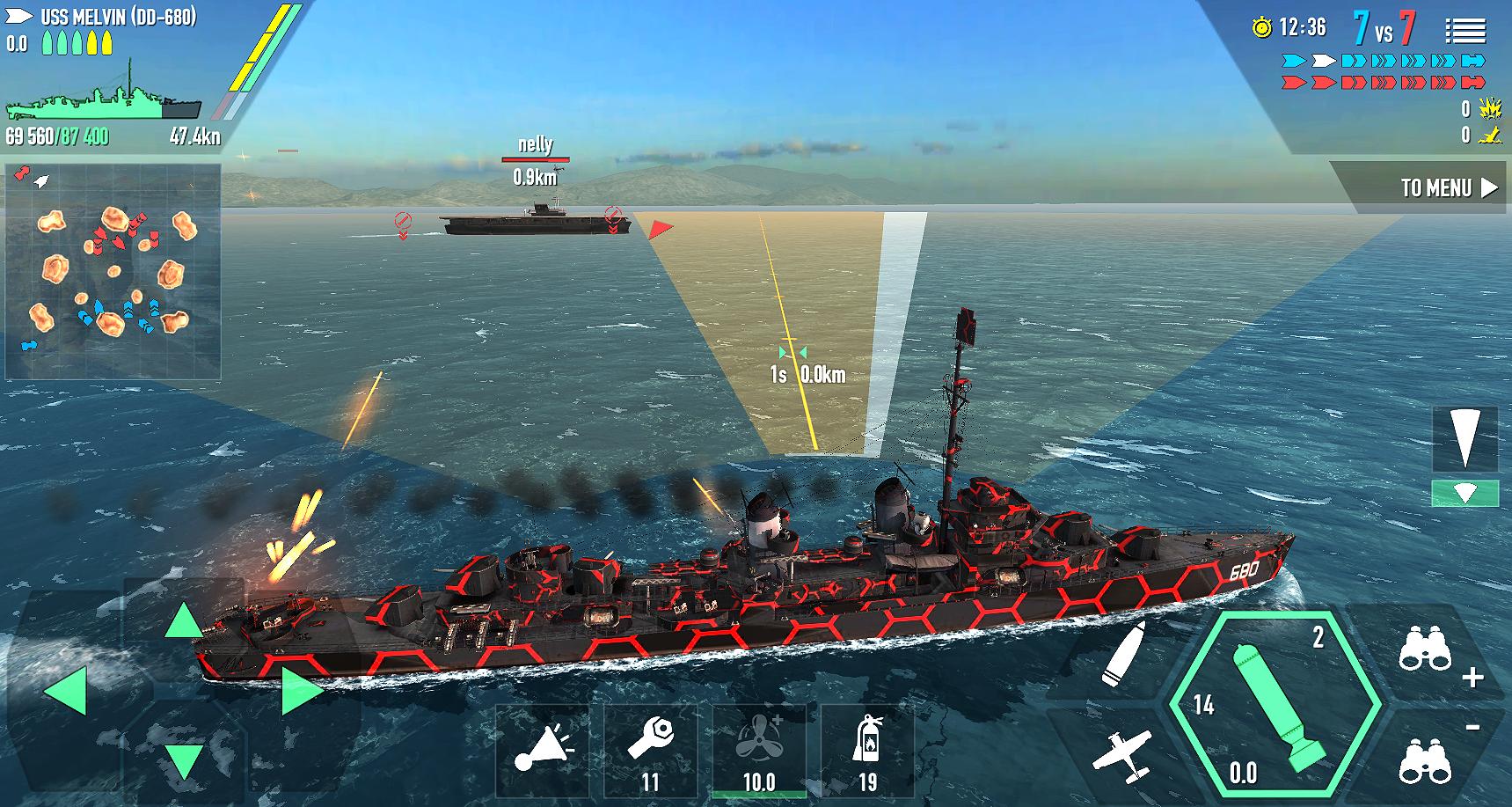
Join a match, set throttle, and begin turning early to line up broadside shots while watching the minimap and weather.
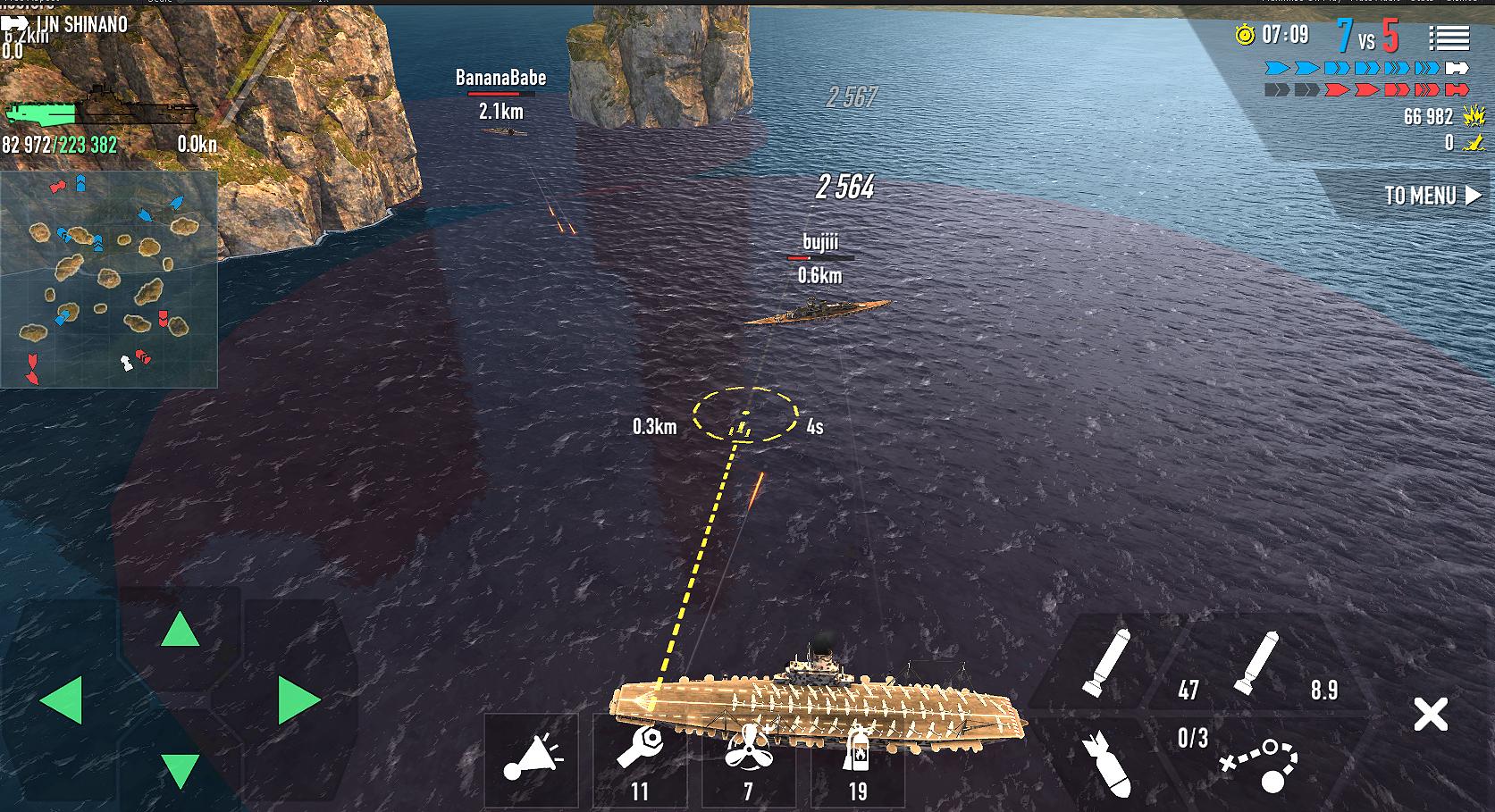
Use main guns for ranged damage, launch torpedoes or planes when targets commit to a course, then reposition and repeat.
Battle of Warships focuses on historic ships, flexible combat modes, and steady progression across large sea maps. You can learn offline, then move into co‑op and multiplayer with a tuned loadout. To begin, install the Battle of Warships latest version and test a few ships to see which handling fits your style.
For official resources and support, refer to the links below.
Official website: https://mobilegdc.net/
Support email: support@mobilegdc.com
Latest Version
1.74.12Uploaded by
محمد ابو عصام
Requires Android
Android 7.1+
Category
Free Action GameContent Rating
Everyone 10+ · Mild Violence
Security Report
Report
Flag as inappropriateLast updated on May 5, 2026
-Security fixes
-Visual fixes

APKPure - A multi-platform app store primarily focused on Android, providing extensive app-related content. Discover the app you want easier, faster, and safer, with quick and efficient downloads and installations.