

Bikii helps users who want to run large PC and console games on a phone without long installs or hardware stress. Also known as Bikii Cloud Game, it connects your device to remote servers so games render in the cloud while you play on-screen. This approach suits users with limited storage or older phones, and it lets quick access to popular, big-name releases. If you plan to download Bikii, expect a simple home screen that centers on discovering games and starting a session immediately.
Cloud play on almost any phone
Bikii streams gameplay from remote servers to your screen, so your device does not handle heavy graphics. This removes phone spec barriers and keeps performance consistent across many Android models. You tap to enter a session and the game runs in the cloud while inputs and visuals sync in real time.
Multi‑platform game hub
Bikii aggregates game pages and details pulled from sources that cover PC and console catalogs. You can browse information for titles typically found on Steam, PlayStation, Xbox, Switch, and similar platforms in one mobile interface. This saves time when you want to check screenshots, summaries, and tags before starting a cloud session.
One‑tap start without local downloads
Bikii focuses on instant play to avoid large downloads and long install queues on your phone. Storage use stays low because the game runs on servers and streams to your display. This setup suits users who prefer to jump into a session quickly and keep their device free for photos, videos, and other apps.
HD visuals and responsive controls
Bikii aims to deliver high‑definition graphics over a stable connection while keeping touch controls responsive. Inputs are sent to the server and actions display back on your screen with minimal delay, depending on network quality. You can expect a consistent layout of on‑screen buttons designed for both casual sessions and longer play.
Play on the go with a straightforward interface
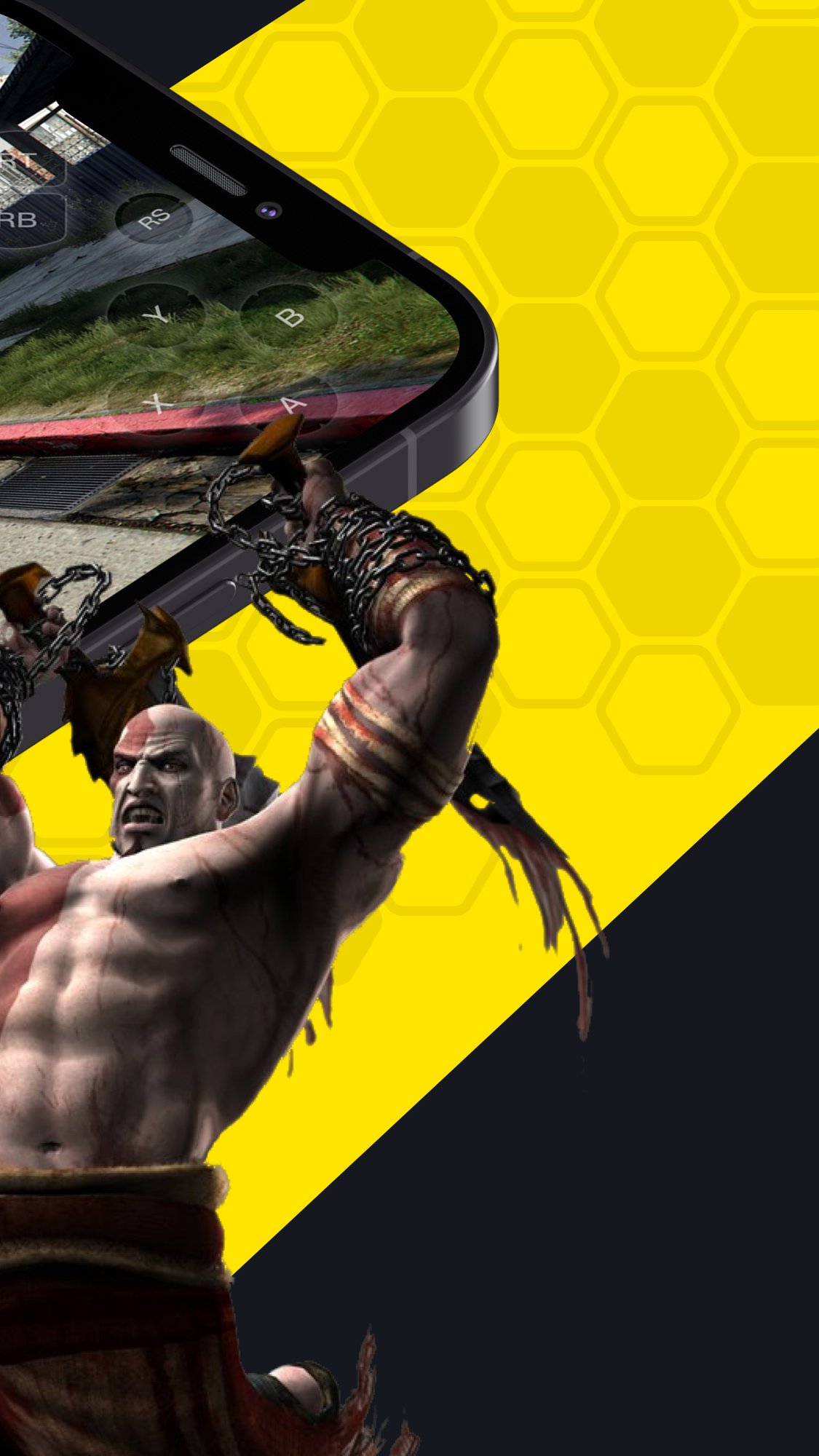
Bikii is designed for short breaks and longer sessions alike, with a home page that highlights trending cloud titles. Popular games such as GTA 5, Elden Ring, Forza Horizon 5, Spider‑Man, God of War, and Red Dead Redemption 2 appear in common sections for quick access. Navigation keeps steps simple so you can move from browsing to playing without extra setup.
Streaming games requires a stable internet connection, and mobile data usage can be high during long sessions. Access terms can vary by game and region, and some sessions may have limits or queues during busy times. For best stability and compatibility, consider using the Bikii latest version on your Android device.
If you have tried other cloud gaming apps such as Chikii, NetBoom, or JoyArk, the basic flow in Bikii will feel familiar. You browse a large catalog, open a game page to review details, and start cloud play with a single tap. The difference lies in the specific library, interface layout, and how sessions are managed on Bikii’s servers.
Bikii focuses on Android phones and tablets. You will generally need to sign in to your account to start cloud play and sync your session history. Game availability can change over time, and some content may show region‑based notices when you open the game page.
The steps below outline how to move from installation to your first cloud session using Bikii. You will install the Bikii APK, sign in, and then launch a title from the catalog.
Bikii streams popular PC and console games to your Android screen and keeps storage use low by avoiding local installs. If you want quick access to high‑end titles on a phone, download Bikii and begin with a one‑tap cloud session.
Latest Version
2.8.15Uploaded by
Swagatam Bose
Requires Android
Android 10.0+
Category
Free Entertainment AppContent Rating
Everyone
Report
Flag as inappropriateLast updated on Sep 23, 2026
fixed some issues.




APKPure - A multi-platform app store primarily focused on Android, providing extensive app-related content. Discover the app you want easier, faster, and safer, with quick and efficient downloads and installations.