
SAY IT, SEE IT. NOW DO MORE WITH ALEXA AND YOUR SONY SMART TV
Use your voice to view your cameras, play music, or control your smart TV. Just connect any Alexa-enabled device to your Alexa compatible Sony Smart TV to get started.
MUSIC YOU LOVE
Listen to music from Amazon Music, Pandora, Spotify*, iHeartRadio, TuneIn, and more! Search for specific songs or artists, or pick your favorite playlist.
Just ask Alexa: “Alexa, play songs by artist on <TV Name>”
KEEP TABS ON YOUR HOME
Ask Alexa to see feeds from smart cameras around your home on your Smart TV. Supported cameras include the Amazon Cloud Cam and cameras from Wyze, Ring, Arlo, Nest, TP-Link, and others.
Just ask Alexa: “Alexa show me front door camera on <TV Name>.”
CONTROL YOUR TV
Control content playback and change the channel, volume, and input of your TV, all with your voice!
Just ask Alexa: “Alexa, turn on <TV Name>.”
HOW IT WORKS
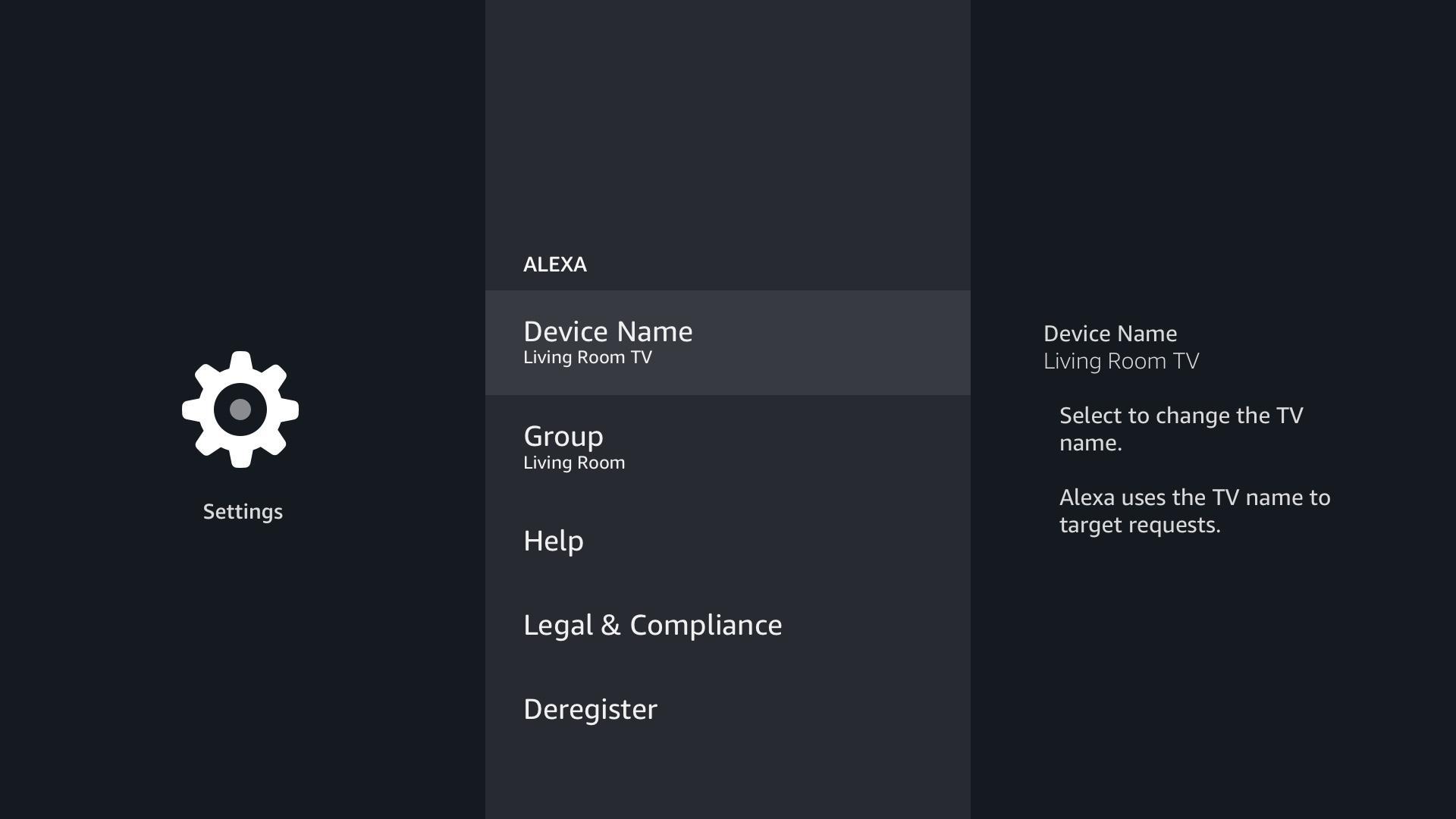
Go to the Alexa app your TV, enter your Amazon Credentials, select a group for your TV, and complete the guided Sony set-up (which includes entering your account details, and giving your TV a name). After the set-up is complete, just ask “Alexa, play music on the <TV Name>” or “Show bedroom camera on <TV Name>” and Alexa will play the requested content on the TV.
Please note, if not already, you will need to enable the skills for music providers and Cameras using the Alexa Mobile app. Once the skill is enabled the content is enabled to play on all Alexa supported devices including your TV.
* - Using Spotify with Alexa requires installing the Spotify app on your TV from the Google Play Store.
Última versão
1.0.1172.0Requer Android
8.0 and up
Categoria
Grátis Entretenimento APPClassificação do Conteúdo
Everyone
Relatório
Marcar como inapropriadoLast updated on Sep 3, 2020
Esta versão inclui pequenas correções de bugs e melhorias gerais. Atualize para a versão mais recente e tenha a melhor experiência.




APKPure - Uma loja de aplicativos multiplataforma focada principalmente em Android, fornecendo extenso conteúdo relacionado a apps. Descubra o aplicativo que você deseja de forma mais fácil, rápida e segura, com downloads e instalações rápidos e eficientes.