DistroKid fits users who want to send finished music to streaming services without using a desktop workflow. It is made for independent artists, bands, DJs, producers, creators, and labels that need a central place to prepare releases, follow earnings, and check activity after music goes live. Because everything is handled from the DistroKid APK, users can manage release tasks while traveling, rehearsing, or working away from a studio.
Upload songs and albums from your phone
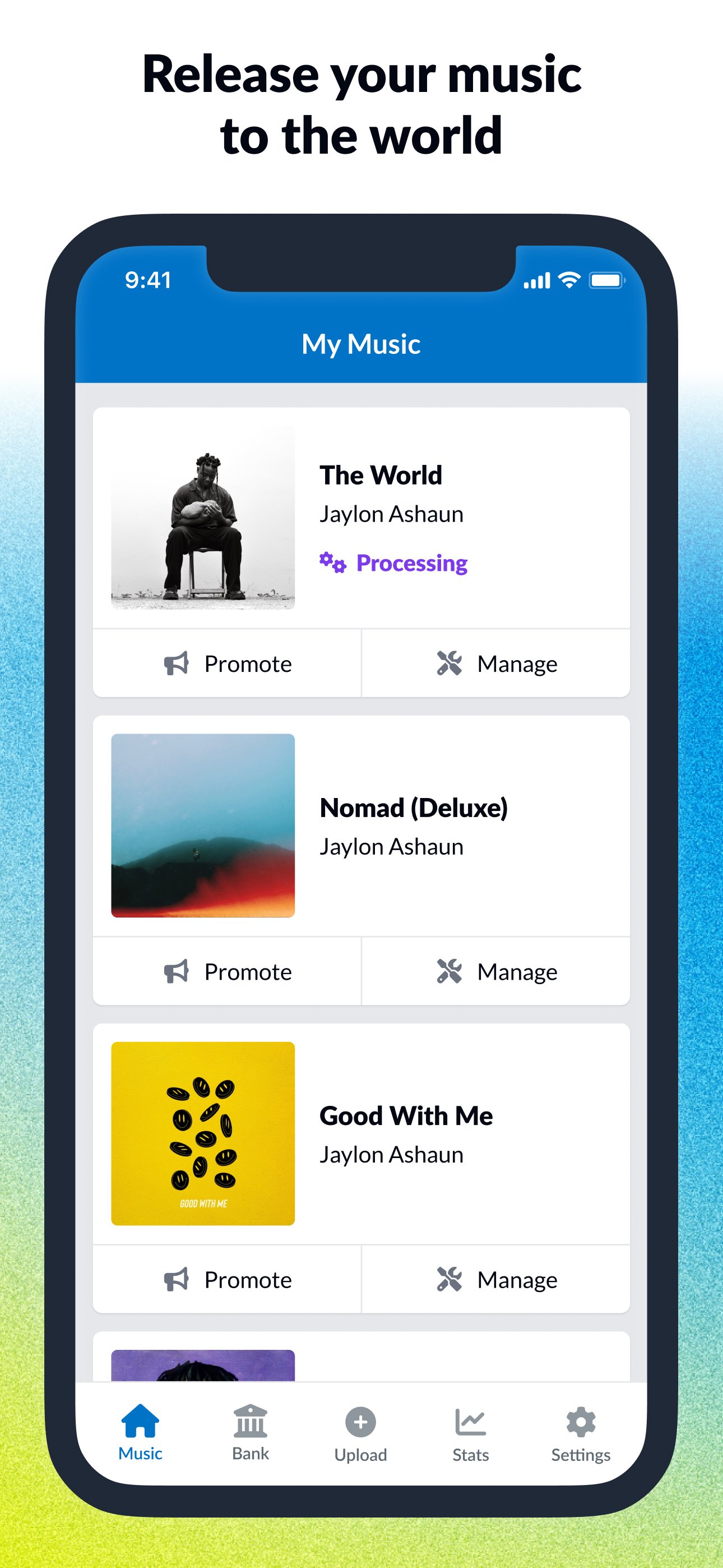
DistroKid lets you upload music directly through the app, so you can prepare singles or albums without waiting to use a computer. You can use it when a track is ready, then continue the release process from the same account. This is useful for creators who record often and want to keep their release work close to their daily schedule.
Send music to many streaming platforms
DistroKid distributes tracks to more than 150 streaming platforms and social music services. These include Spotify, Apple Music, TikTok, YouTube Music, Amazon, Tidal, and other supported destinations. Instead of managing each service separately, you can use one DistroKid account to submit music for distribution.
Track royalties and earnings
DistroKid says users keep 100% of their earnings, and the app can notify you when royalties are available to claim. This helps artists follow money from music releases without checking several places. For users comparing music distribution options, the no commission model is an important point to understand before choosing a plan.
Check streaming stats while away from the studio
You can view streaming stats in the DistroKid app and follow daily performance updates. This gives a quick view of how releases are moving after they appear on streaming services. For example, a creator can check activity after sharing a new song, then decide whether to post more reminders or prepare another release.
Use artist and promotion tools
DistroKid also connects users with official artist tools such as Spotify for Artists, TikTok Artist Account, and YouTube related tools. After a release is set up, you can create Promo Cards, edit release details when needed, and share music on social platforms. These tools support the steps that usually happen after distribution, especially when an artist wants listeners to find a new track quickly.
DistroKid is mainly built for people who already have finished music and want to place it on streaming platforms. It can fit solo artists, bands, DJs, producers, creators, and labels, as long as they are ready to provide release details and audio files. Before starting, users should prepare song titles, artist names, artwork, and other release information to avoid delays during submission.
The service is based on a yearly upload plan, with the provided information listing a $24.99 yearly plan for unlimited uploads. This means the app may be more useful for creators who plan to release more than one song over time. In addition, DistroKid’s no commission approach may matter to artists who want to keep their royalty income separate from distribution fees.
DistroKid is designed for release management from a phone, so the main process starts with your artist account and finished music files. If you want the DistroKid latest version, check the app page before installing so you can use the newest available APKPure listing.
DistroKid gives independent creators a phone based way to upload music, send it to major streaming services, check stats, and follow royalties. Users who need mobile music distribution can download DistroKid to manage release tasks in one place.
Official information is available through the developer’s website:
Latest Version
3.8.3Uploaded by
Nutan Tambe
Requires Android
Android 8.0+
Category
Free Music & Audio AppContent Rating
Everyone
Report
Flag as inappropriateLast updated on Aug 24, 2026
Performance improvements and enhancements. The fastest & easiest music distributor in the world is now even faster & easier.



APKPure - A multi-platform app store primarily focused on Android, providing extensive app-related content. Discover the app you want easier, faster, and safer, with quick and efficient downloads and installations.