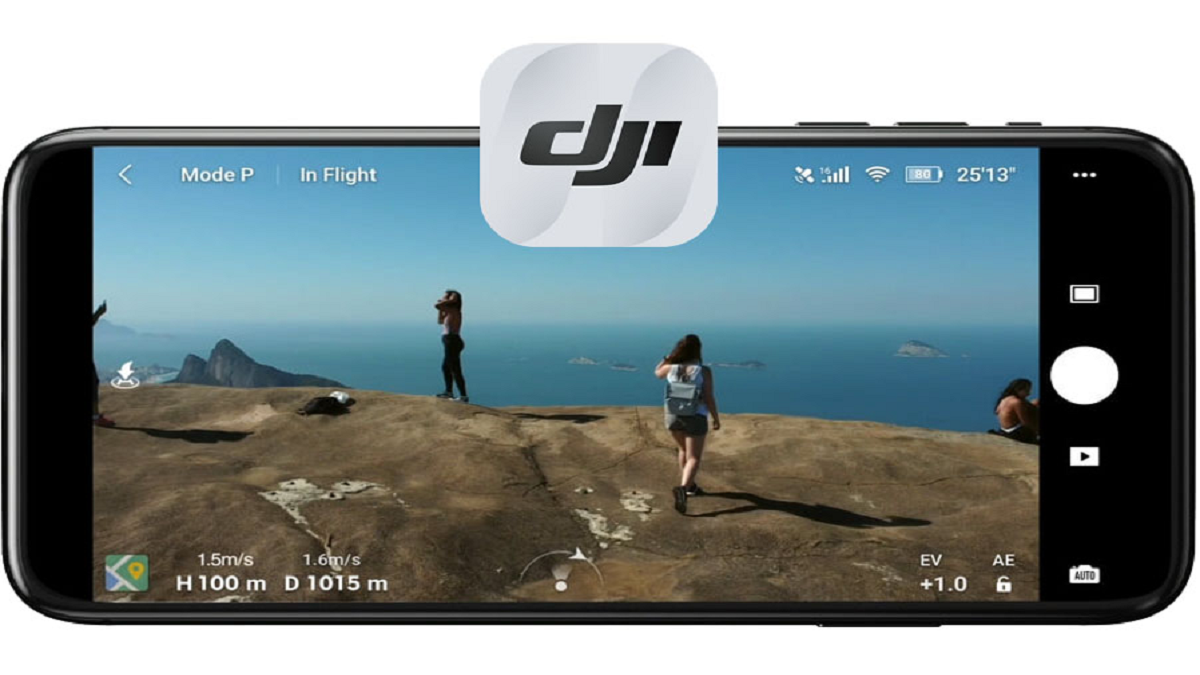
DJI Fly suits users who want a simple way to plan flights and view the camera while flying. It works with DJI Mini 2, Mavic Air 2, and Mavic Mini aircraft, so you can connect compatible drones with minimal setup. Besides everyday flying, it brings clear guidance to help you operate safely and keep track of what matters in the air. If you look for the DJI Fly APK, it offers an organized workspace to prepare, fly, and review results without confusion.
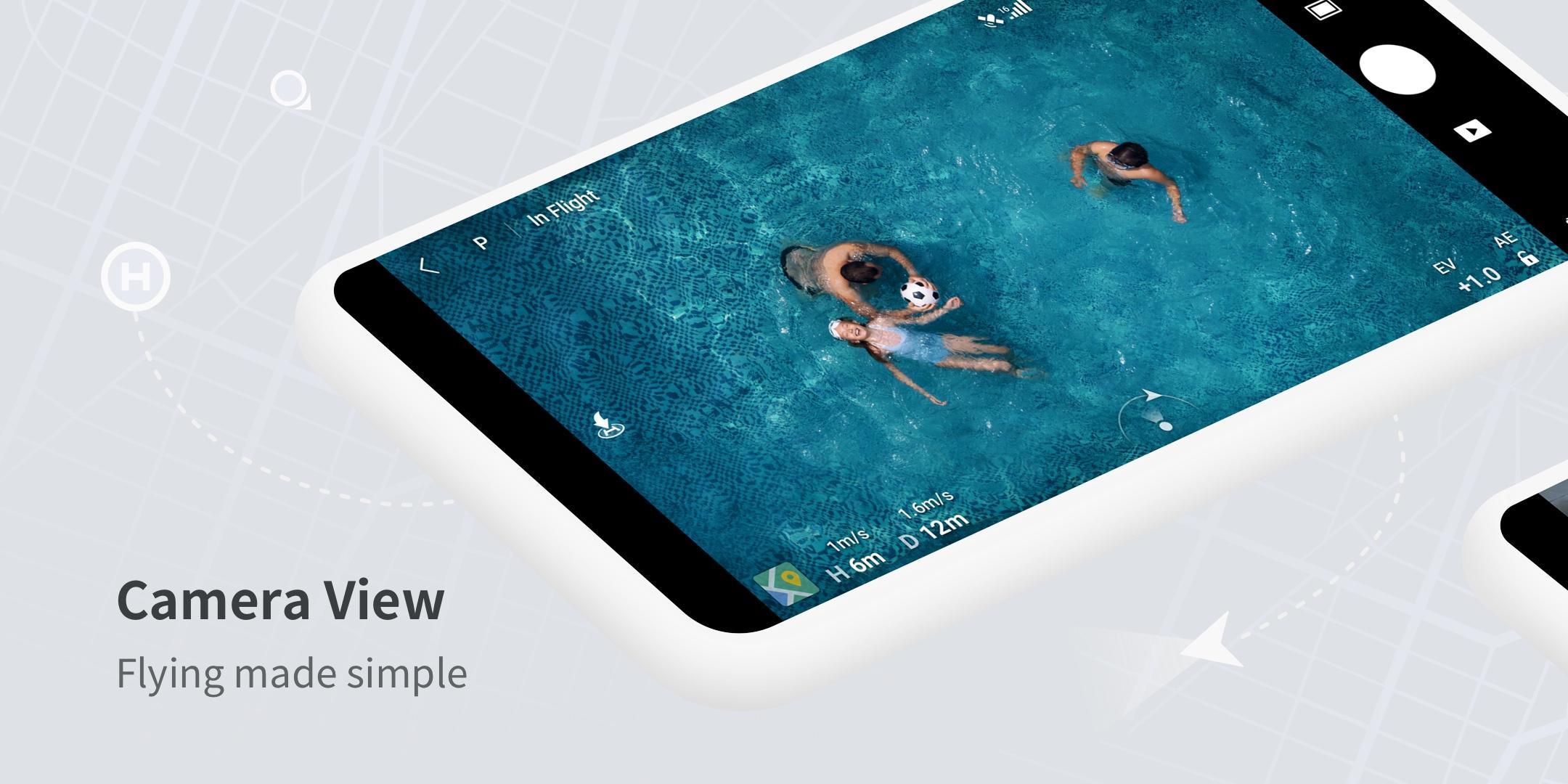
Clear interface and camera view
DJI Fly presents key flight info and an expansive camera view, so you can focus on control and framing. Menus are easy to read and actions are simple to find during flight. Before you download DJI Fly, check that your aircraft model is supported for a smooth setup.
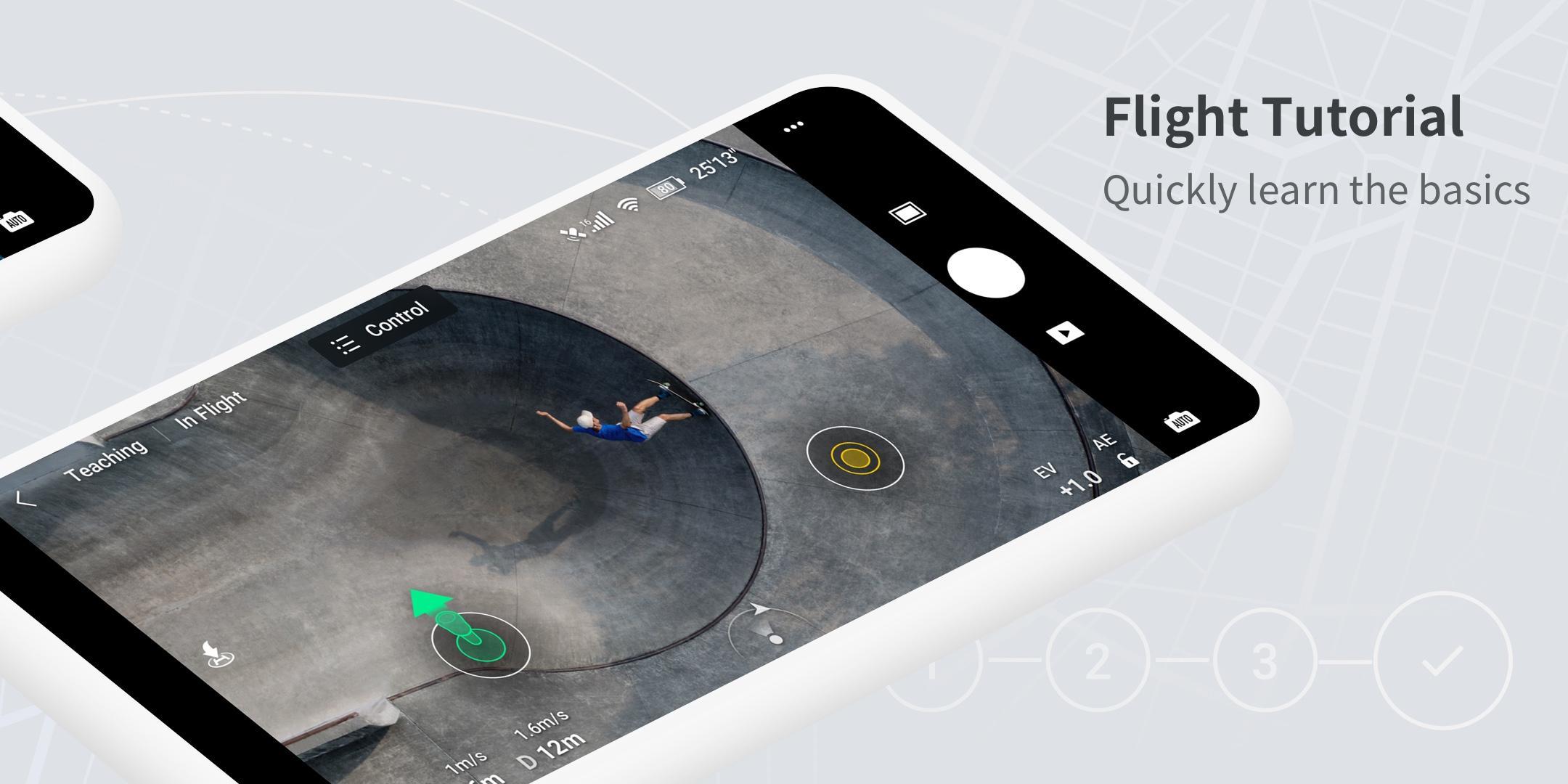
Step by step flight tutorials
You can follow short tutorials that explain the basics and help you make your first flights with confidence. Lessons guide you through common tasks and safety reminders, which reduces guesswork for new pilots. As you gain experience, these tips remain useful for quick refreshers.
Nearby Fly Spots and GEO info
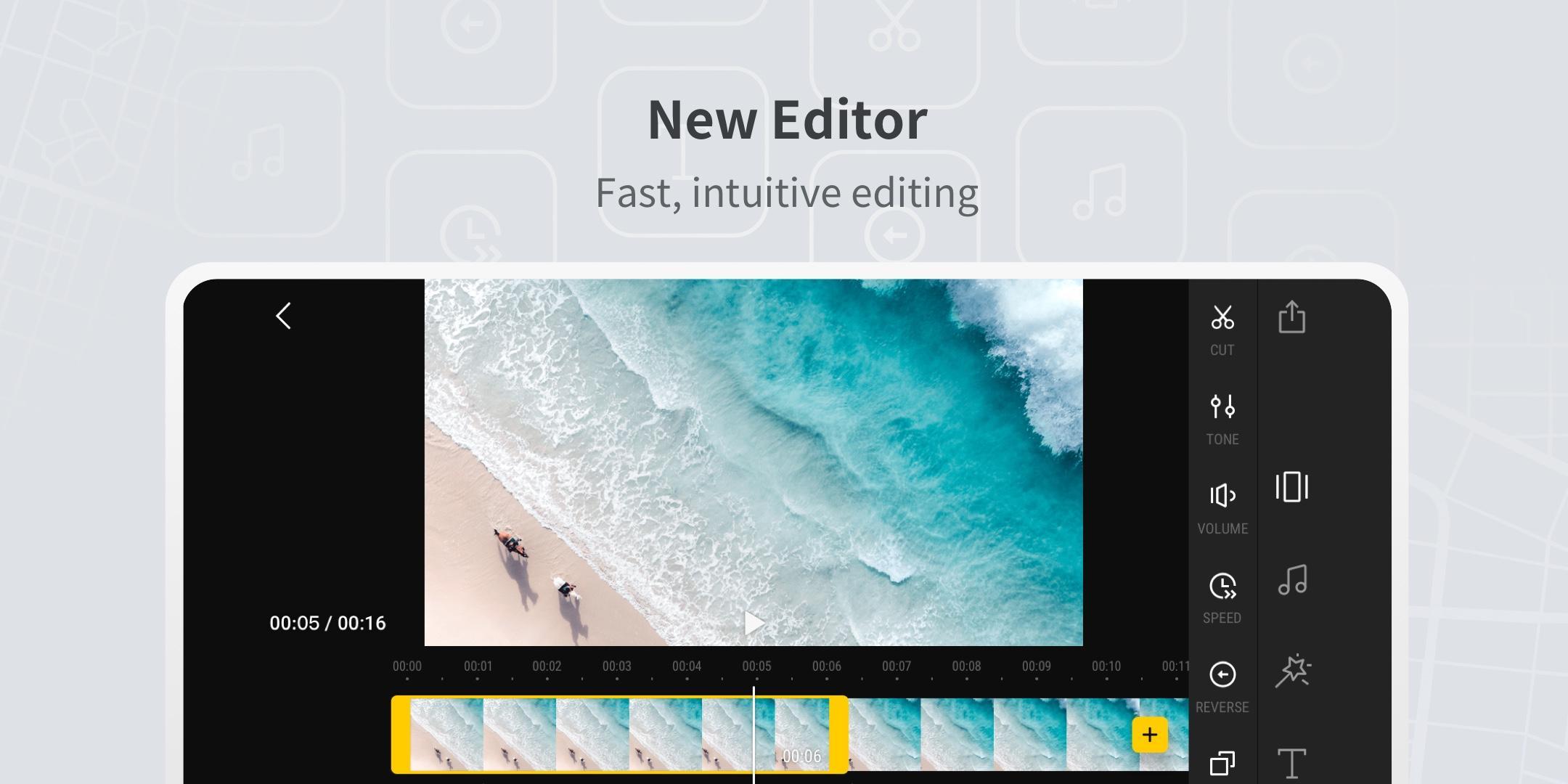
Built in editor with tools and templates
After the flight, the editor lets you arrange footage, use templates, and share your results quickly. You can choose materials and make simple edits without leaving the app. This keeps post flight work straightforward.
DJI Fly provides a clear interface, helpful tutorials, planning tools, and a built in editor for sharing. To begin, install the DJI Fly latest version and review the guidance before your next flight. Always confirm local rules and aircraft compatibility.
Latest Version
1.21.4Uploaded by
DJI TECHNOLOGY CO., LTD
Requires Android
Android 7.0+
Category
Free Video Players & Editors AppContent Rating
Everyone
Report
Flag as inappropriateLast updated on Jun 29, 2026
This release includes minor bug fixes and general improvements. Update to the latest version for the best experience.


APKPure - A multi-platform app store primarily focused on Android, providing extensive app-related content. Discover the app you want easier, faster, and safer, with quick and efficient downloads and installations.