

Package Name:com.GruesomeGames.GDmod
SHA-256:0242daca6672ca2fa6081bbc4824b44cc48507f94e40eed303cda843d756a090
Show More

Dmod suits players who want a hands-on playground to create scenes and test ideas without limits. It offers a Garry's Mod style experience on Android, so you can try things out in open, stylized maps at your own pace. You can play alone when offline, and you can also go online to interact with others. The interface keeps core actions within reach, and sessions load fast for quick experiments. For those looking to install outside the app hub, Dmod APK is available for direct download.
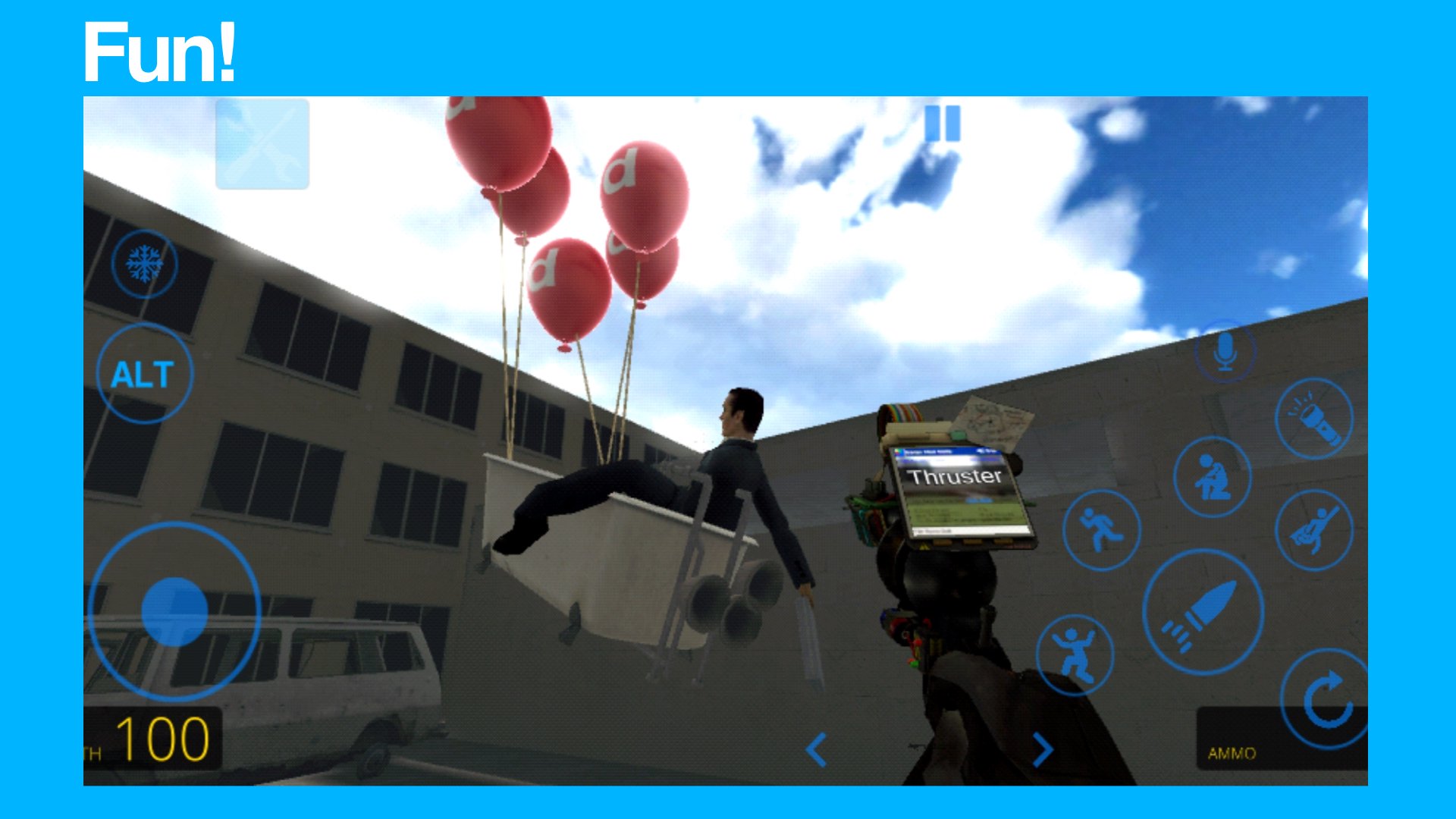
Dmod focuses on physics driven play that is easy to pick up. You can place characters and objects into open maps, then see how they react when pushed, pulled, or linked together. The environments are stylized yet open enough for experimentation, so you can test movement, collisions, and simple interactions without long setup time.
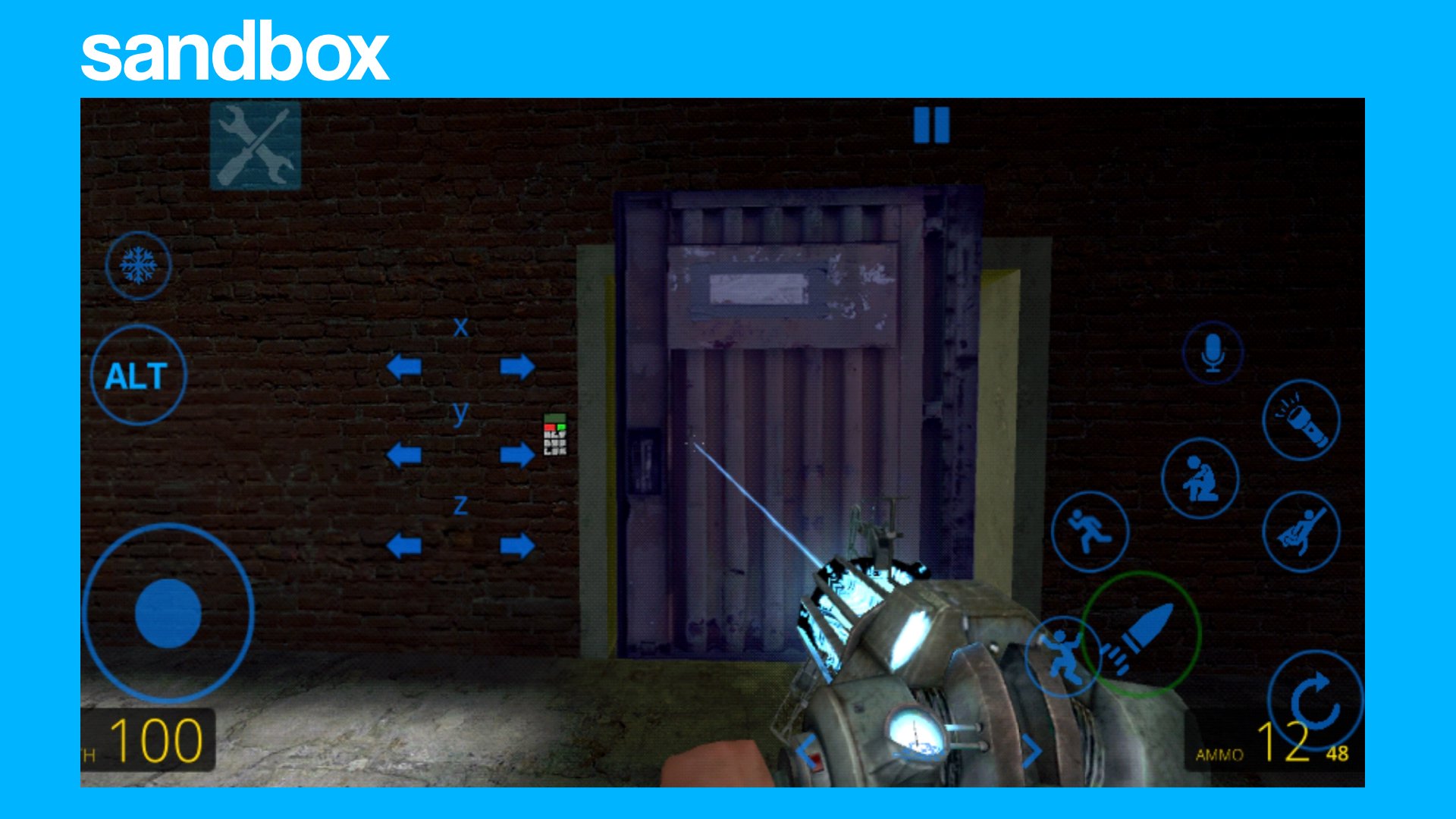
Creation and customization toolsDmod gives you tools that help you build your own scenarios. You can edit levels, use a tool gun to pose or connect items, and import BSP maps to expand your playground. Custom skins are supported, which lets you change looks and set the scene for different themes. These tools work together so you can craft, adjust, and iterate in short loops.
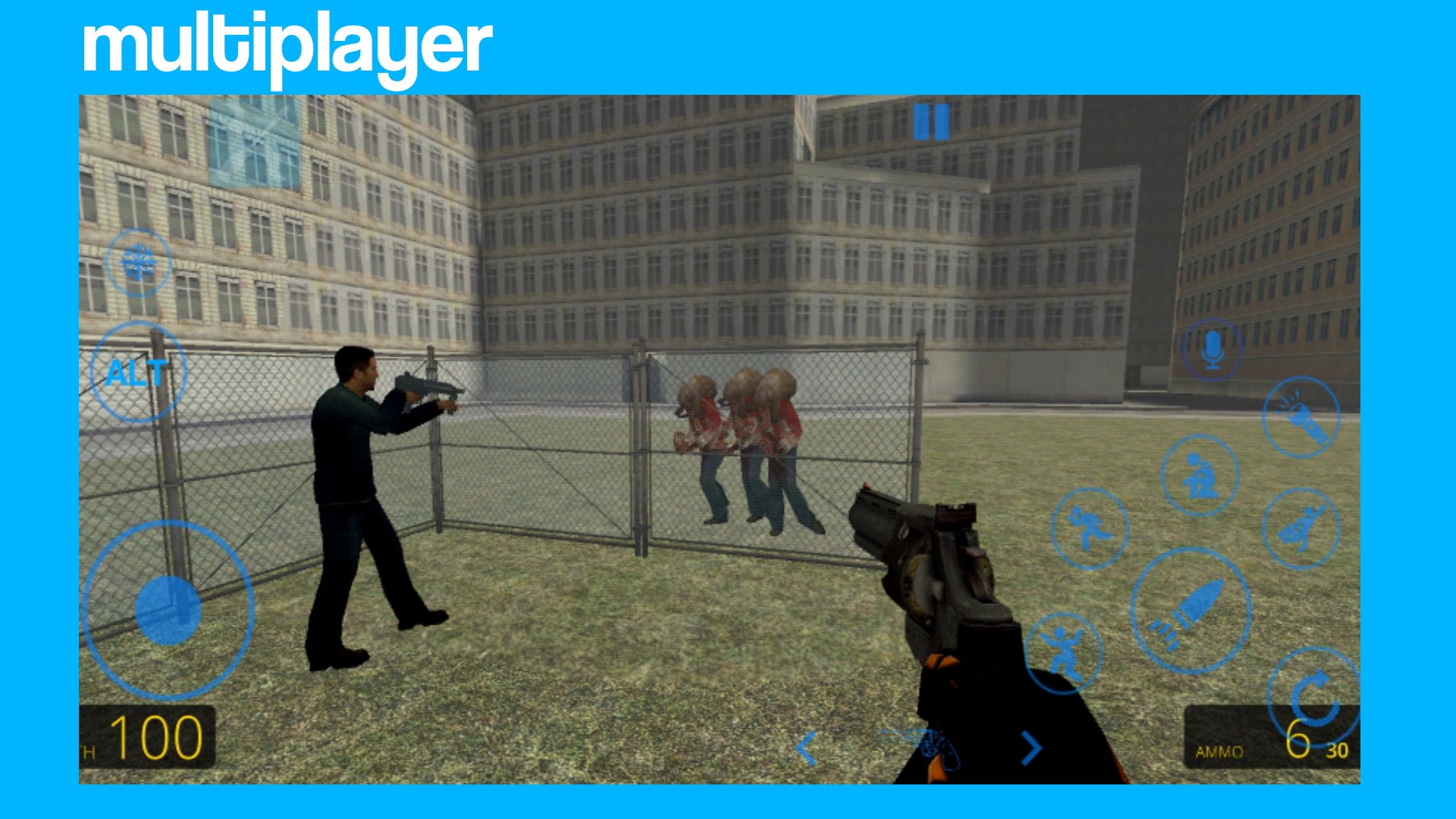
Offline play and multiplayer modesYou can use Dmod in single player without a connection when you just want to build or try ideas quietly. When you want competition or collaboration, switch to online and choose Sandbox, Team Deathmatch, or Free For All. This variety lets you move from creative building to fast matches without changing games. It also means you can practice solo and then bring your setups into multiplayer sessions.
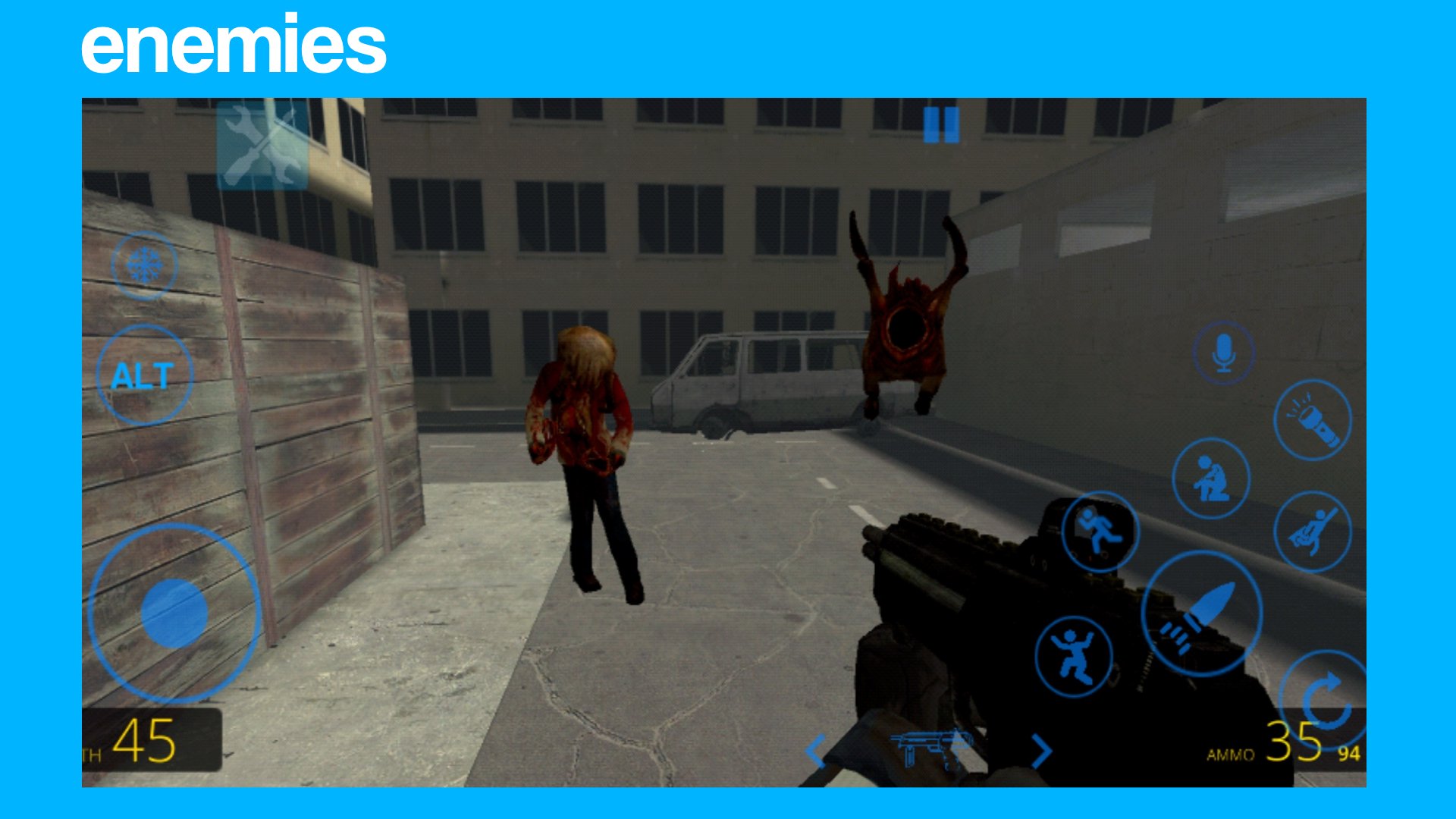
More content and smoother controlsDmod adds extra NPCs and enemy factions to make scenes feel busy and varied. Noclip movement is improved so you can navigate builds faster and adjust camera angles easily. Maps are optimized to reduce hitches, and the UI has been redone to keep menus clear. These changes help you focus on building and testing rather than searching for options.
Privacy friendly data handlingAccording to the developer, Dmod does not collect or share personal data. Data is encrypted in transit during online play and content downloads. This setup focuses on core gameplay features without asking for unnecessary information. It is designed to let you jump in and create with minimal friction.
Dmod has an active Discord community where players share maps, skins, and quick tips. It is a useful place to ask questions about tools, controls, and importing content. You can also follow conversations there to learn about upcoming improvements and newly shared creations.
If privacy is a concern, note the developer’s stated approach of not collecting or sharing personal data, with encryption in transit. These practices are intended to protect gameplay sessions and user generated content while you build and play online. For any questions about data or features, use the official contact at the end of this page.
After you download Dmod on your Android device, a short setup leads straight into the main menu. Start in single player to learn the basics, or jump into a mode that suits your plan. If needed, check the community for quick tips once you have tried the first session.
Dmod is a focused physics sandbox for Android that combines creation tools with casual and competitive modes. It suits short experiments and longer sessions where you refine and test builds. To keep up with fixes and tool updates, install the Dmod latest version when it becomes available.
For official resources and support, use the following details.
Latest Version
1.1Uploaded by
ZinMaungphyo
Requires Android
Android 4.4+
Category
Free Action GameContent Rating
Everyone 10+
Security Report
Check Now
Report
Flag as inappropriateLast updated on Jul 5, 2023
Credits





APKPure - A multi-platform app store primarily focused on Android, providing extensive app-related content. Discover the app you want easier, faster, and safer, with quick and efficient downloads and installations.