Scan Date:Sep 11, 2025
Show More


Double Tap Screen On/Off helps when the power button is worn or hard to reach, giving you a quick touch option instead. It focuses on simple screen control that fits everyday use at home, at work, or on the move. The app listens for taps and gestures in the background and responds without extra steps, so you keep your phone interaction light and quick. For users who prefer touch over hardware keys, it offers a practical approach that feels natural, and the Double Tap Screen On/Off APK keeps setup straightforward.
Double tap control on the Home screen
Double Tap Screen On/Off lets you double tap on the Home screen to lock the display right away. On supported devices, you can also wake the screen with a similar double tap so you do not reach for the power button each time. This focuses your interaction on the place you already use most, keeping movement minimal.
Gesture fallbacks for wider compatibility
If double tap to wake is limited on your device, you can enable shake to lock or wake. There is also an option to wake the screen with the volume button. These alternatives keep the core idea intact and help you stay consistent even when tap to wake is not available at the hardware level.
Reduced power button use and easier access
You can rely less on the physical power key by using touch and motion instead. This supports quick one handed interactions and can help when the button is failing or difficult to press. Over time, this approach may reduce wear on the hardware key while keeping everyday actions simple.
Lightweight design with quick setup
The app is small and focuses on clear options that are simple to toggle. After initial setup, it runs quietly in the background and detects your chosen gestures with steady performance on supported devices. You can adjust sensitivity and behavior without digging through complex menus.
Clear permission use for gesture detection
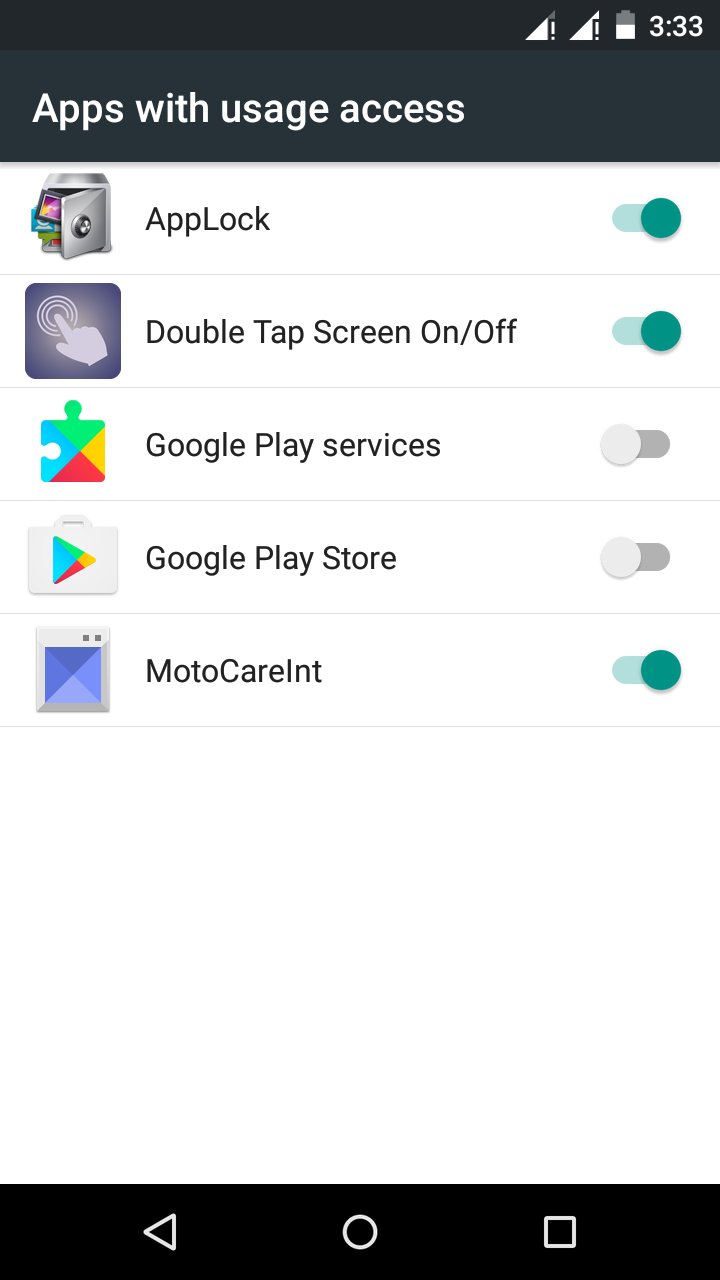
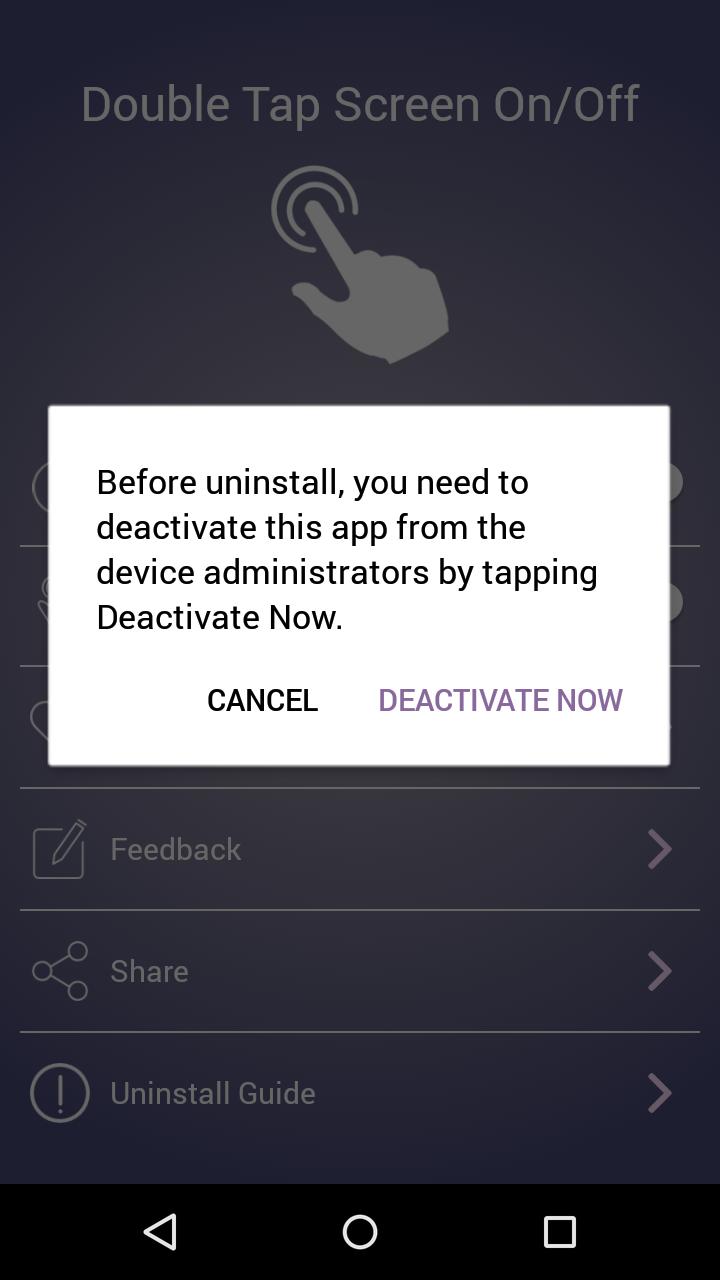
On Android 9 and later, Double Tap Screen On/Off uses an Accessibility service to listen for gestures and lock the screen. On Android 8 and earlier, it uses Device Administrator to perform the lock action. It also requests Draw over other apps and Usage access so it can detect taps on the Home screen and know when to process them. These permissions enable core functions and help keep responses consistent.
Tap to wake must be supported by your device at the hardware and kernel level. An app cannot add true off screen tap to wake if the phone does not support it. If waking by double tap does not work, it is likely due to device limits rather than a setting inside the app. In that case, use shake to wake or the volume button option for a similar result.
Many phones include a built in double tap to wake option in Display settings. That firmware feature usually works across the entire screen while it is off. Double Tap Screen On/Off focuses on Home screen double taps for locking and provides gesture choices that work across different launchers without changing system settings. If your phone already has a reliable built in wake setting, you can keep it on and still use this app for quick locking from the Home screen.
If double tapping does not wake the screen, check your device settings for a native tap to wake option and enable it if present. Next, confirm all requested permissions are granted, including Accessibility or Device Administrator, Draw over other apps, and Usage access. If gestures stop working after a while, disable battery optimization for the app so the service is not paused in the background. Finally, try the shake or volume wake options if your touch panel does not support tap detection while the screen is off.
Getting started only takes a few minutes and works best when you follow a short setup flow. To begin, download Double Tap Screen On/Off and then grant the requested permissions so tap and gesture detection can run in the background.
Double Tap Screen On/Off offers quick screen control with tap and gesture options that fit daily use. If this approach matches your needs, get the Double Tap Screen On/Off latest version and follow the steps above to set it up.
Latest Version
6.4Uploaded by
Tongchai Thaikratok
Requires Android
Android 5.0+
Category
Free Tools AppContent Rating
Everyone
Security Report
Report
Flag as inappropriateLast updated on Aug 31, 2025
- Stability fixes





APKPure - A multi-platform app store primarily focused on Android, providing extensive app-related content. Discover the app you want easier, faster, and safer, with quick and efficient downloads and installations.