Google
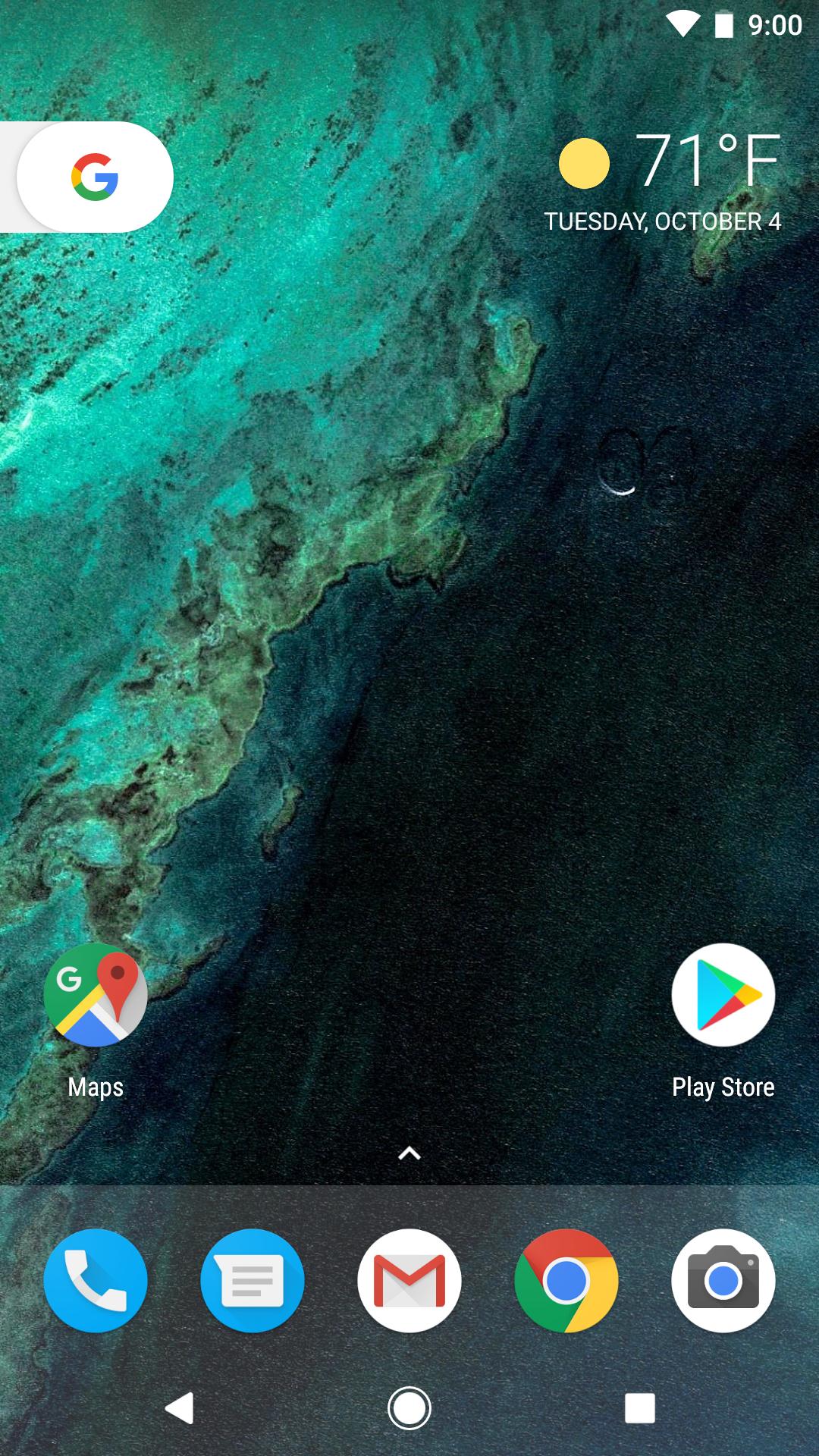
Pixel Launcher apk is the home screen experience for Google Pixel
XL and Pixel phones by. Just swipe and you will get personalized Google
information.
Without
root and you can install Pixel Launcher Android on your phone.
Key
features:
• Swipe right from your home screen to get personalized Google cards which show
you news and personalized information.
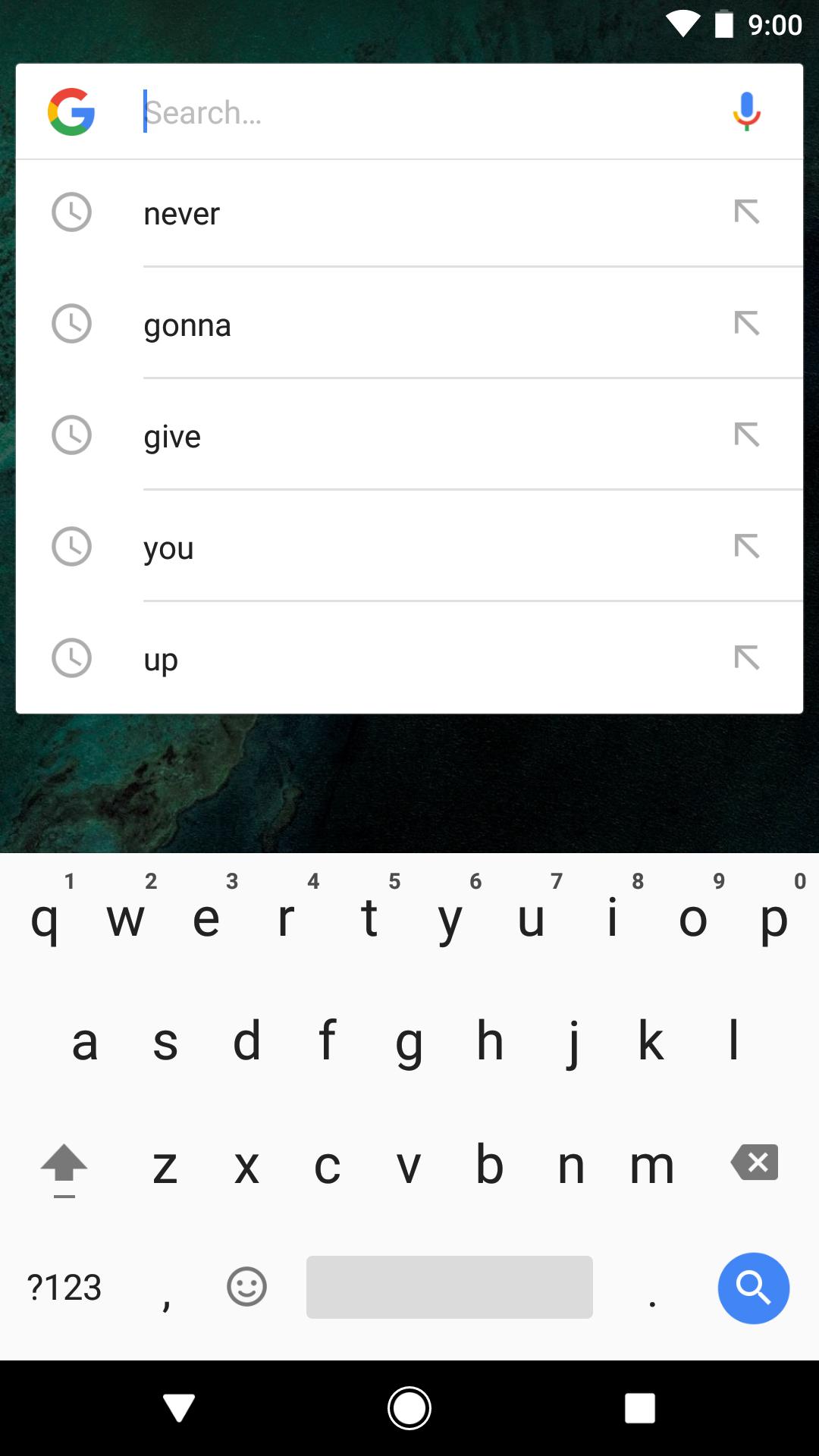
• Quick access to Google Search on your primary home screen.
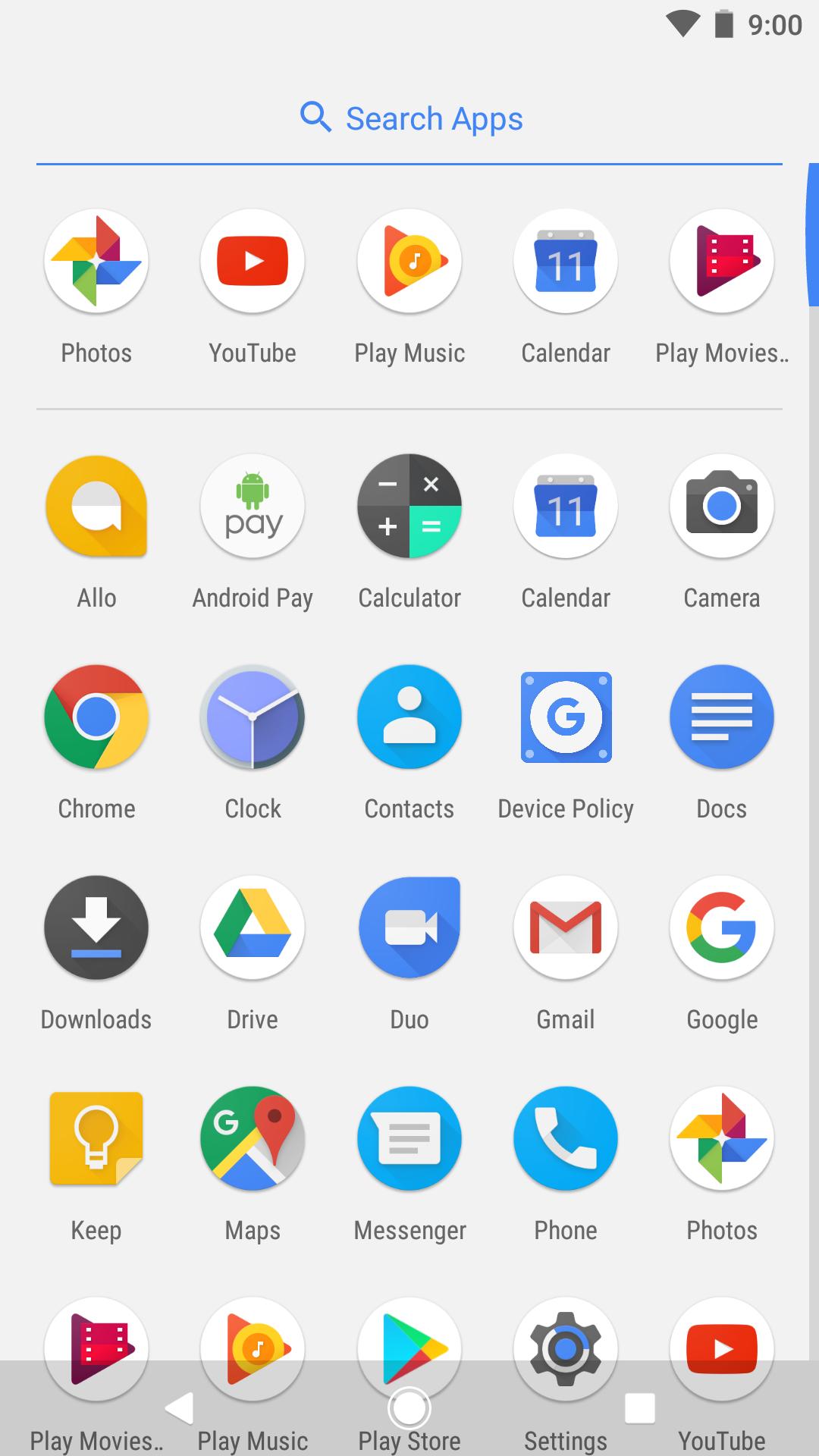
• Swipe up on the bottom Favorites row to find your apps from A-Z.
• App Suggestions bring the app you’re looking for to the top of your A-Z list.
• Long-press on apps that support shortcuts to jump right into where you need
to go or long-press on the shortcuts to drag them to the home screen.
• Other Google Pixel Launcher features of note is the swipe up gesture to open
the app drawer, a new weather widget, and long press on app icons for quick
shortcuts.
How
to Download and Install Android O Pixel Launcher apk?
Step 1 – Download
Google Pixel Launcher apk in APKPure.
Step
2 – Locate
the APK you just downloaded, install it.
Step
3 – If
you are installing an APK directly for the first time, you would be notified to
enable “Unknown Source” setting. If you don’t know how to enable, visit our FAQ
page.
Step 4 – After
enabling, the app should install. You can open it by pressing your HOME button
and then select the “Pixel Launcher” option.
That’s it! You can now set Pixel Launcher as your default app
and use it on your phone which runs Android Marshmallow, Lollipop, Kitkat, Nougat etc.
Última Versión
14Presentado por
Google LLC
Requisitos
Categoría
Gratis Herramientas APPClasificación de contenido
Everyone
Reportar
Marcar como inapropiadoLast updated on 30/03/2024
Esta versión incluye pequeñas correcciones de errores y mejoras generales. Actualiza a la versión más reciente para disfrutar de la mejor experiencia.



APKPure - Una tienda de aplicaciones multiplataforma enfocada principalmente en Android, que proporciona un amplio contenido relacionado con aplicaciones. Descubre la aplicación que deseas de forma más fácil, rápida y segura, con descargas e instalaciones rápidas y eficientes.