Package Name:com.marc.files
SHA-256:5d87a830a521fa57a7ad8049dd8ddbd6a70802d0b91063be42997a4424cc4be3
Show More

Files helps when your phone feels slow or storage fills up after lots of photos, videos, and chat media. It brings your recent downloads and everyday folders into clear view, so you can see what is on your device without digging through many paths. With simple tabs and quick actions, you can clear clutter, search for items, and move content where it needs to go. To get started, download Files and open it from your app list for direct access to your storage.
Personalized storage clean up
Files analyzes common space hogs and suggests items you may not need, such as duplicate files, unused apps, leftover cache, and low resolution videos. You can review suggestions before you remove anything. This helps recover space in a controlled way, especially after heavy use of chat apps that save many photos and clips.
Clear view of internal, SD, and USB storage
Beyond cleaning, Files shows a simple storage overview across your phone, SD card, and compatible USB drives. You see what is taking up space in each location and can open folders from the same screen. This visibility helps you decide where to store large items and when to move or delete files.
Faster file finding with categories and search
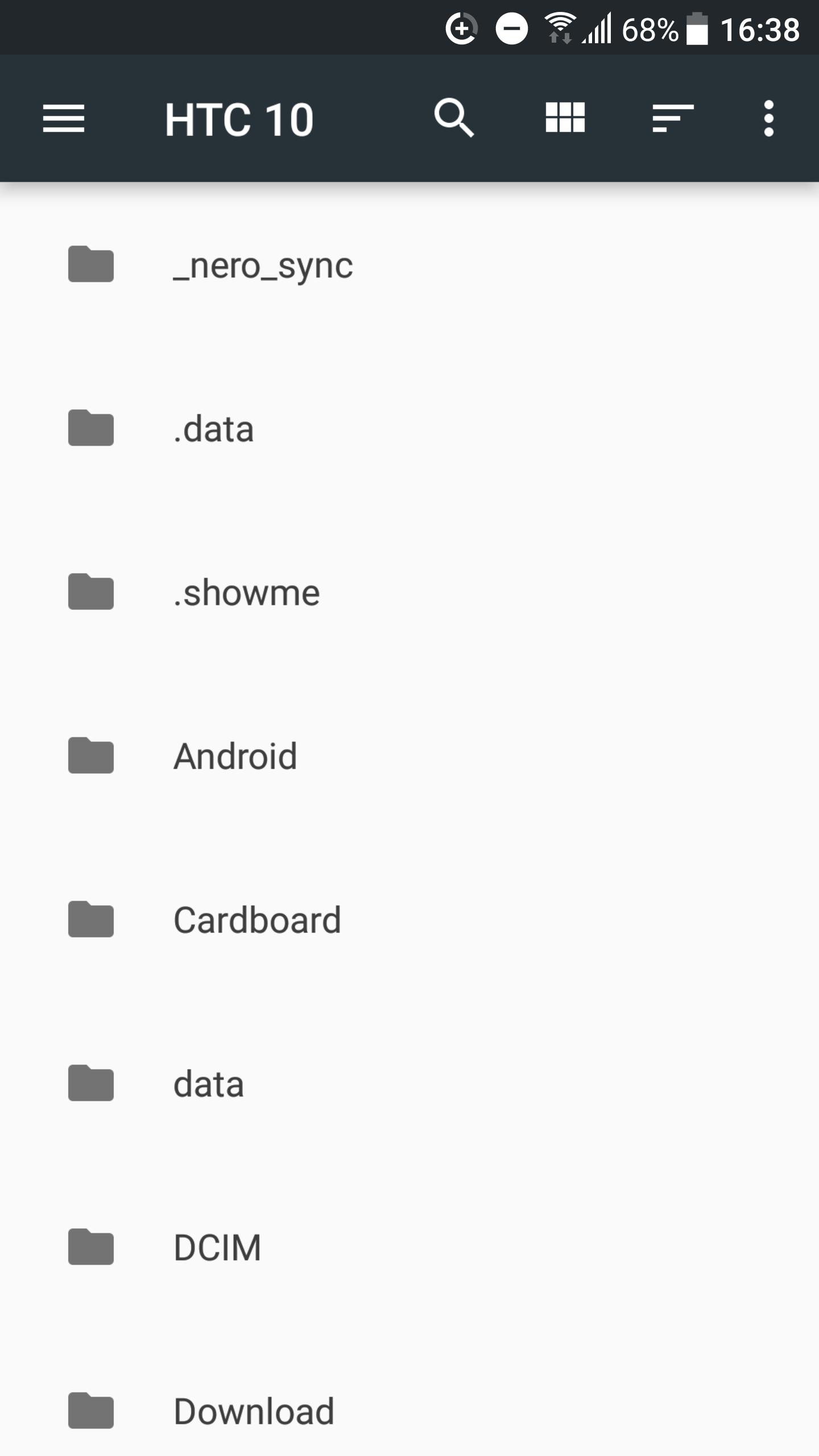
For everyday access, Files groups content into categories like images, videos, documents, and downloads. You can browse by type or use quick search to jump to a specific filename. This reduces time spent navigating folders and makes it easier to open or share the item you need.
Offline sharing with nearby devices
When you need to send files without using mobile data, Files supports fast device to device transfers. Connections are encrypted and work when both users are nearby. This is useful for sending large videos or multiple photos in places with limited connectivity.
Easy backup to cloud apps
If a file is important, you can save a copy to Google Drive or another supported cloud storage app. Files gives you a simple action to upload selected items. This adds an extra layer of protection in case your device is lost or damaged.
App name and platform
Files, also known as Files by Google, is designed for Android phones and tablets. It is different from Apple’s Files app on iOS, which is built for iPhone and iPad. If you are searching for the iPhone app, note that this download is for Android only.
Storage sources and visibility
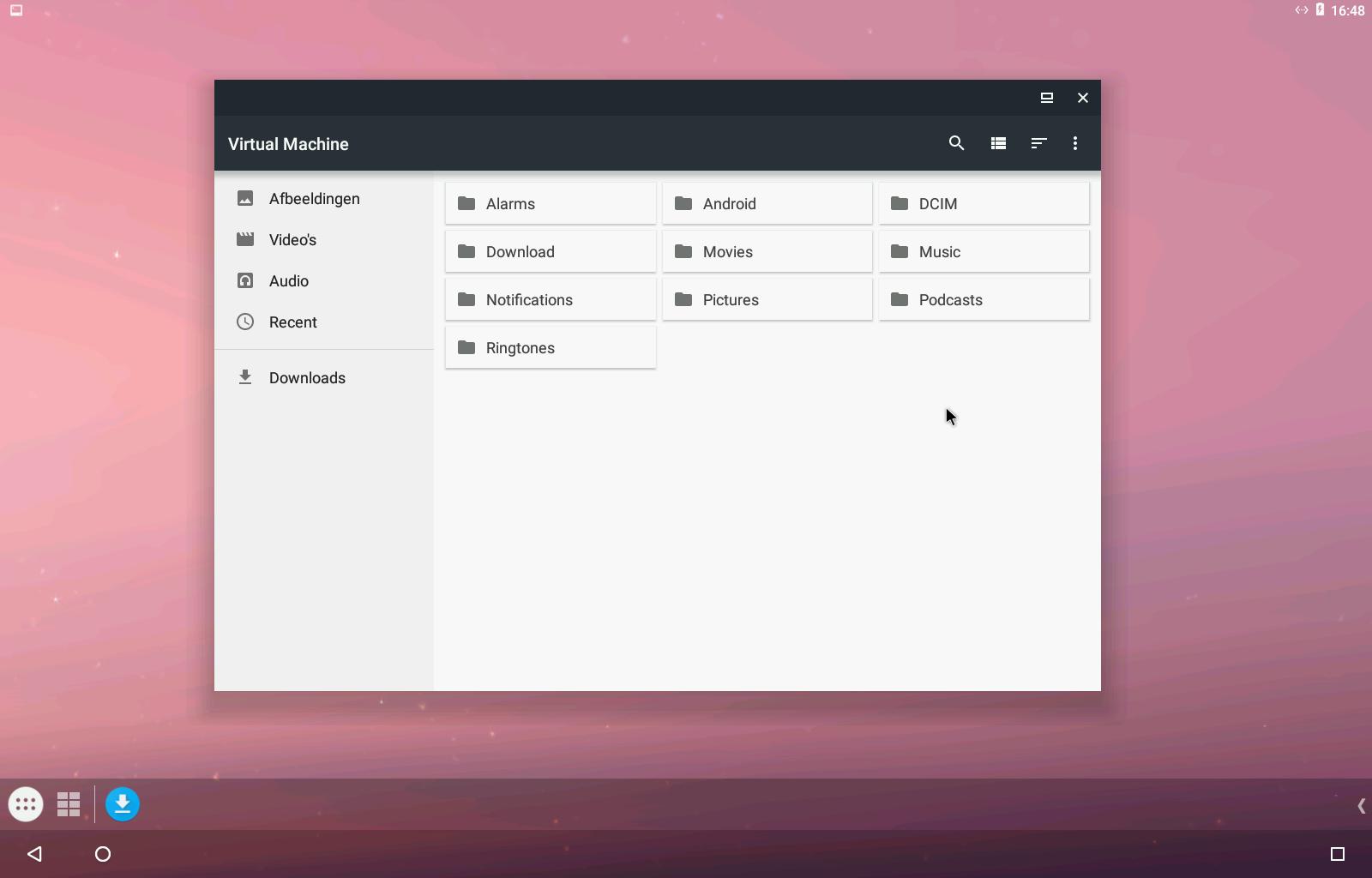
Files can display internal storage and, when available, SD cards and compatible USB drives. Access to removable storage may require user permission, and visibility can vary by device and accessories. If a card or drive is not shown, check that it is properly connected and supported by your phone.
Files organizes your device storage into simple tabs so you can clean, browse, share, and back up with a few taps. If you installed the Files APK, open it from your app list to begin. The steps below cover the basics for first time use.
Files provides a simple way to free space, locate content quickly, share offline, and keep important items backed up. To begin, use download Files and organize your phone with clear tools that fit daily use.
For official details and support, visit the link below.
Latest Version
6.3Uploaded by
Myllinho Myller Frtas
Requires Android
Android 8.0+
Category
Free Productivity AppContent Rating
Everyone
Security Report
Check Now
Report
Flag as inappropriateLast updated on Mar 16, 2024
Fixes an issue on new phones where the wrong app was being opened.





APKPure - A multi-platform app store primarily focused on Android, providing extensive app-related content. Discover the app you want easier, faster, and safer, with quick and efficient downloads and installations.