

Focus Tree addresses common study hurdles, like checking your phone and losing focus during homework. It guides you to set clear study periods and keeps your routine steady. You can view progress over time, plus stay accountable with classmates if you choose. The setup is straightforward and the interface is simple to navigate. Users who plan to download Focus Tree can expect practical tools that support focused work without extra clutter.
Focused sessions with distraction control
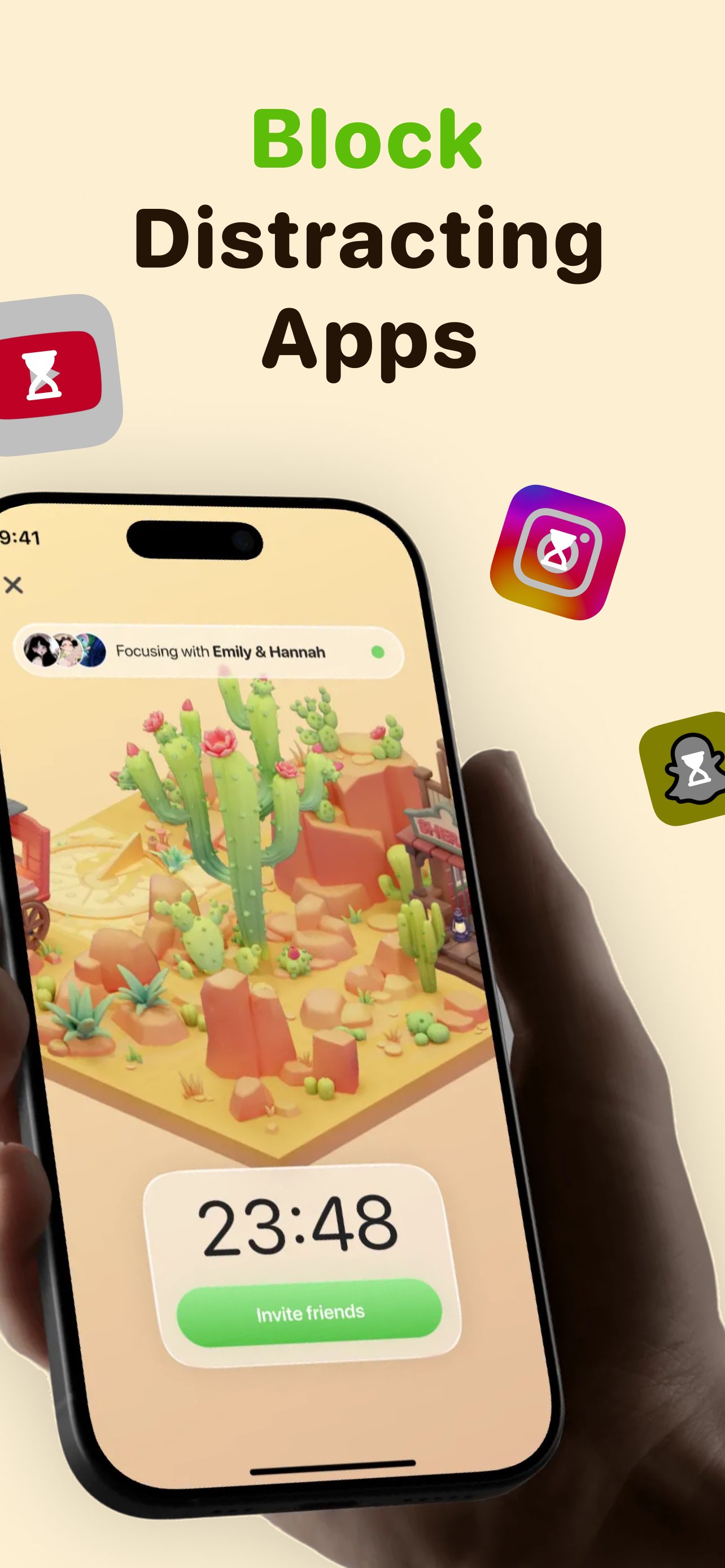
You choose a duration and start a session. Focus Tree limits distracting usage according to your settings during that time. On Android, the Focus Tree APK supports starting sessions quickly and applying your chosen limits.
Study timers and Pomodoro sessions
Next, you can set timers to match how you study. Use continuous blocks for deep work or try Pomodoro sessions with short breaks to keep a steady rhythm.
Flashcards with spaced repetition
For review, create flashcards for your subjects and study them on a schedule. Spaced repetition resurfaces cards at spaced intervals so you remember material more effectively over time.
Shared gardens and accountability
Finally, you can join a shared garden with classmates or friends. Each focus session adds a new block to your garden so you design its look over time. View streaks, support each other, and stay accountable together.
Focus Tree reduces distractions and supports steady study habits with timers, flashcards, and shared gardens. Install the Focus Tree latest version to access current features and start your first focus session. New users can begin with a short timer and add flashcards when ready.
Latest Version
0.3.140Uploaded by
Jose Andréz Fontanez
Requires Android
Android 8.1+
Category
Free Education AppContent Rating
Everyone
Report
Flag as inappropriateLast updated on Sep 22, 2026
Bug fixes and improvements




APKPure - A multi-platform app store primarily focused on Android, providing extensive app-related content. Discover the app you want easier, faster, and safer, with quick and efficient downloads and installations.