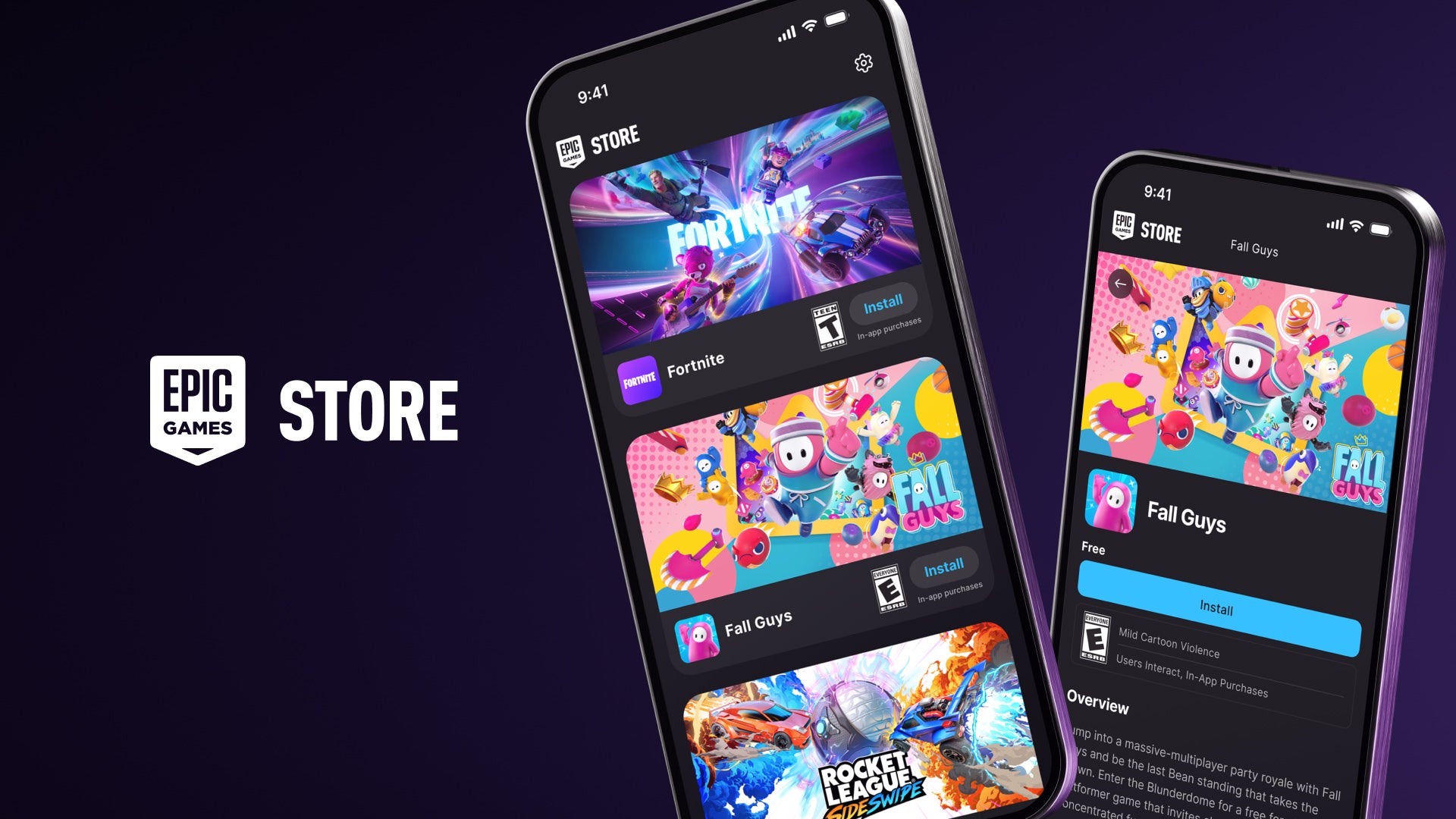

Epic Games helps users who want an easy way to access Epic titles on Android and keep play sessions organized. It gathers your games in one place so you can see what is available and install when ready. Additionally, clear prompts and version details support careful choices before starting a download. Epic Games APK suits players who prefer straightforward setup without extra steps.
Centralized game library
Epic Games lists available titles from the publisher, including games like Fortnite and Rocket League Sideswipe. You can browse, view basic details, and decide what to install next. This keeps your choices in one place.
Quick downloads and update info
From the library view, start a download with one tap. The launcher shows update status and new version information for each game, so you know when an install or patch is needed. This makes planning storage and data use simpler.
Device compatibility checks
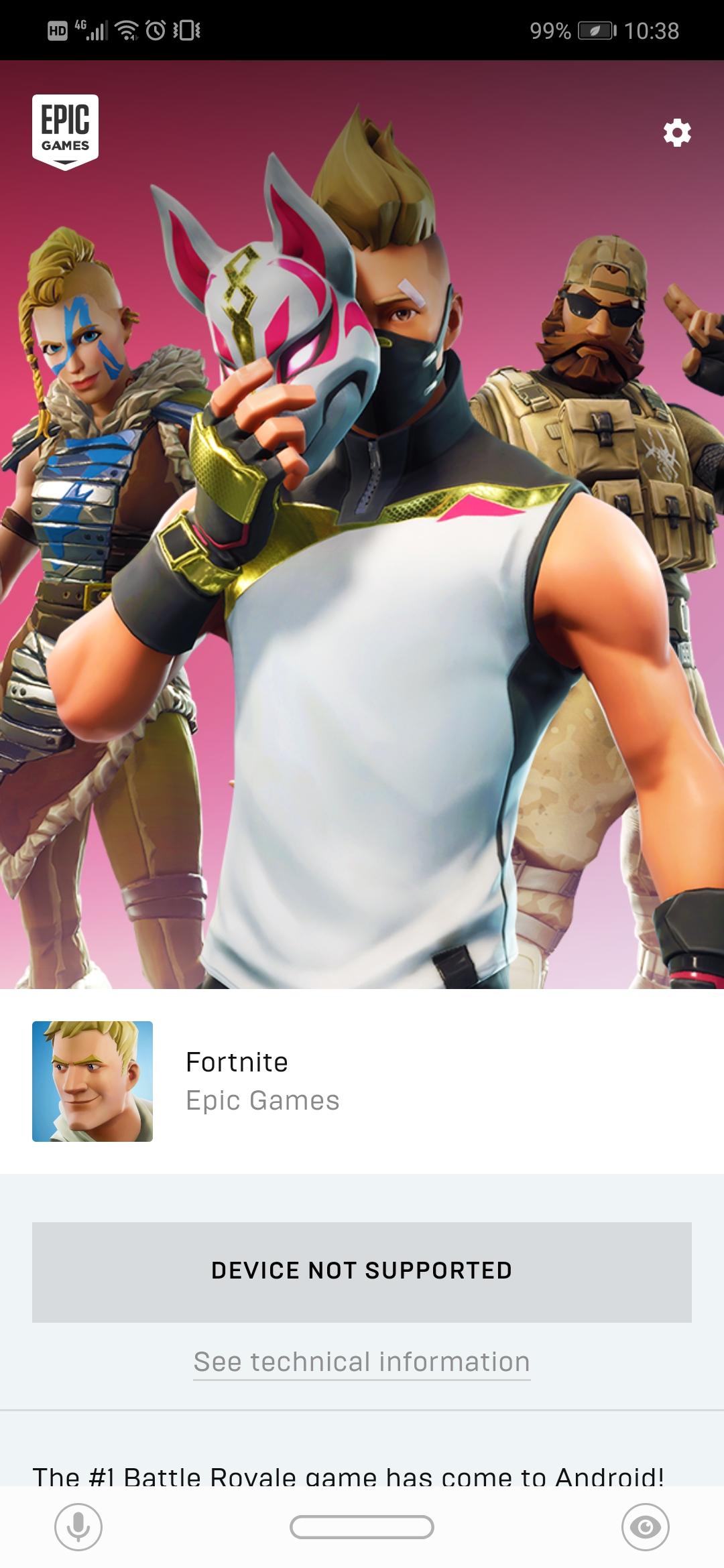
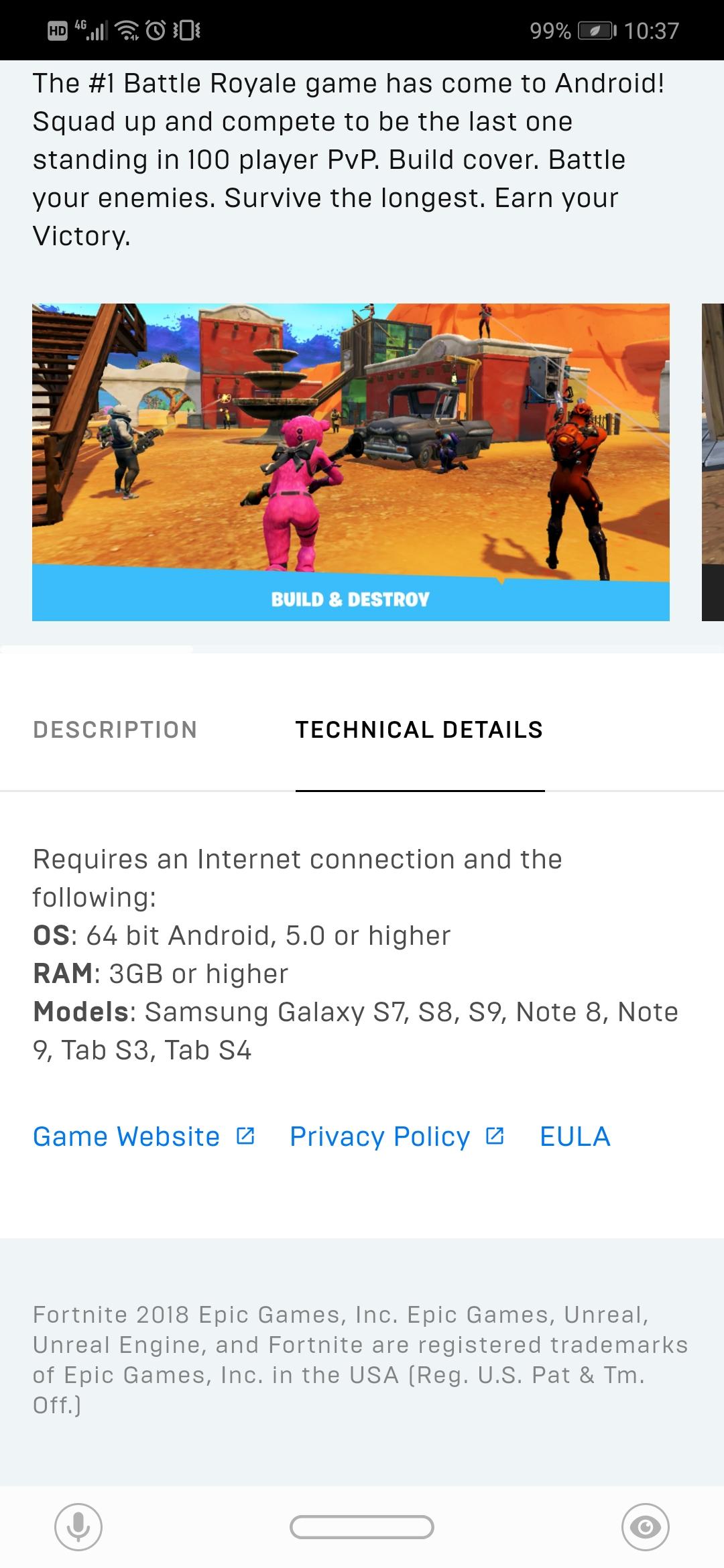
In addition, Epic Games only offers downloads for games that match your Android device’s specifications. Incompatible titles are filtered out, which helps prevent failed installs and saves time. You see options that are designed to work on your hardware.
Regular improvements to games
Finally, Epic updates its games on an ongoing basis with new modes and features. The launcher reflects these changes with version notes, so you can decide when to update or try fresh content. Players can return regularly to see what is new.
Open the launcher, browse your library, check compatibility, and install selected titles. For stable performance, keep Epic Games latest version installed. Users can review update information inside the app before proceeding with a game download or update.
Latest Version
1.5.1Uploaded by
Epic Games
Requires Android
Android 8.0+
Available on
Epic GamesCategory
Free Action GameReport
Flag as inappropriateLast updated on Jun 6, 2026
This release includes minor bug fixes and general improvements. Update to the latest version for the best experience.



APKPure - A multi-platform app store primarily focused on Android, providing extensive app-related content. Discover the app you want easier, faster, and safer, with quick and efficient downloads and installations.