Fotoo helps you show photos on a tablet, TV, or phone without constant tapping or manual browsing. It streams images from your local gallery, cloud storage, and home network shares, so albums stay current across different screens. Setup is straightforward, and the focus is on stable playback rather than editing. If you want a living room slideshow or a desk display for recent shots, you can download Fotoo to keep memories visible throughout the day.
Photo sources
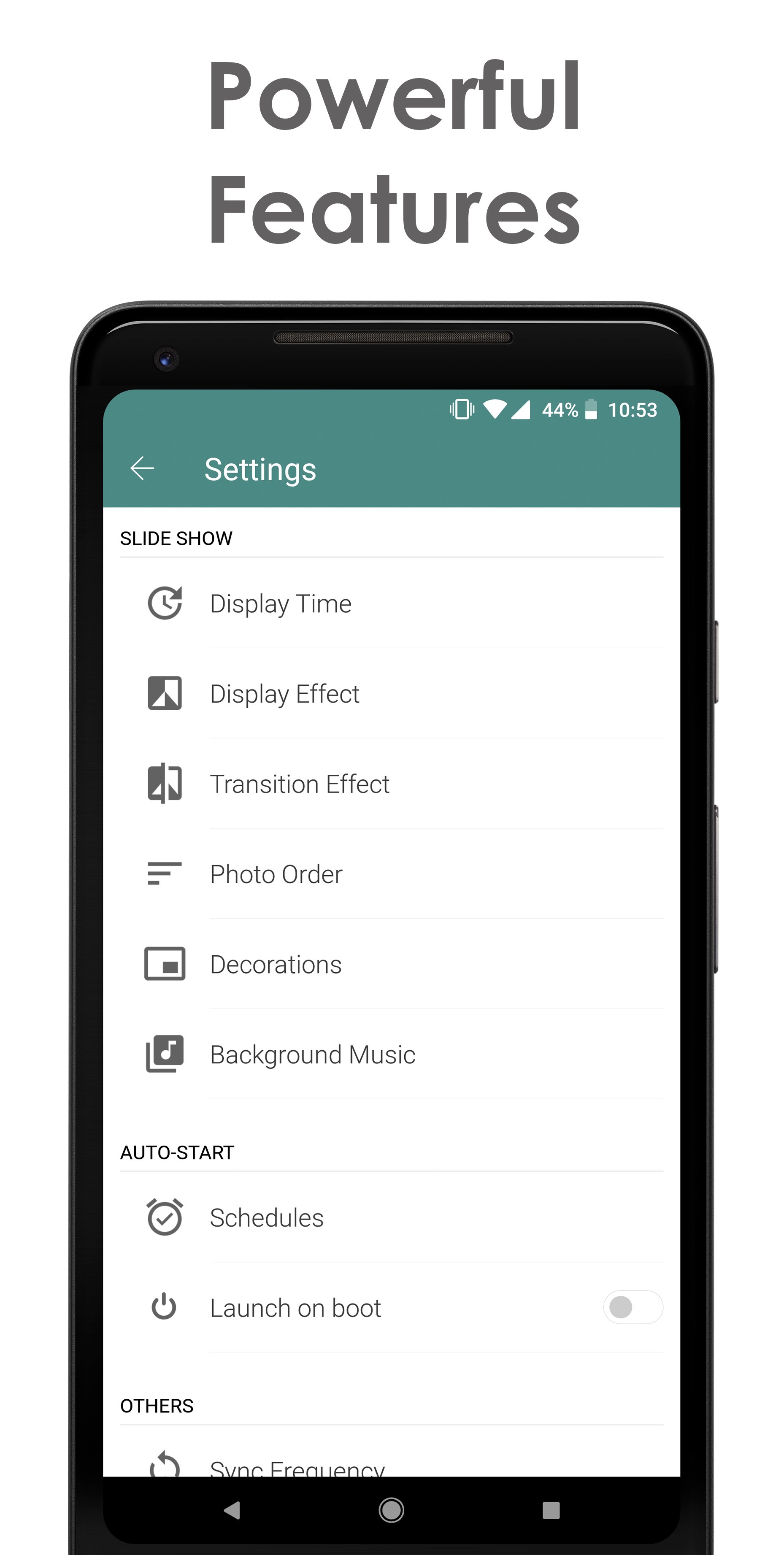
Display and transition effects
You can choose how photos fit the screen and pick transition styles to match your pace. These options help handle different aspect ratios and keep movement smooth during long slideshows.
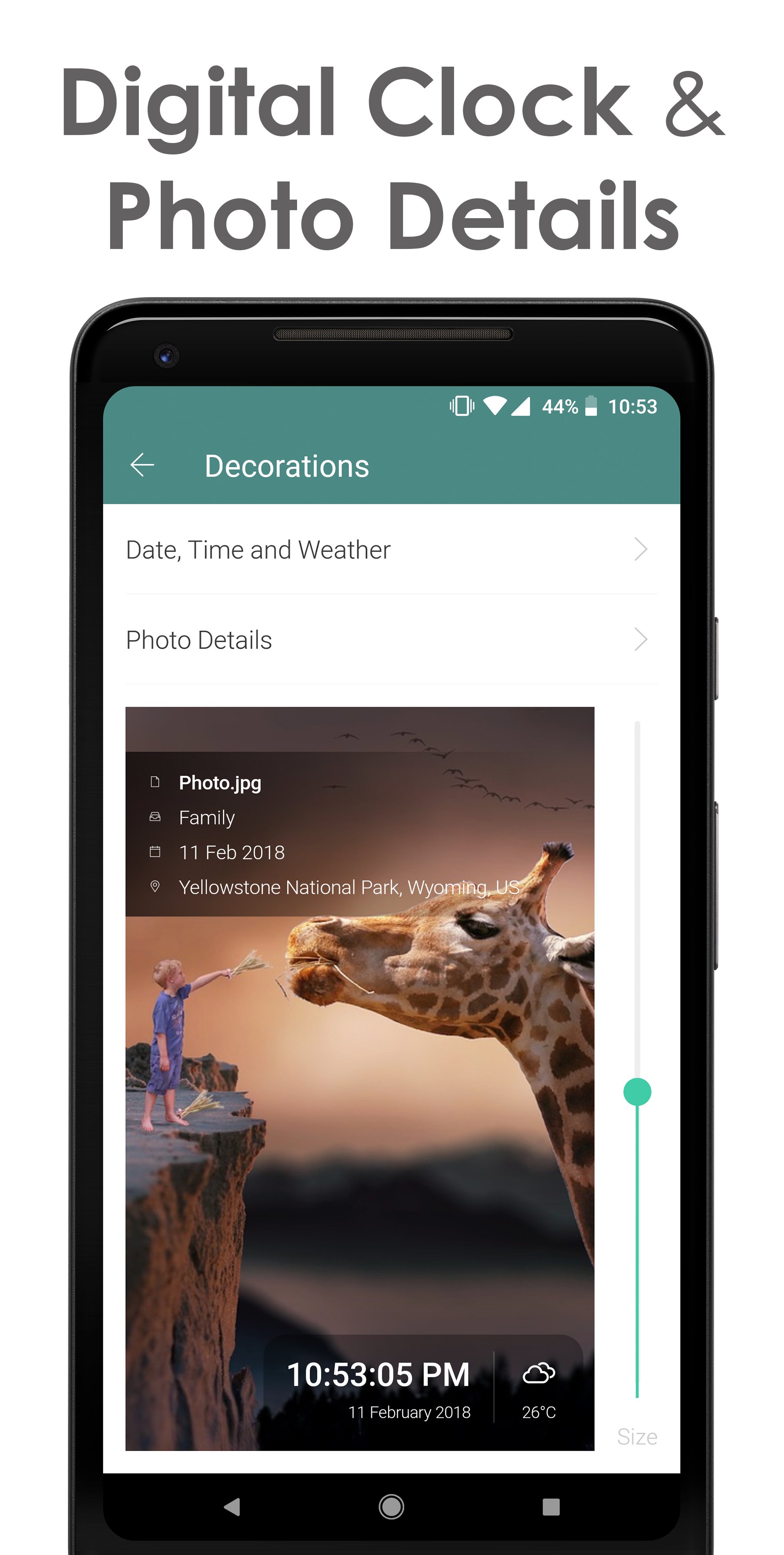
On screen info
Scheduling and screensaver
You can set slideshows to start at specific times and let the app auto play when the screen is idle. Installing the Fotoo APK on a TV, tablet, or phone provides the same scheduling behavior across your devices.
Fotoo turns a screen into a rotating gallery with sources from local storage and cloud services. Effects, overlays, and scheduling help maintain consistent playback for home or office use. Check the Fotoo latest version to get recent fixes and compatibility updates before you start.
Latest Version
2.6.5Uploaded by
Poliana Porto
Requires Android
Android 5.0+
Category
Free Photography AppContent Rating
Everyone
Report
Flag as inappropriateLast updated on Sep 24, 2026
- New Google Photos Ambient support; existing users must reconnect and select photos again
- New battery level display and face-aware Focus effect
- Redesigned settings and Premium experience for phones, tablets, and TVs
- Share slideshow videos from the Control Wall
- Improved Google Photos setup, video playback, background music, and Premium restoration
- Improved SMB compatibility and fixed screensaver, storage, startup, and stability issues
- Updated for Android 16





APKPure - A multi-platform app store primarily focused on Android, providing extensive app-related content. Discover the app you want easier, faster, and safer, with quick and efficient downloads and installations.