

Scan Date:Feb 9, 2025
Show More

Gacha Life suits players who want to create a character cast, make short scenes, or try simple story ideas without needing a constant connection. The game combines character design, scene creation, exploration, and collectible items in one offline friendly app. As a result, it can be used for planning visual skits, memes, and short sequences at your own pace. Gacha Life is designed around individual creativity rather than live interaction with other players.
Create up to 20 characters
Gacha Life gives you 20 character slots for building a full cast. You can choose hairstyles, eyes, facial details, clothes, hats, accessories, colors, and weapons. This lets you make different roles for a story, such as friends, classmates, rivals, or fantasy characters.
Change outfits and appearance
You can mix clothing and appearance items to create different looks for each character. Gacha Life supports alternate outfits, themed groups, and simple costume changes for separate scenes. For example, you can keep the same character while changing their clothes for school, town, or an imagined setting.
Build scenes in Studio Mode
Studio Mode lets you place characters together and select their poses and expressions. You can also add custom text and choose from more than 100 backgrounds. Gacha Life helps you turn individual character designs into illustrated conversations, memes, or story moments.
Connect scenes with Skit Maker
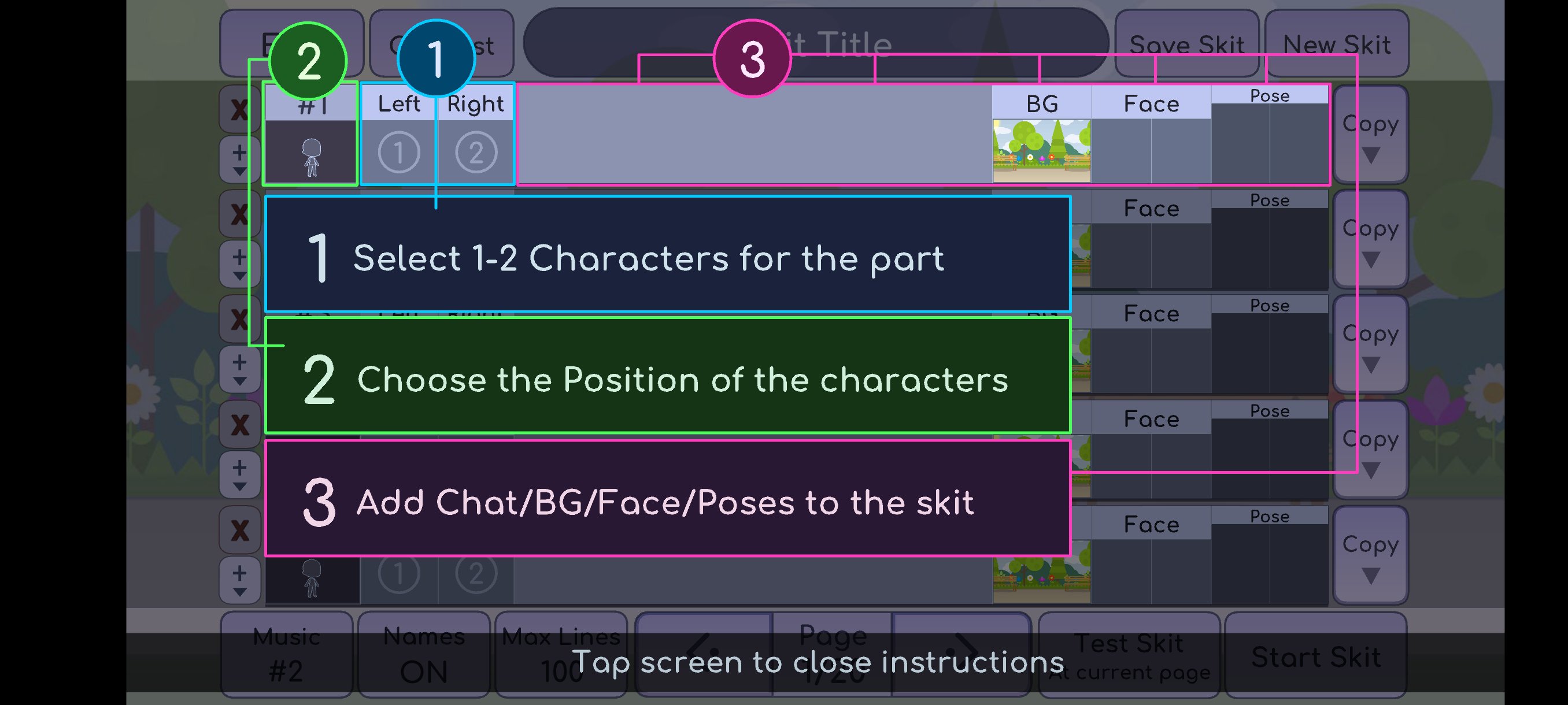
After making scenes, you can combine several of them in Skit Maker. This allows you to arrange a short sequence with a beginning, middle, and ending. Gacha Life can therefore be useful when preparing visual ideas for content shared outside the app, including posts for TikTok or YouTube.
Explore Life Mode and collect gifts
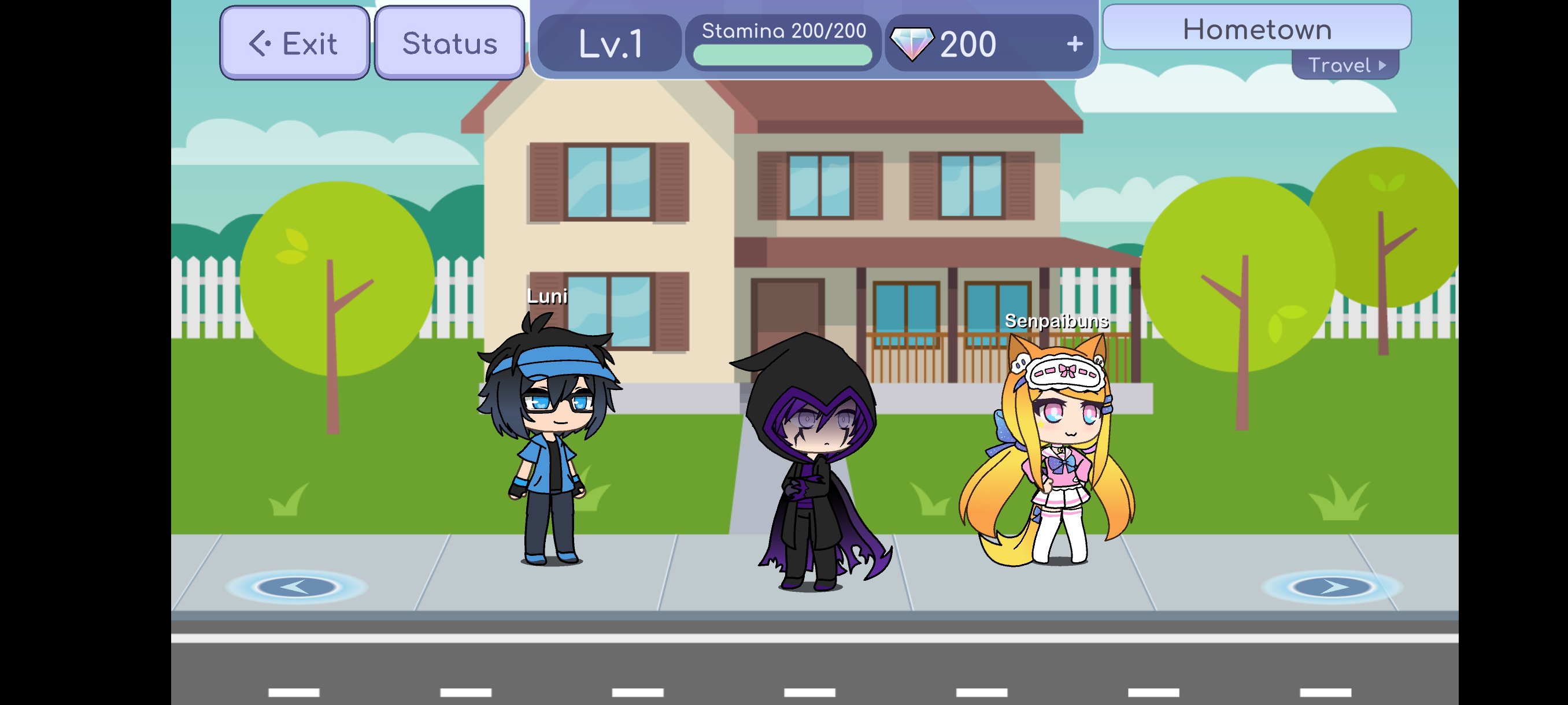
Gacha Life includes areas such as the town and school, where you can meet and talk with nonplayer characters. These conversations can provide ideas for your own scenes, while small discoveries add to the exploration. The game also has eight mini games that reward gems, which you can use in the gacha system to collect more than 100 gifts.
Core character creation, exploration, and mini games can be used offline without Wi Fi. Gacha Life does not include live chat, and interactions inside Life Mode are limited to conversations with nonplayer characters. If you create scenes for social media, sharing and communication with other people take place outside the game.
A Gacha Life APK is the Android installation file for the game. Before installing, check the Gacha Life latest version shown on this page if you want the currently listed release. The game is mainly suited to players who prefer making characters and visual scenes over competitive multiplayer gameplay.
After you download Gacha Life, begin by deciding whether you want to make one character or a full group. You can then move from character design to scenes and short skits in a clear order.
Open the character creator and choose one of the available slots for your first character.
Select the hairstyle, face, clothing, accessories, colors, and other details that fit the role you want to create.
Repeat the process for other characters if your scene needs friends, family members, classmates, or other roles.
Open Studio Mode, place the characters on a background, then set their poses, expressions, and text.
Use Skit Maker to connect finished scenes, or visit Life Mode and play mini games when you want gems and gacha gifts.
Gacha Life combines anime style character design with scene building, simple exploration, and collectible gifts. Download Gacha Life APK if you want an offline focused game for creating casts, visual skits, and short story sequences on Android.
For official information or support, use the details below.
Website: http://lunime.com/
Support email: Lunimegames@gmail.com
Latest Version
1.1.14Uploaded by
Alessandro Bellomo
Requires Android
Android 5.0+
Category
Free Casual GameContent Rating
Everyone
Security Report
Report
Flag as inappropriateLast updated on Aug 15, 2023
Gacha Life is now available on all Android devices!






APKPure - A multi-platform app store primarily focused on Android, providing extensive app-related content. Discover the app you want easier, faster, and safer, with quick and efficient downloads and installations.