Scan Date:Jul 1, 2026
Show More


GoTube focuses on smooth playback that fits everyday use on Android. It helps you find trending videos and artists quickly, and it keeps controls simple so you can watch or listen the way you prefer. You can manage favorites and organize playlists without creating an account, which makes setup fast. Moreover, the GoTube app supports comfortable viewing at any time, and it is designed to work well while you multitask across other apps.
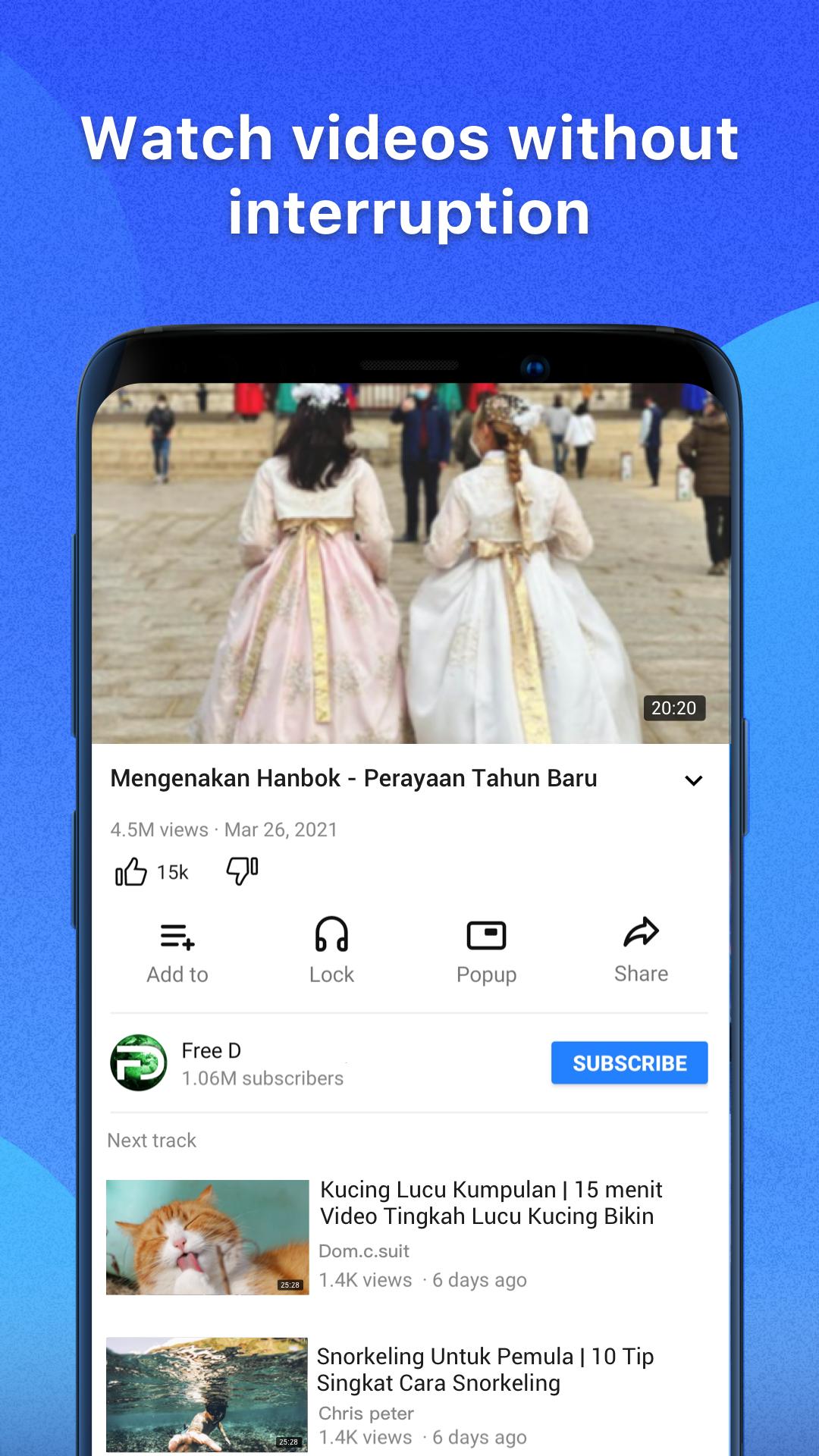
Ad free viewing and listening
GoTube plays videos and music without ads, so you can stay focused on content. You do not need extra add ons or toggles. This reduces interruptions during long playlists and albums.
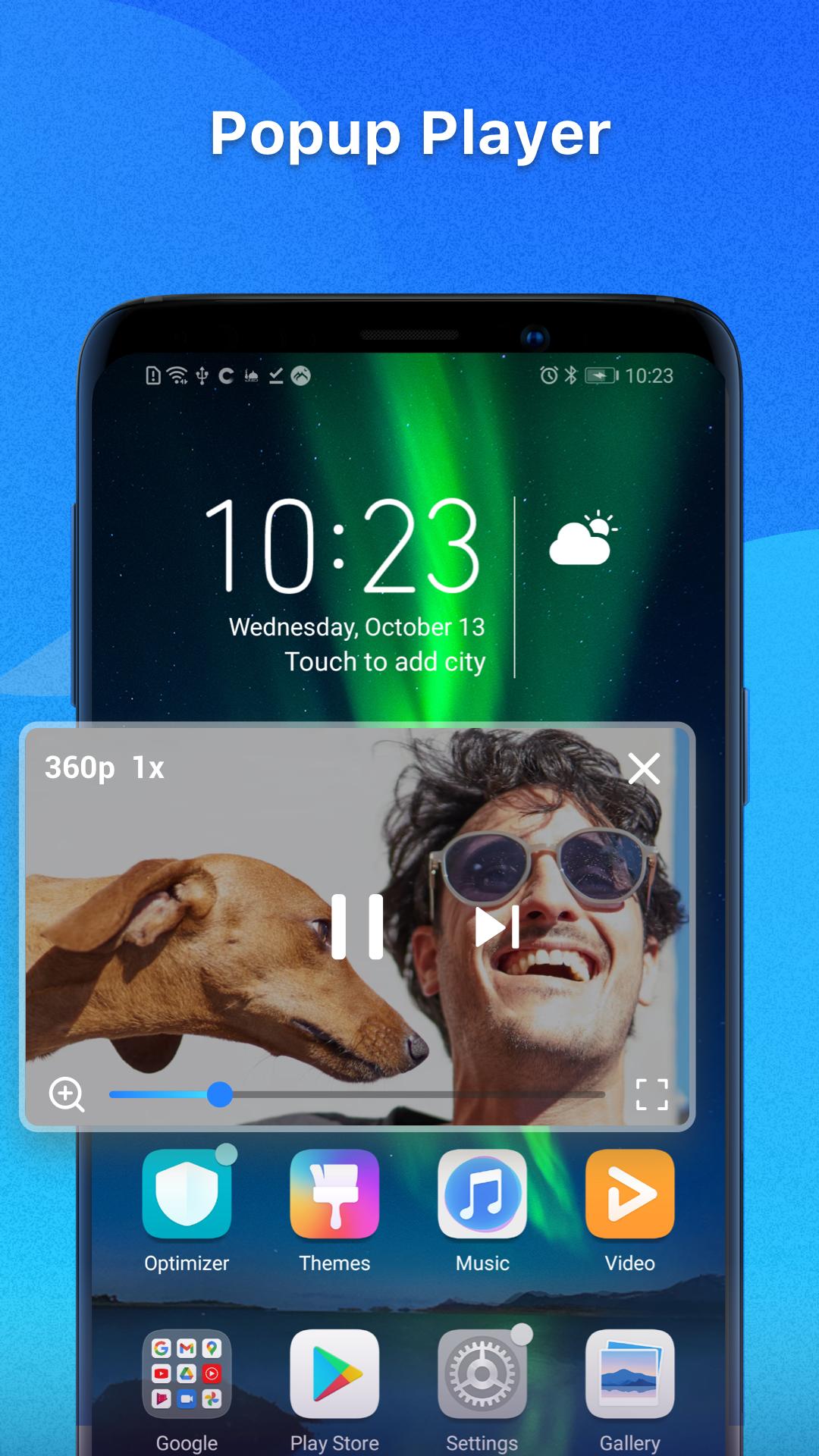
Background and pop-up player
It keeps audio and video playing while you use other apps. You can open a small floating window to keep content visible. This helps you browse, chat, or read while playback continues.
Quality selection and captions
GoTube lets you switch between different resolutions, from low data options to higher clarity. You can enable closed captions when available. Therefore, you can balance data use, device performance, and readability.
Smart discovery and search
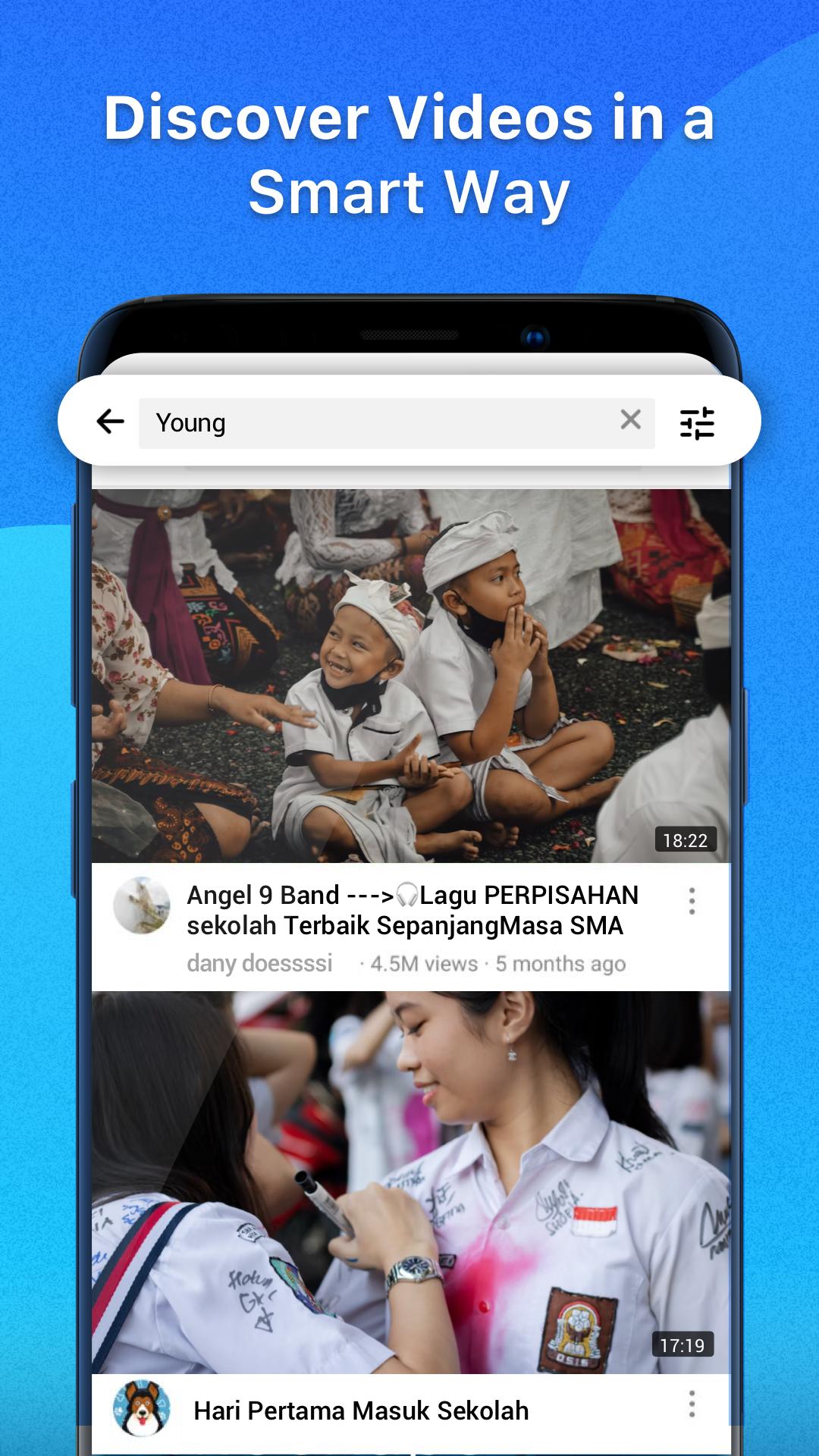
All trending shows, channels, artists, albums, and playlists on GoTube are in an organized feed. You can search and jump straight to the track or video you need. This shortens the time from browsing to playing.
Playlists without login
With GoTube, you can add or remove videos and songs with one tap. You can play items sequentially or shuffle based on your mood. In addition, you do not need to sign in to start building collections.
Night Mode and Sleep Timer
GoTube offers a dark theme that is easier on the eyes in low light. You can set a sleep timer to stop playback automatically. This works well for bedtime listening and limits overnight data use.
GoTube does not require a login for its core functions, so you can stream and save playlists locally right away. If you look for “GoTube Download MP3”, please note that GoTube focuses on streaming and playlist management. It does not provide a built-in MP3 or video downloader for offline files, and playback depends on an internet connection.
If you used tools such as YouTube Vanced, NewPipe, ReVanced, or Pure Tuber, GoTube offers a simple alternative with ad free playback and background use. You can recreate your experience by building playlists, enabling the popup player, and setting your preferred quality and captions. Therefore, moving daily habits to the GoTube app is straightforward without extra components.
This short guide explains the basics so you can start playing videos and music right after you download GoTube. It covers search, playback, and playlist control in the GoTube app.
Open GoTube and use the search bar to find a video, artist, album, or channel. Tap a result to open the player.
Use the gear icon to select resolution and turn captions on when available. After that, tap play to start streaming.
Tap Add to add the current item to a playlist or create a new playlist. Then reorder or remove items from the playlist screen.
Tap the pop-up button to shrink the player into a floating window. So you can switch to other apps while playback continues.
Open Settings to enable Night Mode and set a Sleep Timer. The timer will stop playback when the countdown ends.
GoTube keeps streaming simple with ad-free playback, background controls, and playlists without login. Download GoTube APK latest version on APKPure to install securely and start watching right away.
Official information
Website: https://www.gotube.pro/
Publisher: NIKO ENTERTAINMENT COMPANY LIMITED
Can I run GoTube on PC?
GoTube is built for Android phones and tablets. You can use GoTube on PC by running an Android emulator.
Are playlists synced between devices in GoTube?
Playlists in GoTube are created without a login, so they are stored locally on your device. They do not sync automatically to other devices. If you change phones, you will need to rebuild playlists on the new device.
Does GoTube support captions and multiple qualities?
Yes, GoTube supports closed captions and multiple resolutions when they are provided by the video source. You can change the quality in the player and turn captions on or off from the same menu. This helps you match video clarity and readability to your connection.
Latest Version
5.6.60.105Uploaded by
Niko Entertainment Company Limited
Requires Android
Android 5.0+
Category
Free Entertainment AppContent Rating
Teen
Security Report
Report
Flag as inappropriateLast updated on Aug 10, 2026
This release includes minor bug fixes and general improvements. Update to the latest version for the best experience.



APKPure - A multi-platform app store primarily focused on Android, providing extensive app-related content. Discover the app you want easier, faster, and safer, with quick and efficient downloads and installations.