Scan Date:May 6, 2026
Show More


Greggs App is made for people who regularly buy breakfast, bakes, sandwiches, drinks, snacks, or sweet treats from Greggs. It brings ordering, rewards, shop search, and payment tools into one place, so you can plan a visit before leaving home or use the app while standing in a shop. For users comparing a Greggs download, the main idea is simple: the app supports everyday Greggs purchases with rewards and quicker collection options.
Scan to earn rewards
Greggs lets you collect rewards by scanning the app when you shop in store or when you use Click + Collect. As you buy eligible items, stamps are added to product categories such as sandwiches, sweet treats, hot drinks, bakes, and more. After you collect 9 stamps in a category, the 10th item in that category is free.
Welcome rewards and treats
Greggs gives new registered users welcome rewards, including a free regular hot or iced drink after downloading and signing up. In addition, the app can show birthday treats, giveaways, deals, and new product information. These rewards are useful for regular customers who want to keep track of offers without checking several places.
Click + Collect ordering
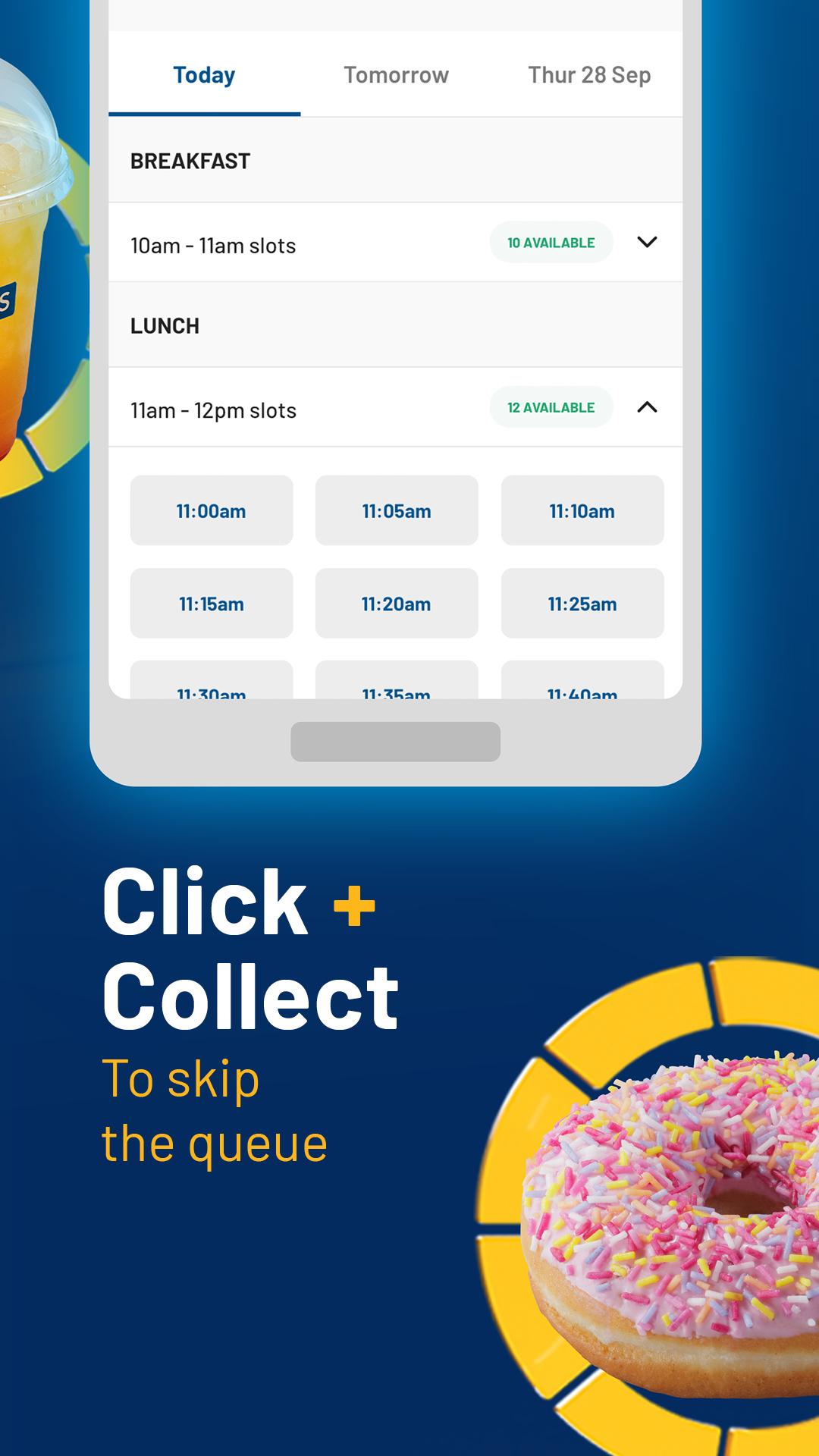
You can use Click + Collect to order food ahead from a selected Greggs shop. This helps when you already know what you want and prefer to pick it up at a chosen time. Instead of waiting to decide at the counter, you can choose items in the app, place the order, and collect it from the shop you selected.
Menu browsing before you visit
Greggs includes menu browsing for common categories such as breakfast, savouries, bakes, drinks, snacks, sandwiches, salads, sweet treats, and hot food. This is helpful if you want to check what kind of food is available before starting an order. It also gives you a clearer idea of what to look for when planning a meal, snack, or drink stop.
Shop Finder and Greggs Wallet
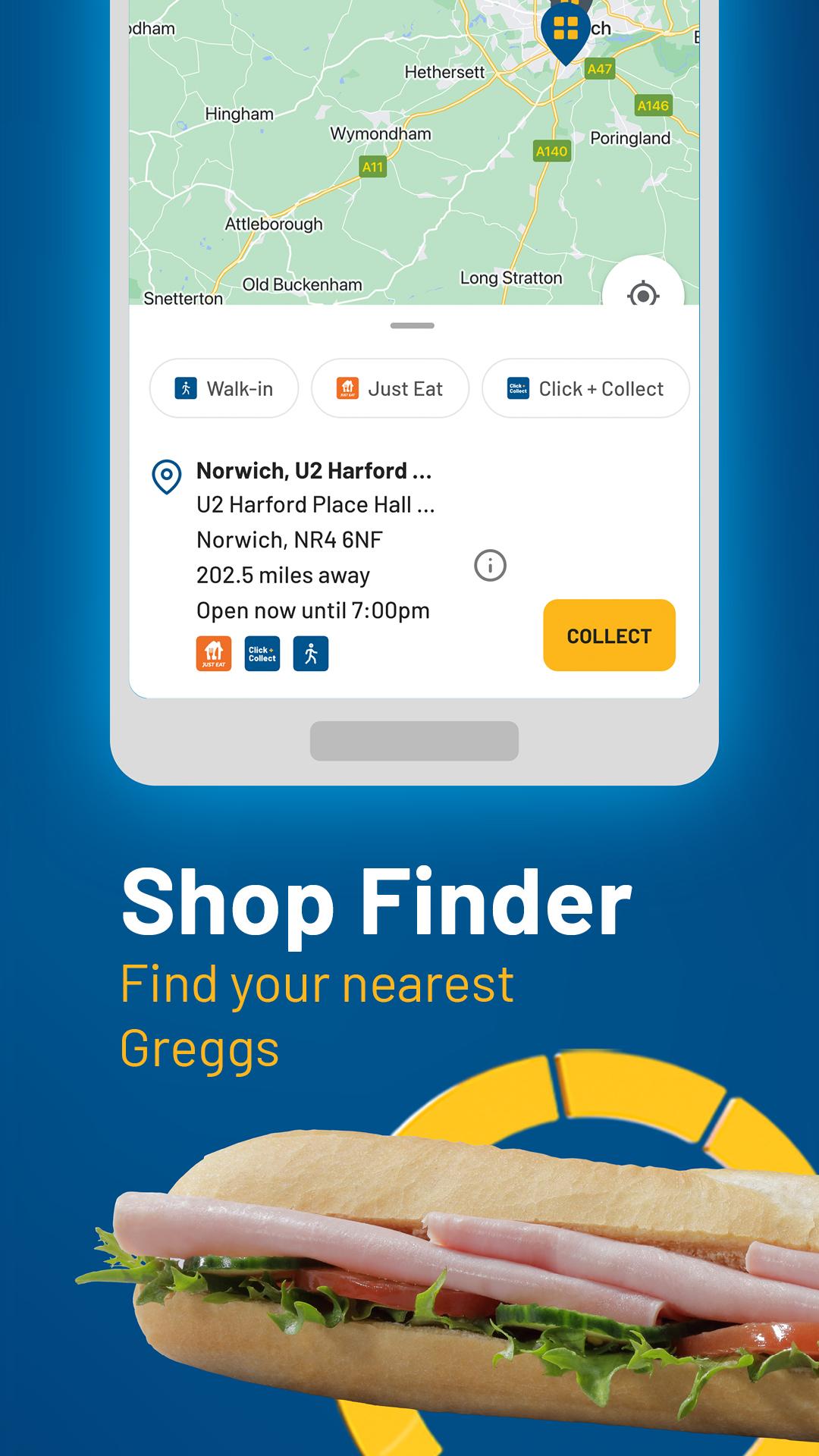
Greggs includes a Shop Finder for locating nearby Greggs shops, which is useful when travelling or visiting a different area. The app also includes Greggs Wallet, where you can store payment details and use auto top up if you choose to set it. Together, these tools support faster visits for users who buy from Greggs often.
Greggs is most useful for people who already visit Greggs shops or plan to use Click + Collect. Its rewards system is based on eligible purchases, so the value depends on how often you buy items in the same product categories. If you mainly want to browse food options, the menu and Shop Finder can still be useful even before placing an order.
Users looking for the Greggs latest version should focus on whether they need rewards, ordering, payment storage, or shop search in one app. The strongest reasons to use it are stamp collection, free item rewards, welcome drinks, birthday treats, and faster pickup through Click + Collect. For occasional customers, the app may still help with checking nearby shops and available food categories.
After installing the Greggs APK, open the app and register or sign in so rewards can be linked to your account. From there, you can scan in store, browse the menu, use Click + Collect, or manage payment options depending on how you want to shop.
Greggs brings rewards, Click + Collect, menu browsing, shop search, and payment tools together for regular bakery visits. If you want to download Greggs, the app is mainly suited to users who buy from Greggs shops and want easier reward tracking and collection planning.
Official information is available from the Greggs website:
Latest Version
4.32.0Uploaded by
Michael Alves
Requires Android
Android 7.0+
Category
Free Food & Drink AppContent Rating
Everyone
Security Report
Report
Flag as inappropriateLast updated on May 6, 2026
We’ve been cooking up something behind the scenes to make the Greggs App even tastier…
Get mouth-watering deals at your fingertips with the new ‘Offers’ page, letting you opt in to tasty rewards in a few quick clicks. Just upgrade to the latest version of the Greggs App for the best experience and new features.





APKPure - A multi-platform app store primarily focused on Android, providing extensive app-related content. Discover the app you want easier, faster, and safer, with quick and efficient downloads and installations.