Package Name:com.feralinteractive.gridautosport_edition_android
SHA-256:fc6cf6a8226566122f9242283af7a9270ba079d38a8ab38ef9d858c59a63a69e
Show More


GRID™ Autosport suits players who want console-style racing on an Android phone with a clear focus on solo play. It offers a structured career that you can work through at your own pace, and it supports play without a constant connection. You can pay once for the full version with all content included, or start with the free Custom Edition and unlock only the cars and tracks you prefer. To begin on your terms, you can download GRID™ Autosport and choose the approach that fits your needs.
Console-style visuals and performance
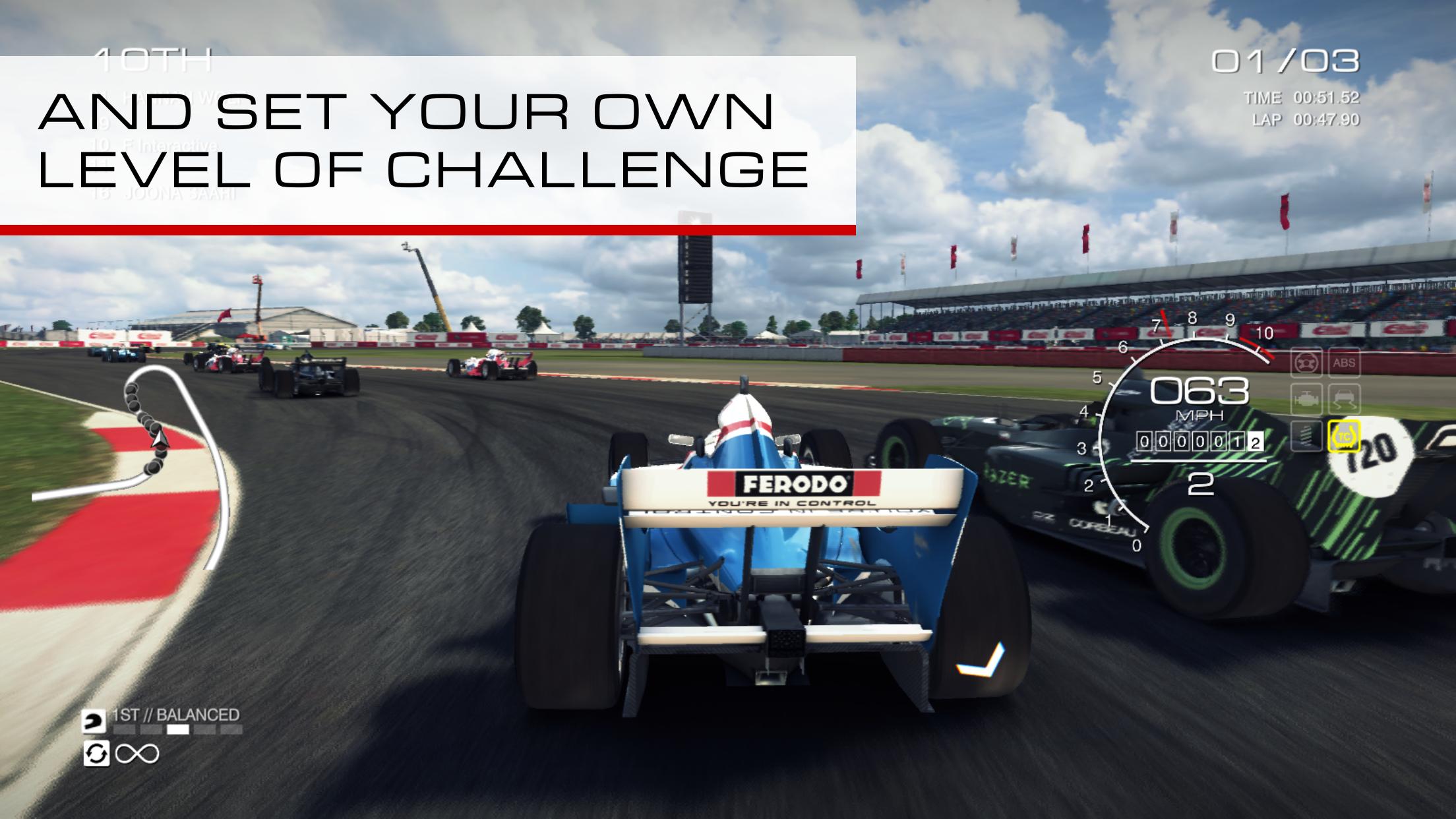
GRID™ Autosport delivers sharp graphics and smooth frame pacing designed for mobile hardware. Tracks, cars, lighting, and weather are presented with clear detail so you can read braking points and racing lines. This visual clarity supports consistent driving and helps you stay focused during longer events.
Handling that balances sim and arcade
You get a driving model that feels weighty without being hard to learn. Assists and difficulty can be set to relaxed levels for casual sessions or tuned toward stricter settings for experienced players. As you improve, you can scale back the aids to make cornering, braking, and throttle control more demanding.
100 cars and 100 circuits for lasting variety
The game includes a large garage and a broad set of tracks across many layouts. You can revisit favorites or rotate through new combinations to keep events fresh. This volume of content supports quick sprints and longer sessions, whether you are practicing lines or chasing podiums.
Eight distinct racing disciplines
GRID™ Autosport structures events around Open Wheel, Touring, Endurance, Drift, Drag, Street, Tuner, and Demolition. Each discipline encourages different pacing, techniques, and setups, so you are not limited to a single style. Switching between them helps you develop car control across a wide range of scenarios.
Flexible controls and gamepad support
You can choose Tilt, Wheel Touch, or Arrow Touch controls and adjust sensitivity to suit your grip and device. If you prefer physical inputs, the game supports compatible controllers for steering, throttle, and braking. This flexibility makes it easier to settle on a setup that feels consistent lap after lap.
Starting GRID™ Autosport is straightforward on mobile, and the same approach applies whether you plan quick races or a full career. To get the GRID™ Autosport latest version ready for play, focus first on controls and difficulty, then move into events so you can build confidence before longer sessions.
First, open the game and choose to begin the career or set up a quick event from the main menu.
Next, go to the control settings and pick Tilt, Wheel Touch, or Arrow Touch, or connect a compatible gamepad and confirm inputs.
After that, set assists and difficulty to match your comfort level, then run a short practice to test braking points and steering feel.
Then, select a discipline such as Touring or Drift, pick a car and circuit, and review event rules like laps and penalties.
Finally, start the race, adjust camera and sensitivity if needed, and continue with the next event to progress your career.
GRID™ Autosport provides a focused single player career, a wide range of cars and circuits, and input options that fit different play styles. To begin quickly on Android, get the GRID™ Autosport APK and choose the edition that suits how you want to race.
For official support and information:
Official website: http://www.feralinteractive.com/
Support email: googleplay@feralinteractive.com
Latest Version
1.10.6RC3Uploaded by
Barış Türk
Requires Android
Android 9.0+
Category
Free Racing GameContent Rating
Everyone
Security Report
Check Now
Report
Flag as inappropriateLast updated on Feb 26, 2026
• Improves tilt controls for devices without gyroscopic sensors
• Fixes a number of minor issues








APKPure - A multi-platform app store primarily focused on Android, providing extensive app-related content. Discover the app you want easier, faster, and safer, with quick and efficient downloads and installations.