HoloDex helps collectors who need a simple way to manage cards from an Android phone, especially when checking binders, trade piles, or recent pulls. Instead of writing card details by hand, users can keep records in one place and review their collection when needed. In addition, the HoloDex app supports several major trading card games, so it fits collectors who handle more than one game and want clearer information before they download HoloDex.
Scan cards with the phone camera
HoloDex lets you scan trading cards directly with your phone camera. This helps when you are sorting cards at home, checking cards at a show, or adding new pulls after opening packs. The scan function is designed to identify cards quickly, so you can move from card lookup to collection tracking without typing every detail manually.
Check condition before grading or trading
HoloDex gives AI grading insights that look for common condition issues such as whitening, centering problems, surface wear, and estimated card condition. This can be useful before sending cards to PSA or BGS, or before discussing a trade with another collector. However, these insights should be treated as a reference, not as a replacement for an official grading result.
Review live market prices
You can use HoloDex to view real time market prices for supported cards. This is helpful when deciding whether to buy, sell, or trade a card, because values can change based on demand, condition, and availability. As a result, collectors can check current information before making decisions instead of relying only on memory or old notes.
Organize cards across collections
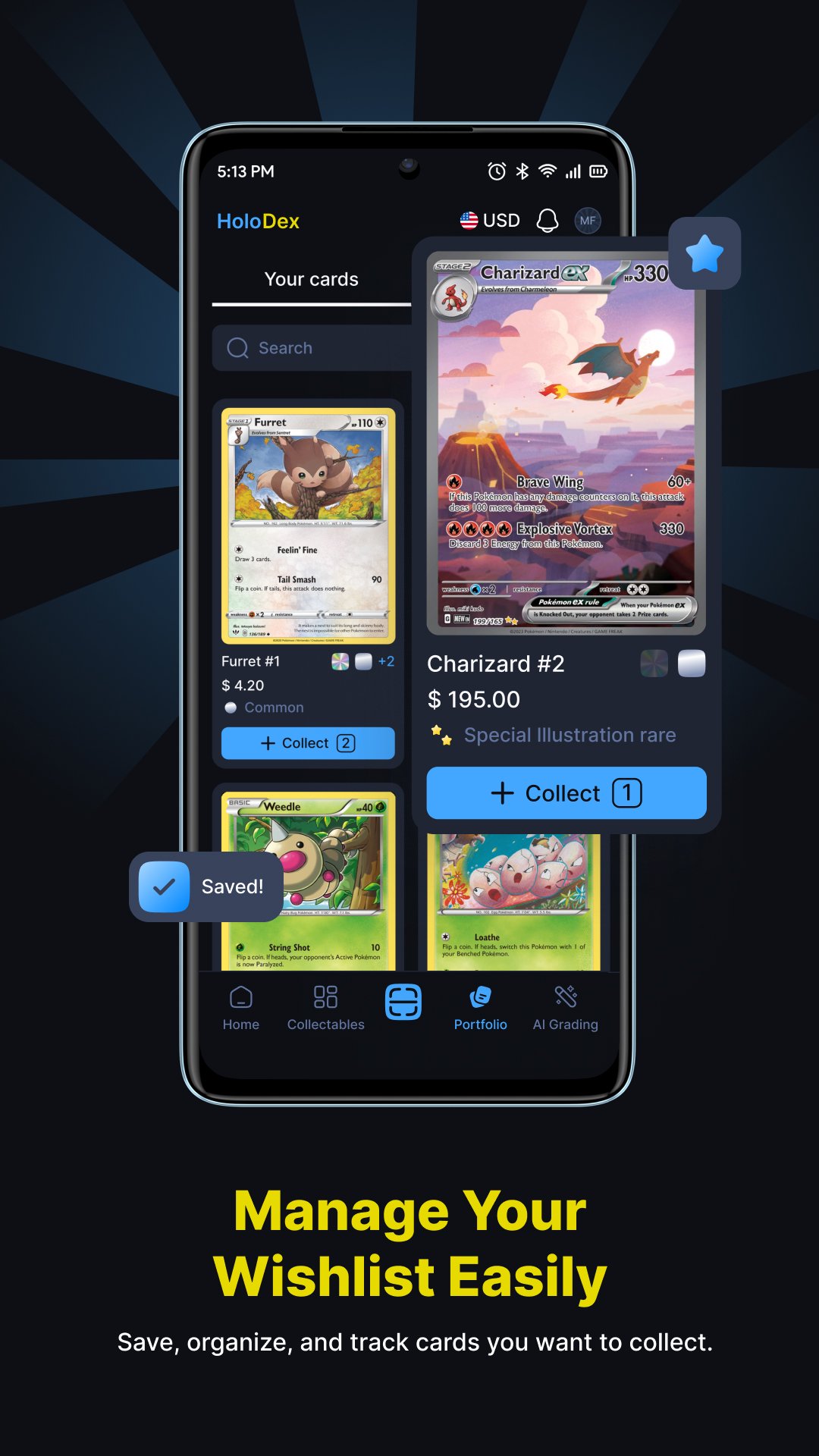
HoloDex supports portfolio management for users who want to sort cards by set, game, condition, duplicates, wishlists, or custom collection needs. For example, you can separate a Pokémon binder from a One Piece Card Game collection, then track cards that still need to be added. This structure also helps when reviewing duplicate cards before trades.
Manage several TCGs and currencies
HoloDex supports major games such as Pokémon TCG, One Piece Card Game, Disney Lorcana, Yu Gi Oh, Magic: The Gathering, Dragon Ball Super, Digimon, Gundam, Union Arena, Riftbound, and Star Wars: Unlimited. Since it also includes multi currency support, it can fit collectors who follow prices across different markets. Cloud sync and backup also help keep collection records available across devices.
HoloDex is most useful for collectors who regularly check card values, compare trade offers, or manage cards from more than one trading card game. It is also useful for users preparing cards for grading, because condition notes can help decide which cards may be worth a closer look. The app does not remove the need for careful personal judgment, but it gives organized information that can support better collection decisions.
For casual collectors, HoloDex can reduce the effort of tracking pulls, duplicates, and wishlist cards. For active traders, the HoloDex APK can be useful when checking values during a trade or reviewing a portfolio before a card show. Because the app focuses on scanning, pricing, grading insights, and collection records, it is best suited to users who want a card management tool rather than a game simulator.
HoloDex can be used during normal collecting tasks, from adding new cards to checking prices before a trade. After installing the HoloDex latest version, users can begin by scanning cards and building a clear record of their collection.
HoloDex gives trading card collectors a practical way to scan cards, check values, review condition notes, and organize multi game collections from an Android phone. If these tools match your collecting needs, download HoloDex APK to start building and tracking your card portfolio.
Official information is available from the developer website:
Latest Version
1.0.26Uploaded by
Valerio Valiani
Requires Android
Android 7.0+
Category
Free Tools AppContent Rating
Everyone
Report
Flag as inappropriateLast updated on Sep 15, 2026
Thank you for using HoloDex. We’ve added a new Sealed tab to make managing your sealed collection easier, along with improved Wishlist organization and bulk actions.
Your Portfolio is now more flexible, with new chart options, improved stats, and support for viewing your entire portfolio. You can also see biggest gainers and losers and get more insights directly from scanned cards.
We’ve also made the app smoother and easier to use.





APKPure - A multi-platform app store primarily focused on Android, providing extensive app-related content. Discover the app you want easier, faster, and safer, with quick and efficient downloads and installations.