How to Download and Play EA SPORTS FC MOBILE 24 SOCCER on PC

2024-05-31
Follow our guide and learn how to download and play EA SPORTS FC MOBILE 24 SOCCER on PC using emulators for an enhanced gaming experience.
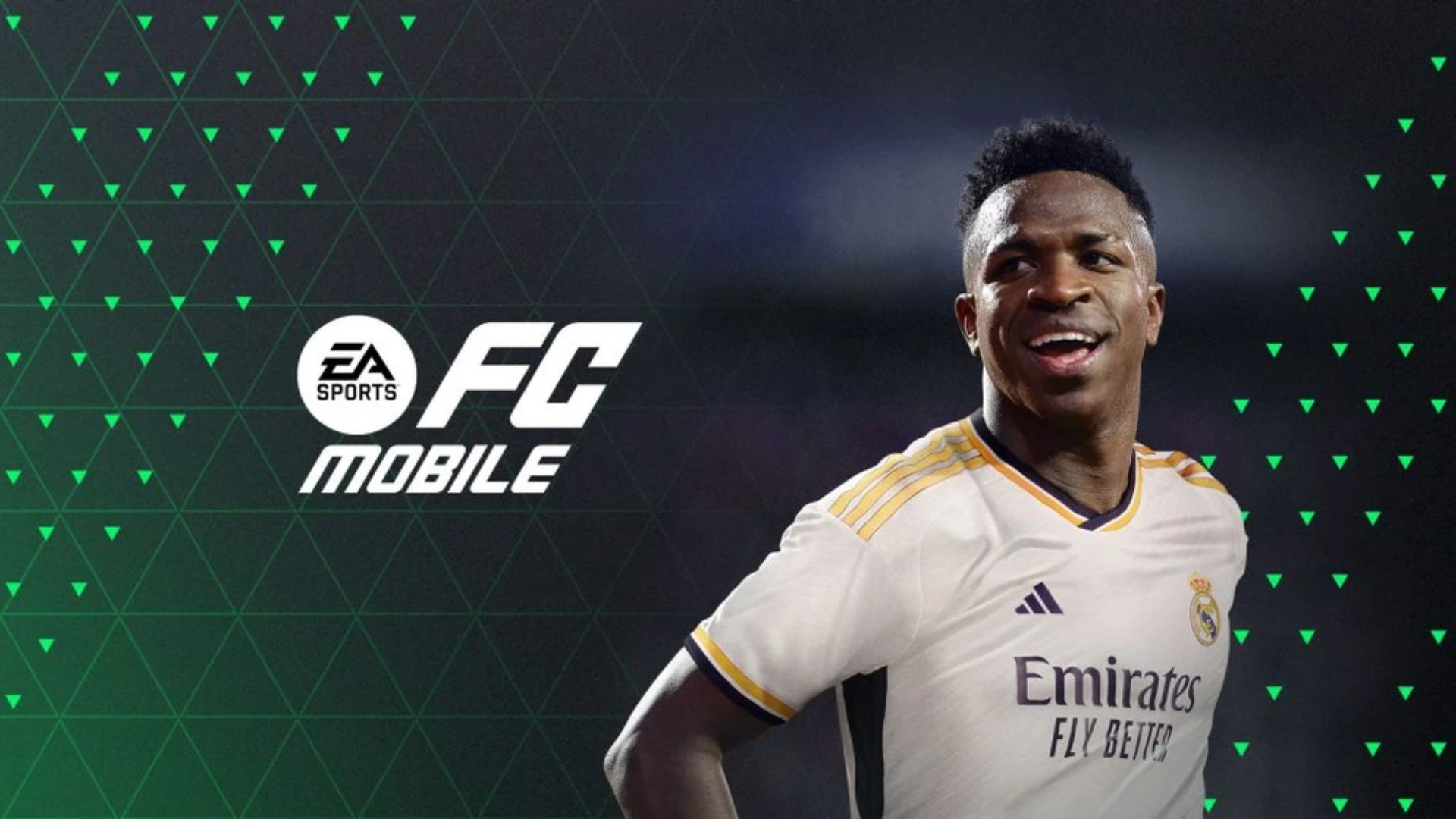

EA SPORTS FC Soccer Mobile 27 is a football game app that lets you build and compete with an authentic Ultimate Team on mobile.
EA SPORTS FC MOBILE 24 SOCCER brings the excitement of soccer to mobile devices, but many players prefer the enhanced experience of playing on a PC. This guide will walk you through the steps to download and play EA SPORTS FC MOBILE 24 SOCCER on your computer using popular Android emulators.
About EA SPORTS FC MOBILE 24 SOCCER
EA SPORTS FC MOBILE 24 SOCCER is a mobile soccer game developed by Electronic Arts. It allows players to build their dream team from over 15,000 authentic soccer stars and compete in real-time 11v11 gameplay. The game features various modes, including Head-to-Head, VS Attack, and Manager Mode, and offers an immersive experience with realistic stadiums, live commentary, and high-quality graphics.
System Requirements for Playing on PC
To play EA SPORTS FC MOBILE 24 SOCCER on PC, your system must meet certain requirements. Here are the minimum and recommended specifications:
Minimum Requirements:
- OS: Windows 7 and above
- Processor: Intel or AMD Processor
- RAM: 4GB
- Storage: 5GB Free Disk Space
Recommended Requirements:
- OS: Windows 10 - 64-Bit
- Processor: Intel Core i5-6600K @ 3.50GHz or AMD Ryzen 5 1600 @ 3.2 GHz
- Memory: 8 GB RAM
- Graphics: NVIDIA GeForce GTX 1050 Ti 4GB or AMD Radeon RX 570 4GB
- DirectX: Version 12
- Storage: 100 GB available space
Downloading and Installing an Emulator
To play EA SPORTS FC MOBILE 24 SOCCER on PC, you need an Android emulator. Here are the steps to download and install popular emulators:
NoxPlayer
- Download NoxPlayer: Visit the NoxPlayer website and download the installation package.
- Install NoxPlayer: Run the installation package and complete the installation process.
- Search for the Game: Open NoxPlayer, search for EA SPORTS FC MOBILE 24 SOCCER in the Google Play Store, and install the game.
- Start Playing: Click the game icon to start playing.
BlueStacks
- Download BlueStacks: Go to the BlueStacks website and download the installer.
- Install BlueStacks: Follow the installation instructions to set up BlueStacks on your PC.
- Install the Game: Open BlueStacks, sign in to the Google Play Store, search for EA SPORTS FC MOBILE 24 SOCCER, and install it.
- Launch the Game: Click on the game icon to start playing.
LDPlayer
- Download LDPlayer: Visit the LDPlayer website and download the emulator.
- Install LDPlayer: Run the installer and complete the installation.
- Install the Game: Open LDPlayer, search for EA SPORTS FC MOBILE 24 SOCCER in the Google Play Store, and install it.
- Play the Game: Click the game icon to start playing.
How to Play EA SPORTS FC MOBILE 24 SOCCER on PC
Once you have installed the emulator and the game, follow these steps to enhance your gaming experience:
- Configure Controls: Use the emulator's settings to map your keyboard and mouse or connect a gamepad for better control.
- Adjust Graphics Settings: Optimize the graphics settings in the game and emulator to ensure smooth gameplay.
- Enable High FPS: If your PC supports it, enable high FPS settings in the emulator for a more responsive experience.
- Multitasking: Take advantage of the emulator's multitasking features to chat with friends or browse the web while playing.
Conclusion:
Playing EA SPORTS FC MOBILE 24 SOCCER on PC offers a superior gaming experience with better controls, graphics, and performance. By following this guide, you can easily download and play the game on your computer using popular Android emulators like NoxPlayer, BlueStacks, and LDPlayer. Enjoy building your dream team and competing in the world's greatest soccer game on a bigger screen!
EA SPORTS FC Soccer Mobile 27 is a football game app that lets you build and compete with an authentic Ultimate Team on mobile.
 NEWS
NEWS REVIEWS
 HOWTO
HOWTO