


How to Download the Latest Version of Cat Resolution Pro APK for Android 2026

2026-09-04
Read this guide to learn how to download and install Cat Resolution pro APK on your mobile device in 2026. Follow the step-by-step tutorial to download the latest version of Cat Resolution pro APK for Android.
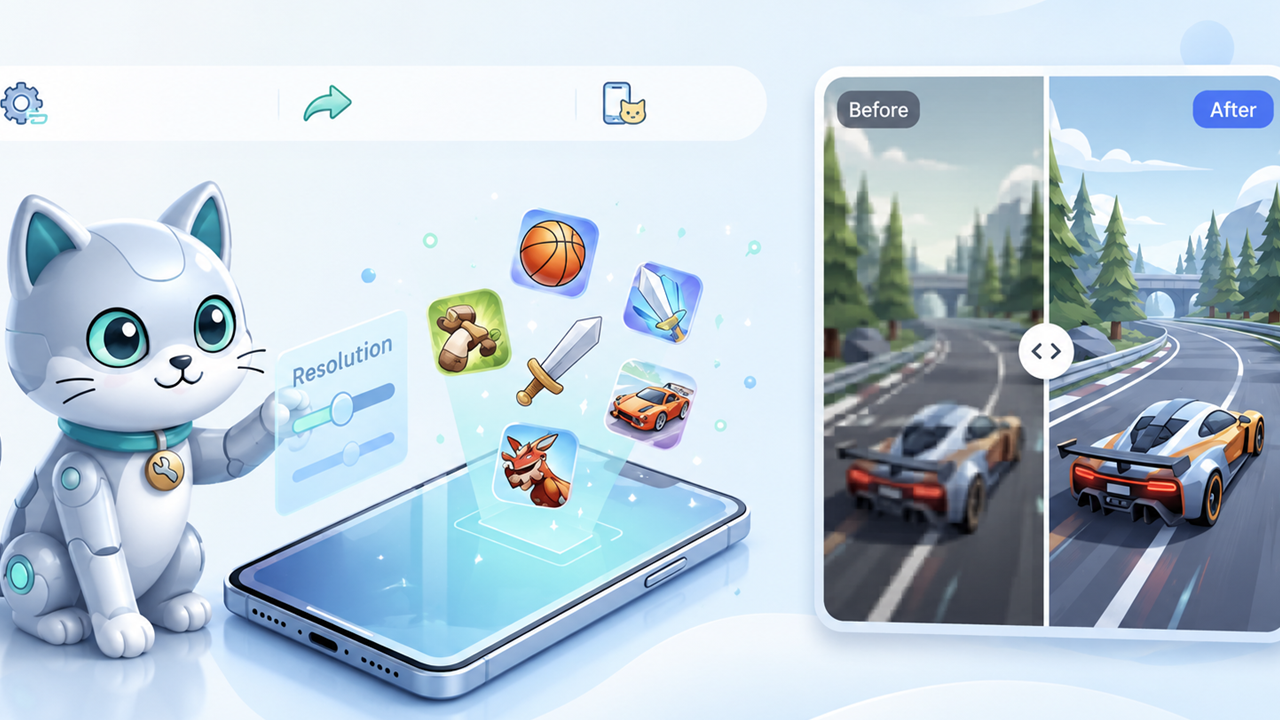
Cat Resolution Pro is a screen resolution tool for Android. It hands you control over the resolution and pixel density your phone renders at, which most stock settings pages keep locked away. If you've been hunting for the Cat Resolution Pro APK Download, this guide walks through getting the Cat Resolution Pro Android 2026 build onto your phone in a few minutes.
What Is Cat Resolution Pro?
A quick word before you download. Cat Resolution Pro is a resolution changer, the kind of Android utility people install when they want finer say over how much screen their apps actually draw. On a stock phone that setting sits behind developer options, and on a few models it isn't there at all.
That's the whole pitch. You pick a lower resolution or a different DPI, and the phone redraws everything smaller or sharper. The result is smoother performance in games that choke on a high-res panel, and it can stretch battery life a little on older hardware. The "Pro" build typically drops the ads and unlocks the fuller set of presets.
One honest note: the exact feature list shifts between versions, and this tool has a narrow audience. If your games already run fine at the default resolution, you may not feel much difference. But if you've been trying to squeeze more frames out of an aging device, this is where a DPI changer like it earns its keep.
How to download Cat Resolution Pro APK on Android?
1: Visit the official website to get the app
Open your browser and go to the Cat Resolution Pro official website: https://catgamingstudio.com/ (nofollow).
2: Complete the purchase
Choose a license plan on the website and complete the payment. Upon success, you will receive a confirmation email containing your activation credentials. Payment unlocks all Pro features (ad removal, advanced presets, custom DPI, etc.) and grants access to ongoing updates.
3: Download and install the APK
Download the APK from the email or the official website, then tap to install. If your system blocks it, enable "Install unknown apps" in Settings → Security. Once installed, enter your license information to activate and start using the app.
Cat Resolution Pro Download Troubleshooting
A few install hiccups show up often enough to plan for.
- If the screen says "App not installed," your unknown-sources toggle is probably still off for the app that handled the download. Head back to Settings and check it.
- If you see a "Parse error," the file didn't finish downloading, or it targets a different Android version than your phone. Fair enough. Delete the file and grab a fresh copy over stable Wi-Fi.
- Is the Install button grayed out? An overlay is usually sitting on top of it. Close that window and tap again. Annoying, but easy to fix.
Download Cat Resolution Pro APK Today
The whole process is very simple: visit the official website, complete your purchase, download the APK, and after installation, enter your license information to activate and start using it. No computer needed, no complicated settings to deal with.
If you haven't installed it yet, head over to the Cat Resolution Pro official website at to get the latest version.
 NEWS
NEWS REVIEWS
 HOWTO
HOWTO









