How to Download ChatGPT App on Android, iOS, Windows, and Mac

2026-08-05
A Step-by-step guide for Android, iPhone, Windows, and Mac with installation instructions.
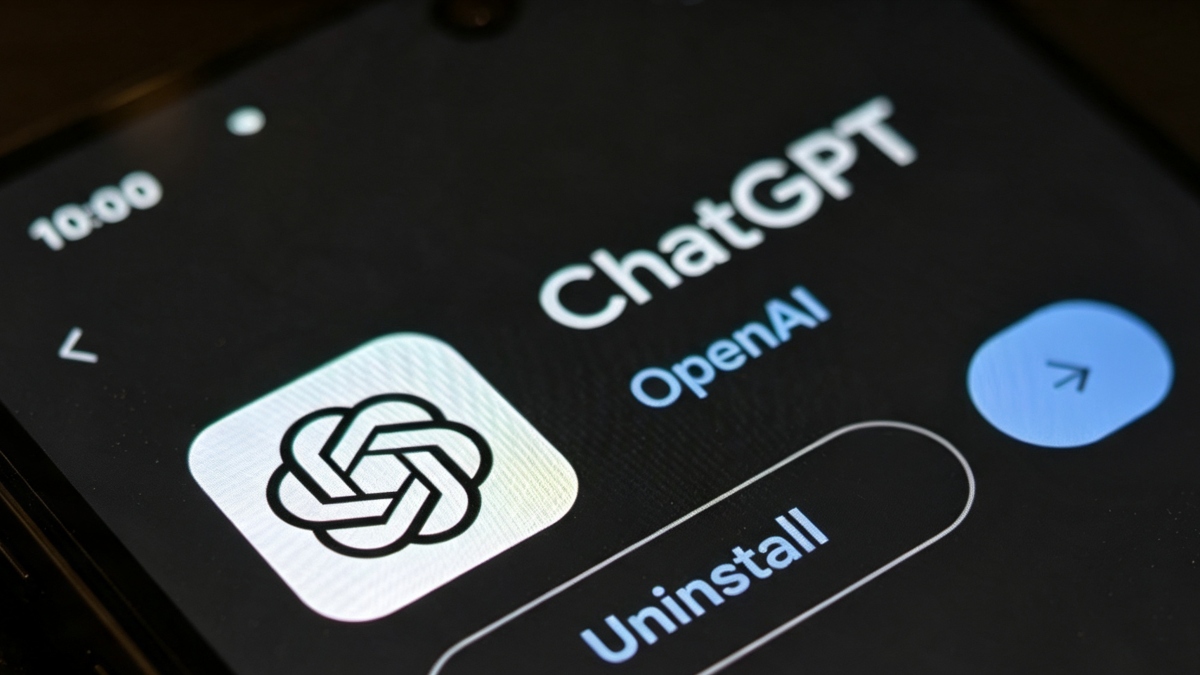
The ChatGPT app is free to download on every major platform. You can get it on Android through APKPure or Google Play, on iPhone through the App Store, and on desktop through OpenAI's website or the Microsoft Store. Here's how for each device.
Download ChatGPT on Android
- Open APKPure on your Android phone (or install APKPure first if you haven't).
- Search for "ChatGPT" in the APKPure search bar. Tap the ChatGPT app from the results — it's the official one published by OpenAI.
- Tap Download APK.

- Once the APK file finishes downloading, open it to start the installation.
- Go to Settings > Security > Install Unknown Apps and toggle the setting for your browser or file manager.
The ChatGPT Android app supports voice conversations, image generation, file uploads, and all the same features as the web version. It's free to download and use with the free tier. You can upgrade to Plus or Pro from inside the app if you want.
Download ChatGPT on iPhone (iOS)
Open the App Store on your iPhone. Search "ChatGPT" — the official app is published by OpenAI with the black-and-white ChatGPT icon. Tap Get to download.
The iOS app integrates with Siri and Shortcuts, supports voice conversations, and syncs your chat history across devices if you're signed into the same account. It's optimized for iPhone and iPad.

Download ChatGPT for Windows
- Go to chatgpt.com/download on your Windows PC.
- Click the Download for Windows button.
- Run the installer once it downloads.
There's also a Microsoft Store version if you prefer that route. Search "ChatGPT" in the Microsoft Store and install directly. Both versions are identical. The Windows desktop app adds a keyboard shortcut (Alt+Space by default) to summon a ChatGPT window from anywhere. It also supports file uploads and screenshots.
Download ChatGPT for Mac
- Open chatgpt.com/download on your Mac. Choose the macOS version.
- Drag ChatGPT into your Applications folder.
- The Mac app also has the Alt+Space shortcut and supports the same features as Windows.

ChatGPT Web Version
If you don't want an app, chatgpt.com works in any modern browser. The web version has every feature the apps have. No download, no installation, no storage space. Just sign in and start chatting.
The browser version is the first place to get new features — OpenAI rolls out updates to the web first, then to apps.

Which Version Should You Use
- The mobile app is best for on-the-go use and voice conversations.
- The desktop app is better for work — the keyboard shortcuts and file integration make it feel like a native tool, not a website.
- The web version is the most reliable and feature-complete.
You can use all of them with the same account. Chat history syncs automatically.
- How to Download Yandex Pro (Taximeter) APK Latest Version 13.71 for Android 2026
- How to Download Kalliu Game World: Life Story APK Latest Version 8.76.32.00 for Android 2026
- How to Download CapCut - Video Editor APK Latest Version 19.7.0 for Android 2026
 NEWS
NEWS REVIEWS
 HOWTO
HOWTO