


How to Fix Hypic Not Working

2026-08-06
Fix crashing, loading issues, AI features stuck, export problems, and other common Hypic errors with these troubleshooting steps for Android and iOS.
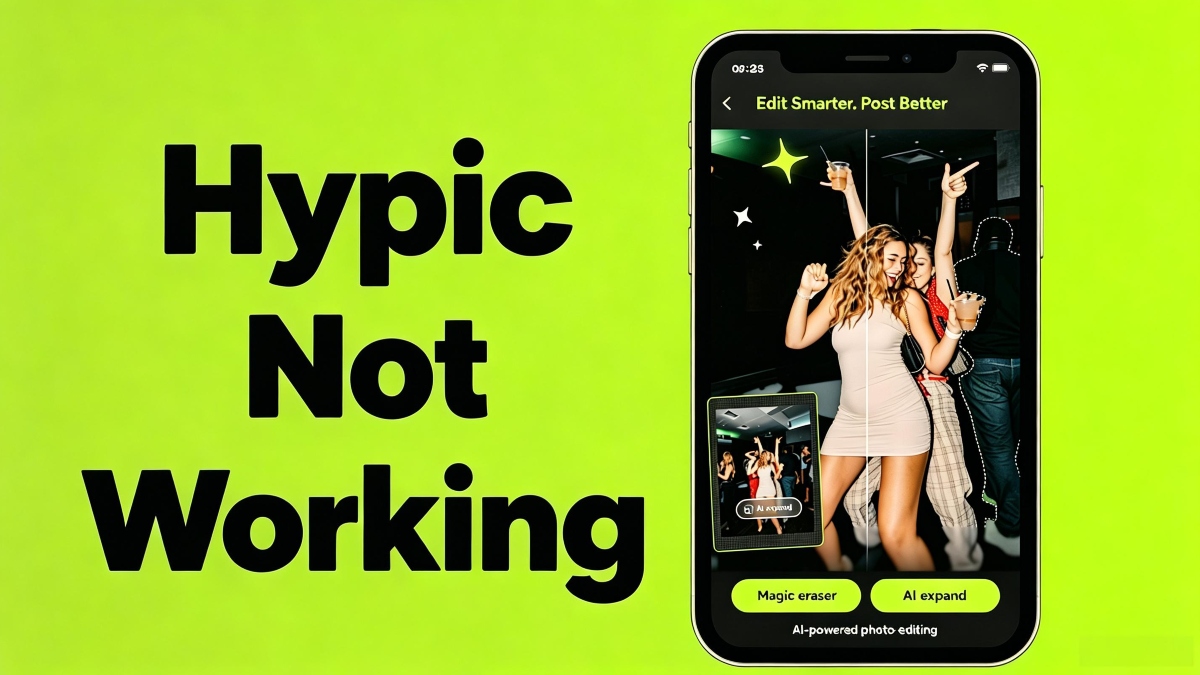
Hypic usually works fine until it doesn't. The app crashes on launch, AI features get stuck processing, exports fail, or the whole thing just sits on a loading screen. Most of these problems have the same handful of causes and the same handful of fixes. Here's what to try, ordered from least disruptive to nuclear option.

Hypic is a photo editor app that uses AI to retouch, enhance, and style photos for quick, share ready results.
App Crashes on Launch
If Hypic crashes immediately when you open it, the fix is usually one of three things:
Restart your phone. It sounds like a tech support cliché, but photo editing apps hold onto memory, and Hypic's AI features are memory-intensive. A fresh boot clears RAM that's been fragmented by other apps.
Clear the app cache. Go to Settings > Apps > Hypic > Storage > Clear Cache. Don't tap Clear Data; that deletes your presets and login. Cache clearing removes temporary files that can corrupt and cause launch crashes.
Check your Android version. Hypic requires Android 6.0 minimum, but AI features need newer versions to run stably. If you're on Android 6 or 7, the app might launch but crash when you try to use AI Expand or face retouching. Upgrading to Android 8 or newer usually fixes this.
AI Features Stuck on "Processing"
AI Expand, background removal, and artistic style transfer all process on Hypic's servers. If you see "Processing" and nothing happens:
Check your internet connection. AI features don't work offline. Switch from mobile data to Wi-Fi or vice versa. If your connection is slow (sub-1Mbps), AI processing will time out eventually.
Server-side issues. ByteDance's servers occasionally go down or get rate-limited. If Hypic was working fine and suddenly AI features all hang, it's probably not you. Wait 15-30 minutes and try again. These outages are usually resolved within an hour.
Try a smaller image. AI processing time scales with image resolution. A 48MP photo takes longer to process than a 12MP one. If you're working with high-resolution images, try reducing the size first (Hypic has an in-app resize option under Adjust).
Export Failure or Saved Photos Corrupted
You edited a photo, everything looked great, but the exported file is corrupted, or the export just fails.
Storage space. Hypic's export creates a new file. If your phone has less than 500MB of free storage, exports can fail silently. Clear some space and try again.
File format issues. If you're exporting in a specific format (PNG for transparency, or a custom resolution), try exporting as standard JPEG first. If that works, the issue is with the format setting.
Restart the app and re-export. Sometimes the export pipeline gets stuck. Close Hypic completely (swipe it away from recent apps), reopen it, go back to your edit (it should still be in your history), and export again.
Hypic Won't Open at All
Black screen or infinite loading when you tap the icon.
Force stop and reopen. Settings > Apps > Hypic > Force Stop. Then open the app normally.
Reinstall. If force stop doesn't help, uninstall and reinstall. Your Hypic account syncs your settings, but locally saved projects and presets will be lost. Download the latest version from APKPure rather than relying on an older APK.
Compatibility check. Make sure you're running a version of Hypic compatible with your Android OS. If you sideloaded a newer APK version designed for Android 14+ and you're on Android 10, the app might refuse to launch. APKPure lists version compatibility; check before downloading.
Filters or Effects Not Applying
You select a filter, but nothing changes, or the effect is barely visible.
Opacity slider. Most filters have an intensity slider that defaults to 50-80%. If a filter isn't visible, check that the slider isn't at 0%.
Image format. Some filters work differently (or not at all) on PNG vs JPEG, or on images with transparency. If a filter isn't working on a specific photo, try converting it to JPEG first.
AI filter availability. The advanced artistic styles (oil painting, watercolor, anime) require an internet connection and a Pro subscription for some variants. If they're grayed out, check your connection and subscription status.
Hypic is a photo editor app that uses AI to retouch, enhance, and style photos for quick, share ready results.
- How to Download McDonald’s: Cupons e Delivery APK Latest Version 5.0.1 for Android 2026
- How to Download Hidden Objects: Coastal Hill APK Latest Version 1.26.27 for Android 2026
- How to Download OZON: товары, одежда, билеты APK Latest Version 19.38.0 for Android 2026
 NEWS
NEWS REVIEWS
 HOWTO
HOWTO








