Package Name:com.evozi.injector.lite
SHA-256:f363e921edf33afa635afd484cb29e82b1ce7eeecef56c53c9a886f451ee90dd
Show More

HTTP Injector Lite suits users who need a quick, lightweight way to secure mobile browsing and access restricted content. It focuses on speed and broad device compatibility so it is suitable for everyday use and simple setups. At the same time, it keeps essential tunneling in place so your connection stays encrypted. As a result, you can carry your own server details or use trusted configuration files without changing your device. For simple installation, you can find the HTTP Injector Lite APK through official distribution channels.
HTTP Injector Lite keeps the app size small to help it open fast and respond quickly. This design also makes it compatible with more Android devices, including older phones that need a simpler client. It lowers overhead so connections start faster and stay stable during everyday use.
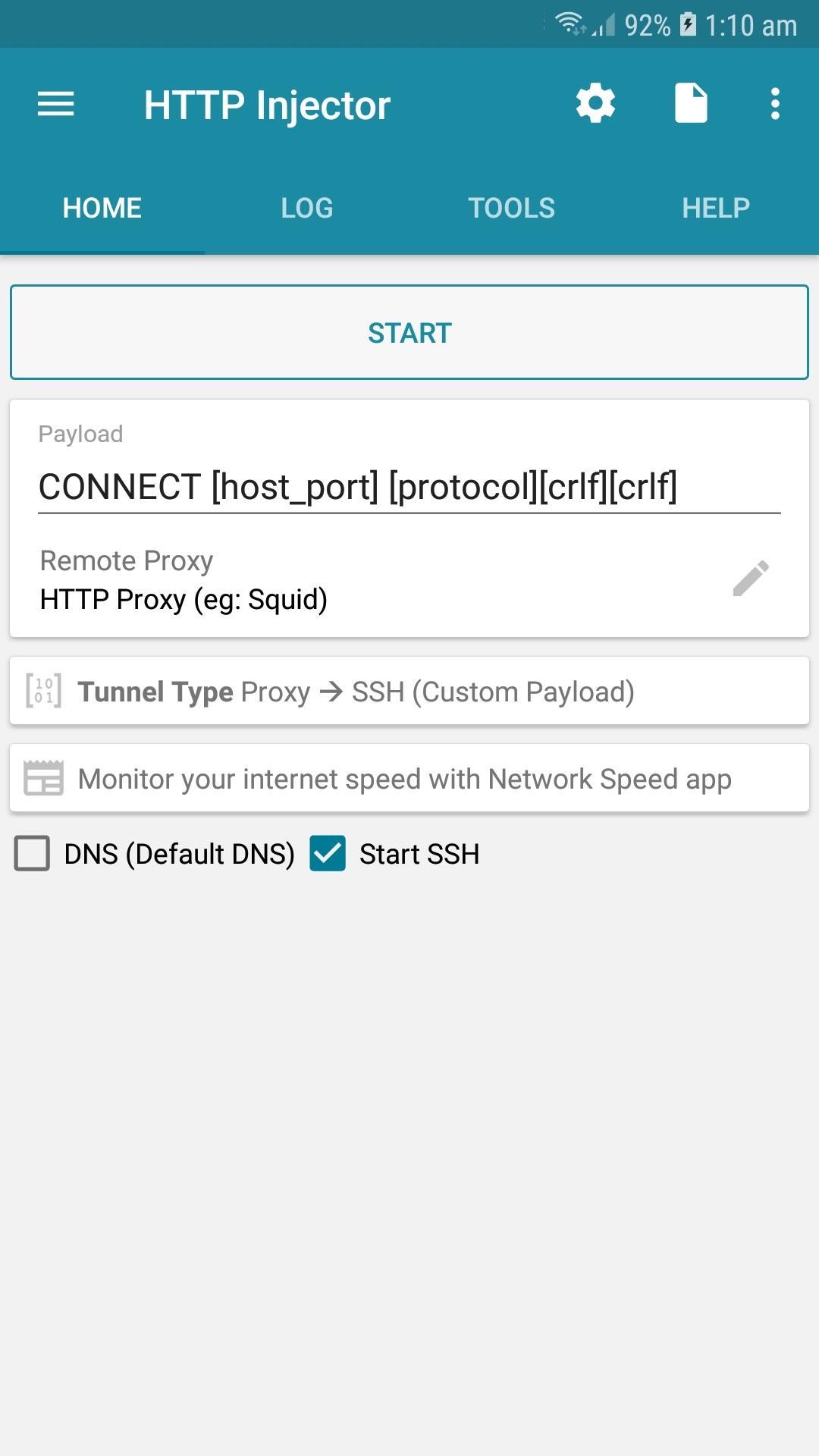
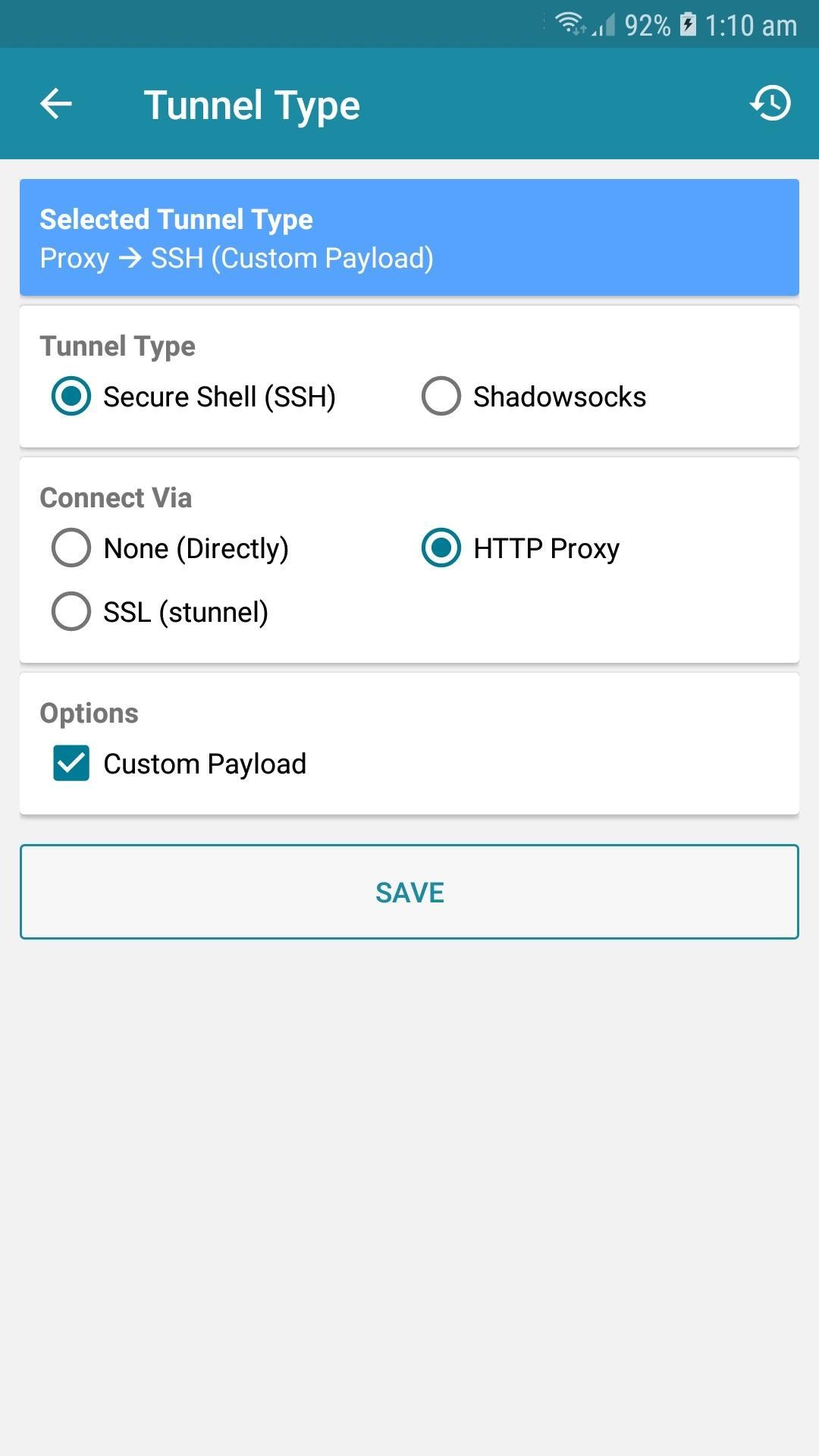
Multiple protocol tunneling optionsBeyond performance, HTTP Injector Lite supports several tunneling choices so you can match your server and network. You can connect with HTTP Proxy plus SSH, SSH only, Shadowsocks, or SSL TLS with built in clients. This flexibility helps you switch methods when a network blocks one protocol or when your server requires a specific client.
Private, secure browsing without rootEncryption is applied to your traffic so you can access blocked sites and reduce tracking while on public networks. You do not need root permission to run the app, which lowers risk and keeps setup simple. As you switch networks, your tunnel helps maintain privacy across mobile data and Wi Fi.
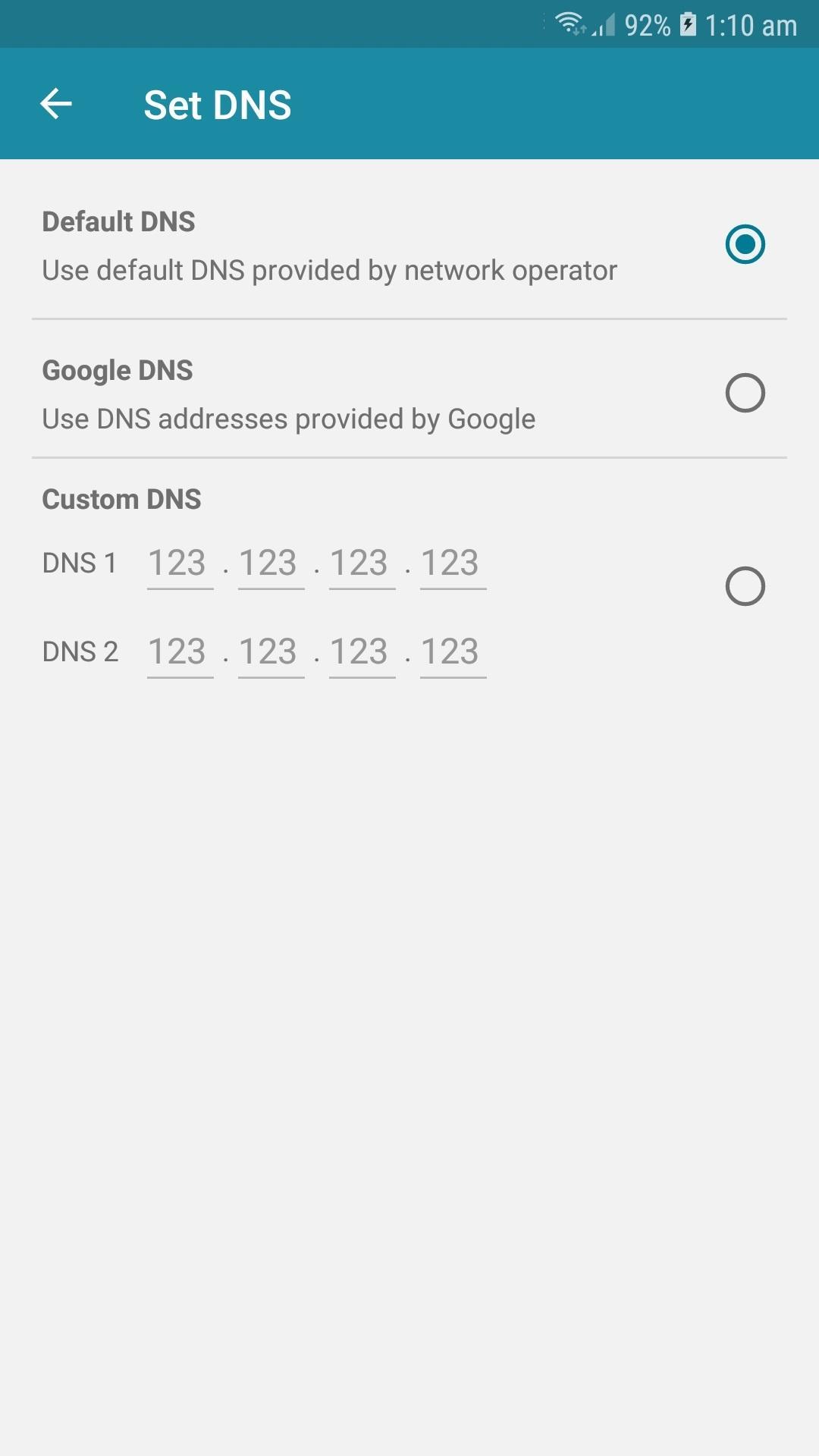
Flexible configuration and setupYou can import configuration files in the .ehil format to load server details and payload settings immediately. If you do not have a file, the Payload Generator helps you build custom headers and hosts for your tunnel. Advanced users can fine tune options like custom headers and proxy settings, Apps Filter for split tunneling, Custom DNS, data compression, and buffer tuning to match speed and stability needs.
Provider Mode for controlled distributionService providers can use Provider Mode to distribute configs while keeping settings locked. You can export encrypted files, lock options to prevent edits, and tie a config to a hardware ID. A custom customer message can be added so users see important notes when they import your package.
HTTP Injector Lite focuses on speed, compatibility, and essential tunneling protocols for straightforward setups. If you need extra protocols such as DNS Tunnel or V2Ray and broader toolsets, consider the full HTTP Injector app. Choosing the Lite version makes sense for daily browsing and simple server configurations, while the full app targets more complex use cases.
The app reads the .ehil format, which helps you import trusted configs from known groups or providers. For reliability, bring your own SSH or Shadowsocks server so you control credentials and bandwidth. Avoid unknown sources and always review config details before connecting to protect your account and device.
HTTP Injector Lite is designed for professional use cases like privacy, testing, and secure access. Bypassing network restrictions may be subject to local rules and service agreements, so check your laws and terms before connecting. Use the app ethically, and do not use tunnels for activities that break policies or regulations.
This quick guide outlines a simple setup so you can start a secure tunnel on your phone. Follow the steps in order to avoid common connection issues. If you use the HTTP Injector Lite latest version, menu names may match the instructions here.
HTTP Injector Lite delivers essential tunneling with simple setup for everyday private browsing. To begin, download HTTP Injector Lite APK and import a trusted config or enter your own server details.
For support and documentation, visit the official resources below.
Latest Version
5.4.0Uploaded by
Lövły Aņģəł
Requires Android
Android 4.1+
Category
Free Tools AppContent Rating
Everyone
Security Report
Check Now
Report
Flag as inappropriateLast updated on Dec 11, 2022
5.4.0
[Added] Support Android 13
[Updated] Translations
[Improvement] Bug fixes and performance improvement




APKPure - A multi-platform app store primarily focused on Android, providing extensive app-related content. Discover the app you want easier, faster, and safer, with quick and efficient downloads and installations.