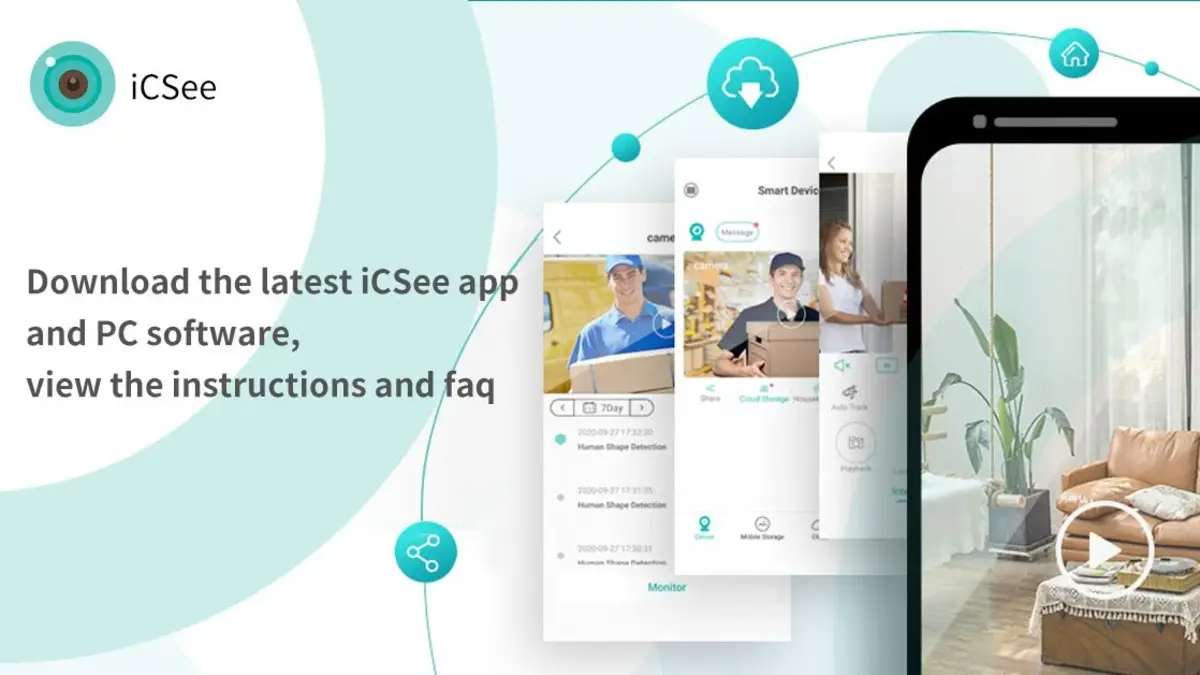
iCSee helps users monitor homes, small offices, and entryways from an Android phone without being on site. It connects to compatible cameras and smart devices so you can preview live video, check alerts, and manage access in everyday situations. With a cloud ID, you can see what is happening and make quick adjustments when needed. In addition, it supports simple device management to keep your setup organized and responsive. If you plan to download iCSee, this overview explains what to expect.
iCSee supports multiple pairing methods to fit different installations. You can use auto pairing over 2.4 GHz WiFi for most home routers, set up via a wired LAN for stable connectivity, or choose AP hotspot direct connection where there is no internet. The AP hotspot option is useful for temporary setups and local viewing on site.
Smart monitoring and alertsiCSee offers motion tracking on supported indoor IP or PTZ cameras, humanoid detection, and rule-based warning lines that trigger push notifications. You can tune detection sensitivity and decide which alerts are sent to your phone. For best results, use motion tracking on compatible indoor models and note that mobile tracking and humanoid alerts should not run simultaneously.
Night vision modesiCSee provides starlight full color for low-light environments, infrared night vision for dark scenes, and a double light alert mode that switches to color when motion is detected. You can select the mode that fits your location and adjust it later if lighting changes. This helps maintain clear visibility at night without constant manual switching.
Simple sharing controlsUsers can share device access with family members by scanning a QR code or entering a device serial number. This process is quick and time limited, which helps keep sharing controlled. The recipient can preview live video and follow alerts according to the permissions you set.
Recording and device managementiCSee supports local TF card storage and an optional cloud storage subscription for those who prefer online retention. You can register and log in with a phone number, email, or a social account, then name devices, set passwords, sync device time, and control lights from the live view. These tools keep your system organized and easier to maintain.
iCSee and most compatible cameras work on 2.4 GHz WiFi only, not 5 GHz. During pairing, keep your phone, router, and camera close, ideally within about two meters, to improve success. If the camera shows offline after changing router settings, update the network details in the app, then restart the camera and router to re-establish the link.
AP hotspot mode is designed for locations without internet. It allows direct local access from your phone to the camera and typically works within about ten meters. Remote monitoring is not available in this mode; to view away from home, switch the camera to a networked setup on 2.4 GHz WiFi or a wired LAN.
Insert the TF card before powering on the camera and avoid hot plugging to reduce the risk of card errors. Upgrading a cloud plan increases future retention only and does not unlock past footage beyond the new window. QR code sharing is time limited to roughly thirty minutes; if the link expires, generate a new code. You can find the device serial number and QR code in the device settings, and use time sync to correct recording timestamps.
Motion tracking is available only on supported indoor IP or PTZ cameras and not on bullet or dome models. For steady alerts, choose either mobile tracking or smart humanoid detection based on your scene and avoid enabling both at the same time. These limits help reduce false movements and keep notifications relevant to the location.
To get started, install the app and prepare your network and devices. The steps below outline a simple setup from pairing to monitoring with clear reminders. If you prefer a manual package, you can use the iCSee APK to install on compatible Android phones.
iCSee helps users connect cameras and smart devices, manage alerts, and view live video from an Android phone. To begin, install the app, add your devices, and adjust settings for your location in the iCSee latest version.
For official support and product details, visit the links below.
Latest Version
7.9.4_GUploaded by
Derek Robert Durivage
Requires Android
Android 7.0+
Category
Free Tools AppContent Rating
Everyone
Report
Flag as inappropriateLast updated on Sep 23, 2026
This release includes minor bug fixes and general improvements. Update to the latest version for the best experience.



APKPure - A multi-platform app store primarily focused on Android, providing extensive app-related content. Discover the app you want easier, faster, and safer, with quick and efficient downloads and installations.