Scan Date:May 29, 2025
Show More


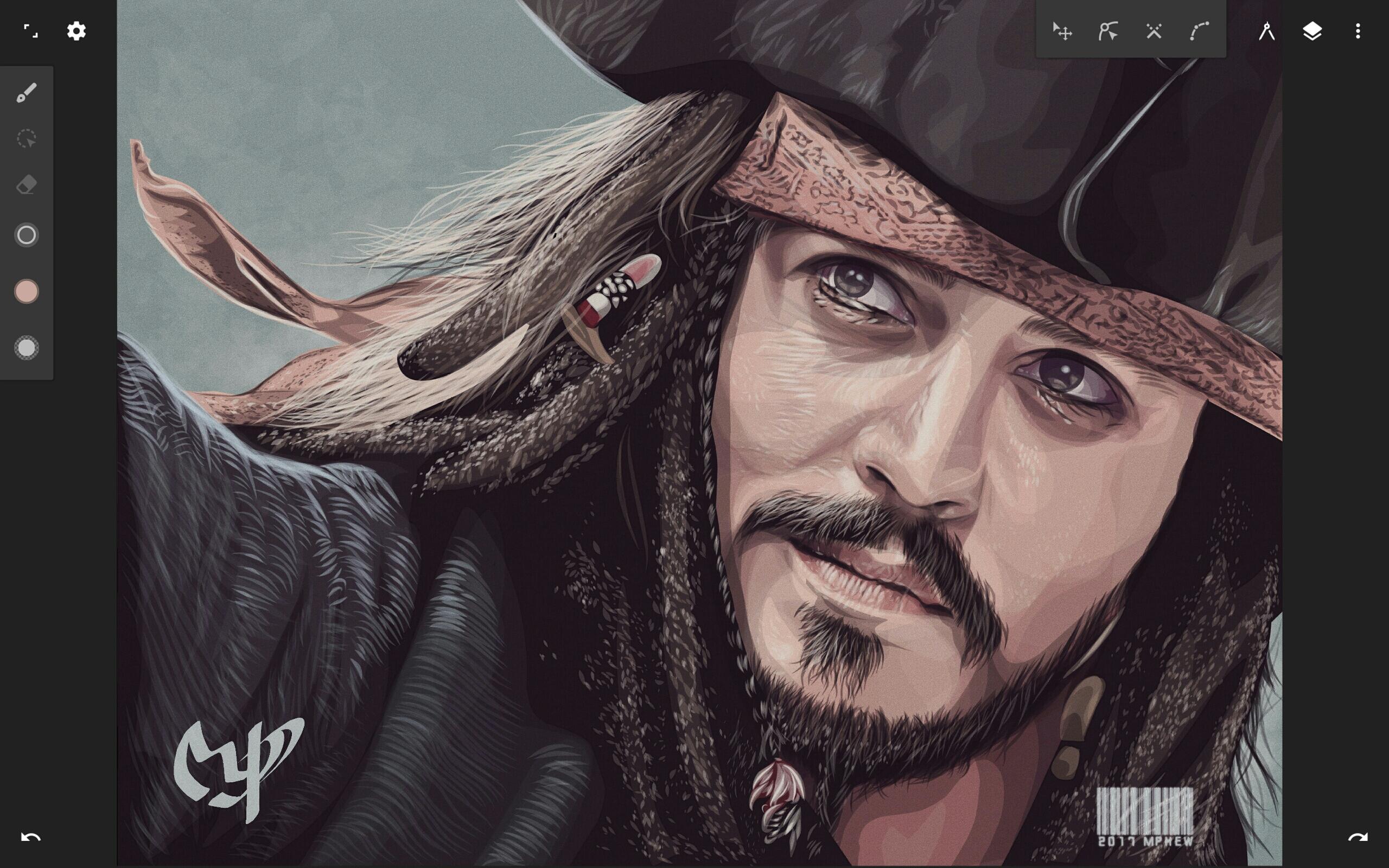
Infinite Design supports users who sketch logos, plan layouts, or illustrate on a phone or tablet. The workspace emphasizes speed and stability with a clean interface, so tools are easy to reach while the canvas stays clear. Gestures feel responsive as you focus on composition and precision. Infinite Design APK lets you install the app on Android and access the same creation environment across projects. Whether you are starting a quick doodle or a detailed vector piece, the app adapts to your pace.
Flexible canvas and organized workspace
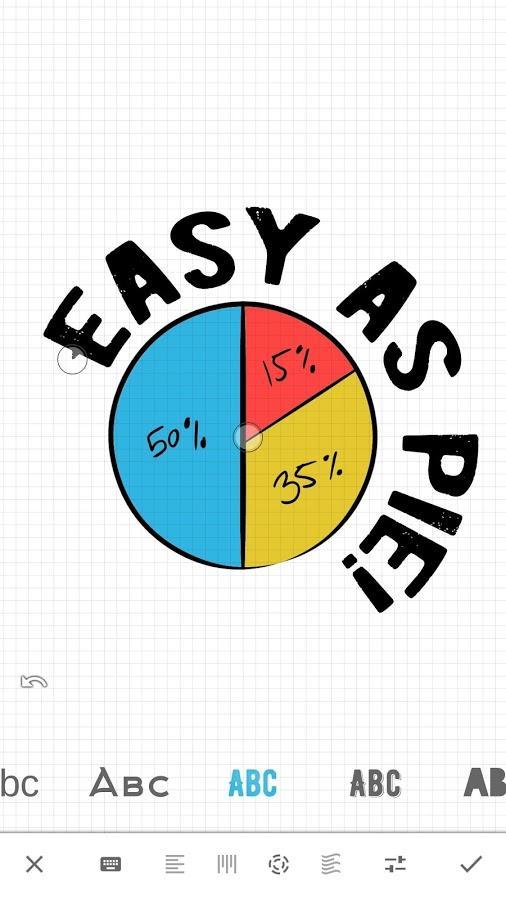
Before you download Infinite Design, note the infinite canvas and a simple, organized layout that keeps tools within reach. Move favorite tools to the top bar for quicker access, and pull out the color wheel with two fingers as you work.
Precise vector editing
Layers, history, and symmetry
To manage complex artwork, use unlimited layers and revisit changes with the history slider. You can scrub from start to finish and undo without limits. Four symmetry modes help mirror strokes for balanced designs.
Guides, transforms, fills, and formats
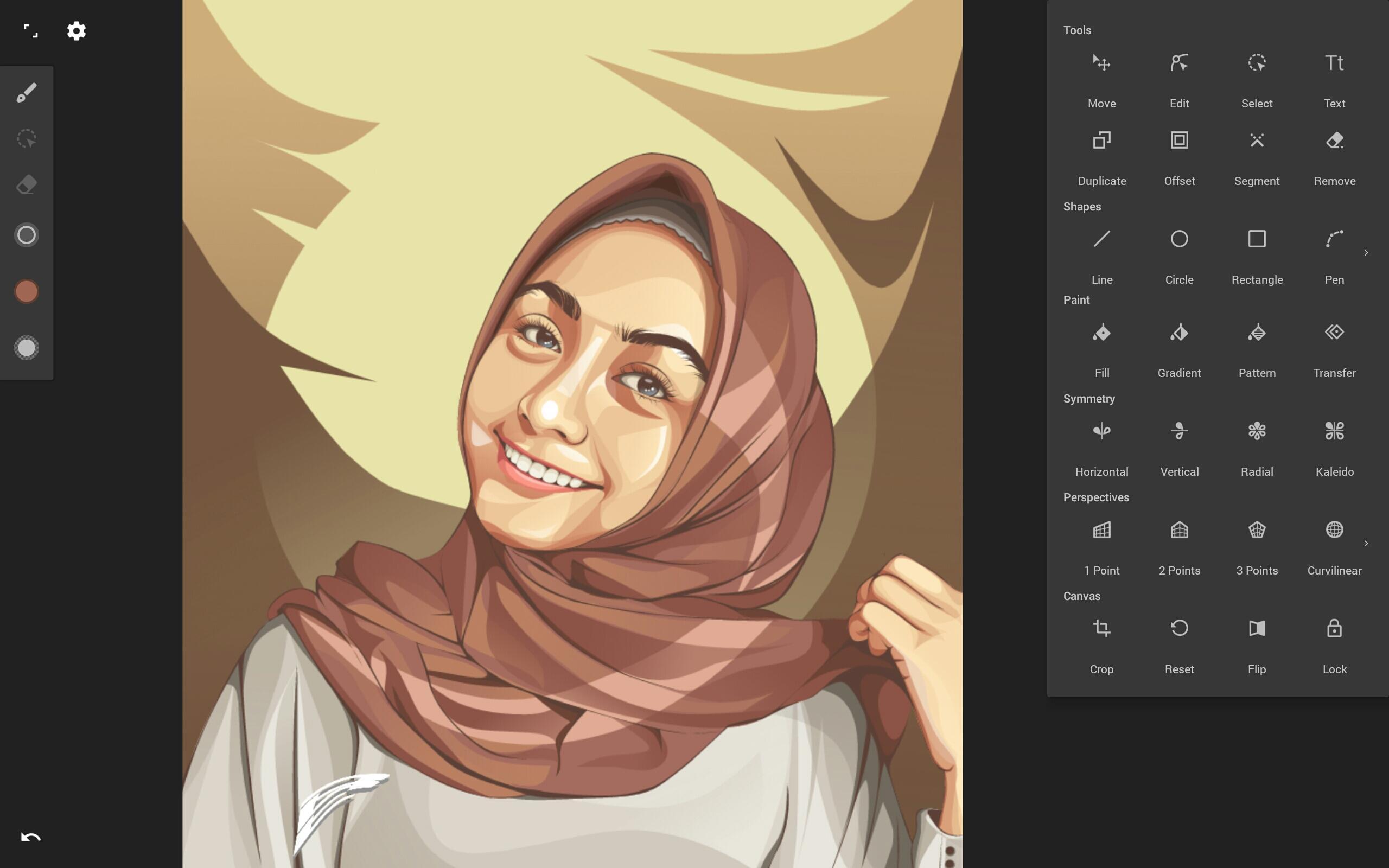
This app provides a focused vector workspace with tools for navigation, editing, and export. For the most recent improvements and stability, get the Infinite Design latest version before starting your next project.
Latest Version
3.5.9Uploaded by
K'Anthony Benjamin
Requires Android
Android 9.0+
Category
Free Art & Design AppContent Rating
Everyone
Security Report
Report
Flag as inappropriateLast updated on May 29, 2025
3.5.9:
- Import/export Design projects (for project backups)
- Added support for Android's Photo Picker (increased privacy)
- Minor bug fixes and improvements






APKPure - A multi-platform app store primarily focused on Android, providing extensive app-related content. Discover the app you want easier, faster, and safer, with quick and efficient downloads and installations.