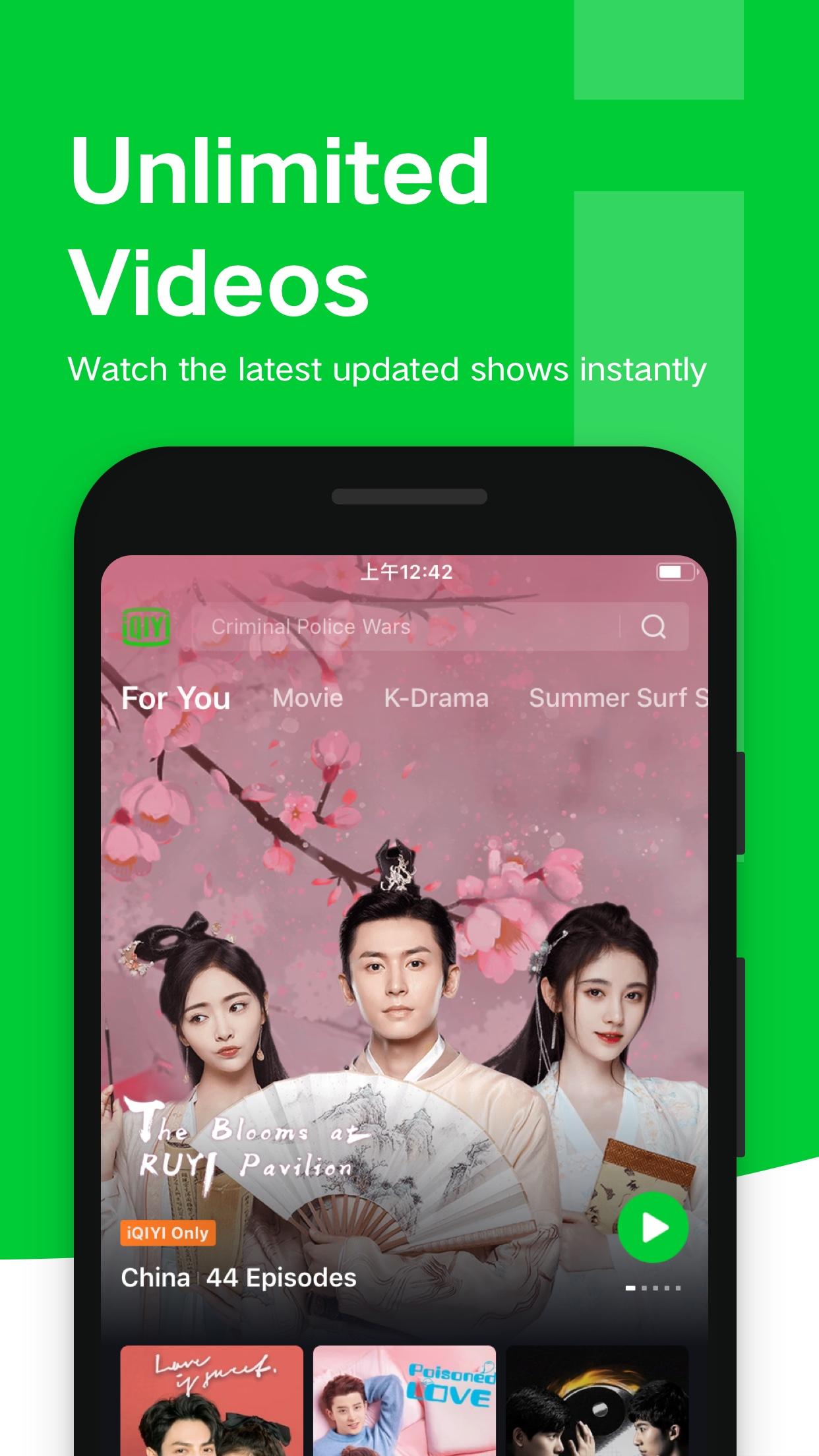
iQIYI Video – Dramas & Movies helps users who want a single place to watch Chinese, Korean, Thai, and other Asian titles. It provides on the go access with a clear home screen that highlights fresh picks and trending topics, so you can quickly find something to watch. The app supports different viewing situations, from quick clips to full series, and fits short breaks or long sessions. If you plan to download iQIYI Video – Dramas & Movies, expect a familiar layout with simple navigation and straightforward playback controls.
Key features you can expect
Freemium viewing and optional VIP upgradesiQIYI Video – Dramas & Movies lets you watch a selection of shows and films for free with ads. You can upgrade to VIP for ad free viewing, earlier access to episodes, and exclusive titles that are not in the free catalog. VIP also enables Full HD and 4K streaming with Dolby Audio where available, along with advanced viewing privileges. This setup helps you try the app first, then decide if the added perks fit your habits.
Curated hubs and weekly new arrivalsThe app organizes its large library into focused areas that make discovery easier pipeline. You can browse K Station for Korean picks, the Thai Collection for local favorites, or Vietnam Dubbed for language adapted versions. New shows and films arrive each week, and discovery tools such as Top 10, New This Week, and Popular Searches guide you to what people are watching now. This structure reduces browsing time and keeps the home feed fresh.
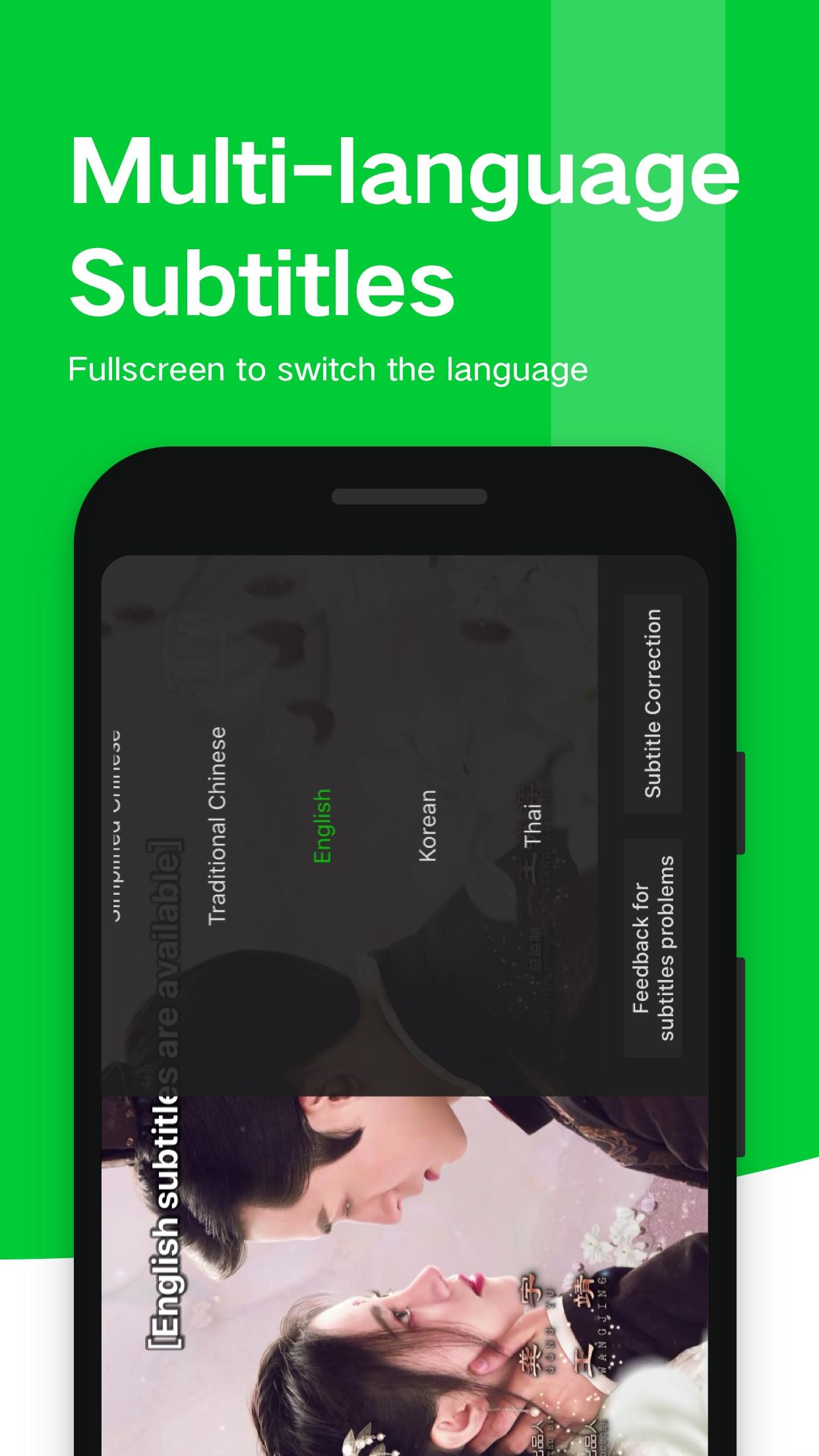
Multilingual interface, dubbing, and subtitlesiQIYI Video – Dramas & Movies supports multiple interface languages and multilingual search to help you find titles in your preferred language. During playback, you can switch subtitles or audio dubbing when available without leaving the player. The language selector sits in a visible spot, so changing between options takes only a moment. This is useful for bilingual households or users learning a new language.
Quality controls for different networksYou can choose between data saving modes and higher quality modes based on your connection. The player includes manual toggles for Full HD and 4K when the title supports it, so you decide how much data to use. Adaptive streaming and HCDN technology help keep playback steady when network conditions change. If you watch on mobile data often, the quick quality switch can help manage data use.
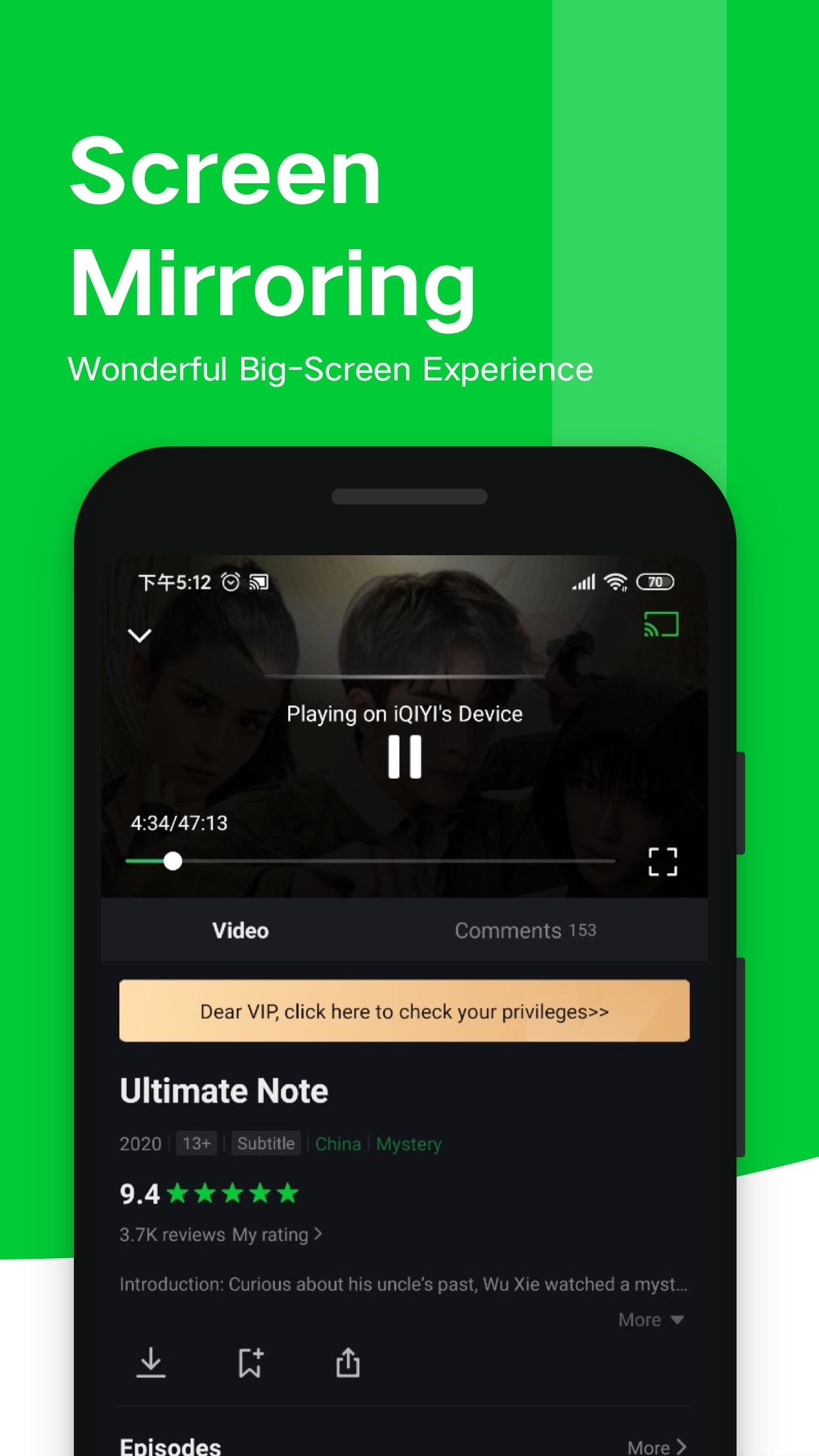
Offline downloads and cross device syncThe app allows you to save episodes and movies to your device for offline viewing. This is helpful for commutes or travel when a connection is not reliable. Progress sync keeps your place across phone, tablet, and supported TV apps, and you can continue on a different screen later. PC and TV clients are available for a larger display and improved audio visual setups.
Before you download iQIYI Video – Dramas & Movies
Some titles, audio tracks, and subtitles may vary by region due to content licensing. A portion of the catalog is free with ads, while VIP unlocks added features and exclusive shows, and pricing is handled inside the app. New user promotions such as Scan QR to Download APP, Get VIP for FREE may appear during limited periods, and availability can change. For the most stable experience and feature coverage, look for the iQIYI Video – Dramas & Movies latest version.
How to use iQIYI Video – Dramas & Movies on Android
After installing, the app opens to a home screen with rows for trending and new releases. To get full access across devices and manage downloads, sign in or create an account first. If you installed the iQIYI Video – Dramas & Movies APK manually, the steps below remain the same.
- Open the app, then choose your preferred interface language from the first time prompts or the account settings.
- Browse the Home, Top 10, and New This Week rows, or open K Station, Thai Collection, or Vietnam Dubbed to narrow the catalog. You can also use the search bar for specific titles or cast names.
- Select a title to open its detail page, then tap Play. If available, pick your audio dubbing and subtitle language from the player menu before starting the episode.
- Tap the quality icon to switch between data saving, Full HD, or 4K when the title supports it. Use the same menu to adjust playback speed and other basic controls.
- To watch offline, tap Download on the episode or movie page and select a quality level. To unlock ad free viewing and early access, go to the Me tab, open VIP Privileges, or apply a voucher code if you have one.
Get started with iQIYI Video – Dramas & Movies
iQIYI Video – Dramas & Movies offers a wide range of Asian dramas, movies, anime, and variety programs with flexible viewing options. If you prefer current releases and language choice, consider the VIP tools once you have explored the free catalog. To stay updated with improvements, install the iQIYI Video – Dramas & Movies latest version when it becomes available.
For official support and more information, refer to the links below.
- Website: https://www.iq.com/
- Email: contactus@qiyi.com