Iriun Webcam for PC and Mac helps when your laptop camera looks soft or lacks controls during meetings, streams, or classes. It turns your Android or iOS phone into a camera for your computer with a simple setup on both devices. Additionally, you install the required drivers on your PC or Mac, connect your phone, and select the webcam in your video app. To get started, search for and download Iriun Webcam for PC and Mac and follow the in-app guidance.
Setup and drivers
Install the required drivers on your PC or Mac, open the phone app, then start Iriun Webcam Server on the computer. When both devices are on the same network, connection happens automatically. In your desktop application, select Iriun Webcam as the audio and video source for calls, classes, or streams.
WiFi or USB connection options
After setup, you can choose how to connect. Use WiFi for a cable-free workspace when the phone and computer share the same network. If you prefer a wired connection, use USB to keep the link stable when wireless conditions are limited.
Video quality and camera controls
Iriun Webcam for PC and Mac supports resolutions up to 4K, depending on your phone model. You can pinch to zoom for framing and enable mirroring when needed. The app works with the phone screen off, which helps conserve battery during long sessions.
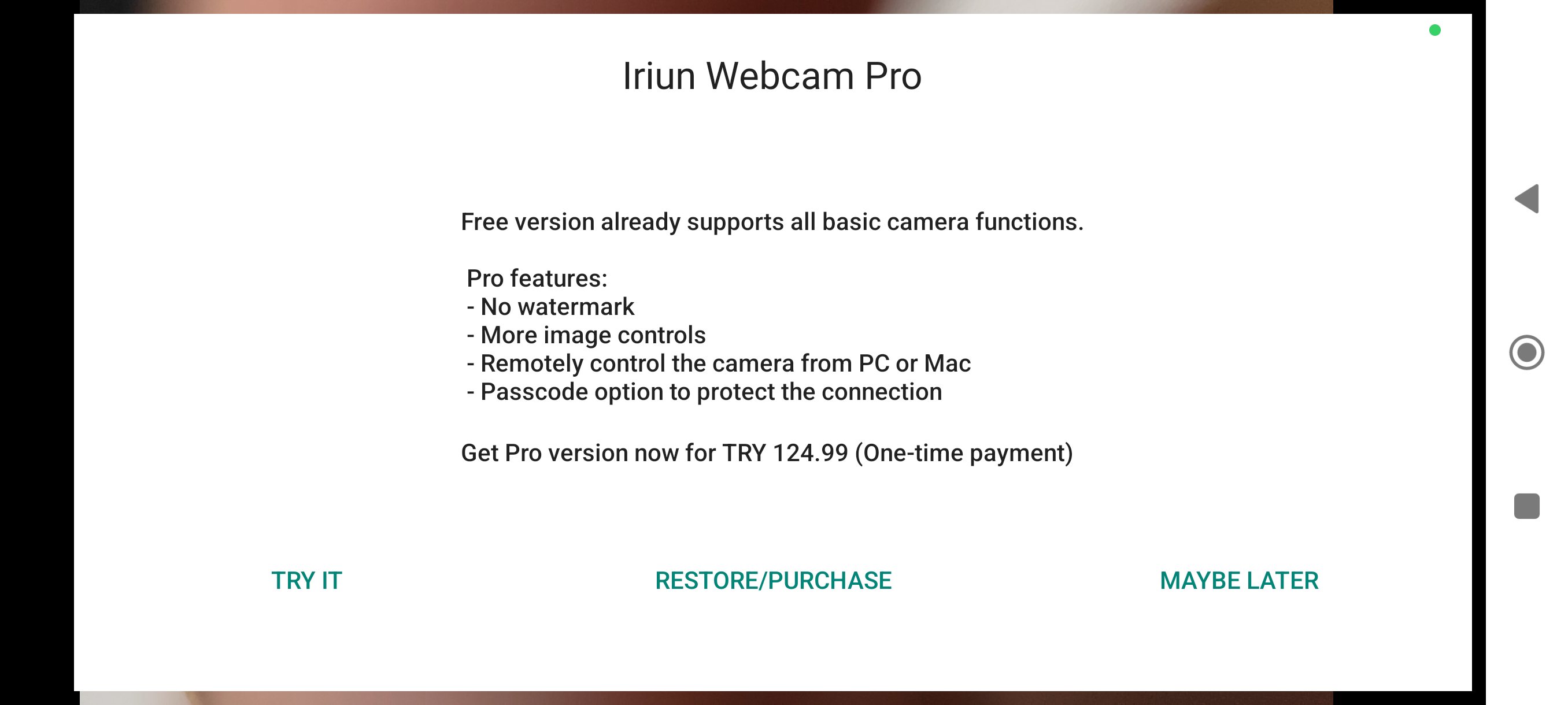
Pro version features
This app offers a practical way to use your phone camera for video calls and streaming on your computer. To use the Iriun Webcam for PC and Mac latest version, install the drivers, connect your phone, and choose it as the source in your preferred application.
Latest Version
2.9.4Uploaded by
Leidiane Santos
Requires Android
Category
Free Tools AppContent Rating
Everyone
Report
Flag as inappropriateLast updated on Sep 14, 2026
Bug fixes.




APKPure - A multi-platform app store primarily focused on Android, providing extensive app-related content. Discover the app you want easier, faster, and safer, with quick and efficient downloads and installations.