

Jar is made for users in India who want to build a savings habit without setting aside a large amount at once. It lets you put small amounts into digital gold and view your balance from your phone. As a result, the app can suit people who prefer short, regular saving actions instead of one large investment. If you plan to download Jar, it is useful to understand how gold prices, withdrawals, and charges work before you start.
Small digital gold savings
Jar lets you start saving in 24K digital gold with small amounts. You can begin with ₹10 for daily savings, ₹50 for weekly savings, or ₹100 for monthly savings. This makes the Jar app suitable for users who want to test gold savings with a low starting amount before choosing a larger plan.
Automatic saving plans
Jar supports daily, weekly, and monthly saving plans, so you can set a schedule that matches your income and spending pattern. After choosing an amount and frequency, the app helps you keep adding to your gold balance over time. This approach is similar to a Gold SIP, where small regular payments build a gold holding gradually.
Live gold price details
Jar shows live gold prices with real time gold rate updates and purity information. Before buying digital gold, you can check the current rate inside the app and decide whether to continue. Since gold prices can change during the day, this information helps you understand the amount of gold your payment will buy.
Withdrawal and physical gold options
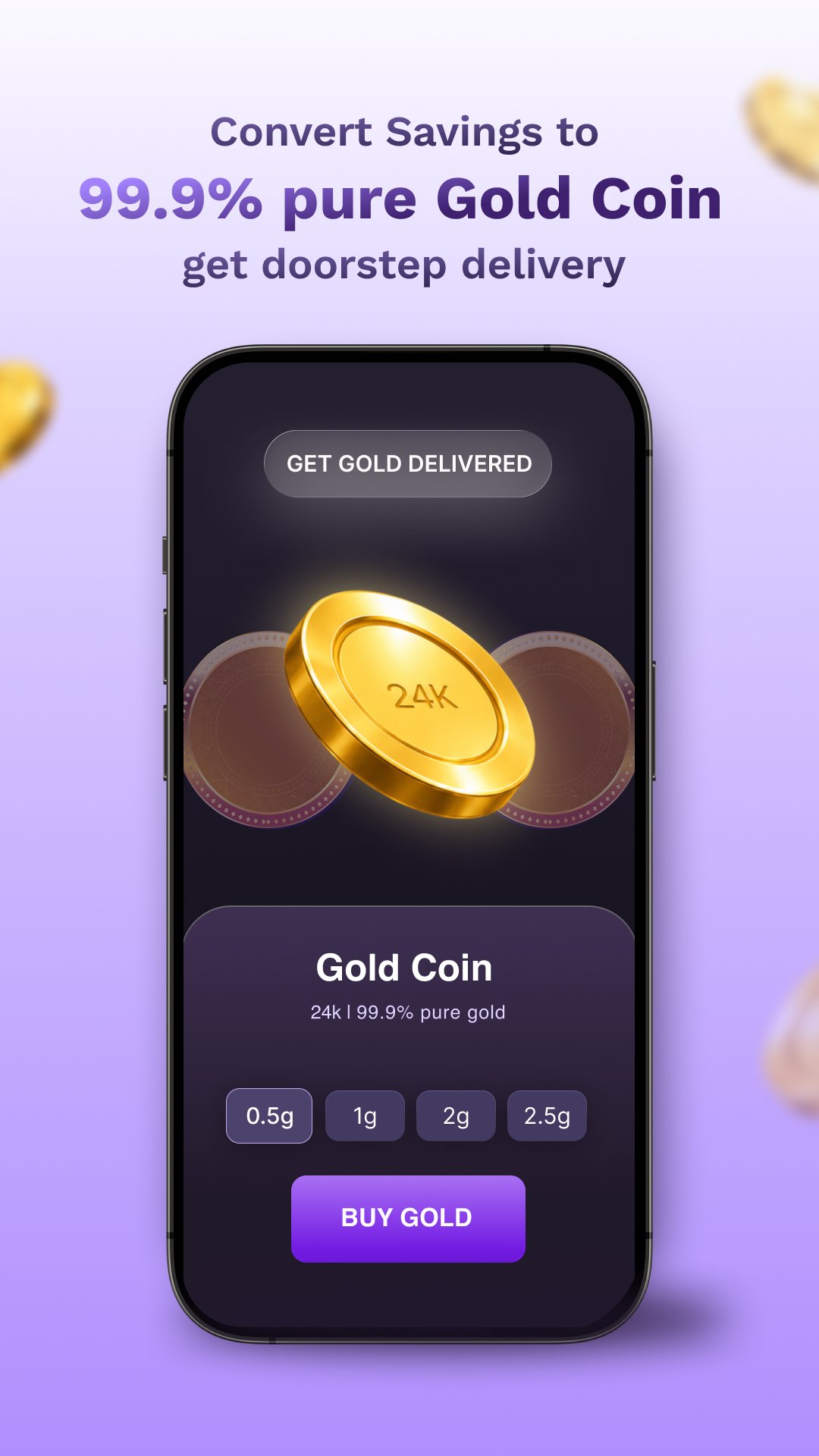
Jar allows you to withdraw savings instantly to a bank account when you need money. You can also convert digital gold into physical gold, depending on the options available in the app. This gives users a choice between keeping gold digitally and using the value for cash needs.
Extra financial and shopping services
Along with Jar gold savings, the app includes other services such as UPI payments, personal loans for selected users, insurance, and gold or silver jewellery shopping. These services are separate from basic digital gold saving. Therefore, users should review each service inside the app before using it, especially when it involves payments, borrowing, or insurance.
Jar focuses on micro savings, so it may make sense for users who want to save small amounts often instead of buying gold in a larger amount. However, digital gold is still linked to market prices. The value of your gold can move up or down based on the current gold rate.
When buying digital gold, users should also check charges shown in the app. Gold purchases may include GST, and the buying price can be different from the selling price because of the spread between purchase and sale rates. For this reason, it is better to review the final amount, gold quantity, and any listed charge before confirming a transaction in the Jar APK.
Jar states that gold purchases are backed by physical gold stored in secure vaults and insured for safety. This matters because digital gold represents a claim on physical gold rather than a coin or bar held by the user. The app also uses UPI based payments for transactions, so users should confirm payment details carefully before approving any transfer.
For users comparing a digital gold app with other saving methods, storage and withdrawal rules are important. Jar offers insured vault storage and an instant withdrawal option, but users should still read the in app details for limits, processing steps, and conversion rules. This helps avoid confusion when selling gold or moving savings to a bank account.
After installing the Jar latest version on an Android phone, you can use the app to start a small digital gold saving routine. The process mainly involves setting up your account, choosing how much to save, and checking the gold value before each action.
If you later need to use your savings, open the withdrawal or sell option inside Jar and review the current selling value. You can then choose bank withdrawal if available, or check physical gold conversion options. Since rates and charges can affect the final amount, confirm all details before completing the request.
Jar is a digital gold app for users who want to build a small and regular saving habit through 24K digital gold. It supports automatic saving plans, live gold rate checks, instant withdrawal, and physical gold conversion. You can use Jar download options on APKPure to get the app and review its saving tools on your Android phone.
Official information for Jar is available through the following channels:
Latest Version
8.9.0Uploaded by
Fauzan Hakim
Requires Android
Category
Free Finance AppContent Rating
Everyone
Report
Flag as inappropriateLast updated on Sep 28, 2026
• Improved Home Feed for a smoother experience and smarter financial updates.
• Fixes and Improvements







APKPure - A multi-platform app store primarily focused on Android, providing extensive app-related content. Discover the app you want easier, faster, and safer, with quick and efficient downloads and installations.