

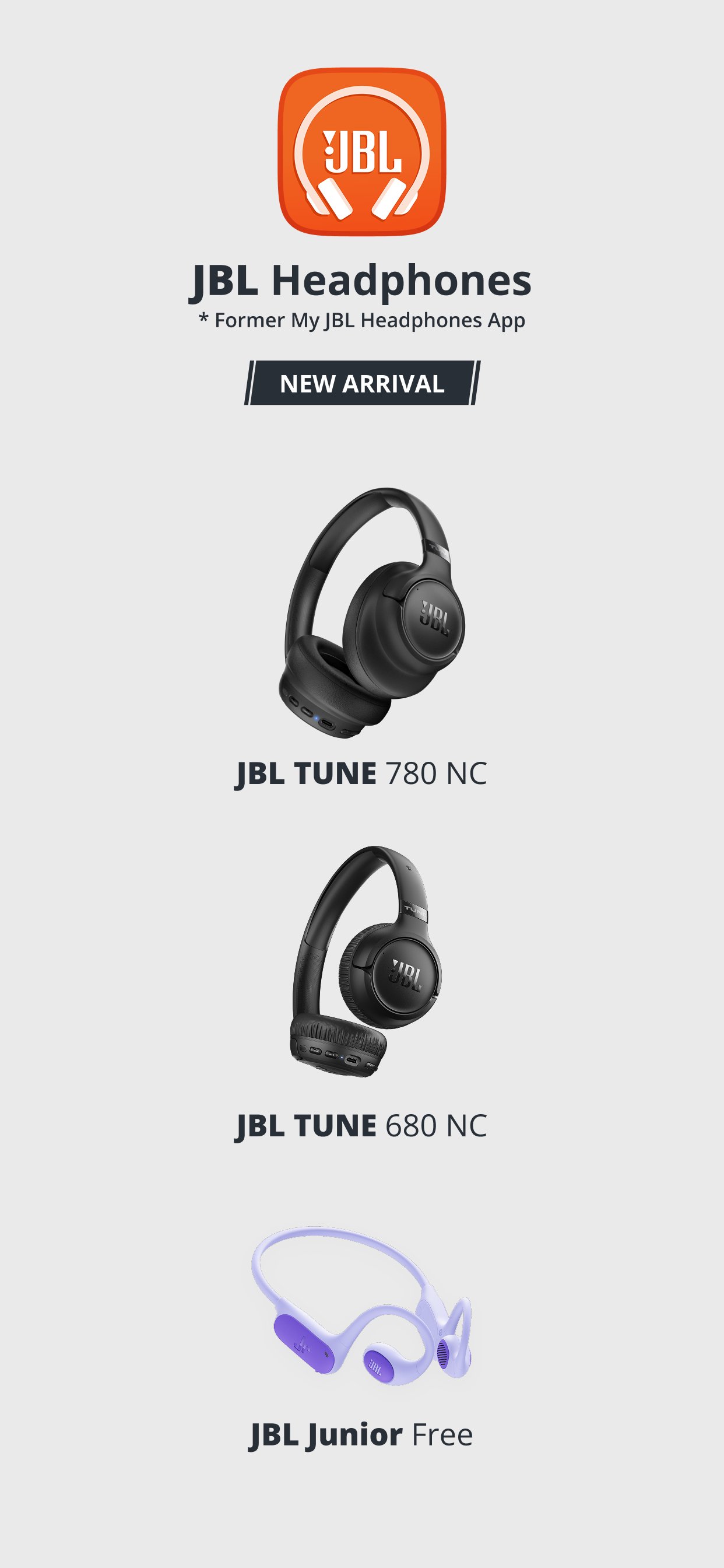
JBL Headphones helps users who want more control than basic Bluetooth listening can provide. It gives supported JBL audio products a central place for sound settings, listening modes, control options, and device information. As a result, you can adjust how your headphones respond in daily situations, such as commuting, taking calls, or listening at home. If you plan to download JBL Headphones, check that your JBL model supports the tools you expect to use.
Sound settings for different listening styles
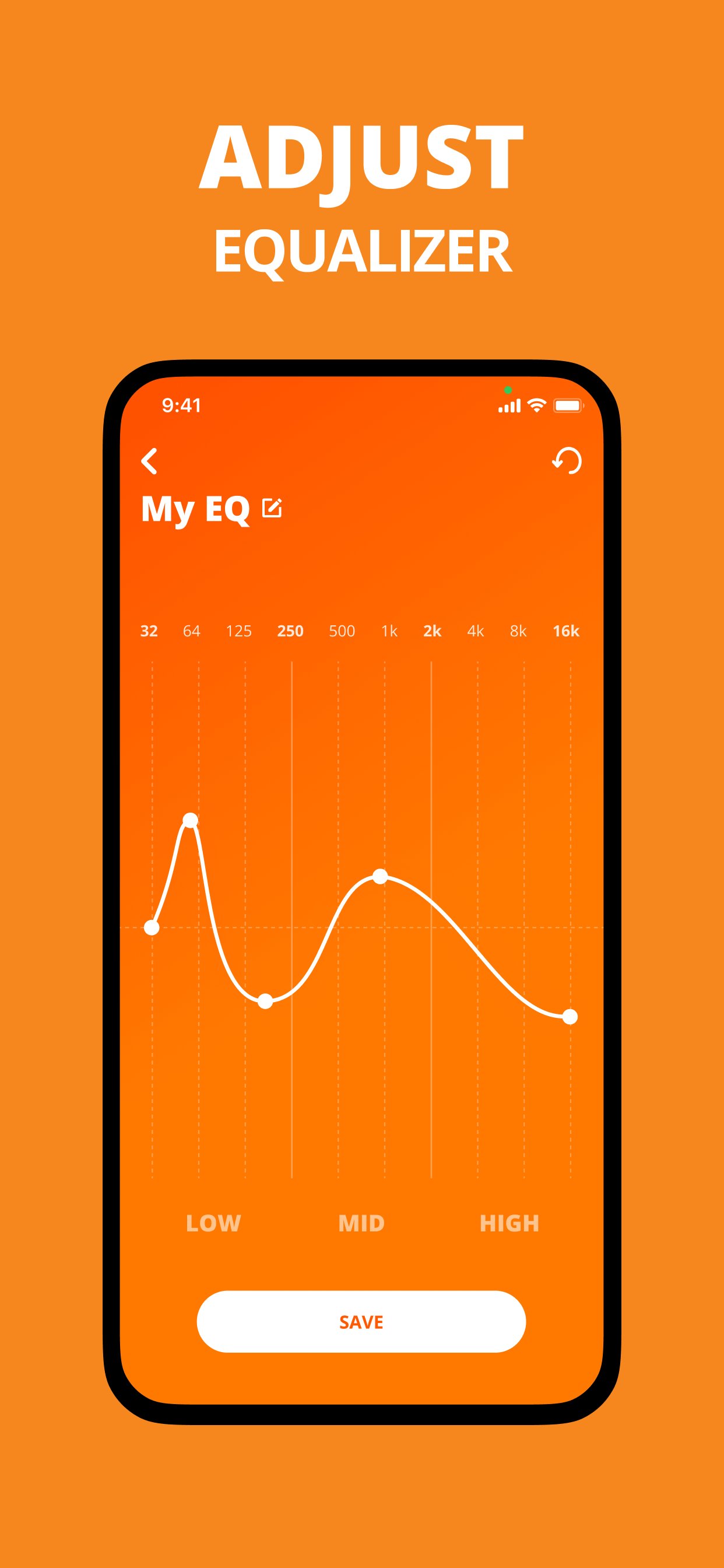
JBL Headphones lets you choose EQ presets such as Jazz, Bass, Vocal, Club, and Studio when they are available for your device. You can also create custom equalizer settings if you prefer to adjust the sound yourself. This is useful when music, podcasts, videos, and calls need different sound balance.
Noise and ambient sound controls
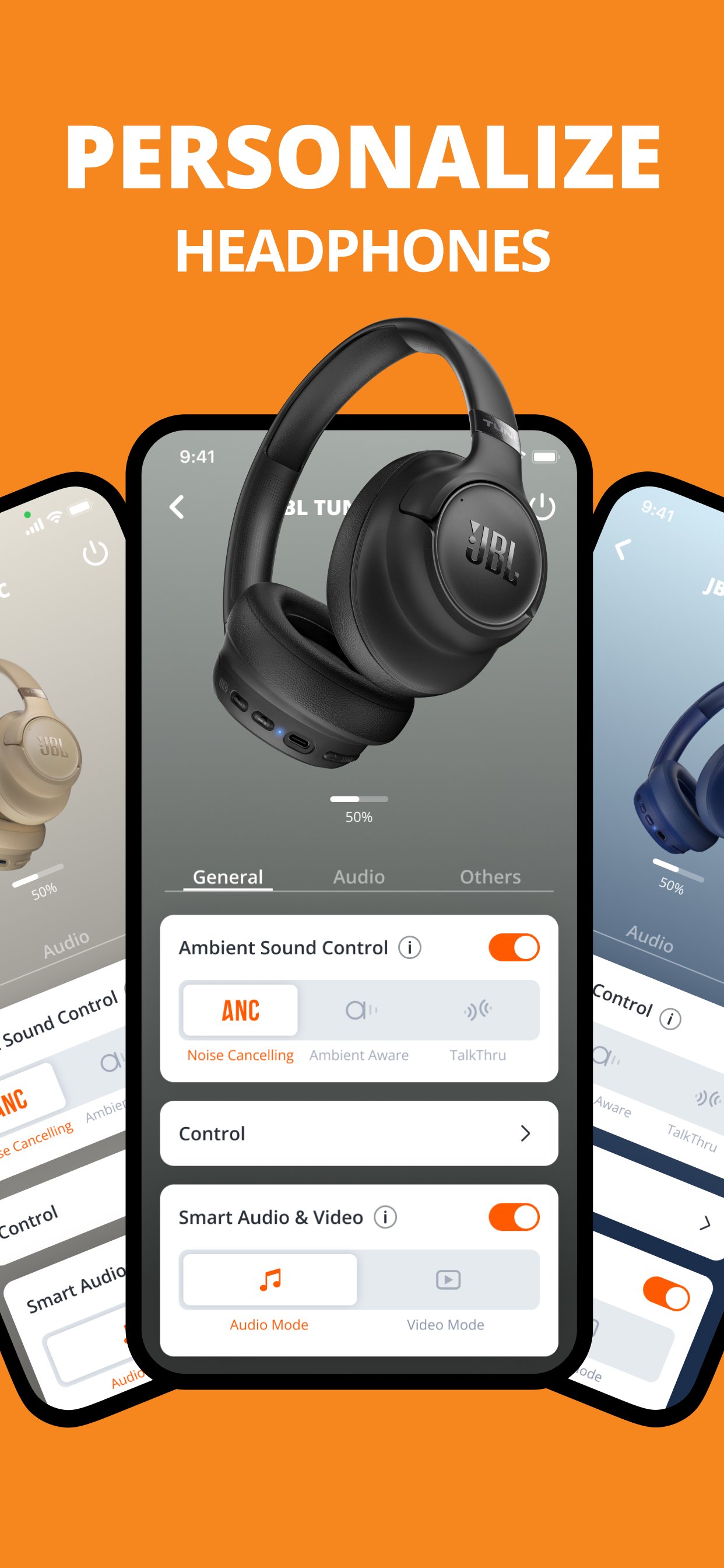
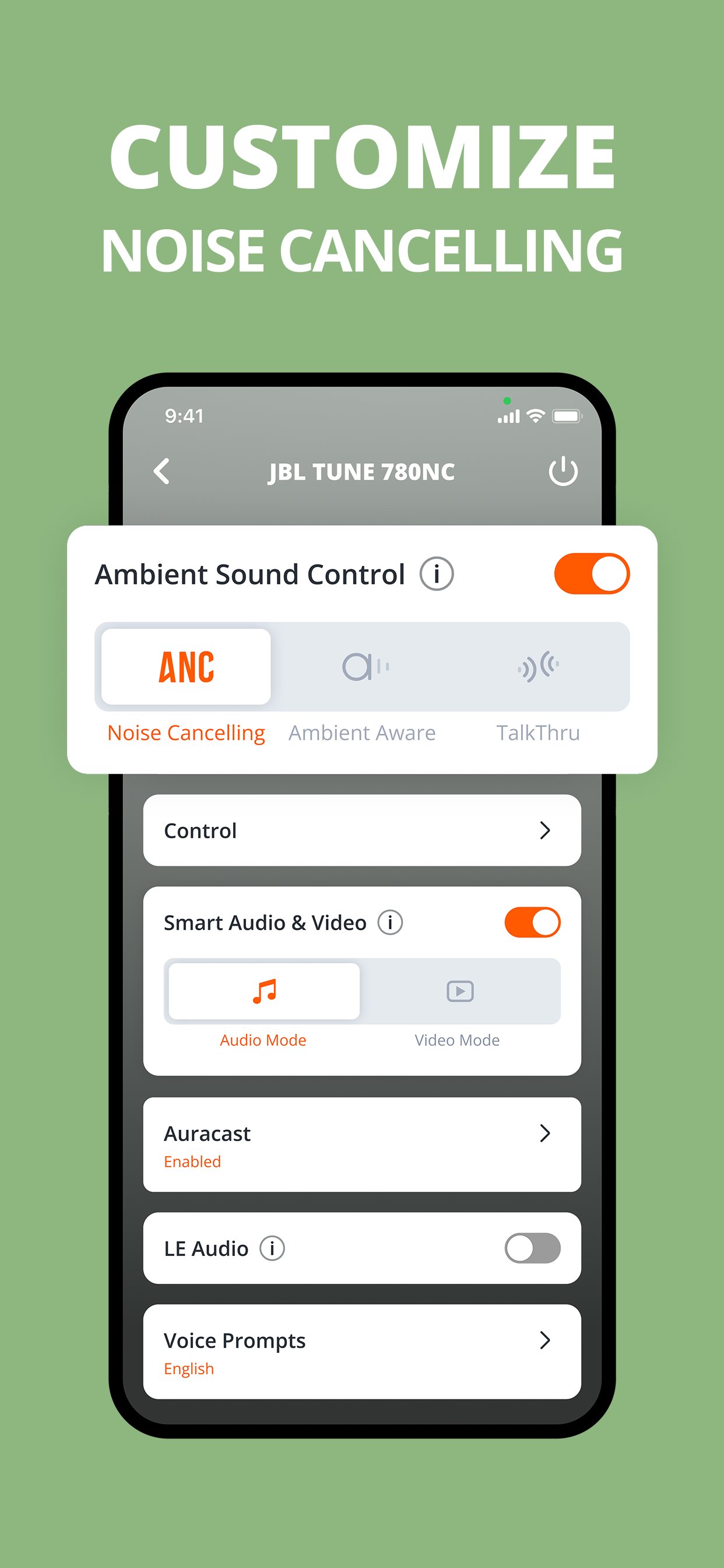
You can adjust Active Noise Cancelling, Ambient Aware, TalkThru, and Smart Ambient modes on supported headphones. These options help you decide how much outside sound should come through while you listen. For example, you may reduce background noise during travel, then switch to a mode that lets you hear voices around you.
Smart Audio and Video options
JBL Headphones includes Smart Audio and Video settings for models that support this function. You can choose a setting based on what you are doing, such as listening to audio or watching video. This gives the app a practical role when you move between music, short clips, calls, and other phone activities.
Custom controls for earbuds and headphones
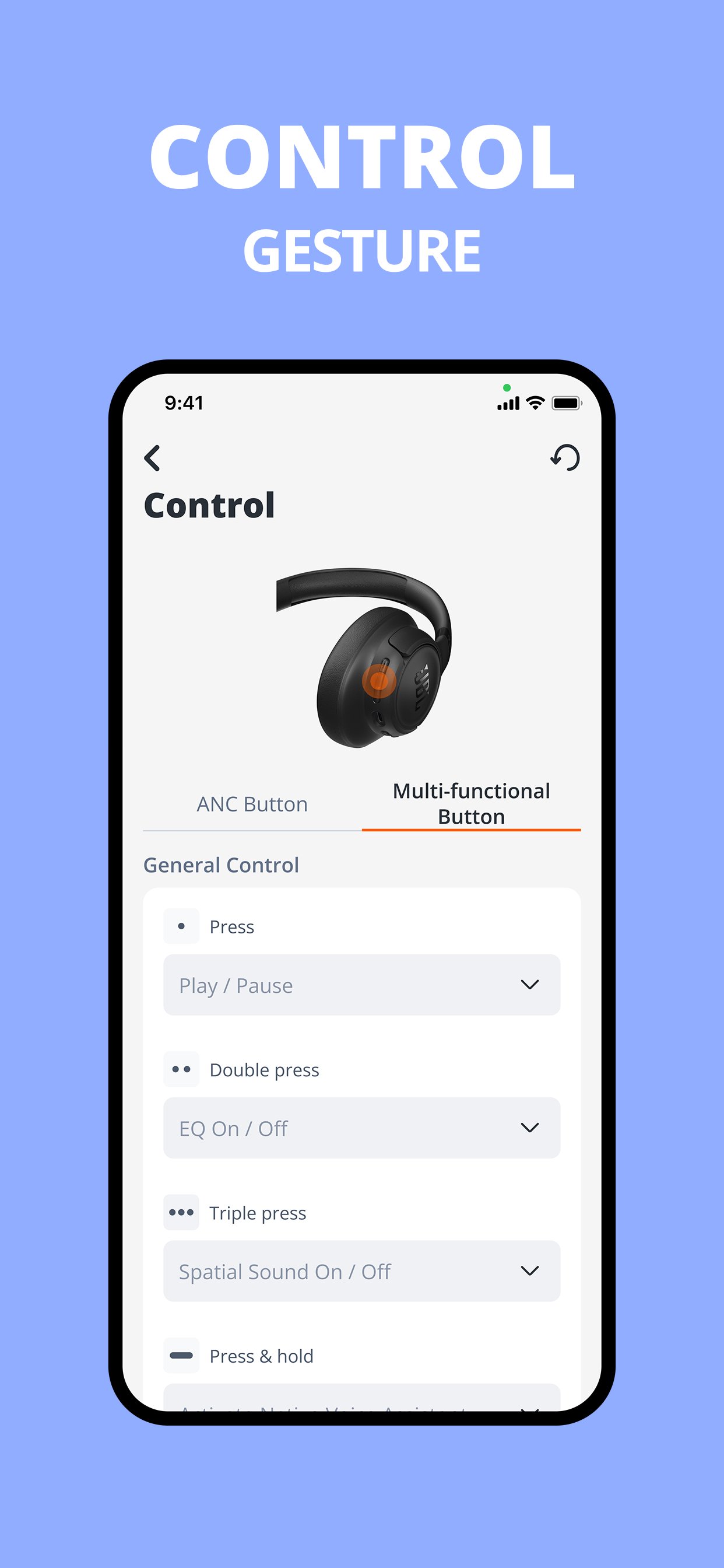
You can customize gestures and button actions when your JBL product supports control changes. Depending on the model, these actions may cover playback, calls, listening modes, or voice assistant access. This helps you match the controls to the way you normally use your earbuds or headphones during the day.
Battery checks and device tools
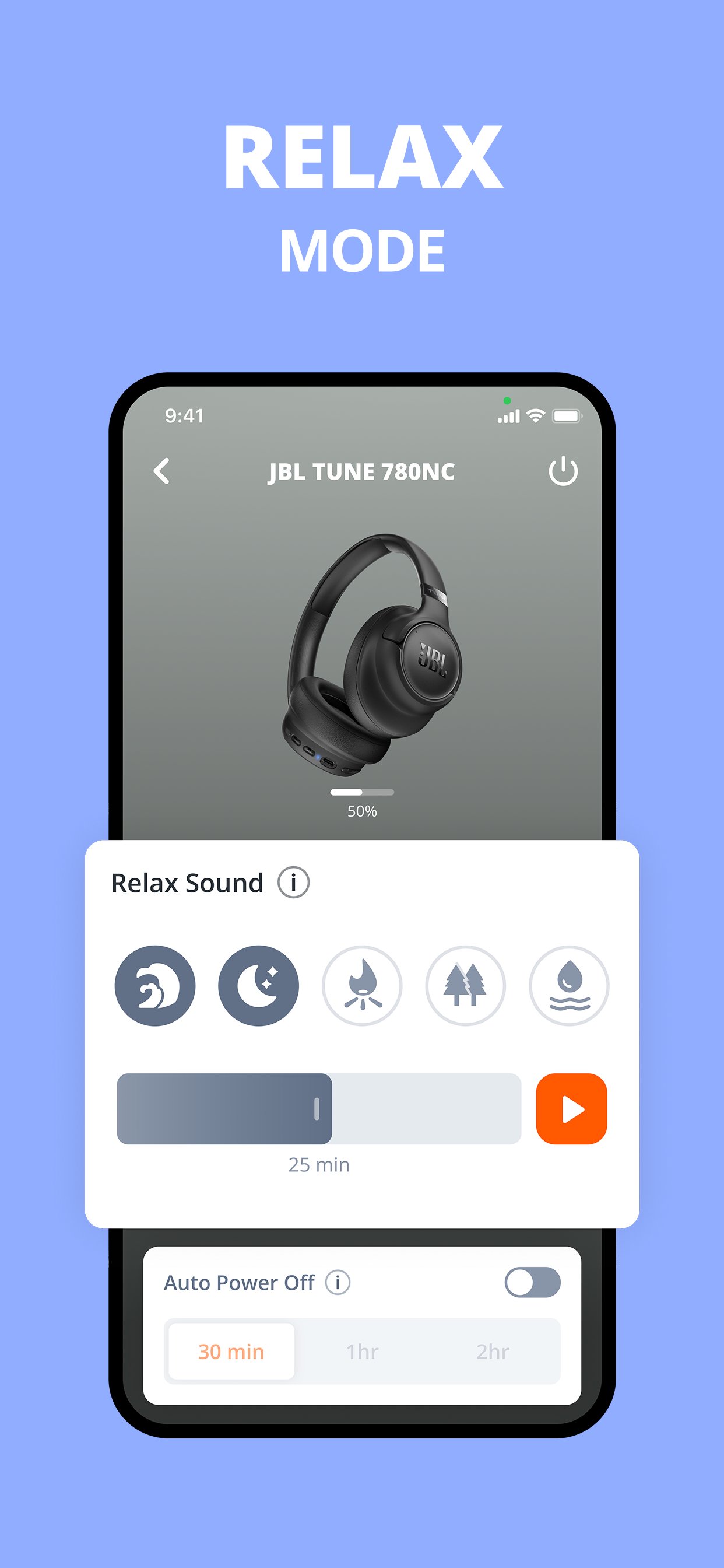
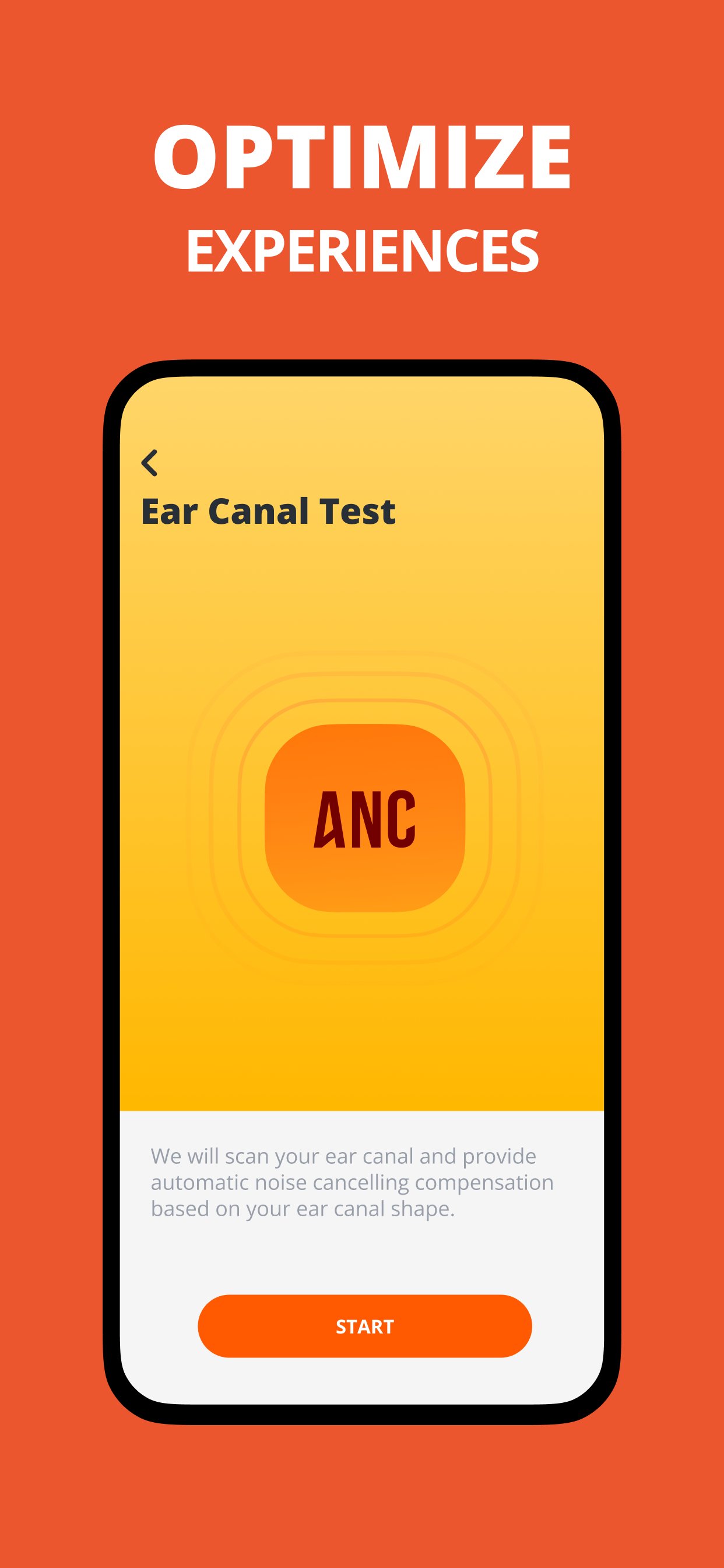
JBL Headphones shows battery levels for the headphone, separate left and right earbuds, and the charging case when supported. In addition, the app may include tools such as Check My Best Fit, Ear Canal test, Find My Buds, Auto Play and Pause, Power Saving, product tips, help, and FAQ. Since these tools depend on the product model, their availability can differ from one JBL device to another.
JBL Headphones is designed for supported JBL earbuds and headphones, so not every function appears for every product. Before expecting features such as Active Noise Cancelling, Smart Ambient, Find My Buds, gesture controls, or fit testing, users should check the app page or the official compatibility information. This is especially important if you are installing the JBL Headphones app for one specific setting.
Basic Bluetooth listening may work without opening the app on many JBL products, but the app is used for deeper controls and device information. Bluetooth capability is still needed because the phone must connect to the earbuds or headphones before the app can manage them. Therefore, JBL app download decisions should be based on whether your device supports the extra controls you want.
After installing the JBL Headphones APK, start with your JBL earbuds or headphones nearby and charged. The process is simple, but the exact screens can vary by product model and app version. Follow the app prompts so the device can connect and show the settings available for your headphones.
JBL Headphones is useful for users who want to manage supported JBL earbuds and headphones beyond standard Bluetooth pairing. Install the JBL Headphones latest version to access the current app interface and available device controls on Android.
For official product and app information, users can refer to the JBL website:
Latest Version
5.37.10Uploaded by
Sergio Romero
Requires Android
Android 7.0+
Category
Free Music & Audio AppContent Rating
Everyone
Report
Flag as inappropriateLast updated on Sep 1, 2026
Stability and performance improvements.

APKPure - A multi-platform app store primarily focused on Android, providing extensive app-related content. Discover the app you want easier, faster, and safer, with quick and efficient downloads and installations.