Package Name:com.mobeedom.android.jinaFS
SHA-256:cb66549126ae9638b4f9ff00b7d1f4a7b347c9b42a767744d180ff6ea24cdea0
Show More


JINA Drawer is an innovative app management tool that helps you efficiently manage and find apps installed on your phone or tablet. It offers a plethora of features designed to enhance your app organization experience.
Key features of JINA Drawer:
- Smart App Drawer
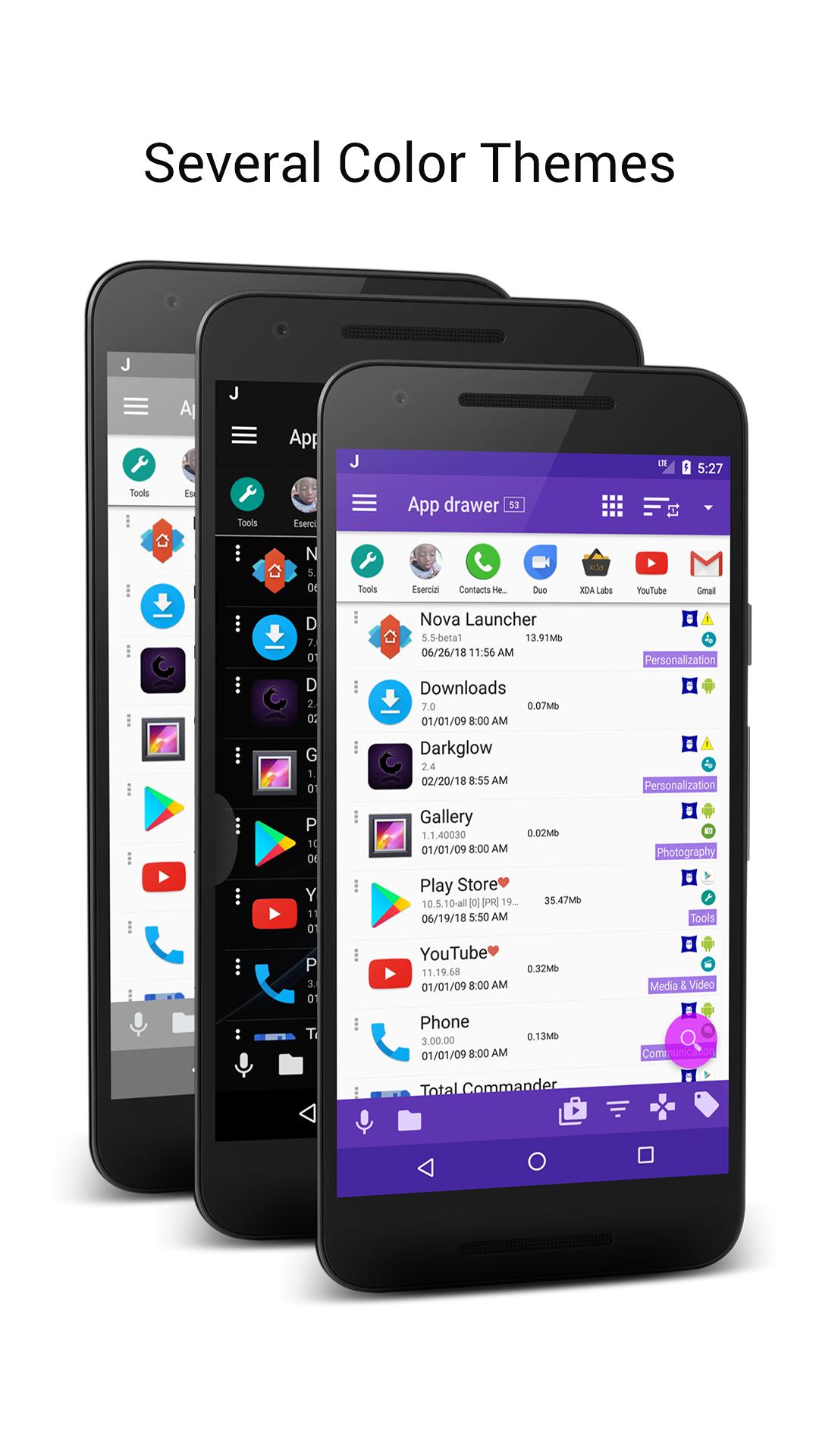
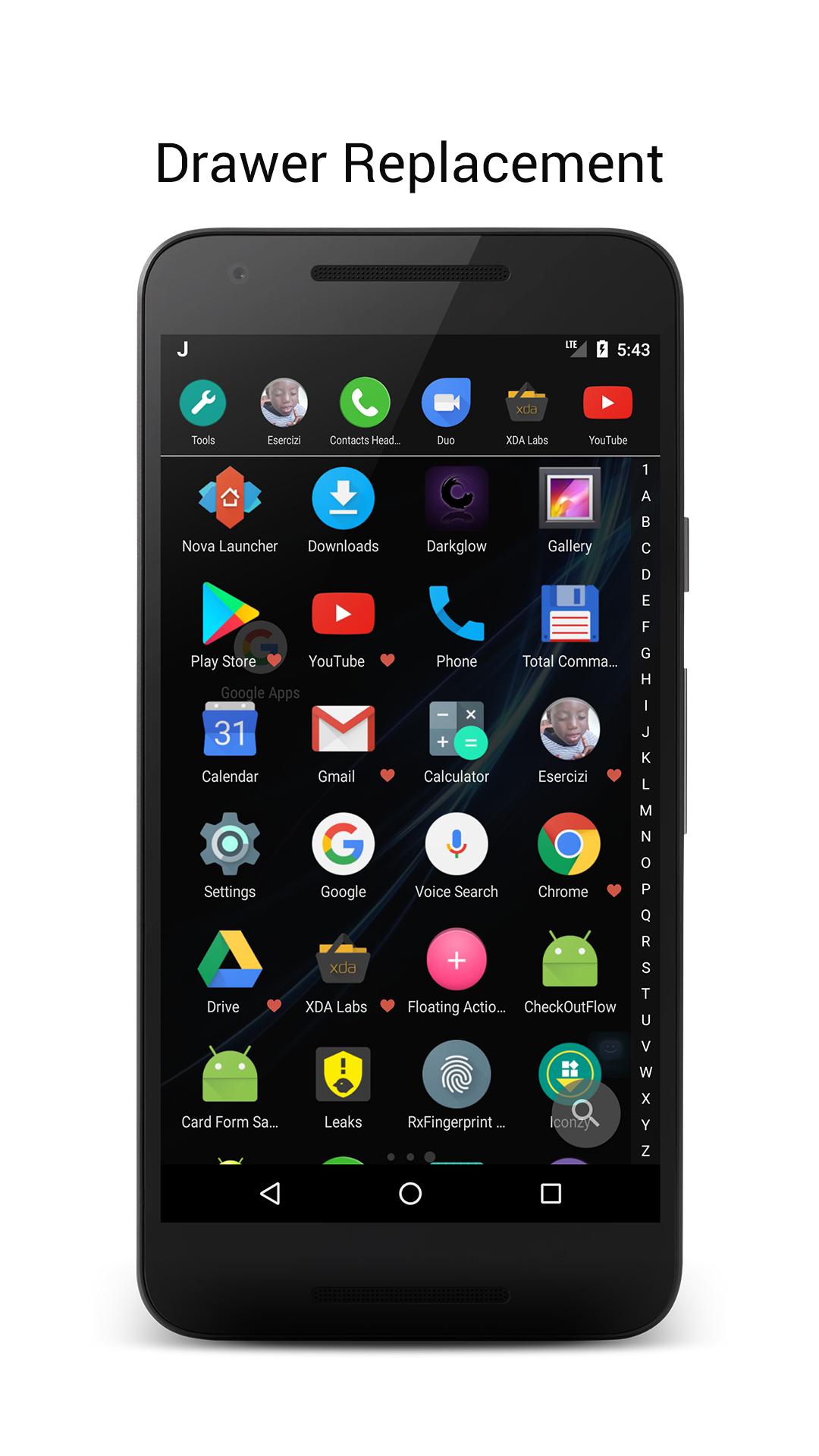
JINA Drawer replaces your old app drawer with a smart A-Z letter bar or a keypad (also T9) to search for apps by their names or aliases that you can define. You can mark your favorite apps to keep them at the top of the list, sort the apps by usage frequency, installation date, update or uninstall date, name, size, or manually. Hide unwanted apps, rename those with strange names, or define your own aliases for easy access.
- Sidebar and Drawer Everywhere
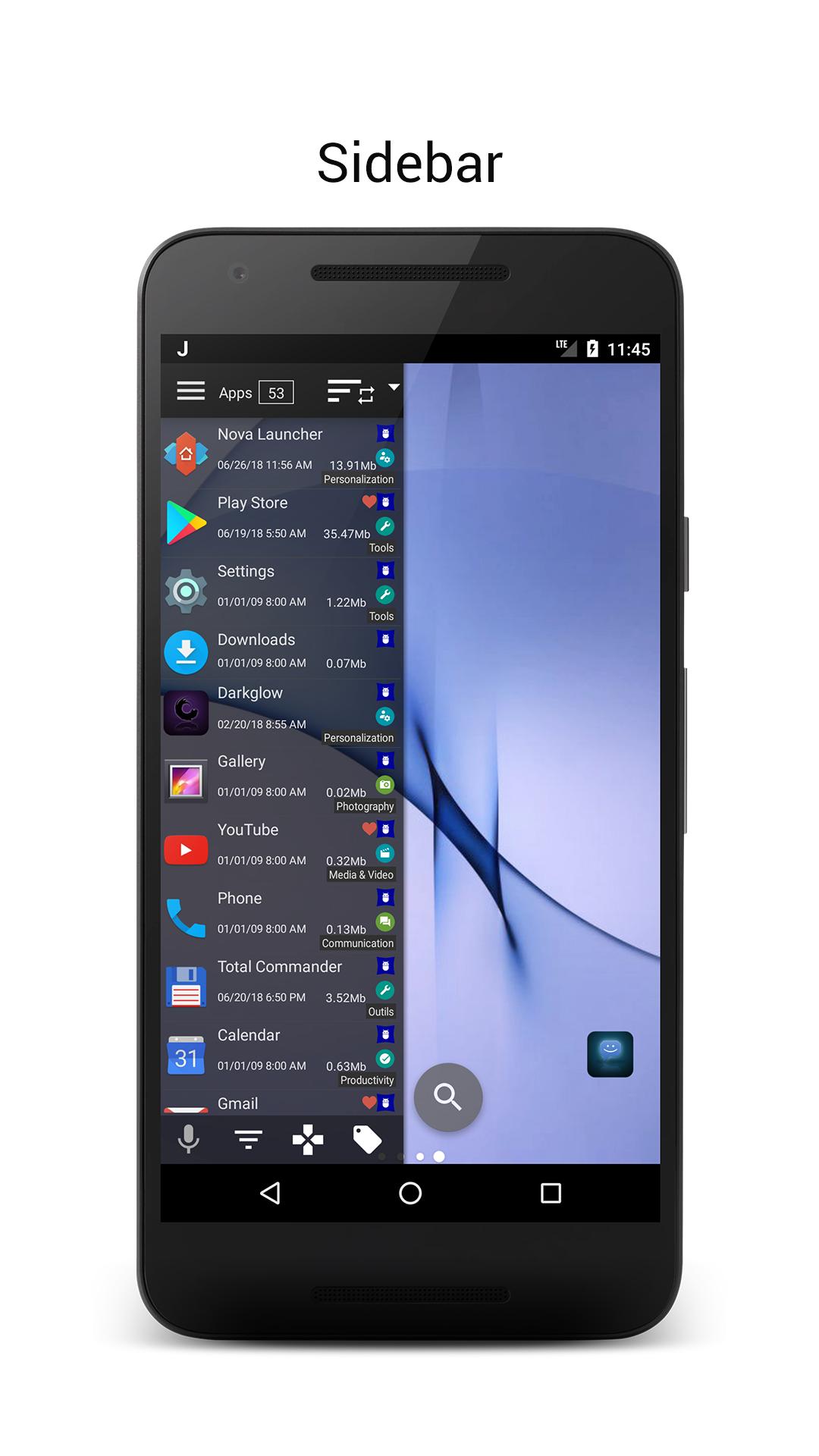
JINA Drawer allows you to access your apps and folders inside a sidebar that appears above any other app you are using. You can use two sidebars simultaneously: one for favorite apps and folders, and the other as a full side launcher with all the search and classification capabilities of the app drawer. The Drawer Everywhere hotspot lets you open the app drawer by swiping your finger upward from any screen, not just the home screen.
- App Organizer
JINA Drawer automatically analyzes and classifies your apps using different criteria and categories. You can define your own labels or tags and use them to filter apps or create live folders that update automatically. The app organizer lies at the heart of JINA, powering folders, categories, labels, tags, and search features.
- Folders Organizer and Live Folders
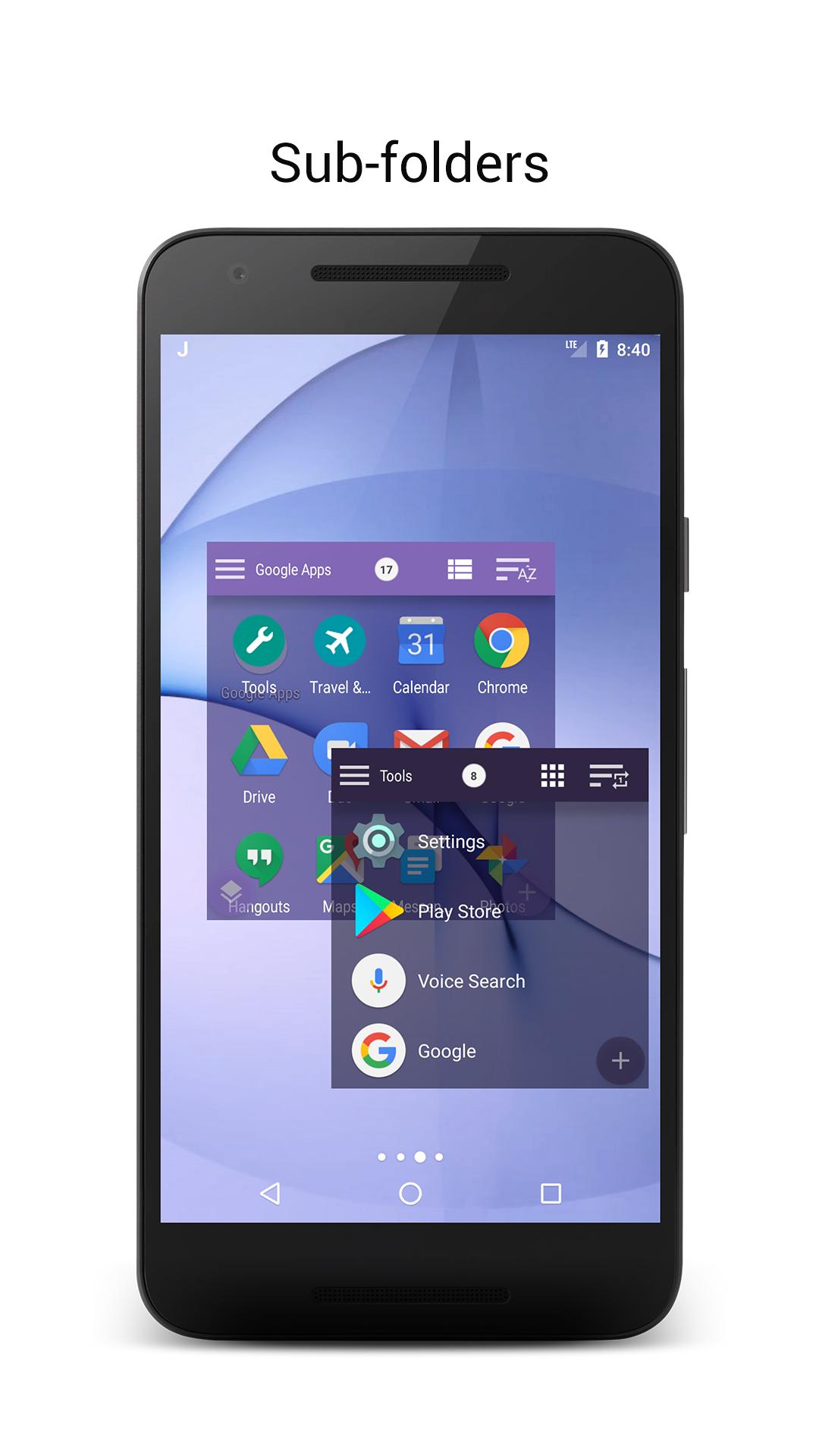
Use folders to better organize your apps, add them as widgets on the home screen, in the drawer, or in the sidebar of your favorite apps. Create your own sub-folders or use live folders, preset to group apps according to certain rules. Each folder can contain apps, other sub-folders, or shortcuts, such as contacts, PDFs, web URLs, etc.
- App Manager
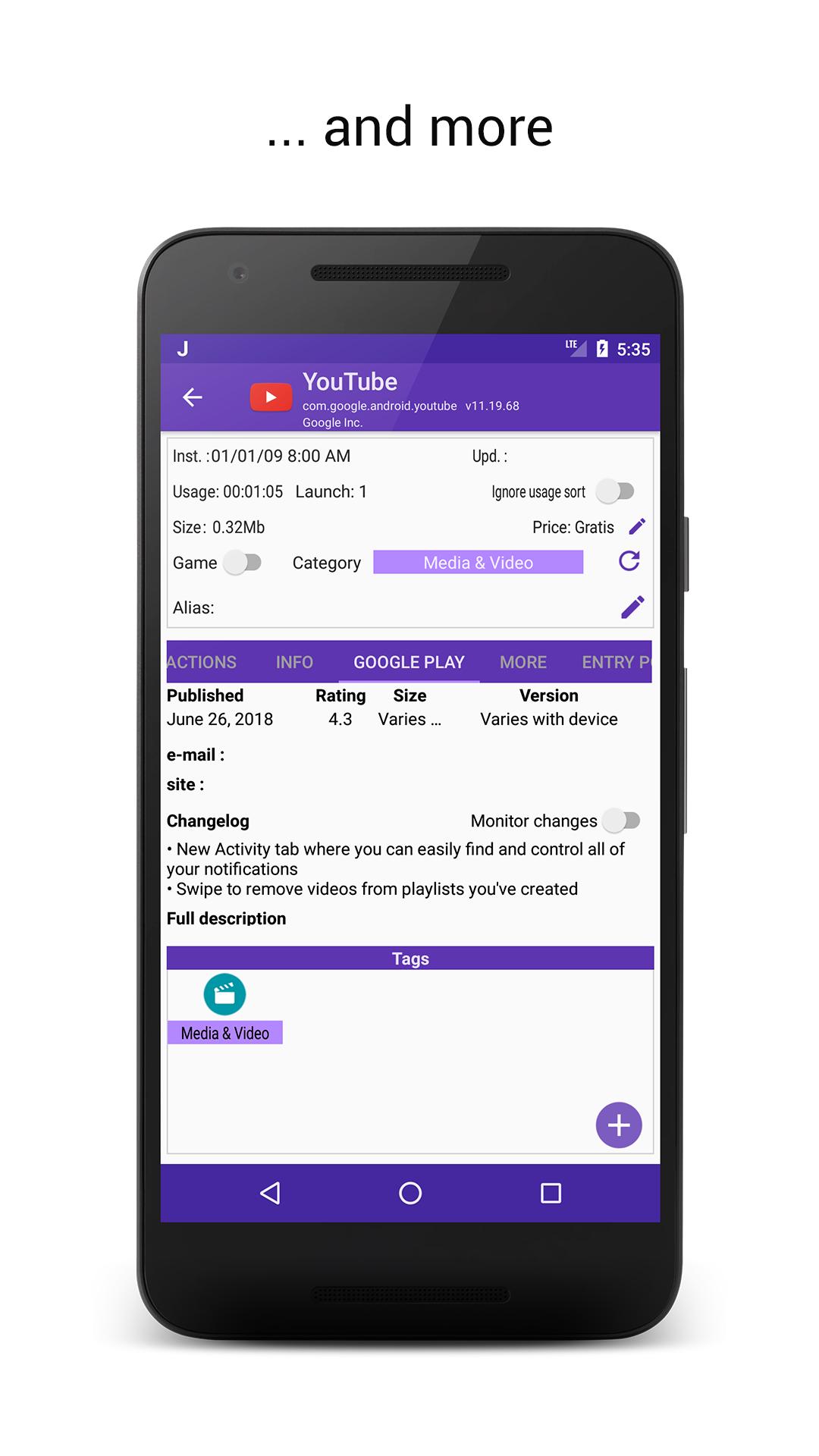
JINA Drawer offers complete control over your device's installed apps, providing detailed information about individual apps, including changelog, store listing, size, usage time, and alternative entry points. Access system information on apps and stop them with a tap. Save notes, export APKs and icons, share them, and uninstall multiple apps simultaneously (if rooted, even pre-loaded apps to free up space).
Latest Version
3.7.4b1419.2505100938Uploaded by
Dario Ros
Requires Android
Android 5.0+
Category
Free Tools AppContent Rating
Everyone
Security Report
Check Now
Report
Flag as inappropriateLast updated on May 14, 2025
- stability improvement
- support for Android 15
- folders widgets default label size reduced





APKPure - A multi-platform app store primarily focused on Android, providing extensive app-related content. Discover the app you want easier, faster, and safer, with quick and efficient downloads and installations.