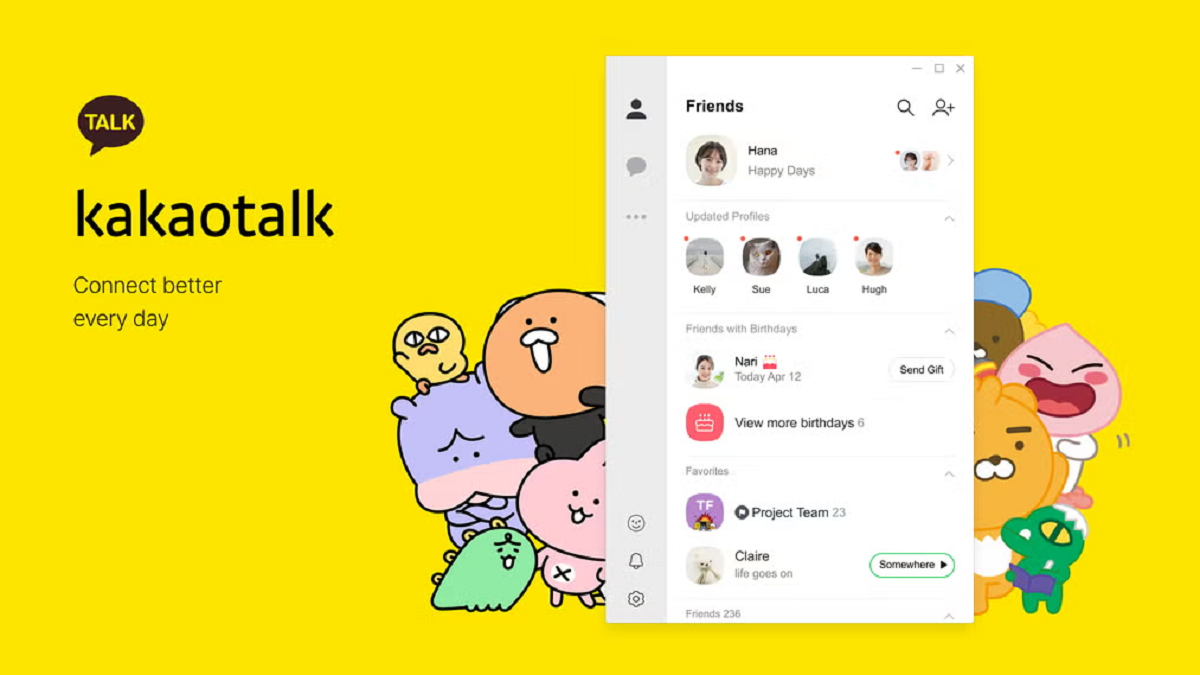

KakaoTalk helps people who need one place for everyday conversations with friends, family, classmates, or coworkers. It keeps personal and group chats together, so you can move between quick messages and longer discussions without changing apps. In addition, the service includes spaces for following public topics and sharing media with others. Users looking for a KakaoTalk APK can use this page to learn what the app offers before installing it on an Android phone.
Messages and media sharing
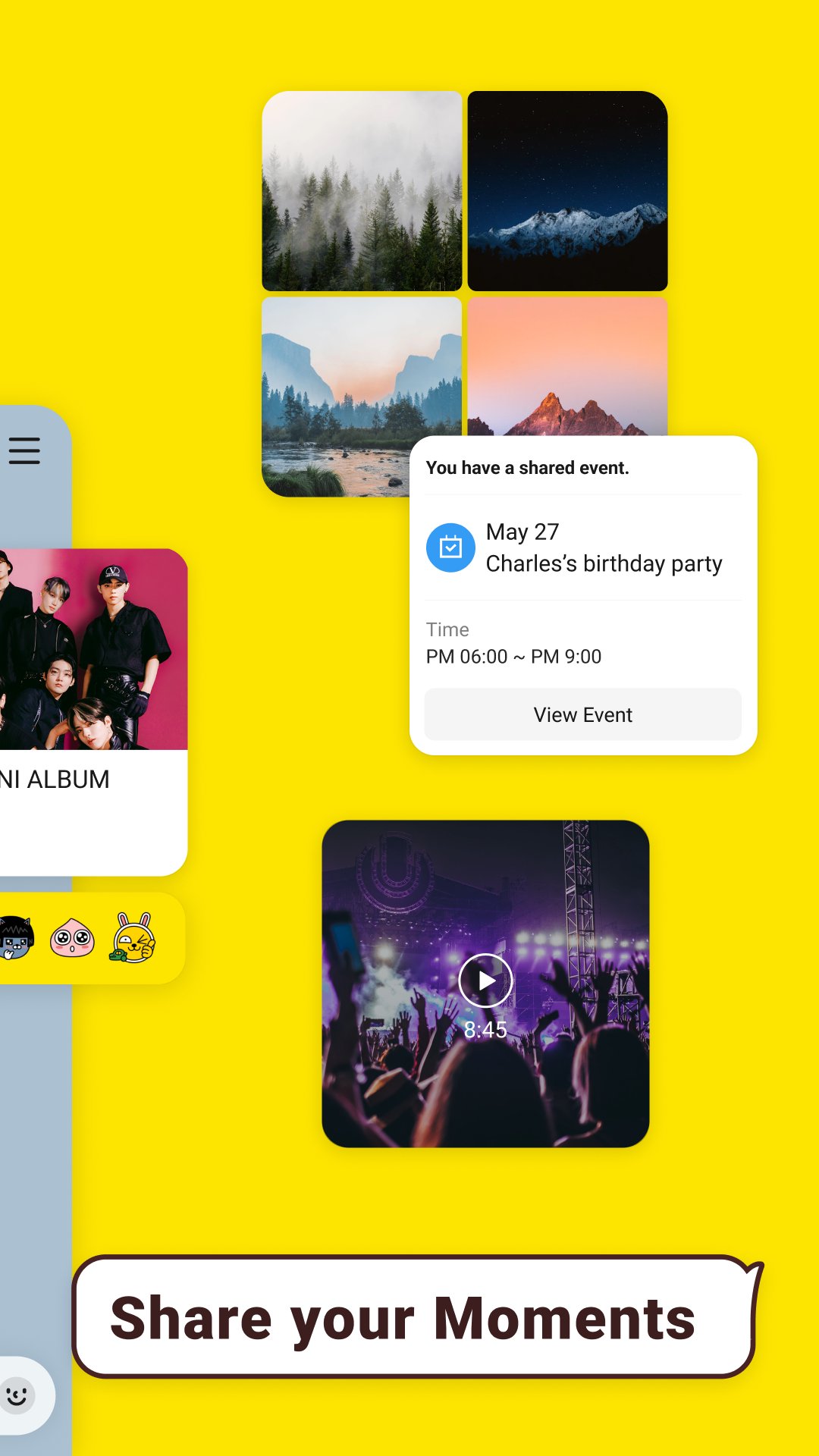
KakaoTalk lets you send one to one messages or create group chats for several people. You can also share photos, videos, files, contacts, and locations directly in a conversation. This makes it easier to keep related material with the people who need to see it.
Tools for active group chats
KakaoTalk includes chat folders to help you separate busy conversations. Threads can keep a side topic connected to the main chat without interrupting other messages. If you send something by mistake, the app also allows you to edit or delete sent messages.
Voice Talk and Face Talk calls
You can start a Voice Talk or Face Talk call with up to 10 people. During a call, you can change from voice to video when the conversation needs a face to face discussion. KakaoTalk also supports screen sharing and video effects during video calls.
Open Chat communities
KakaoTalk offers Open Chat rooms for people who want to find discussions beyond their existing contacts. You can browse communities by interests, hobbies, and current topics before entering a room. As a result, Open Chat can be used for following a subject, joining a group discussion, or finding people with a shared interest.
Now page and ShortForm clips
The Now page includes ShortForm videos that you can watch and share in chats. You can react to clips and chat with others while viewing content together. This feature keeps shared video discussions connected to the same conversation.
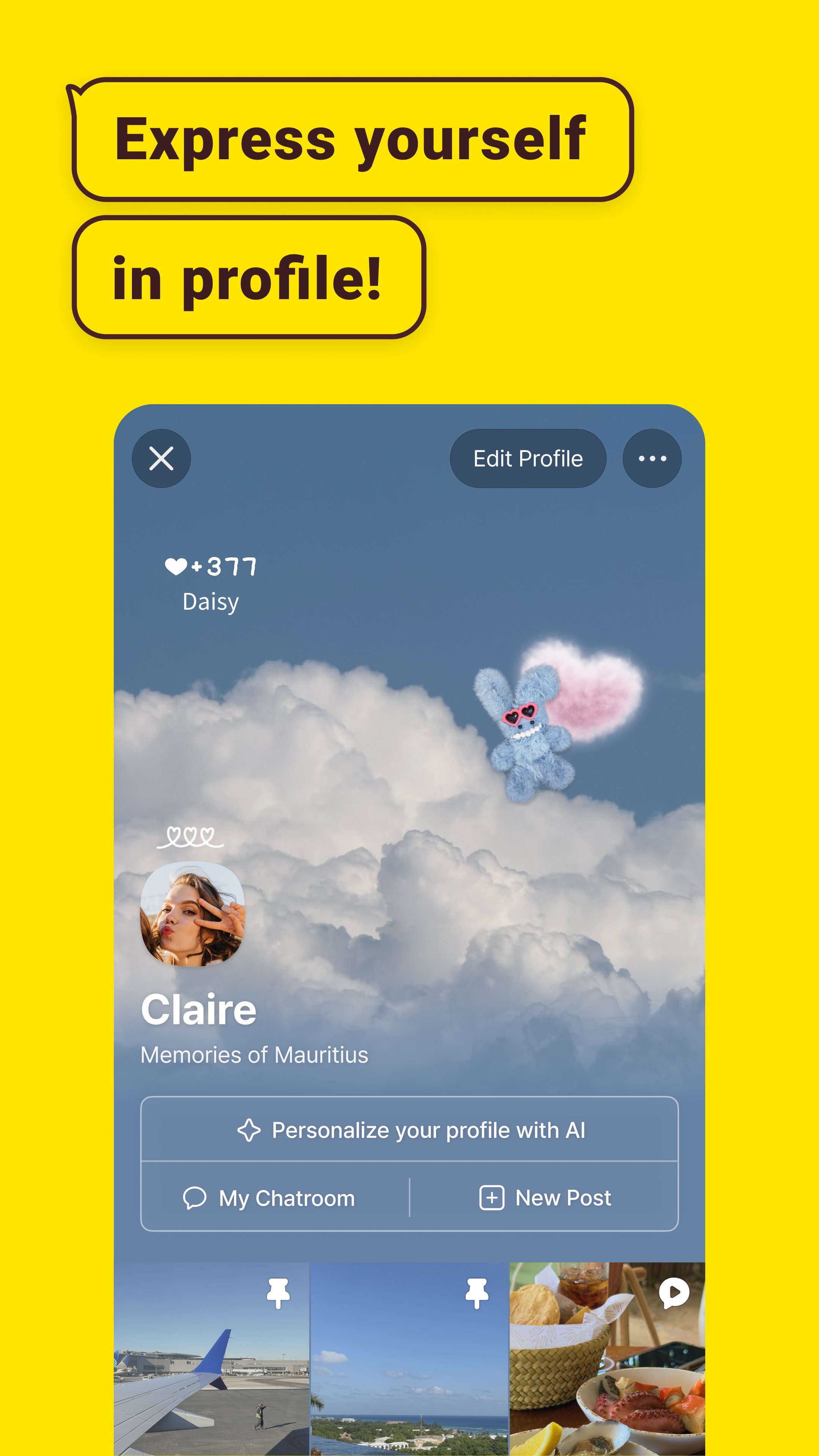
KakaoTalk provides profile visibility settings that can be adjusted for different chat rooms. This can help you present different profile information in personal chats, work related conversations, or community rooms. Friend updates and Feed moments are also part of the profile experience, while expressive emoticons can be used in conversations.
Before joining an Open Chat room, review its rules and the topic of discussion. Avoid sharing personal details, account information, or financial information with people you do not know. If a user or message appears suspicious, use the available reporting options rather than continuing the interaction.
After installing KakaoTalk, you can set up your account and begin organizing conversations from the main chat screen. The KakaoTalk latest version may place chats, contacts, Open Chat, and the Now page in separate areas of the app. Start with private messaging, then use other sections when you need a call, a community, or shared video content.
Open the app and complete the account setup prompts so the app can create your messaging profile.
Go to the chat area, select a contact or group, and type a message. Use the attachment options when you want to send a photo, video, file, contact, or location.
For an ongoing group conversation, place chats into folders or use Threads when a separate topic needs its own space.
Open a conversation and choose Voice Talk or Face Talk when a text chat needs a live call. During Face Talk, switch between voice and video or share your screen if needed.
Visit Open Chat to browse rooms by topic, or open the Now page to find and share ShortForm clips with people in your chats.
KakaoTalk brings messages, media sharing, group calls, Open Chat communities, and shared ShortForm viewing into one Android app. To download KakaoTalk APK latest version, review the available app details and choose the version that fits your device.
Latest Version
26.8.2Uploaded by
Роман Кальмук
Requires Android
Category
Free Communication AppContent Rating
Teen
Report
Flag as inappropriateLast updated on Sep 20, 2026
[v26.8.2]
● The Chats tab now features a new Channel folder.
: View Info Talk and promotional messages at a glance.
● You can now enable the Unread folder as needed.
: Exclude the Unread folder from the folder list to hide it.
● Control notification settings for chatrooms in one folder.
: Easily turn notifications on and off for all chatrooms within your folder.
● Press and hold videos in chatrooms to view in 2x speed.
: Video speed returns to default when you stop pressing.






APKPure - A multi-platform app store primarily focused on Android, providing extensive app-related content. Discover the app you want easier, faster, and safer, with quick and efficient downloads and installations.