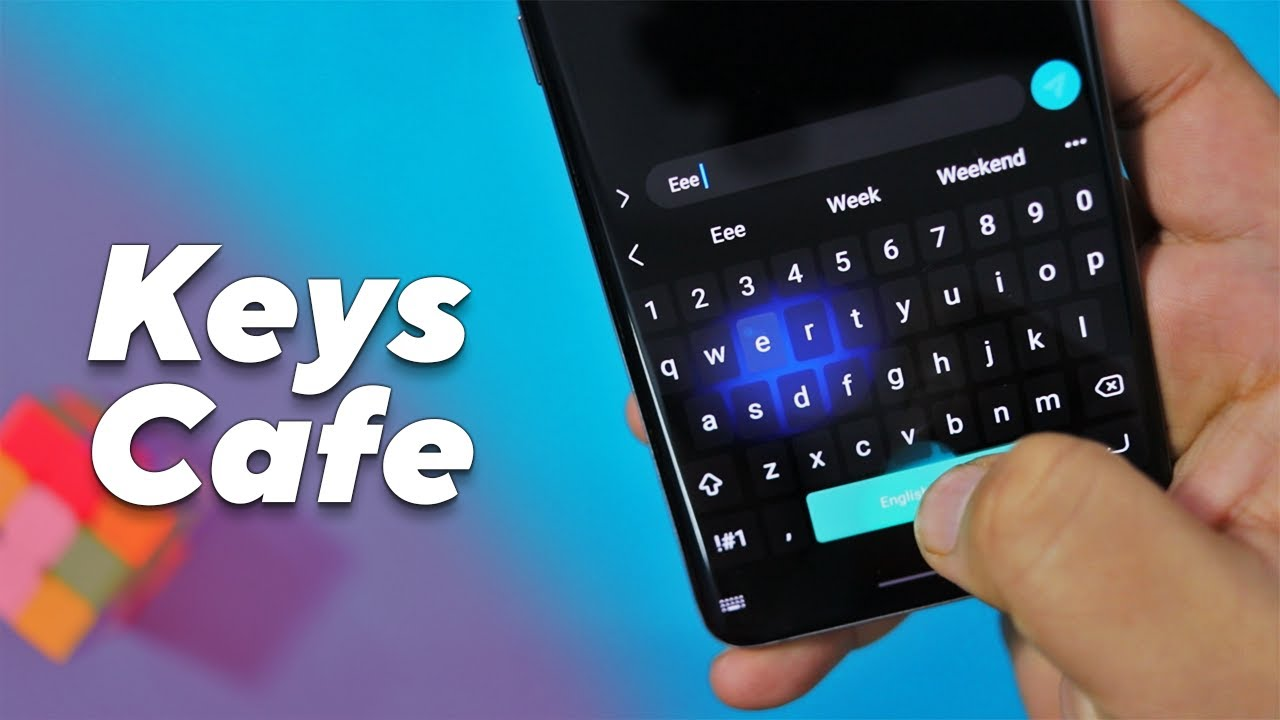
Keys Cafe - Make your keyboard helps when your phone’s typing view does not match your style or mood. It replaces the default keyboard so you can keep writing in your language while keeping a look that suits you. The controls are straightforward, and setup is quick, so you can get back to chatting without extra steps. For a fast start, download Keys Cafe - Make your keyboard from APKPure and follow the on-screen directions to enable it in your phone settings.
DIY keyboard builder
Keys Cafe - Make your keyboard lets you build your own keyboard from the ground up. Set a photo or color background, adjust key colors, and choose visual effects to match the look you want. You can preview changes as you go, then save your design and use it across your apps.
Rich theme library
When you want a quick makeover, you can pick from ready themes like pastel tones, neon LED looks, glitter styles, or cute cat and dog motifs. Switching themes is fast, and you can move between presets and your DIY designs whenever you like. This makes it simple to refresh the keyboard for different seasons or moods.
Expressive input tools
Beyond plain text, you can add the newest emojis, GIFs, stickers, smiley faces, and Funny Text Art to messages. These tools help you react quickly in chats and show tone without typing long sentences. For example, you can drop simple text art like (ツ) or (╯°□°)╯ into a conversation to make a point.
Touch effects and key animations
Typing feels more responsive with visual feedback on each tap. Keys can show smooth animations and dynamic effects when pressed, which makes it easier to notice input in busy chats. You can tune these visuals so they feel present without slowing down.
Fonts and multilingual support
You can select from several keyboard font options so the letters on keys match the design you prefer. At the same time, multilingual typing support covers 150+ languages, so you can set multiple languages and switch layouts as needed. This helps keep one keyboard active across your apps without constant changes.
To avoid confusion, this app is a standalone customizable keyboard by YM, Inc., and is not the “Samsung Keys Café” module from Good Lock. If you already use another keyboard, you can keep it installed and switch between keyboards from your phone’s input selector. You cannot type with two keyboards at the same time, but changing the active keyboard only takes a moment.
Emoji styles in the keyboard may display differently after you send them in messaging or social apps. Each app and platform can render emojis in its own style, so small differences are normal. The app shows ads, and you may find options in the app to reduce or remove ads through an in-app purchase. As with any keyboard app, it needs typing-related permissions to function, so review the permission prompts and settings on your device before enabling.
After installing the Keys Cafe - Make your keyboard APK, the setup is straightforward. Use the steps below to enable the keyboard and start customizing it for daily typing.
Open Keys Cafe - Make your keyboard, then follow the prompt to enable it as an input method in your phone settings.
Next, switch your current keyboard to Keys Cafe - Make your keyboard using the on-screen selector or the keyboard switcher in the navigation bar.
Return to the app and choose a ready theme for a quick start, or tap the builder to begin a DIY design.
Adjust background, key colors, effects, and font options. Preview your changes, then save and apply the design.
Add your preferred languages, then test emojis, GIFs, stickers, and Funny Text Art in a chat app to confirm everything works as expected.
Keys Cafe - Make your keyboard latest version focuses on quick setup, flexible designs, and expressive input. Choose a theme or build your own layout, then keep typing with the look and tools you prefer.
Latest Version
3.11.11Uploaded by
الصقر الجارح
Requires Android
Category
Free Personalization AppContent Rating
Everyone
Report
Flag as inappropriateLast updated on Oct 7, 2026
Fix toolbar and suggestion bar show at the same time
Performance improvement
We optimize app for faster loading time and smoother interactions to enhance your experience



APKPure - A multi-platform app store primarily focused on Android, providing extensive app-related content. Discover the app you want easier, faster, and safer, with quick and efficient downloads and installations.